AltPost: First Look at the New No-API-Key AI Alt Text Plugin for WordPress
Some links in this guide are affiliate links. If you sign up through them, Day Zero Guides may earn a commission at no extra cost to you. This never affects which products we cover or what we say about them. See our affiliate disclosure for details.
What AltPost Actually Does
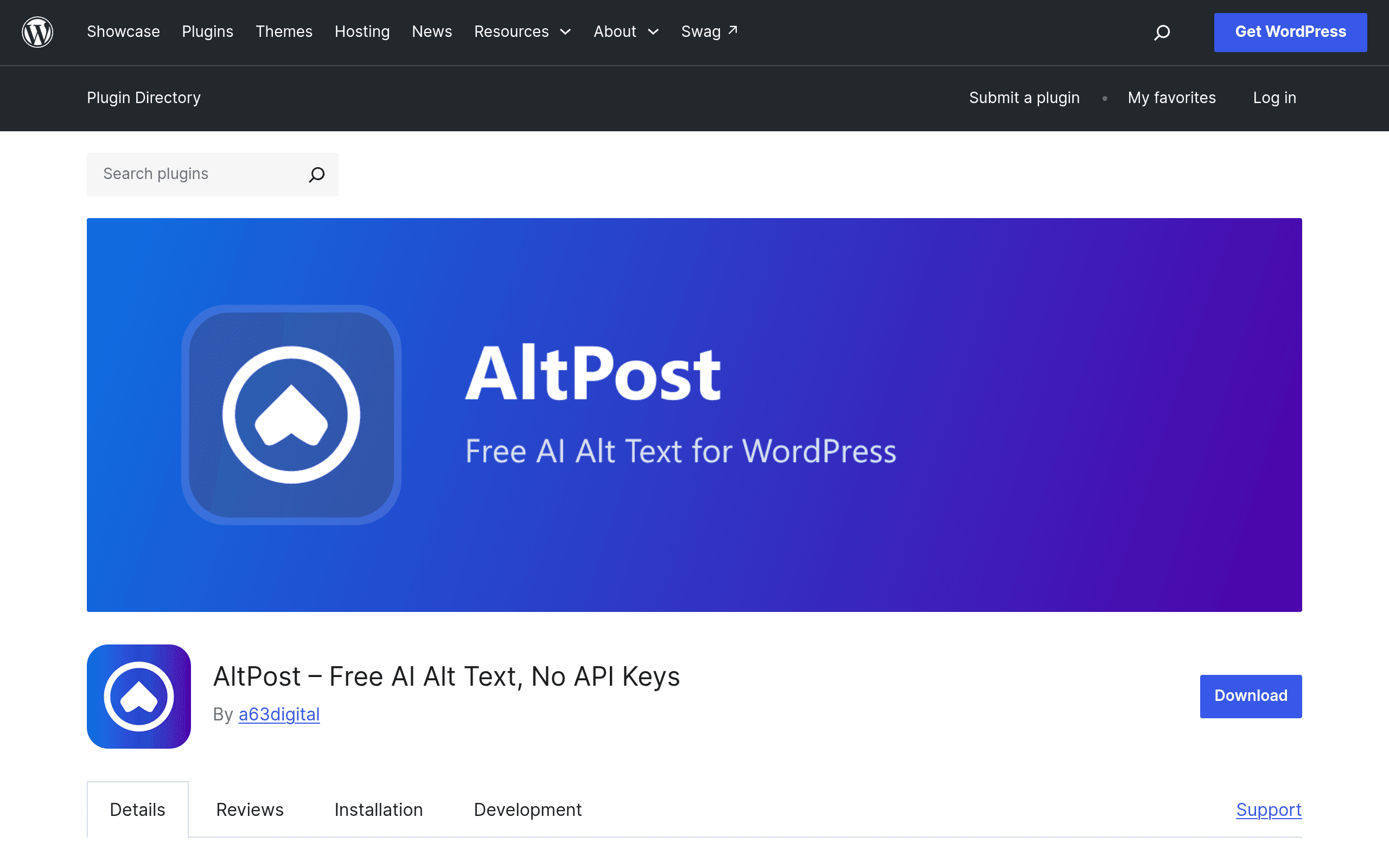
AltPost is a WordPress plugin from A63 Digital, a Dublin-based WordPress agency, that generates alt text for your images using AI — without asking you to sign up for OpenAI, paste in an API key, or manage any usage billing yourself. You install it from the WordPress.org plugin directory, activate it, and it starts working against your media library.
The pitch is narrower than most "AI SEO" plugins: it does one job (alt text) and tries to remove the two biggest friction points that stop non-technical site owners from using AI for accessibility — API key setup and cost uncertainty.
Core features as shipped:
- Automatic alt text generation for new uploads as they land in the media library
- Batch generation for existing images already in your library (useful if you're retrofitting alt text on a site that's been live for years)
- Compliance reporting — a dashboard view of which images have alt text, which are missing it, and rough WCAG/ADA-relevant coverage
- Optional filename renaming, so
IMG_4821.jpgcan become something likegolden-retriever-puppy-park.jpgbased on the same AI pass - No API key required — A63 Digital handles the AI calls on their infrastructure under the hood
Pricing: What Free Actually Means Here
This is the detail most people will want clarified before installing:
- First month: 60 images processed for free, no credit card required
- Every month after: drops to 15 images/month on the free tier
- AltPost Pro: sold separately at a63.ai/altpost, with higher limits and additional features. A63 Digital has not published Pro pricing on the plugin listing itself — you'll need to check the a63.ai site directly for current tiers, since this is a newly launched product and pricing pages tend to shift in the first few months.
Practically: 15 images/month is fine for a blog that publishes a couple of posts a week with a handful of images each. It is not enough for an ecommerce store adding 200 product photos, a stock photo site, or anyone doing a one-time bulk cleanup of a media library with thousands of legacy images — that batch job will blow through the free allowance in one run.
Where This Fits (and Where It Doesn't)
Good fit:
- Small business sites and blogs adding a modest number of images monthly and wanting alt text handled passively
- Sites doing an accessibility audit that need a compliance report showing missing alt text before deciding on a bigger remediation project
- Anyone who's tried the "paste API key into a plugin settings field" workflow before and found it confusing or been burned by unexpected OpenAI billing
Poor fit:
- Large media libraries needing bulk one-time remediation (the free tier throttles hard after month one)
- Sites already paying for Yoast Premium or Rank Math Pro that want alt text bundled into a tool they're already using for broader SEO
- Teams that want full control over the AI model/prompt used (since AltPost abstracts that away entirely — you can't swap in your own OpenAI account for different phrasing or model quality)
How It Compares
| AltPost (Free) | Yoast SEO | Rank Math | Manual + ChatGPT/OpenAI API | |
|---|---|---|---|---|
| Price | Free (60 imgs mo. 1, then 15/mo); Pro pricing TBD at a63.ai | Free core; Premium ~$99/yr per site | Free core; Pro ~$59/yr, Business ~$199/yr | Free plugin cost; ChatGPT Plus $20/mo or pay-per-token OpenAI API usage |
| Alt text generation | Fully automated AI generation, batch + on-upload | Suggests you fill in alt text; no AI generation of the text itself | Basic image SEO tools; alt text automation is limited/manual in most tiers | Fully manual — you write/paste prompts per image or script the API yourself |
| Setup complexity | Install and activate, no API key | Install, configure SEO settings broadly | Install, configure SEO + image settings | Requires OpenAI account, API key, billing setup, and either a custom script or repetitive copy-paste |
| Compliance/accessibility reporting | Built-in dashboard showing alt text coverage | Not a core focus (SEO-first, not accessibility-first) | Not a core focus | None unless you build it yourself |
| Best for | Sites wanting hands-off alt text with zero API setup | Sites wanting broad on-page SEO with alt text as one small piece | Sites wanting granular SEO control including image schema | Power users who want full control over prompt/model and don't mind manual work |
The Honest Trade-off
Yoast and Rank Math aren't really alt text tools — they're SEO suites where alt text is a checkbox reminder, not an AI-generated output. If your actual goal is "get accurate, readable alt text on every image without writing it myself," neither does that out of the box. AltPost's real competition is the manual ChatGPT/OpenAI workflow — and against that, AltPost trades some flexibility (you can't tune the model or prompt) for a much lower setup bar and a genuinely free starting tier.
The monthly image cap is the thing to watch. 15 images/month is a real constraint, not a marketing footnote, and it will define whether this stays free for your site or pushes you toward AltPost Pro within a few months.
Should You Install It Today?
If you run a small-to-medium WordPress site, publish images at a modest pace, and have never wanted to deal with an OpenAI API key just to fix alt text, AltPost is a low-risk install — it's free, requires no billing info, and solves a specific accessibility/SEO gap directly. If you're sitting on a media library with thousands of unlabeled images, budget for hitting the free cap fast and check current Pro pricing at a63.ai/altpost before you start a big batch job, so you're not surprised mid-cleanup.