SiteHale: First Look at the Free WordPress Health Checkup Plugin That Watches for Regressions
Some links in this guide are affiliate links. If you sign up through them, Day Zero Guides may earn a commission at no extra cost to you. This never affects which products we cover or what we say about them. See our affiliate disclosure for details.
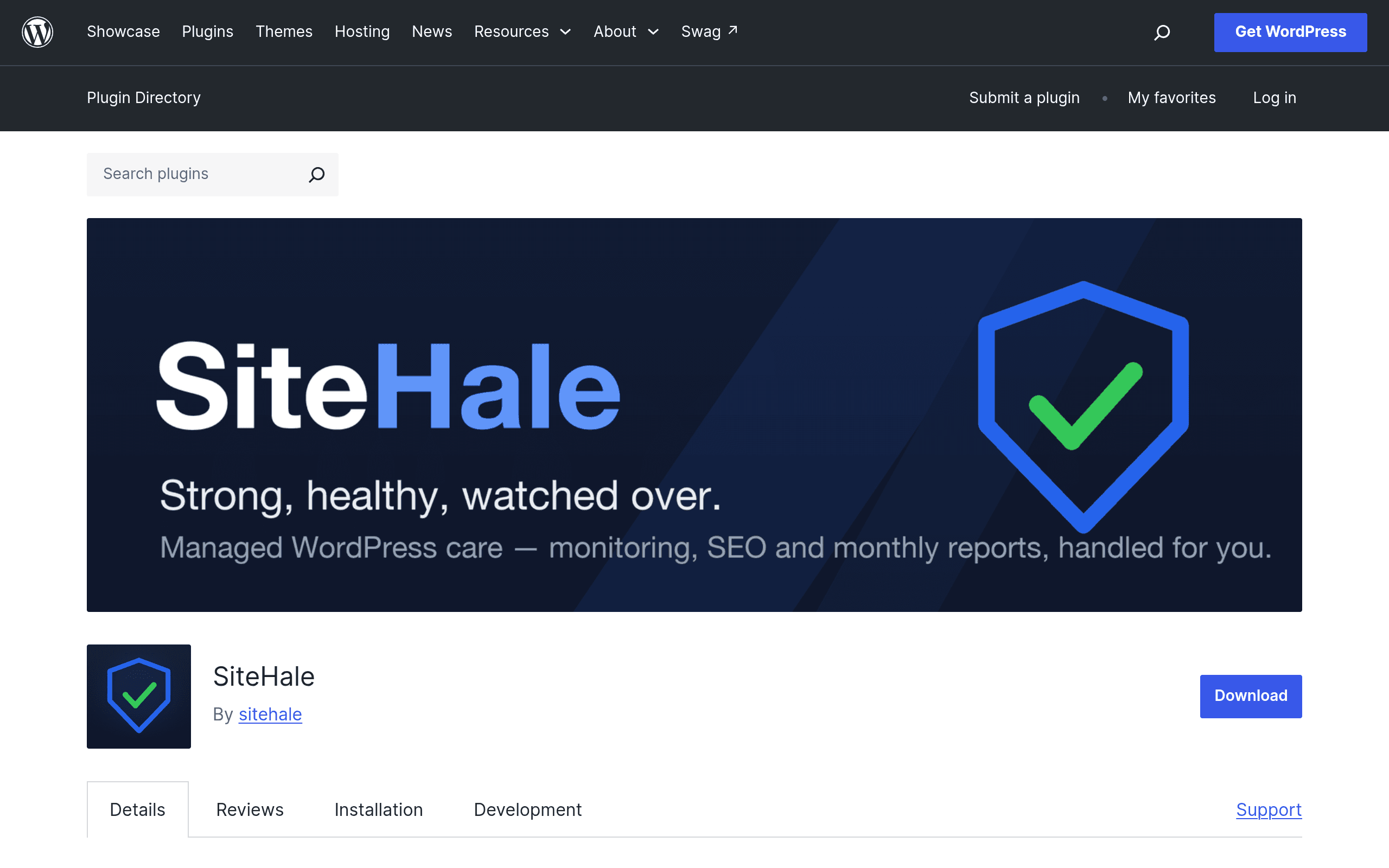
WordPress site owners have long had two bad options for keeping tabs on site health: click into the built-in Site Health screen every so often and hope you remember what "good" looked like last time, or pay for a monitoring service that phones home to a third-party dashboard. SiteHale, a free plugin newly listed on the WordPress.org repository, tries to split the difference — it runs everything locally, keeps a history so you can see what changed, and re-checks itself weekly without you having to remember to look.
I installed it on a test site to see what it actually does versus what a changelog blurb promises.
What SiteHale Actually Checks
Unlike the stock Site Health tab, which mostly checks PHP version, HTTPS status, and a handful of server requirements, SiteHale runs a broader sweep:
- Scheduled tasks (cron) — flags stuck or overdue wp-cron jobs, which is one of the most common invisible causes of "why didn't my scheduled post publish" or "why isn't my cache clearing" support tickets.
- PHP errors — scans logs for recent fatal errors and warnings tied to plugins/themes.
- Database health — checks table overhead, autoloaded options bloat, and orphaned data, which is usually invisible unless you're comfortable in phpMyAdmin.
- Plugin/theme/core updates — beyond just "update available," it looks at whether updates have been silently failing.
- SEO basics — robots.txt, sitemap presence, indexability flags, meta robots issues.
- Admin accounts — flags stale, unused, or suspicious admin-level users, a basic security hygiene check most site owners never think to run.
- Email deliverability — tests whether wp_mail is actually functioning, which matters because a huge number of WordPress sites silently fail to send password resets or order confirmations without anyone noticing.
Every check runs locally on the server — nothing is transmitted to an external API for analysis. That's the core pitch: get monitoring-tool-level insight without creating an account or sending your site's data anywhere.
The History and Regression Alerts Are the Real Differentiator
A one-time health check is useful but not that useful — you run it, fix the red items, and forget about it until something breaks. SiteHale stores checkup history and runs an automated re-check weekly, then diffs the results. If something that was passing last week is now failing — a cron job stopped firing, a new PHP error started appearing, an admin account got added — it surfaces that as a regression rather than making you eyeball two health reports side by side.
This is the feature that pushes it from "nice diagnostic tool" to "something worth having installed permanently." It also integrates with the native WordPress Site Health screen rather than replacing it, so you're not managing two disconnected health dashboards.
One small but notable extra: it serves an llms.txt file for AI crawlers, following the emerging (and still informal) convention of giving AI systems a structured summary of a site — a sign the plugin author is thinking about where site indexing is heading, even if the practical benefit today is minimal.
Setup and Cost
SiteHale is free with no account, no API key, and no paid tier as of this writing. Install it from the WordPress.org plugin repository like any other plugin, activate it, and it runs its first checkup automatically. There's no signup wall, no email capture, no "upgrade to see full results" gate — the entire feature set described above is available immediately.
That's worth pausing on: most tools that do weekly automated checks and history tracking use that as the hook for a subscription. SiteHale doesn't, at least not yet. Whether that changes as the plugin matures is an open question, but there's nothing in the current listing suggesting a pro tier is imminent.
Where It Fits Against Existing Tools
SiteHale isn't trying to be an uptime monitor, and it isn't trying to be a full managed-hosting dashboard. It sits in a narrower lane: deep, local, WordPress-specific diagnostics with memory.
| SiteHale | WordPress Site Health (built-in) | ManageWP | Better Uptime | |
|---|---|---|---|---|
| Price | Free, no account | Free (built into core) | Free tier limited; paid plans from ~$2–$20+/site/month | Free tier limited; paid plans from ~$29/month |
| Data location | Local only, nothing sent externally | Local only | Cloud dashboard, data sent to ManageWP servers | Cloud, pings your site externally |
| History/trend tracking | Yes — stores past checkups, flags regressions weekly | No — point-in-time snapshot only | Yes, across multiple sites | Yes, for uptime/response time only |
| Checks cron, DB bloat, email deliverability | Yes | No (core checks are mostly PHP/server config) | Partial — depends on add-ons | No — focused on uptime/downtime, not internal health |
| Best for | Single-site owners/devs who want deep local diagnostics without a subscription | Anyone wanting a baseline check with zero setup | Agencies managing many client sites from one dashboard | Anyone needing external uptime/downtime alerts |
The practical takeaway: if you manage one or two WordPress sites and want to know about a broken cron job or a silently failing contact form before a client emails you about it, SiteHale covers ground that Site Health doesn't and does it without a monthly fee. If you're an agency juggling 30+ client sites, ManageWP's centralized dashboard is still the more sensible tool despite the cost, because SiteHale currently has no multi-site fleet view — it's a per-site plugin. And if what you actually need is "tell me the second the site goes down," that's still a job for an external uptime monitor like Better Uptime, since SiteHale checks run from within the site itself and won't catch a server that's completely offline.
Concrete Scenarios Where It's Useful
- A WooCommerce store where order confirmation emails stopped sending two weeks ago because a mail SMTP plugin update broke wp_mail — SiteHale's email check would have flagged this on the first weekly re-check instead of after a customer complaint.
- A blog where scheduled posts stopped auto-publishing because a caching plugin conflict silently broke wp-cron — the cron check catches this directly.
- A site inherited from a previous developer with three admin accounts nobody recognizes — the admin account check surfaces this on first install.
- A database that's grown sluggish after years of plugin churn leaving orphaned tables and bloated autoloaded options — the DB health check gives you a starting point without needing to manually query wp_options.
Should You Install It Today?
If you run a WordPress site and haven't looked at Site Health in months, installing SiteHale costs nothing and takes under two minutes. The local-only data handling removes the usual hesitation around adding "yet another monitoring service with my site's data." The main caveat is that it's a new listing — there's no long track record yet for how well the regression alerts hold up over months of real-world use, and single-site plugin fatigue is real if you're already running five other maintenance plugins. But as a no-cost, no-account diagnostic layer sitting on top of what Site Health already gives you, it's an easy yes for anyone who wants to catch problems before visitors or clients do.