NSW AI Chat Widget: A Bring-Your-Own-Key AI Chatbot for WordPress
Some links in this guide are affiliate links. If you sign up through them, Day Zero Guides may earn a commission at no extra cost to you. This never affects which products we cover or what we say about them. See our affiliate disclosure for details.
What NSW AI Chat Widget actually is
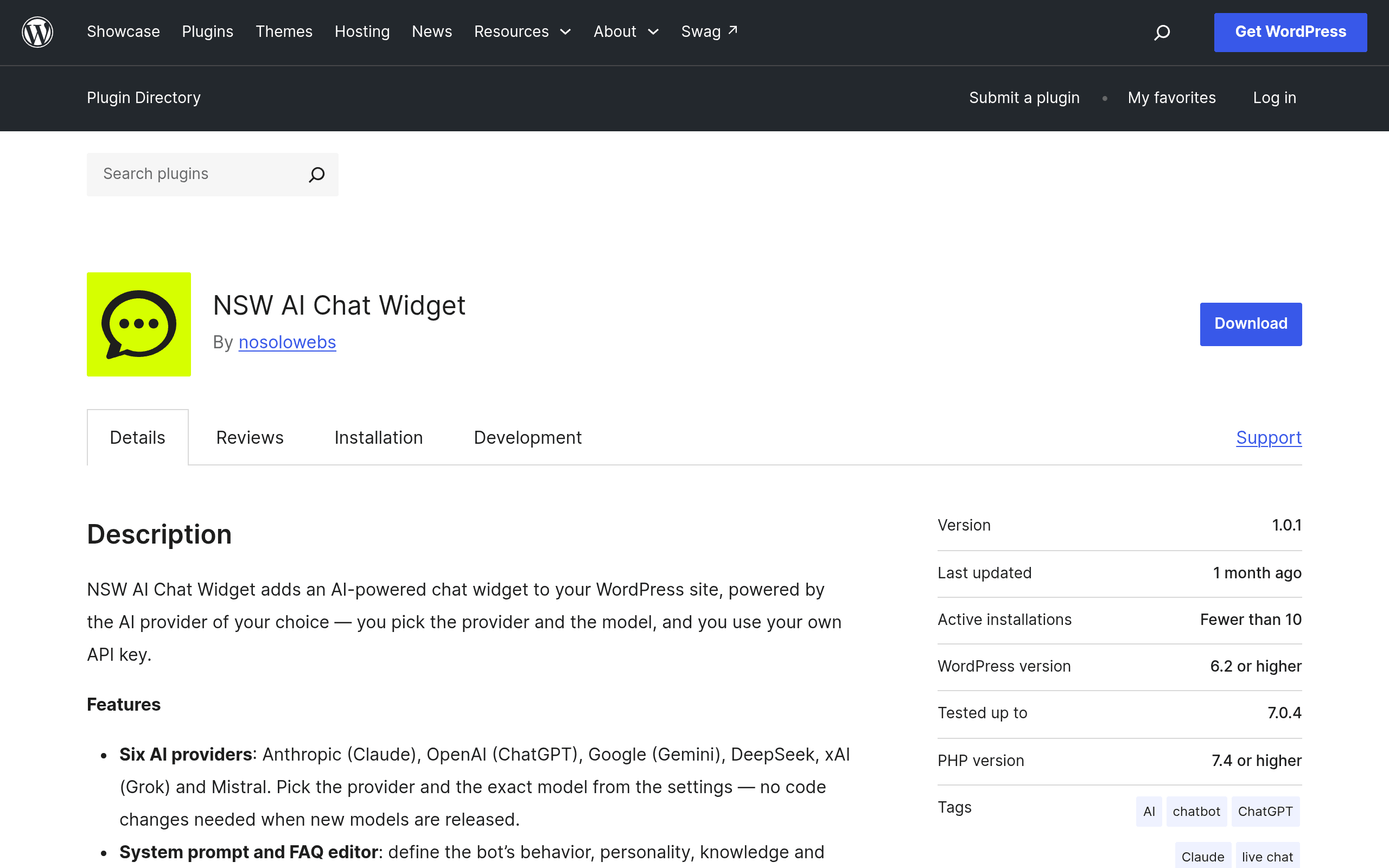
NSW AI Chat Widget is a WordPress plugin (found on the official WordPress.org repository) that drops an AI chat bubble onto your site — but instead of routing conversations through a vendor's own AI stack and billing you per seat or per resolution, it connects directly to an API key you supply. You pick from six providers: Anthropic (Claude), OpenAI (GPT), Google Gemini, DeepSeek, xAI (Grok), and Mistral. The plugin itself doesn't run any AI model — it's a front-end widget plus a connector that passes your visitors' messages to whichever provider you've configured.
That's the core pitch: you own the AI relationship and the AI bill, the plugin just handles the UI, storage, and WordPress integration.
What's actually in the box
- Provider choice, not lock-in — switch between Anthropic, OpenAI, Gemini, DeepSeek, xAI, or Mistral by changing a key and model name, no re-platforming.
- Appearance customization — colors, position, avatar, and widget copy are configurable from the WordPress admin, so it can match a theme without touching CSS (though CSS overrides are still available if you need them).
- Conversation history storage — chats are saved in your WordPress database, meaning transcripts live wherever your site's data already lives (and gets backed up, or not, the same way).
- AES-256 encryption for stored data and rate limiting to stop a single visitor (or a bot) from burning through your API budget in one session.
- Accessibility compliance — keyboard navigation and screen-reader support are called out explicitly, which matters if your site has any obligation to meet WCAG standards.
Pricing: the plugin is free, the AI is not
This is the detail that trips people up. NSW AI Chat Widget is distributed free through the WordPress.org plugin repository — there's no published pricing tier, license fee, or upgrade path listed by the developer at the time of this review. You install it like any other free plugin.
The actual cost of running it comes from your chosen AI provider's API usage, billed directly to you, not marked up by the plugin:
- OpenAI GPT-4o-mini: roughly $0.15 per million input tokens — a low-traffic support widget can run for a few dollars a month.
- Claude 3.5 Haiku (Anthropic): around $0.80 per million input tokens, a common choice if you want stronger reasoning on a budget.
- DeepSeek: among the cheapest options per token, popular for exactly this kind of high-volume, low-complexity chatbot use.
In practice, a small business site doing a few hundred conversations a month will likely spend single-digit dollars on API calls — dramatically less than a SaaS chatbot's monthly seat fee, but with more setup responsibility and no vendor support line to call.
Where this fits (and where it doesn't)
Good fit:
- A WordPress-based small business or agency site that wants an AI FAQ/support bot without adding another monthly SaaS subscription.
- Developers or agencies managing several client sites who already have API keys and want per-site cost control instead of per-site licensing.
- Sites with an existing preference for a specific model (e.g., a legal or health-adjacent site that wants Claude specifically for its response style).
Not a great fit:
- Teams that want a live-chat handoff to human agents, CRM sync, or lead-routing workflows — this plugin is chat-widget-plus-AI, not a full customer engagement platform.
- Anyone who doesn't want to manage an API key, watch usage dashboards, or troubleshoot provider-side errors themselves.
- Sites needing guaranteed uptime SLAs or vendor support contracts — you're dependent on both the plugin's WordPress.org support forum and your API provider's own reliability.
How it stacks up against established chat tools
| NSW AI Chat Widget | Tidio | Drift | Intercom | |
|---|---|---|---|---|
| Price | Free plugin; you pay AI provider usage (often $5–$30/mo in tokens for small sites) | Free tier; paid plans from $29/mo (Starter), $59/mo (Growth), billed annually | No public self-serve pricing; Premium plans reported to start around $2,500/mo | Essential $39/mo per seat, Advanced $99/mo per seat, Fin AI add-on ~$0.99 per resolution |
| AI model choice | Choose from 6 providers (OpenAI, Anthropic, Gemini, DeepSeek, xAI, Mistral) | Uses Tidio's own Lyro AI, no external model choice | Uses Drift's proprietary AI, no BYO-key option | Fin AI is built on Intercom's own model orchestration, no direct BYO-key |
| Data storage | Stored in your own WordPress database, encrypted with AES-256 | Stored on Tidio's servers | Stored on Drift/Salesloft's servers | Stored on Intercom's servers |
| Setup effort | Requires obtaining and managing your own API key; more technical | Guided onboarding, no API key needed | Sales-assisted onboarding, enterprise implementation | Sales-assisted onboarding, seat-based rollout |
| Best for | WordPress sites wanting cost control and model flexibility | Small e-commerce/support teams wanting an out-of-box chat + AI combo | Mid-market/enterprise B2B sales teams doing conversational marketing | Larger support/sales orgs needing a full customer messaging platform |
The honest tradeoff
Tidio, Drift, and Intercom sell you a finished product: predictable pricing, their own AI model, support contracts, and integrations into CRMs and marketing stacks. NSW AI Chat Widget sells you a shell — a well-built one, with encryption, rate limiting, and accessibility handled — but you're responsible for the API key, the provider relationship, and any billing surprises if traffic spikes.
If you already run a WordPress site, already have (or don't mind getting) an API key from one of the six supported providers, and want to avoid a recurring SaaS chatbot bill, this is worth installing today and testing on a staging site first. If you want a chatbot that works without touching a provider dashboard, one of the three alternatives above will get you there faster, for a higher monthly price.
Quick verdict
Try it if: you run WordPress, want AI chat without a new subscription, and don't mind managing an API key.
Skip it if: you need human handoff, CRM integration, or a vendor support contract as part of the deal.