RatingStar.de Seal: First Look at the New WordPress Review Widget Plugin
Some links in this guide are affiliate links. If you sign up through them, Day Zero Guides may earn a commission at no extra cost to you. This never affects which products we cover or what we say about them. See our affiliate disclosure for details.
What RatingStar.de Seal Actually Does
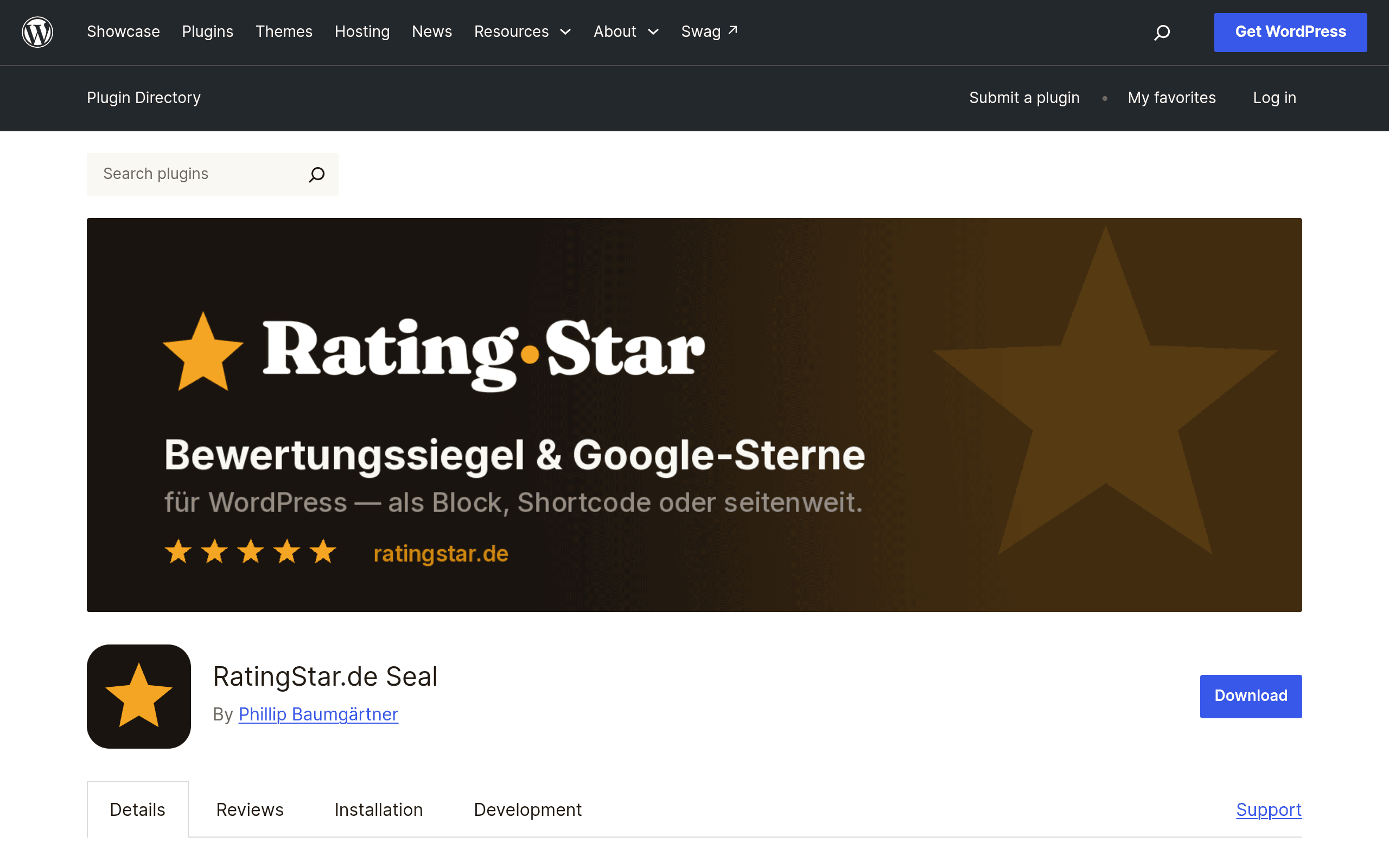
RatingStar.de Seal is a WordPress plugin built to pull review data from a RatingStar.de profile and display it anywhere on your site — sidebars, footers, product pages, landing pages — without touching theme files. It ships as a standard WordPress.org plugin, installable from the plugin directory or via a zip upload, and it works through two familiar WordPress mechanisms: shortcodes and Gutenberg blocks.
The headline feature for anyone who cares about SEO is server-side JSON-LD markup. Instead of injecting review schema with JavaScript (which Google's crawler sometimes ignores or delays), the plugin renders the structured data server-side, aiming to make your review stars eligible for Google's rich snippet stars in search results. That's a meaningful technical distinction — a lot of budget review widgets rely on client-side scripts that don't reliably produce rich snippets.
Beyond schema, the plugin includes nine widget variants — different visual layouts for the seal/rating display, so you can match a compact star-only badge in a footer versus a fuller card with review count and seal graphic on a dedicated testimonials page. Site-wide seal placement means you can drop the seal into a widget area once and have it appear across every page, rather than manually pasting a shortcode into each page template.
Setup Reality Check
This is not a review-collection tool — it does not gather reviews from your customers. It's a display layer for reviews that already exist in a RatingStar.de profile. That means the plugin's usefulness is directly tied to whether your business already has (or is willing to set up) a RatingStar.de account with reviews attached to it. If you're starting from zero reviews, this plugin gives you a nicer display, not new reviews.
Installation follows the standard WordPress pattern: search "RatingStar.de Seal" in Plugins > Add New, activate, then connect your RatingStar profile ID or API credentials (the exact connection method depends on account setup on the RatingStar.de side, which is a separate service from the plugin itself). Once connected, you place the seal using either the block editor (search for the RatingStar block) or a shortcode like [ratingstar_seal] dropped into a widget, page, or template via a shortcode-enabled widget block.
Pricing: The Honest Answer
At the time of this writing, RatingStar.de Seal does not publish a pricing page or tiered feature breakdown alongside its WordPress.org listing. The plugin itself is free to download and install from the WordPress plugin directory, which is standard for anything hosted there — WordPress.org requires the GPL-licensed plugin file to be free. What's unclear is whether the underlying RatingStar.de service (the profile that actually holds your review data and seal) has its own paid tiers, review volume caps, or premium seal styles gated behind a subscription. If you're evaluating this today, budget time to check the RatingStar.de account dashboard directly before assuming the whole stack is free — plenty of WordPress plugins in this category (review syndication tied to an external SaaS profile) monetize on the SaaS side rather than the plugin side.
Practical takeaway: install the free plugin, connect it to a free-tier RatingStar.de account if one exists, and see whether any features you need get gated. There's no published number to compare against competitors here, which itself is worth flagging if you're doing procurement or need to justify a line item.
Concrete Use Cases
- Local service business footer seal: A plumbing or HVAC company wants a trust seal showing 4.8 stars from 200+ reviews visible on every page footer, without a developer editing footer.php. Site-wide placement via widget solves this in minutes.
- E-commerce product page trust signal: An online store wants star ratings to show up in Google search results under product page listings. The server-side JSON-LD is the specific feature that makes this technically viable, as opposed to widgets that only render stars visually on-page.
- Agency managing multiple client sites: An agency managing 10+ WordPress sites for local businesses wants a repeatable, no-theme-editing way to add review seals across all of them using the same block pattern each time.
- Landing page conversion test: A SaaS company wants to A/B test a full review card (with count, seal graphic, and star average) above the fold on a pricing page, using one of the nine layout variants instead of custom CSS work.
How It Compares
| RatingStar.de Seal | Trustpilot Reviews for WordPress | Google Reviews plugin for WordPress | WP Review Widget | |
|---|---|---|---|---|
| Price | Plugin free; RatingStar.de account pricing not published | Free plugin; requires paid Trustpilot Business plan (starts ~$225/mo for verified collection features) to unlock full review invitations | Free plugin; pulls from your Google Business Profile at no extra cost, but subject to Google API quota limits | Free with premium add-ons (~$29–$49 one-time per site for schema/extra layouts) |
| Schema/SEO markup | Server-side JSON-LD, built for Google star snippets | Client + server hybrid depending on integration method | Depends on version; some rely on client-rendered widgets | Optional, often behind premium tier |
| Review source | RatingStar.de profile (external service) | Trustpilot company profile | Google Business Profile | Manual entry or WordPress comments/custom fields |
| Layout options | 9 widget variants, block + shortcode | Handful of Trustpilot-branded widget styles | Limited to Google star badge formats | Highly customizable via theme-style templates |
| Best for | Businesses already using RatingStar.de wanting fast, theme-free seal placement | Businesses already paying for Trustpilot's collection and moderation tools | Local businesses wanting native Google star display without a third-party review platform | Sites wanting full control over manually curated testimonials without an external review service |
Should You Install It Today
If you already have a RatingStar.de profile with reviews collected, this plugin is a low-risk way to get those reviews displayed across your WordPress site with real Google-eligible schema markup, and the nine layout options give you enough flexibility to avoid custom CSS work. If you don't have a RatingStar.de account yet, treat this as step two, not step one — you'll need to solve review collection first, and you should check current RatingStar.de account pricing directly since it isn't listed on the plugin page. For teams already committed to Trustpilot or relying purely on Google Business Profile reviews, the other three options in the table above are more likely to already fit your existing review pipeline without adding a new external service to manage.