ChatCatch Review: A WordPress Chat Widget That Actually Asks Questions Before Pinging WhatsApp
By Day Zero Guides Editorial · How we produce guides
Some links in this guide are affiliate links. If you sign up through them, Day Zero Guides may earn a commission at no extra cost to you. This never affects which products we cover or what we say about them. See our affiliate disclosure for details.
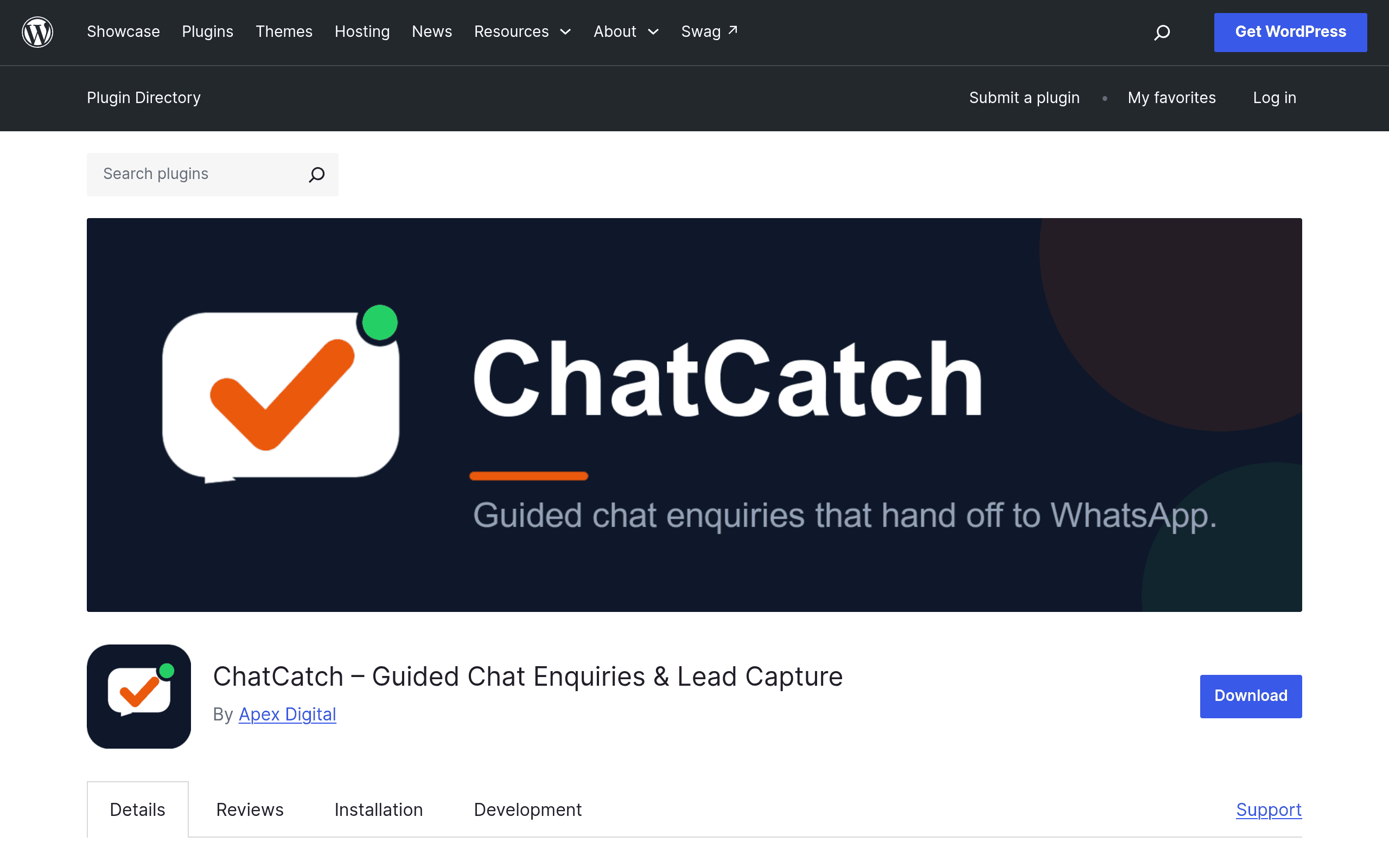
What ChatCatch Actually Does
Most WordPress chat widgets drop a blank text box on your site and hope the visitor knows what to type. ChatCatch takes a different approach: it builds a multi-step guided enquiry flow directly into your chat widget, asking visitors structured questions — service needed, location, timeframe, budget range, contact details — before anything gets sent anywhere. Only after that flow completes does ChatCatch hand the conversation off to WhatsApp (via a pre-filled deep link) and simultaneously save the structured lead data server-side on your WordPress install, with an email backup copy sent to the site owner.
This is a meaningfully different model from a live-chat-first tool. ChatCatch isn't trying to get a human or bot chatting in real time. It's trying to make sure that by the time a lead reaches your phone or inbox, it already contains the information you need to quote the job — not just "Hi, do you do bathrooms?" with no name or number attached.
Key pieces of the plugin as shipped:
- Industry templates — pre-built question flows for common service businesses (the kind of trades/local-service use case where "message us" usually produces a one-line enquiry with no detail).
- Inline wizard configuration — you build and edit the step-by-step question flow from inside wp-admin, no code required.
- WhatsApp handoff — once the flow is complete, the visitor's answers are compiled into a pre-filled WhatsApp message and the chat opens in WhatsApp (web or app) to continue the conversation where the business owner actually lives.
- Local lead storage — every completed enquiry is saved in the WordPress database as a lead record, independent of whether the visitor actually follows through to WhatsApp, with email notification as a backup channel so nothing depends on you checking a dashboard.
The pitch, in plain terms: no more blank chat messages, no more leads that only exist as a notification you forgot to screenshot before it disappeared.
Pricing
As of this writing, ChatCatch is listed on the official WordPress.org plugin repository, which means the core plugin is free to install under the standard WordPress.org GPL terms — this is consistent with how every plugin hosted there works.
What's not published anywhere in the plugin listing or supporting materials is a breakdown of any premium tier, paid add-ons, or usage-based pricing. There's no pricing page, no "Pro" upsell table, and no indication of per-site licensing costs at the time of writing. If you're evaluating this for a client site or agency rollout, don't assume free-forever — but also don't assume there's a hidden paywall. The honest answer right now is: install it, see what's gated (if anything) inside the settings screen, and treat any pricing claims you see elsewhere as unverified until the developer publishes a pricing page.
This is worth flagging clearly because it's the single biggest open question for anyone deciding whether to roll ChatCatch out across multiple client sites today.
Who This Is For
ChatCatch is built around a narrow and specific use case, and it shows:
- Local service businesses — plumbers, electricians, cleaners, landscapers, HVAC, locksmiths — where the owner is checking WhatsApp from a van or job site, not monitoring a live-chat dashboard.
- Agencies building WordPress sites for trades/local clients who need a lead-capture widget that doesn't require the client to staff a live chat queue.
- Any service business where the enquiry needs context to be useful — if "what service, what area, what timeframe" are the three things you always have to ask back anyway, ChatCatch front-loads that into the chat flow.
- Sites that already lose leads to WhatsApp's own quirks — a visitor opens WhatsApp, gets distracted, never sends the message. The local lead save plus email backup means you still have a record even if the WhatsApp message never actually lands.
It is not built for SaaS companies wanting live agent chat, in-app product tours, or a full help-desk/ticketing layer. If your business model depends on real-time concierge-style chat support, this isn't that tool, and isn't trying to be.
How It Compares
| ChatCatch | Tidio | Drift | Intercom | |
|---|---|---|---|---|
| Price | Free on WordPress.org; premium pricing not published | Free tier available; paid plans from ~$29/month | Enterprise-focused; custom pricing, typically $2,500+/month for full platform | Starts around $39/month per seat on entry plans, scales quickly with usage |
| Core model | Guided multi-step enquiry form → WhatsApp handoff + local lead save | Live chat + chatbots + helpdesk inbox | Conversational marketing/sales bots for B2B pipeline | Live chat + help desk + product tours, broad customer messaging suite |
| Setup complexity | WordPress plugin install, wizard built in wp-admin, no code | Widget + app install, moderate config for bots | Requires more setup for routing/integrations, sales-team oriented | Heaviest setup of the three, meant for dedicated CX/support teams |
| Best for | Local service businesses wanting structured leads via WhatsApp | Small businesses wanting live chat + basic automation | B2B companies qualifying inbound sales leads | Companies needing a full customer messaging + support platform |
| Data ownership | Leads stored locally in your WordPress database, you own the data outright | Leads stored in Tidio's cloud | Leads stored in Drift's cloud | Leads/conversations stored in Intercom's cloud |
The data ownership row matters more than it looks. ChatCatch is the only one of these four that keeps the structured lead record in your own WordPress database rather than a third-party SaaS backend — relevant if you're an agency that wants client lead data to live with the client's site, not behind a login you control.
Verdict: Should You Install It Today?
If you run or build sites for local service businesses — the kind where the owner's real inbox is WhatsApp, not a shared team dashboard — ChatCatch solves a real, specific problem: enquiries that arrive with no name, no job detail, and no way to follow up. The guided flow plus local lead storage plus email backup is a sensible, low-risk setup to try, especially since it's free to install from WordPress.org right now.
The open question is pricing durability. With no published pricing page, you're installing on the assumption that the current feature set stays free, or that a future paid tier will be reasonable. For a single site, that's a low-stakes bet — install it, configure one industry template, and watch what leads look like for a couple of weeks. For an agency planning to standardize across dozens of client sites, hold off on a full rollout commitment until the developer publishes clear pricing, and treat this first month as evaluation rather than infrastructure decision.
It is not a Drift or Intercom replacement, and it isn't trying to be — comparing it to those tools mostly clarifies how different the job is. Against Tidio, the comparison is closer, but ChatCatch wins specifically for WhatsApp-first local businesses who don't want to manage a live chat queue at all.