ECORP Internal Links: First Look at the New Render-Time Auto-Linking Plugin for WordPress
By Day Zero Guides Editorial · How we produce guides
Some links in this guide are affiliate links. If you sign up through them, Day Zero Guides may earn a commission at no extra cost to you. This never affects which products we cover or what we say about them. See our affiliate disclosure for details.
Concrete use cases
- Affiliate and review sites: automatically link every mention of a product name ("Sony WH-1000XM5") to that product's review post, without manually re-editing 40 old articles every time you publish a new review.
- Documentation and knowledge-base sites: link every mention of a feature name ("webhook," "API key") to its reference doc, keeping technical writers from hand-linking the same term in every article.
- Local service business blogs: auto-link city or service names ("emergency plumbing in Austin") to the relevant service page across dozens of blog posts, supporting a hub-and-spoke SEO structure without manual edits.
- Large legacy blogs (500+ posts): retroactively add internal links to old content without opening each post in the editor, since linking happens at render time across the whole archive.
What ECORP Internal Links actually does
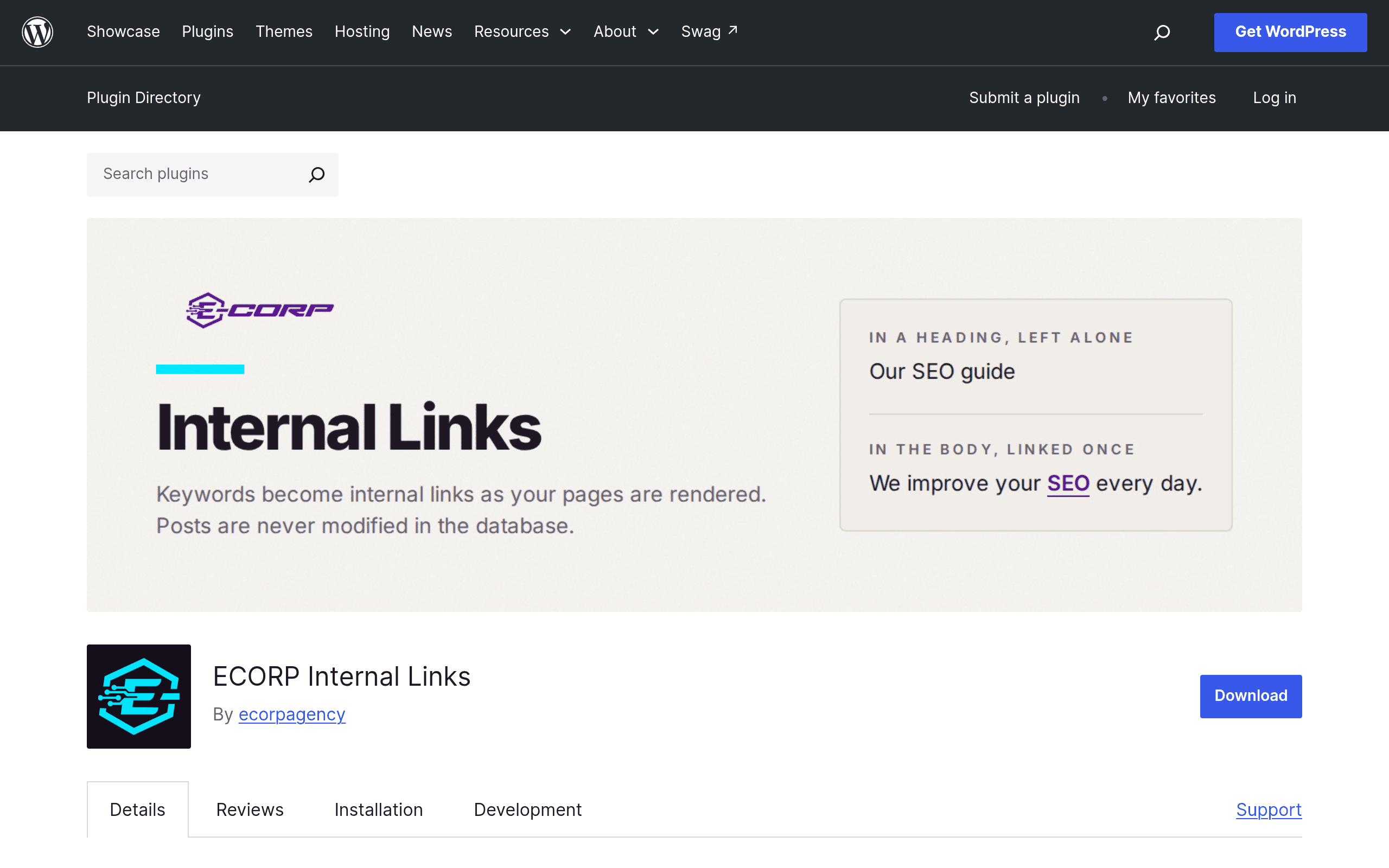
ECORP Internal Links is a single-purpose WordPress plugin: you give it a list of keywords and destination URLs, and it converts matching text into internal links every time a post is rendered on the front end. It does not rewrite your post content in the database — the linking happens at output time, which means your original post_content stays untouched in wp_posts. If you deactivate the plugin, your content reverts instantly with zero cleanup.
That rendering approach is the headline feature, and it solves a real problem. Plugins that write links directly into your database content are hard to undo cleanly and can create duplicate or nested links if you run them more than once. ECORP Internal Links sidesteps that by doing the substitution on the fly, similar in spirit to how some caching or schema plugins inject markup without touching stored content.
The guardrails that matter
Auto-linking plugins have a bad reputation because early versions of this idea (and some other simple find-and-replace SEO plugins) would happily link keywords inside your <h2> tags, inside <code> blocks, or even inside an href or alt attribute — producing broken HTML or nonsensical nested links. ECORP Internal Links explicitly avoids:
- Headings (H1–H6)
- Code and
<pre>blocks - Text that's already inside an anchor tag
- HTML attributes (so it won't mangle
alttext,titleattributes, or existinghrefvalues)
It also supports per-post link limits, so a single keyword doesn't get linked ten times down a 2,000-word article (a common Google Search Console "excessive internal links" complaint), and it caches the processed output so the added regex/matching work doesn't slow down page loads on repeat views.
Setting it up
Installation is standard WordPress.org fare: search "ECORP Internal Links" in Plugins > Add New, install, activate. From there you build a keyword-to-URL map (keyword or phrase → destination post/page URL), set any global or per-post link caps, and save. There's no bulk CSV import documented yet in the plugin's readme, so if you're managing hundreds of keyword mappings, expect to add them one at a time in the current version — worth checking the changelog on the WordPress.org plugin page before committing to a large link map.
Pricing
ECORP Internal Links is listed on the official WordPress.org plugin directory, which means the core plugin is free to install, as required for anything hosted there. As of this writing, the plugin's page does not publish a separate premium tier, pricing page, or upsell — there's no disclosed "Pro" version with published pricing. That could change as the plugin matures (most WordPress plugins in this category eventually add a paid tier for bulk import, reporting, or multisite support), but right now you should treat it as: free, with no confirmed paid plan. If you're evaluating it for a client site or agency use, check the plugin's WordPress.org page directly before launch day, since pricing pages can appear without much announcement.
How it compares to the SEO suite plugins
It's worth being clear about what ECORP Internal Links is not: it's not an SEO suite. Yoast, AIOSEO, and RankMath all bundle some internal-linking assistance as one feature among dozens (meta tags, sitemaps, schema, redirects, readability checks). ECORP Internal Links does one job and, based on its documented feature set, does it more precisely than the linking tools bundled into those suites.
| ECORP Internal Links | Yoast SEO | All in One SEO (AIOSEO) | RankMath | |
|---|---|---|---|---|
| Price | Free (no published premium tier yet) | Free core; Premium from $99/year (single site) | Free core; Pro from $49.50/year (intro pricing) | Free core; Pro from $59/year (intro pricing) |
| Internal linking approach | Render-time keyword-to-URL auto-linking, DB untouched | Manual internal linking suggestions in the editor sidebar (Premium) | Link Assistant: automated suggestions you accept, writes links into content | Manual link suggestions via content analysis; no dedicated render-time auto-linker |
| Avoids headings/code/existing links | Yes, built specifically for this | Not applicable (suggestion-based, not automatic) | Partial — suggestions can still be misapplied by the user | Not applicable (suggestion-based) |
| Database impact | None — content unchanged, links added on output | Adds meta only, no content rewriting | Can insert links directly into post content when accepted | Adds meta only, no content rewriting |
| Best for | Sites needing automated, rule-based internal linking at scale | Sites wanting full on-page SEO scoring plus basic linking help | Sites wanting a guided link-building workflow with editorial control | Sites prioritizing schema, SEO scoring, and technical audits |
The practical takeaway: if your goal is specifically "stop manually internal-linking the same 30 keywords across hundreds of posts," ECORP Internal Links is more targeted than any of the big three. If you need meta descriptions, XML sitemaps, schema markup, or redirect management too, you'll still want Yoast, AIOSEO, or RankMath running alongside it — they're not mutually exclusive, since ECORP Internal Links doesn't touch meta tags or sitemaps at all.
Should you install it today?
Install it if you run a content-heavy site (blog, documentation hub, affiliate site) where the same terms recur across many posts and you're currently doing that linking by hand. The non-destructive, render-time approach makes it low-risk to try — deactivating the plugin leaves your content exactly as it was.
Hold off if you need bulk CSV import for a large existing keyword list, multisite reporting, or link-click analytics — none of that appears to be documented in the current release. Also hold off if you were hoping for a published pricing page to budget against; right now there isn't one, so plan for "free plugin, unknown future costs" rather than a fixed line item.
Given it's free with no disclosed premium tier, the lowest-risk move is simply to install it on a staging site, map ten or so of your most-repeated keywords, and check the rendered output and page-source HTML before rolling it out site-wide.