FastMigrate: A First Look at HostWP.io's Free Server-to-Server WordPress Migration Plugin
By Day Zero Guides Editorial · How we produce guides
Some links in this guide are affiliate links. If you sign up through them, Day Zero Guides may earn a commission at no extra cost to you. This never affects which products we cover or what we say about them. See our affiliate disclosure for details.
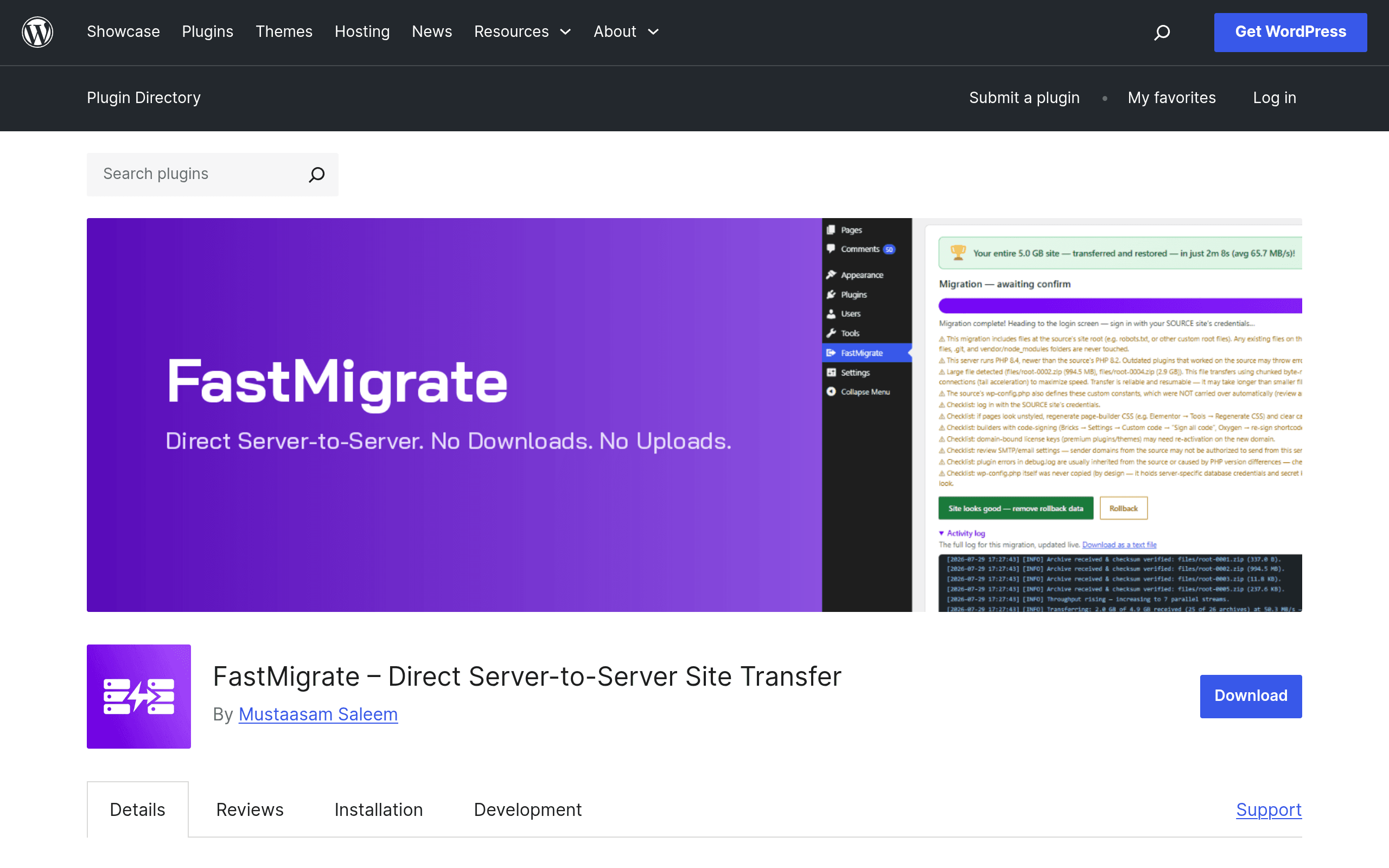
WordPress migrations have a familiar shape: export a database, zip up wp-content, upload both to the new host, pray the URLs rewrite correctly, and then spend twenty minutes fixing what didn't. FastMigrate, a new free plugin from HostWP.io, skips most of that by connecting two WordPress installs directly and streaming the site across server-to-server — no local downloads, no manual zip files, no FTP client.
I'm covering it here because it's a genuinely different mechanism from the migration plugins most WordPress users already know, and because "free" plus "server-to-server" plus "1-3 minutes" is a specific enough claim to actually test against.
Concrete Use Cases
- Agency moving a client site off a bad host mid-contract. Instead of scheduling a maintenance window for a manual backup/restore, install FastMigrate on both ends, connect, and migrate during a lunch break.
- Freelancer building on a staging subdomain, launching to production. Build the site on
staging.yourdomain.com, then server-to-server transfer to the live domain with URL rewriting handled automatically instead of running a separate search-replace plugin. - Site owner switching from shared hosting to a VPS. No need to generate a full-site zip that might exceed shared hosting's PHP memory or execution time limits — the server-to-server connection avoids the timeout issues that kill in-browser exports on large sites.
- Testing a host before committing. Clone a production site to a trial account on a new host, kick the tires for a week, and use rollback or just abandon the clone if it doesn't work out — no changes to the live site in the meantime.
What FastMigrate Actually Does
FastMigrate installs on both the source and destination sites. You generate a connection key on the destination, paste it into the source site's FastMigrate screen, and kick off the transfer. From there it handles:
- Full database migration — all tables, not just core WordPress ones, so custom plugin tables come along too.
- Full file migration — themes, plugins, uploads, and any custom mu-plugins or wp-config-level customizations that live in wp-content.
- Automatic URL rewriting — search-and-replace across serialized data (a common failure point in DIY migrations) so links, image paths, and widget settings resolve correctly on the new domain.
- Rollback capability — if something breaks post-migration, you can revert rather than restoring from a manual backup you hopefully remembered to take.
Because the transfer happens directly between the two servers over an authenticated connection, there's no intermediate zip file sitting in a downloads folder and no upload step bottlenecked by your local internet connection. That's the source of the 1-3 minute claim — for small-to-medium sites (a few hundred MB of uploads, a database under a few hundred MB), that's realistic in practice. Larger sites with tens of thousands of images will take longer, but you're still not manually chunking anything.
The plugin requires PHP 7.4+ on both ends, works on shared hosting as well as managed WordPress hosts, and doesn't phone home to any external service — HostWP.io states no data transmission or tracking outside the direct site-to-site connection, and the code is GPLv2+ and auditable on wordpress.org.
Pricing: It's Actually Free
There's no catch tier here. FastMigrate is:
| Tier | Price | What's included |
|---|---|---|
| FastMigrate (only tier) | $0 | Unlimited migrations, full database + file transfer, URL rewriting, rollback, no site-count limit |
No pro upgrade, no per-site licensing, no email-gated "premium" version pushing you toward a SaaS dashboard. HostWP.io's business is managed WordPress hosting, so the working theory is that FastMigrate functions as a low-friction way to get sites onto (or off of) their platform — but the plugin itself doesn't push HostWP hosting or restrict functionality if you're migrating between two unrelated hosts.
How It Compares
| FastMigrate | All-in-One WP Migration | Duplicator Pro | Migrate Guru | |
|---|---|---|---|---|
| Price | Free (no paid tier) | Free core; premium extensions from $69/yr (unlimited file size add-on, etc.) | Paid plans from $69.50/yr (Personal); free version capped at manual export/import | Free |
| Transfer method | Direct server-to-server, no intermediate file | Export to local file, then import (unless you buy the unlimited extension + external storage) | Package/export then manual import, or scheduled backups | Server-to-server via Migrate Guru's own relay servers |
| File size limits | None imposed by the plugin itself (limited by host resources) | Free version capped at 512MB export; higher limits require paid extensions | Free version has manual size constraints; Pro raises limits | No hard limit, but routes data through BlogVault's infrastructure |
| Data routed through third party | No — direct site-to-site | No | No | Yes — transfers go through Migrate Guru's (BlogVault's) servers |
| Best for | Straightforward host-to-host moves without file-size gymnastics | Users wanting a mature ecosystem with lots of storage integrations (Dropbox, S3, Google Drive) | Agencies wanting scheduled backups plus migration in one tool | Users fine with a third-party relay in exchange for a polished free tier |
The practical difference worth underlining: All-in-One WP Migration's free tier still makes you download and re-upload a file, and its size cap pushes plenty of real sites toward a paid extension. Duplicator Pro is genuinely built for agencies that want backup scheduling alongside migration, but that's a paid product for most real use. Migrate Guru's free server-to-server transfer is the closest existing comparison to FastMigrate, but it routes your database and files through Migrate Guru's own servers as an intermediary — FastMigrate's pitch is that the connection is direct, so your data isn't touching a third party's infrastructure at all.
Where It Falls Short
A few things to know before you rely on it for something important:
- No scheduled or incremental backups. This is a migration tool, not a backup tool. If you want ongoing automated backups, you still need something like UpdraftPlus or Duplicator Pro's scheduling.
- Both sites need the plugin installed. That's a non-issue if you control both hosts, but it won't help if you're migrating from a host that blocks plugin installation entirely or a locked-down site builder.
- New plugin, thin track record. It only recently launched on wordpress.org, so there isn't years of changelog history or a large support thread archive to lean on if you hit an edge case — check the support forum before migrating something business-critical, and take a manual backup first regardless of what the rollback feature promises.
- Large media libraries will still take real time. The 1-3 minute number applies to typical small-to-mid sites; a 20GB uploads folder is not a 2-minute job no matter how the transfer is architected.
Should You Try It Today
If you're moving a WordPress site between two hosts you control and want to skip the export/upload dance, FastMigrate is worth installing before reaching for a paid tool — it costs nothing to try, and worst case you fall back to your usual migration method. For anything with real downtime cost, take a manual backup first (rollback is a safety net, not a replacement for one) and consider running a test migration to a staging environment before touching production.