Grafucci Folders: A First Look at the Free Virtual Folder Plugin for WordPress
By Day Zero Guides Editorial · How we produce guides
Some links in this guide are affiliate links. If you sign up through them, Day Zero Guides may earn a commission at no extra cost to you. This never affects which products we cover or what we say about them. See our affiliate disclosure for details.
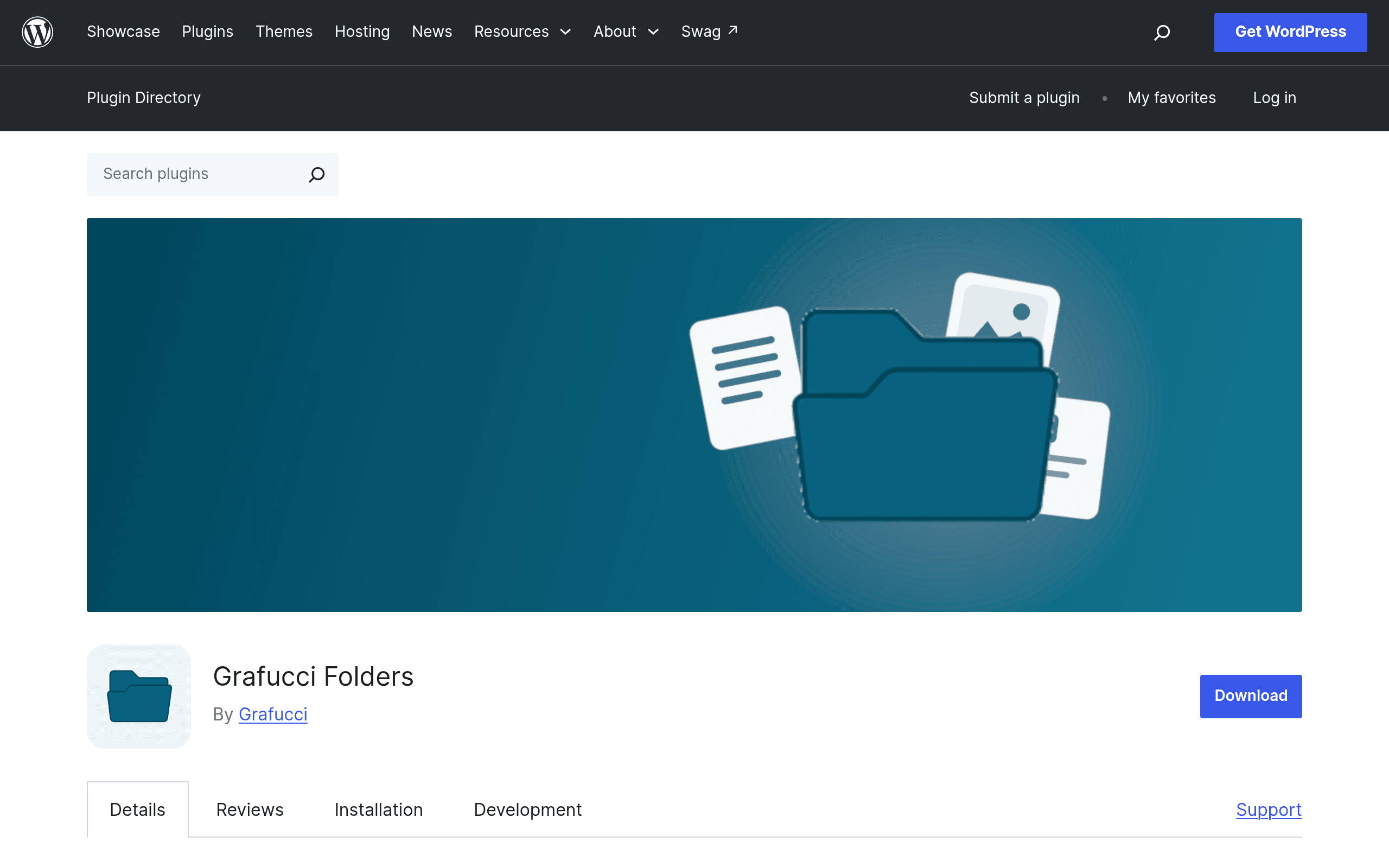
What Grafucci Folders Actually Does
Grafucci Folders is a WordPress plugin that lets you organize your pages, posts, and media library items into virtual folders — without touching the underlying file structure or changing any URLs. That last part matters: a lot of media organization plugins physically move files on disk when you drag them into a folder, which can break cached image references, CDN paths, or anything hardcoded to a file's original location. Grafucci Folders sidesteps that entirely by keeping folders as a metadata layer, not a filesystem change.
It's built for site owners and content teams who've let their media library or page list turn into an unsearchable pile of 4,000 items with names like IMG_2847-scaled.jpg and Untitled-page-copy-3. Instead of renaming or restructuring anything, you create folders, drag items into them, nest folders inside folders, and filter your admin views by folder — while the actual content stays exactly where WordPress put it.
Key Features Worth Knowing About
- Virtual folders, not physical moves — files stay at their original URLs, so nothing breaks on the front end.
- Drag-and-drop organization — works the way you'd expect from a desktop file manager, directly in wp-admin.
- Nested folders — you can build a real hierarchy (e.g., Clients > 2024 > Acme Corp > Product Photos) rather than a flat folder list.
- Filtering — the media library, page list, and post list all get a folder filter so you can narrow down what you're looking at instead of scrolling.
- Gutenberg and Elementor integration — folders show up when you're inserting media inside the block editor or Elementor's media picker, not just in the main Media Library screen.
Pricing: It's Free, Full Stop
As of this writing, Grafucci Folders is distributed entirely for free through the WordPress.org plugin repository. There's no premium tier, no upsell modal, and no feature gated behind a "Pro" version — at least not yet. That's worth calling out because most of its direct competitors use a freemium model where core folder functionality is free but nested folders, bulk actions, or multi-site support get locked behind a paid upgrade.
Whether Grafucci Folders stays fully free as it matures is an open question — plenty of WordPress.org plugins start free and introduce a paid tier once they build a user base. But today, if you install it, you get the complete feature set at no cost.
Where It Actually Helps
- Agencies managing multiple client sites from one install — nest folders by client, then by project, to keep media from different engagements from blending together.
- Content teams with a large page/post backlog — if your Pages screen has 300+ entries because of landing pages, redesigns, and archived campaigns, folders let you filter down to "Active Campaigns" or "2023 Archive" instead of using search and guessing at titles.
- Sites with heavy Elementor use — designers picking images from Elementor's media panel can jump straight to a project folder instead of scrolling a global media grid.
- Anyone worried about breaking image URLs — if your site has been live for years and has images embedded in old posts, email campaigns, or linked externally, the virtual-folder approach avoids the classic "physical move broke my inline images" problem.
It's less useful if you need granular folder-level permissions (e.g., restricting an editor to only see their own client's folder) — that kind of access control isn't part of the current feature set.
How It Compares
| Grafucci Folders | FileBird | FolderPress | Media Library Folder | |
|---|---|---|---|---|
| Price | Free (no premium tier currently) | Free core plugin; Pro from $99/year (unlocks unlimited folders, cloud storage support) | Free on WordPress.org; no paid tier | Free on WordPress.org; no paid tier |
| Physical file moves | No — virtual folders only, URLs unaffected | No — virtual folders, similar approach | Yes — can reorganize actual media directories | No — virtual folders |
| Covers pages/posts, not just media | Yes — folders apply to pages and posts too | No — media library only | No — media library only | No — media library only |
| Page builder integration | Gutenberg and Elementor media pickers | Elementor, Divi, Beaver Builder, WPBakery (Pro) | Limited/basic | Minimal, mostly classic media modal |
| Nested folder depth | Unlimited nesting | Unlimited in free version | Single-level in free version | Basic nesting supported |
| Best for | Teams needing folders across pages, posts, and media in one system | Sites wanting the most mature, widely-adopted media folder tool with broad builder support | Users comfortable with physical file reorganization who want a lightweight free tool | Simple media-only organization on smaller sites |
The standout difference is scope: FileBird, FolderPress, and Media Library Folder are all media-library-only tools. Grafucci Folders is the only one in this group that extends folder organization to your pages and posts as well, which matters if your actual mess isn't your image library but your ever-growing Pages list.
Should You Install It Today?
If you're currently fighting an unorganized Pages or Media Library screen and don't want to risk breaking image URLs by physically moving files, Grafucci Folders is a low-risk try — it costs nothing, and the virtual-folder approach means you can uninstall it later without leaving your file structure altered. The main caveat is that it's a newer entrant compared to FileBird's long track record, so check the support forum and changelog on WordPress.org for how actively it's being maintained before rolling it out on a production site with a large content library. For anyone specifically wanting folders that span pages and posts — not just media — it's currently one of the only free options built to do that out of the box.