Hafenstudios Ads: First Look at the New Privacy-First WordPress Ad Manager
By Day Zero Guides Editorial · How we produce guides
Some links in this guide are affiliate links. If you sign up through them, Day Zero Guides may earn a commission at no extra cost to you. This never affects which products we cover or what we say about them. See our affiliate disclosure for details.
Concrete use cases where this fits
- A niche review blog running house ads + AdSense fallback: weight the house banner at 80% and let AdSense fill the remaining 20%, without needing a header-bidding setup.
- A publisher who wants mobile-specific ad slots: hide a wide leaderboard banner on mobile and swap in a smaller unit, using the device targeting rule instead of custom CSS hacks.
- A site trying to reduce cookie-consent scope: because impression tracking stays local, you may be able to avoid adding ad-analytics vendors to your consent management platform list — worth confirming with whoever handles your privacy policy, but the local-only design is built for exactly this.
- An agency managing several client sites on a budget: since there's no published license fee yet, it's low-risk to test across multiple client installs before committing to a paid alternative.
- A blog network testing AI-written ad copy variants: plug in an API key and generate a few headline/body variants for a banner, then A/B them manually through the weighted rotation.
What Hafenstudios Ads actually does
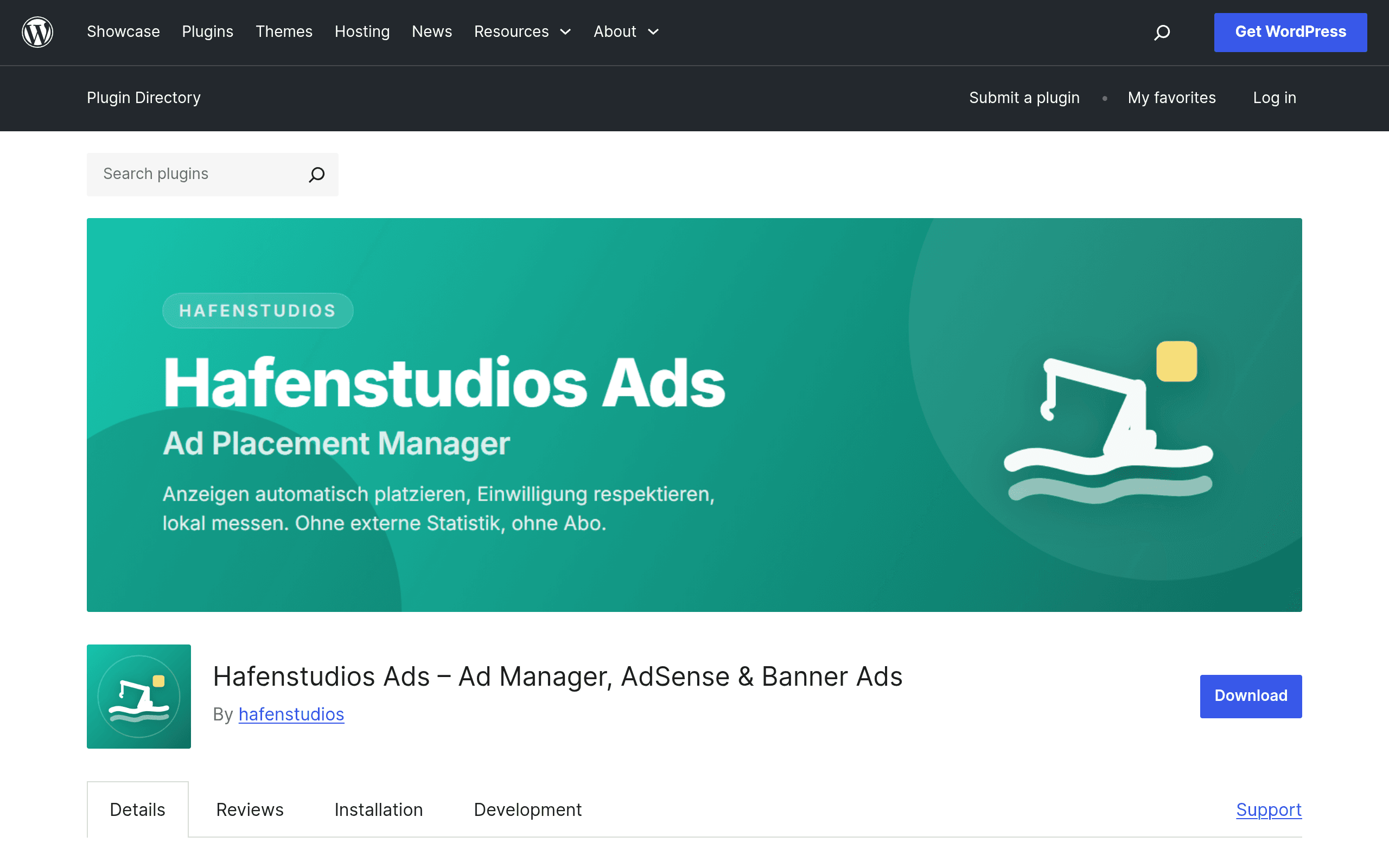
Hafenstudios Ads is a WordPress plugin that showed up on the official plugin repository positioning itself as an ad placement manager that doesn't phone home. That's the headline distinction: banner rotation, AdSense units, and custom ad code are managed inside your own WordPress install, and impression counts are logged to your database instead of a third-party analytics pipeline. If you've ever tried to explain to a client why their ad plugin's dashboard lives on someone else's server, this is aimed at that exact frustration.
Core capabilities as shipped in the current release:
- Multiple ad types: image/banner ads, raw AdSense unit code, and arbitrary custom HTML/JS blocks, all managed from one screen.
- Weighted rotation: assign weights to ads in the same slot so you can, say, run a house ad 70% of the time and a paid banner 30% of the time.
- Targeting rules: show or hide placements by device type (desktop/tablet/mobile) and by post type (posts, pages, custom post types).
- Local impression tracking: counts are stored in your own database tables, not sent to an external service — no separate cookie consent flow needed just for ad measurement.
- Optional integrations: Google AdSense account linking, newsletter platform hooks (for inserting ad blocks into email templates), and AI-generated ad copy suggestions if you supply your own API key for a supported AI service (bring-your-own-key, not bundled).
What it doesn't try to be: a demand-side platform, a header-bidding stack, or a managed ad network. It's a placement and rotation manager for people who are either running their own direct-sold ads, AdSense, or a mix of both.
Pricing: what's actually published right now
At the time of this write-up, Hafenstudios Ads is distributed as a free plugin through the WordPress.org repository. There is no visible pricing page, no listed Pro tier, and no upgrade prompts inside the plugin that we could find during setup. That's worth flagging two ways:
- Good news: everything described above — rotation, targeting, local tracking, AdSense/newsletter/AI hooks — appears to be available without a paywall today.
- Caveat: "not published" pricing on a brand-new plugin usually means one of two things — either it stays fully free and monetizes some other way (support, hosting bundles, a future add-on), or a paid tier arrives later once the user base grows. If you're building a workflow you don't want to rebuild in six months, don't assume the free scope is permanent. Check the plugin's changelog on WordPress.org before a major site relaunch.
There's also no visible pricing for the AI copy suggestion feature beyond "bring your own key" — meaning you pay your AI provider (e.g., OpenAI-style per-token billing) directly, and the plugin itself doesn't add a markup that we could detect.
Setting it up
Install is standard WordPress plugin flow: search "Hafenstudios Ads" from Plugins > Add New, or upload the zip from WordPress.org. After activation:
- A new "Ad Placements" menu item appears in wp-admin.
- You create "zones" (e.g., "Sidebar Top," "In-Post After Paragraph 2") and assign one or more ads to each zone with rotation weights.
- Targeting rules live on each ad, not each zone, so you can put a mobile-only banner and a desktop-only AdSense unit in the same zone without conflict.
- Impression counts show up in a local dashboard table — no external dashboard login, no data leaving your server.
- AdSense linking is optional and done via pasting your publisher ID/unit code rather than a full OAuth account connection, which is faster but means you're managing unit codes manually rather than syncing live from your AdSense account.
Where it's thin
- No native A/B testing statistics (you get impression counts, not conversion-rate comparisons or statistical significance).
- No header bidding or programmatic demand beyond what you manually paste in (AdSense unit code, custom scripts).
- No account-level AdSense sync — you're copying unit IDs, not managing your AdSense inventory from inside WordPress.
- Newsletter integration is a placement hook, not a full email-ad marketplace.
How it stacks up against established tools
| Hafenstudios Ads | Advanced Ads | AdThrive (Raptive) | Google AdSense plugin (official) | |
|---|---|---|---|---|
| Price | Free (no published paid tier as of writing) | Free core; Pro from ~$39/year (1 site), scaling to ~$190/year for unlimited sites | No upfront fee; takes a revenue share from ad earnings (requires meeting a monthly pageview minimum to qualify) | Free |
| Key feature | Weighted rotation + local, non-external impression tracking | Mature rule engine, A/B testing add-on, wide ad-network integrations | Fully managed ad ops — they optimize placements/demand for you | Simple AdSense auto-ads/unit insertion, nothing more |
| Data/privacy model | Impressions stored in your own DB, no third-party analytics call | Tracking add-on can use Google Analytics or its own stats, depending on config | Their platform, their servers — you don't control the tracking pipeline | Google's standard AdSense tracking/cookies apply |
| Best for | Sites wanting simple rotation/targeting without sending ad-analytics data off-server | Sites that want a mature, well-documented plugin with a proven track record and paid support | Established publishers with real traffic who want someone else to run ad ops entirely | Sites that just want AdSense on the page with zero configuration |
| Setup complexity | Low–moderate; manual AdSense unit code entry, no account sync | Moderate; more settings screens but well-documented | Low effort for you, but there's an application/qualification process | Very low |
Should you try it today
If you're currently pasting AdSense code directly into widgets or theme files, or you're using a heavier plugin than you need just to rotate two or three banners, Hafenstudios Ads is a reasonable low-risk test — it's free right now, installs in minutes, and the local-tracking angle is a genuine differentiator if privacy/consent overhead matters to your site. It is not a replacement for Advanced Ads if you need a mature A/B testing add-on or broad ad-network plugin compatibility, and it's nowhere near AdThrive if your traffic already qualifies for managed ad ops and you'd rather hand off optimization entirely.
The one thing to watch: because there's no pricing page yet, treat this as an evaluate-don't-fully-commit situation until the plugin has a few more release cycles and a clearer statement on whether it stays free or introduces a paid tier.