Media Background Remover: A WordPress Plugin That Puts remove.bg Inside Your Media Library
Some links in this guide are affiliate links. If you sign up through them, Day Zero Guides may earn a commission at no extra cost to you. This never affects which products we cover or what we say about them. See our affiliate disclosure for details.
What it actually does
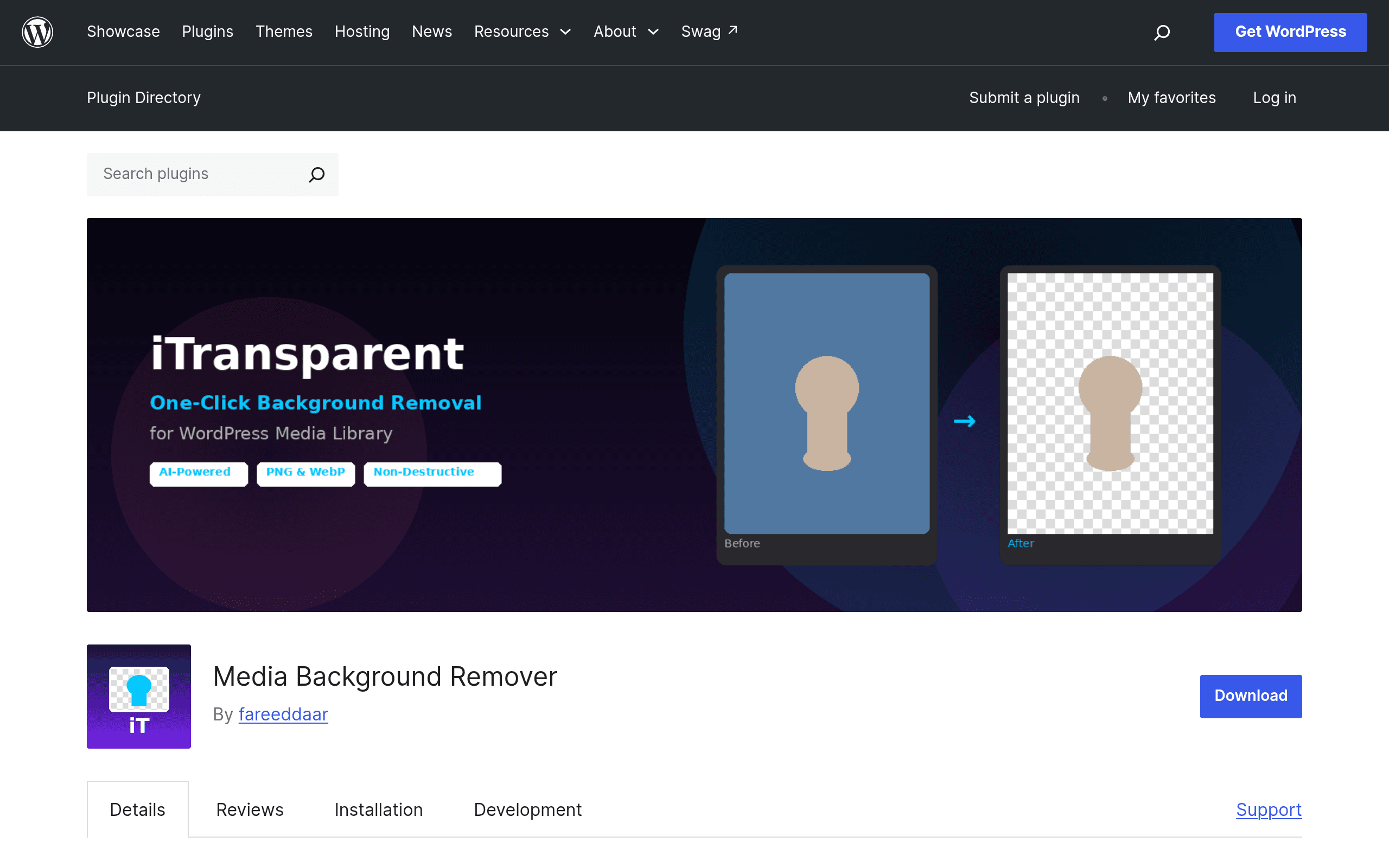
Media Background Remover (plugin slug: itransparent) is a small, single-purpose WordPress plugin that wires remove.bg's background removal API directly into the native WordPress Media Library. Instead of the usual workflow — download an image, upload it to remove.bg or Photoshop, strip the background, re-upload the result, replace the file in your post — you click an image in your Media Library, hit a "Remove Background" action, preview the transparent result inline, and save it back to your library as a new PNG or WebP file.
It supports JPG, PNG, and WebP as inputs and outputs transparent PNG or WebP. There's no batch queue or bulk-editing UI in this initial release — it's built around one-image-at-a-time editing from the Media Library grid or the attachment details screen.
The plugin itself does none of the actual image processing. It's a wrapper: you bring your own remove.bg API key, and the plugin handles the upload-to-API, preview, and save-back-to-library steps so you never leave wp-admin.
Pricing: the plugin is free, the API isn't (fully)
This is the detail that matters most before you install it.
- The plugin: Free, hosted on WordPress.org, no premium tier, no license key for the plugin itself.
- remove.bg API — Free tier: Lets you process images, but output is capped at 0.25 megapixels (roughly 625x400px equivalent), which is fine for thumbnail-sized product shots but visibly soft for anything you'd blow up to a hero image or print.
- remove.bg API — Paid tiers: Priced per-credit on remove.bg's own platform (not through the plugin), starting around $0.20–$0.90 per image depending on volume, with subscription packs that lower the per-image cost as you buy more credits. Full-resolution output only unlocks once you're on a paid credit balance.
So the real cost of running this plugin at production quality is whatever your remove.bg account costs — the plugin adds zero markup, but it also doesn't remove the API's pricing structure. If you're processing a handful of product photos a month, the free tier's 0.25MP cap might be tolerable for drafts; if you're publishing final assets, budget for remove.bg credits.
Concrete use cases
- WooCommerce product photography cleanup: You've got a folder of supplier-provided product shots with inconsistent backgrounds (white, gray, cluttered desks) and you want clean transparent PNGs for a unified store look — without opening Photoshop for 40 images.
- Blog featured images: You want to drop a subject (a person, a product, an object) onto a custom background or brand color directly within a post, and doing that requires a transparent base image first.
- Team headshots / About page: Standardizing staff photos taken in different offices/lighting onto one consistent background, without asking each person to resend a studio photo.
- Quick client mockups: An agency using WordPress as a staging environment for client sites wants to try a product image against three background options in a client review call, live, without a design tool open.
What it's not great for: high-volume e-commerce catalogs (no batch mode yet), print-resolution output on the free API tier, or fine-detail edge cases like flyaway hair or semi-transparent glass — remove.bg's model handles those with mixed results regardless of which frontend you use.
How it compares
| Media Background Remover (plugin) | remove.bg (web/app) | Photoshop Remove Tool | Canva Background Remover | |
|---|---|---|---|---|
| Price | Free plugin; requires remove.bg API credits for full-res | Free preview (0.25MP); paid credits ~$0.20–$0.90/image | Included in Photoshop subscription (~$22.99/mo Creative Cloud Photography plan) | Free with limits; full feature requires Canva Pro (~$12.99/mo) |
| Where you work | Inside WordPress Media Library — no export/import step | Standalone web app or API, separate from your CMS | Desktop app, requires import/export to get images into your site | Canva design canvas, then download and upload to WordPress |
| Best for | Sites already managing images in WP who want zero file-shuffling | One-off images, testing quality before committing to a workflow | Detailed manual retouching, fine edge control, layered composites | Non-technical users building full graphics, not just isolated cutouts |
| Output control | Preview-before-save, but no manual edge refinement | Some manual refinement tools (edge erase/restore) in the API/app | Full manual control — brushes, refine edge, layer masks | Basic auto-removal, minimal manual refinement |
| Batch processing | Not yet — one image at a time | Yes, via API scripting or bulk upload on paid plans | Yes, via Photoshop batch actions (more setup) | Limited, mostly single-image in free tier |
The honest verdict
If you already run a WordPress site and you're tired of the download-edit-reupload loop for background removal, this plugin removes real friction — that part works as advertised and is worth the five-minute install. But don't mistake it for a free background-removal tool: you're still paying remove.bg's rates for anything beyond low-res previews, and there's no batch mode yet if you've got hundreds of images to process. For occasional single-image edits inside your existing WP workflow, it's a genuinely useful convenience layer. For volume e-commerce catalog work, you're probably better off using remove.bg's own bulk API or a batch-capable desktop tool and uploading the results normally.