MetriPrice First Look: A Free WooCommerce Plugin for Measurement-Based Pricing
By Day Zero Guides Editorial · How we produce guides
Some links in this guide are affiliate links. If you sign up through them, Day Zero Guides may earn a commission at no extra cost to you. This never affects which products we cover or what we say about them. See our affiliate disclosure for details.
Who This Is Actually For
This isn't a general-purpose "add a text field to your product" plugin. It's aimed squarely at stores where price is a function of measurement:
- Wallpaper and wall covering shops — price per roll calculated from wall width/height input, with waste percentage built in for pattern matching
- Flooring retailers — price per square foot with tiered discounts at higher square footage, rounded up to full box quantities
- Fabric and textile sellers — price per linear yard/meter with minimum cut lengths
- Glass and mirror cutters — width×height matrix pricing where a 24"x36" piece isn't simply double a 12"x36" piece
- Custom signage or vinyl shops — quantity-tiered pricing combined with dimension-based area pricing
If your store just needs "add gift wrapping for $5" or a color dropdown, this is overkill — that's WooCommerce Product Add-ons territory, not MetriPrice's.
What MetriPrice Actually Does
If you sell wallpaper, flooring, fabric, glass, countertops, or anything else priced by square foot, linear meter, or custom dimension, you already know how painful WooCommerce's default pricing model is. A single fixed price per SKU doesn't work when the actual cost depends on width, height, quantity, and how much material gets wasted in the cut.
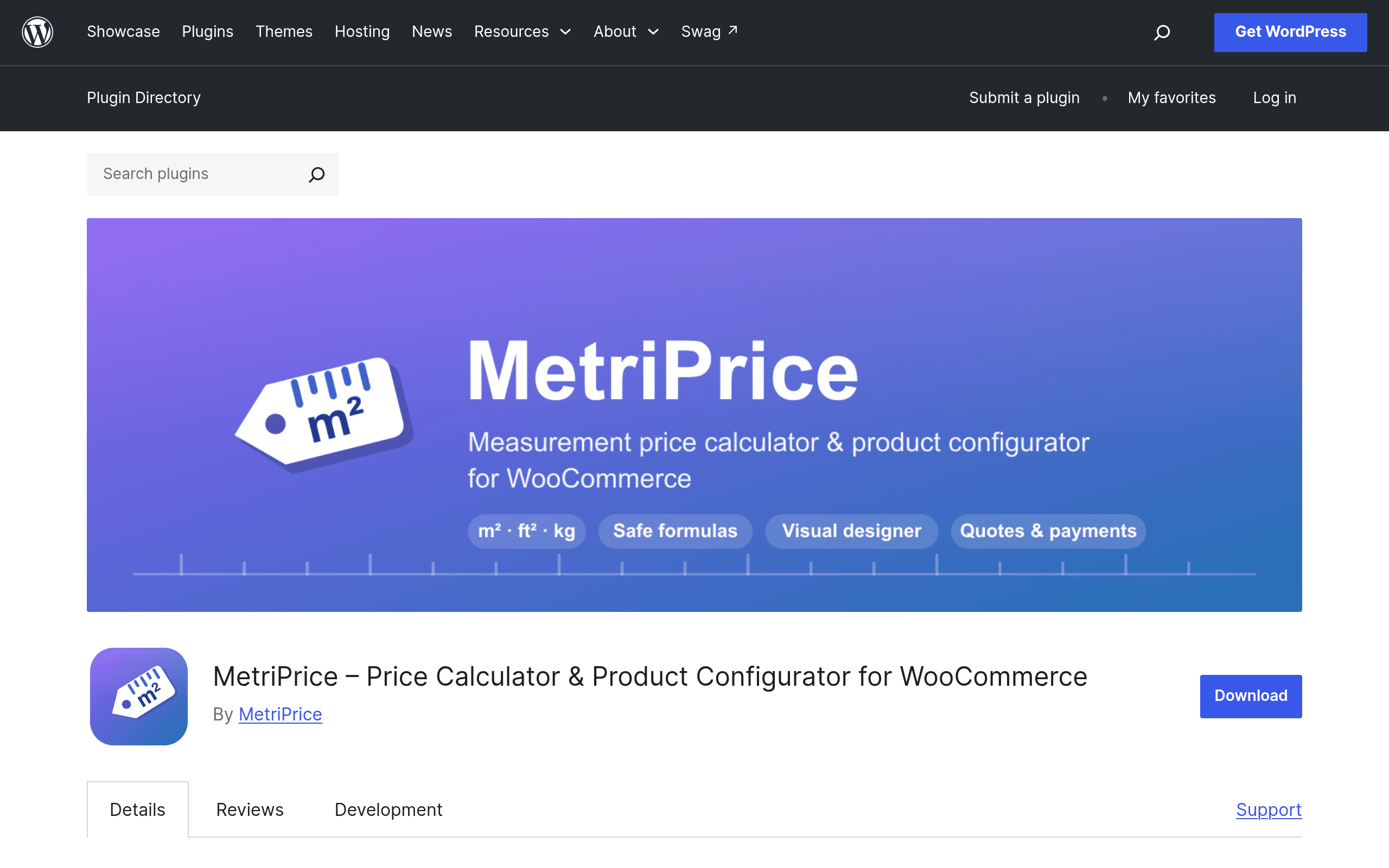
MetriPrice is a new WooCommerce plugin (live now on WordPress.org) built specifically to solve that. It attaches a configurator to any product where shoppers enter dimensions, quantities, or pick from custom option sets, and the plugin calculates the final price server-side using formulas you define: tiered pricing breaks, waste percentage add-ons, rounding rules (round up to nearest inch, foot, or unit), or full width×height pricing matrices for products where price doesn't scale linearly.
The result shows up as a live "receipt" on the product page — shoppers see the math update as they type, rather than getting hit with a surprise total at checkout. Because pricing is calculated server-side rather than purely in JavaScript, the numbers customers see are the numbers that actually get charged, which matters a lot if you've ever dealt with cart-price mismatches from client-side-only calculator plugins.
Pricing: What's Actually Free
This is the part worth getting right, because it's unusual. The version on WordPress.org is free and fully functional with no feature lockout — tiered pricing, waste percentage calculations, rounding rules, and width×height matrices are all available in the free plugin. That's a genuinely different posture from most "freemium" WooCommerce plugins that gate the useful features behind a paywall and leave the free tier as a demo.
There is a separate MetriPrice Pro product sold directly on metriprice.com, but at the time of this writing the WordPress.org listing doesn't publish specific Pro pricing tiers or itemize exactly what Pro adds beyond the free plugin. If you're evaluating this today, the practical approach is: install the free version, build out your actual pricing formulas, and only look at Pro if you hit a wall the free version can't solve. Given how much is already unlocked for free, that wall may not come quickly for most stores.
Setting Expectations
A few things worth knowing before you install:
- This is a new plugin. It doesn't have years of changelog history or a large install base yet, so expect to do your own testing against your theme and checkout flow rather than relying on a deep base of user reports.
- Server-side calculation is a genuine strength for accuracy, but it also means your formulas need to be configured correctly — errors in a waste-percentage or matrix setup will show up in real prices, not just display glitches.
- It's WooCommerce-only. If you're on Shopify or a different cart, this isn't relevant to you.
How It Compares
| MetriPrice (Free) | WooCommerce Product Add-ons | Decal | Pricetable by Supsystic | |
|---|---|---|---|---|
| Price | Free (Pro pricing unpublished, sold separately on metriprice.com) | $49/year (official Woo.com extension) | Freemium, paid tiers on decal.dev | Free core plugin, paid Pro add-ons |
| Core strength | Measurement-based formulas: tiers, waste %, rounding, W×H matrices | Simple add-on fields: checkboxes, dropdowns, flat-fee extras | Visual product configurators / swatches | Pricing tables for displaying plans, not calculating custom prices |
| Server-side price calc | Yes | Yes | Varies by setup | Not applicable (display tool, not a calculator) |
| Best for | Wallpaper, flooring, fabric, glass — anything priced by dimension | Adding optional extras or variants to any product | Stores needing rich visual configuration (colors, materials) | Marketing/pricing comparison tables, not product-level calculators |
| Learning curve | Moderate — you need to define formulas per product/category | Low — straightforward field builder | Moderate to high depending on configurator complexity | Low, but solves a different problem entirely |
The key distinction: Product Add-ons handles options, MetriPrice handles measurement math, Decal leans toward visual configuration, and Pricetable isn't really a competitor at all — it's a plan-comparison display widget, included here mainly because it shows up in "pricing plugin" searches for unrelated reasons.
Should You Install It Today
If you run a measurement-priced store on WooCommerce and you're currently faking this with manual quotes, spreadsheet-based custom orders, or a clunky Product Add-ons workaround, MetriPrice is worth an hour of testing today — the downside is low since the core functionality is free with no artificial caps. Build one real product (say, a wallpaper SKU with waste percentage and roll rounding, or a glass SKU with a W×H matrix) and check the receipt output against a manual calculation before rolling it out store-wide. Because it's new, treat your first week as a validation period rather than a set-and-forget install.