PinSpot: First Look at WordPress's New Interactive Image Hotspot Block
By Day Zero Guides Editorial · How we produce guides
Some links in this guide are affiliate links. If you sign up through them, Day Zero Guides may earn a commission at no extra cost to you. This never affects which products we cover or what we say about them. See our affiliate disclosure for details.
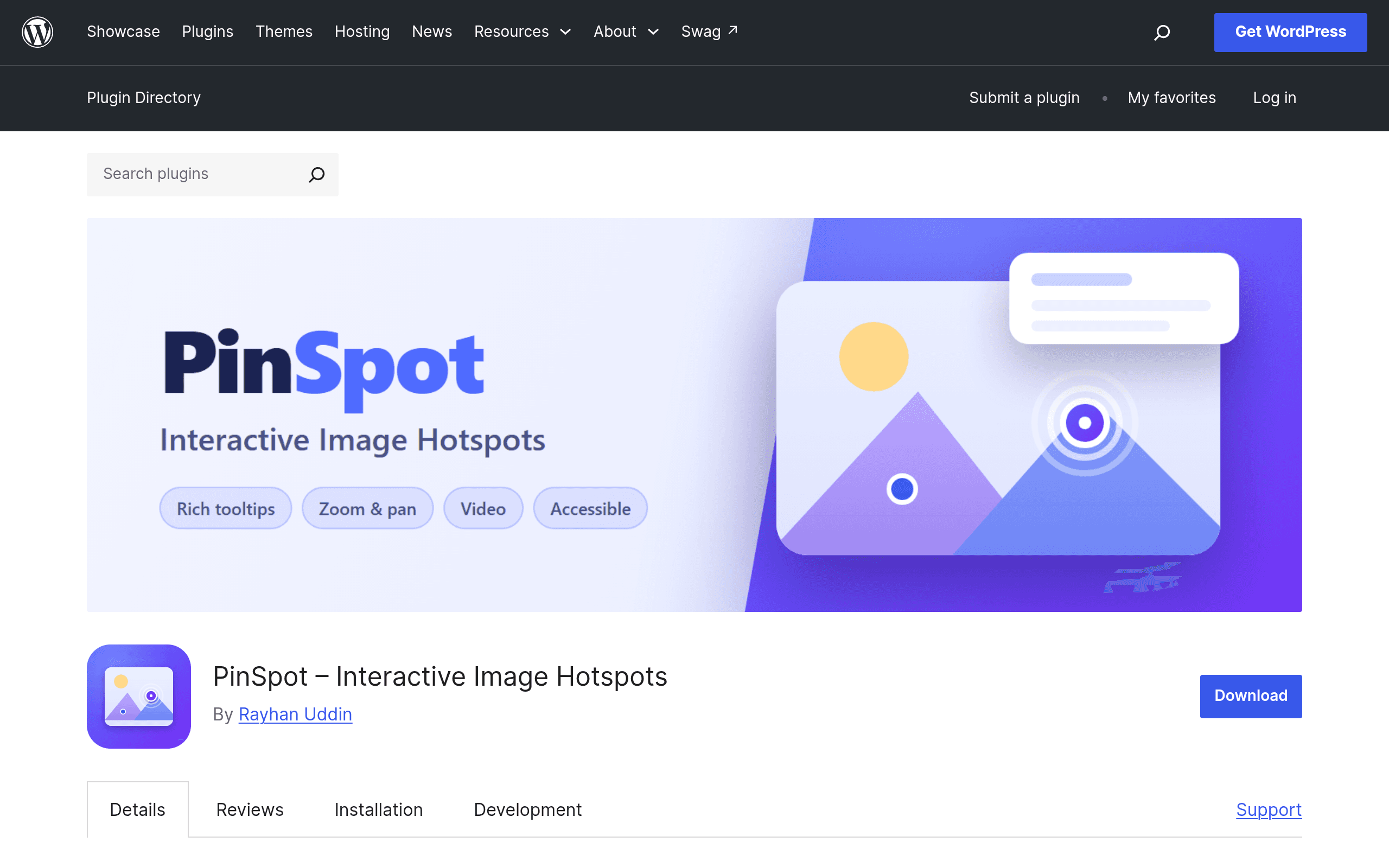
What PinSpot actually is
PinSpot is a native WordPress block plugin that lets you drop numbered or icon-based pins onto any image, then attach a tooltip to each pin — text, an image, embedded video, or a call-to-action button. It's built directly on the Gutenberg block editor and WordPress's newer Interactivity API, which means the interactive bits (opening a tooltip, panning, filtering pins) run as lightweight client-side JavaScript rather than pulling in a heavy framework. If you've ever used a "hotspot" feature in an email marketing tool or an e-learning platform and wished you could do the same thing on a plain WordPress page without embedding a third-party iframe, this is aimed squarely at that gap.
It showed up on the WordPress.org plugin repository as a fresh submission, not a rebrand of an older product, so there's no version history or user base to point to yet — this is a genuine day-zero look.
What's in the box
Based on the plugin's own listing, PinSpot's feature set breaks down into a few concrete pieces:
- Hotspot pins with rich tooltips — each pin can hold formatted text, an image, a video embed, or a button linking anywhere.
- Guided tours — you can sequence pins into a step-by-step walkthrough of a single image (useful for annotated diagrams, product close-ups, or floor plans).
- Group filtering — pins can be tagged into groups and toggled on/off, so one image can serve multiple audiences (e.g., "Kitchen features" vs. "Bathroom features" on a single floor plan).
- Zoom and pan — for high-resolution images (building blueprints, maps, infographics) where pins would otherwise be too cramped to read.
- Accessibility-first markup — keyboard navigation and ARIA attributes for pins and tooltips, rather than the div-soup that plagues a lot of hotspot scripts.
- No external tracking — everything renders and runs from your own WordPress install; there's no calling out to a third-party CDN or analytics endpoint.
- Small footprint — because it leans on the Interactivity API (the same system powering core blocks like the Query Loop's client-side filtering), it avoids shipping a full JS framework like React on the front end.
Setting it up
Installation is standard WordPress: search "PinSpot" in Plugins → Add New, or upload the zip from WordPress.org, activate, and a new "Image Hotspots" block appears in the block inserter. From there the workflow is: add the block, upload or select an image from the media library, click on the image to drop a pin, then use the block sidebar to fill in that pin's tooltip content and, if you're building a tour, set its step order. Group filters get added as taxonomy-style tags you assign per pin, then a filter control renders above the image on the front end.
Because it's block-based rather than shortcode-based, it plays reasonably with block themes and the site editor, and you can nest it inside columns, groups, or query loops like any other block — something older hotspot plugins built on shortcodes and custom meta boxes generally can't do cleanly.
Pricing: what's actually published right now
As of this writing, PinSpot has no pricing page and no premium tier listed anywhere — it's distributed as a free plugin on the official WordPress.org repository under the GPL, the same as any other free WP plugin. There's no "Pro" upsell banner in the plugin listing, no license key field mentioned, and no indication of a paid add-on yet. That could change (plenty of WordPress plugins launch free and add a Pro version once they have traction), but if you're evaluating this today, budget for it as a $0 tool and treat any future pricing announcement as a bonus consideration, not a blocker.
Concrete use cases where this is worth trying
- Real estate floor plans: pin each room, tooltip with square footage and a photo, group-filter by floor.
- Product photography for e-commerce: pin fabric, stitching, or hardware details on a single hero shot instead of building a gallery of six near-identical images.
- Museum or course annotation images: guided-tour mode to walk students through a diagram or artifact photo step by step.
- Before/after or process images: pin each stage of a renovation, recipe, or manufacturing process onto one composite image.
- Org charts and building maps embedded in a knowledge base: zoom/pan handles the high-resolution scan, pins handle the labeling, without exporting to a PDF.
Where it's not the right tool: 360-degree or VR panoramas, analytics-heavy marketing campaigns where you need click-through heatmaps, or anything that needs to be embedded outside of a WordPress site (a static HTML page, a non-WP CMS, an email).
How it compares
| PinSpot | Hotspot.cool | ThingLink | ImageMapResizer | |
|---|---|---|---|---|
| Price | Free (WordPress.org, GPL) — no paid tier published | Free tier with limited pins; paid plans roughly $9–$29/month | Free tier with 1 image; paid plans from ~$35/month (Basic) up to Premium/Enterprise | Free, open-source (MIT) — it's a code library, not a product |
| Where it lives | Self-hosted, runs inside your WordPress install | Cloud SaaS, embed via script/iframe on any site | Cloud SaaS, embed via script/iframe on any site | Self-hosted JS you wire up manually into any HTML page |
| Editor experience | Native Gutenberg block, visual pin placement in the WP editor | Standalone web app dashboard, separate from your CMS | Standalone web app dashboard with media library and analytics | None — you write the <map>/<area> HTML and coordinates yourself |
| Media in tooltips | Text, images, video embeds, CTA buttons | Text, images, links | Text, images, video, 360°/VR content, audio | None — plain image maps only, no tooltip system built in |
| Analytics/tracking | None (privacy-first, no external calls) | Basic view/click stats on paid plans | Detailed engagement analytics, heatmaps on paid plans | None |
| Best for | WordPress sites wanting a lightweight, no-iframe hotspot block | Marketers wanting a fast, no-code embeddable hotspot widget on any site | Teams needing rich media, 360°, and analytics across multiple platforms | Developers who just need responsive image maps and will hand-code everything else |
Should you install it today?
If you already run WordPress and want annotated, interactive images without adding another SaaS subscription or an iframe pointing at someone else's servers, PinSpot is worth trying right now — it costs nothing to test, and the block-based approach means removing it later is as clean as deleting a block. The obvious caveats of a day-zero plugin apply: no long-term track record, no visible changelog history, and no stated roadmap for a paid tier that might eventually gate features like advanced analytics.
If you need cross-platform embedding, 360° images, or built-in engagement analytics, ThingLink is still the more mature choice despite the higher price. If you want a fast no-code widget you can drop into a non-WordPress site, Hotspot.cool fills that niche. And if you just need barebones responsive image maps with zero interactivity beyond links, ImageMapResizer remains a perfectly good, free, decade-tested library — it's just not solving the same problem as PinSpot's tooltip-and-tour system.