Tandem PHP Upgrade Gatekeeper: First Look at the Free Plugin That Gates WordPress Updates by PHP Readiness
By Day Zero Guides Editorial · How we produce guides
Some links in this guide are affiliate links. If you sign up through them, Day Zero Guides may earn a commission at no extra cost to you. This never affects which products we cover or what we say about them. See our affiliate disclosure for details.
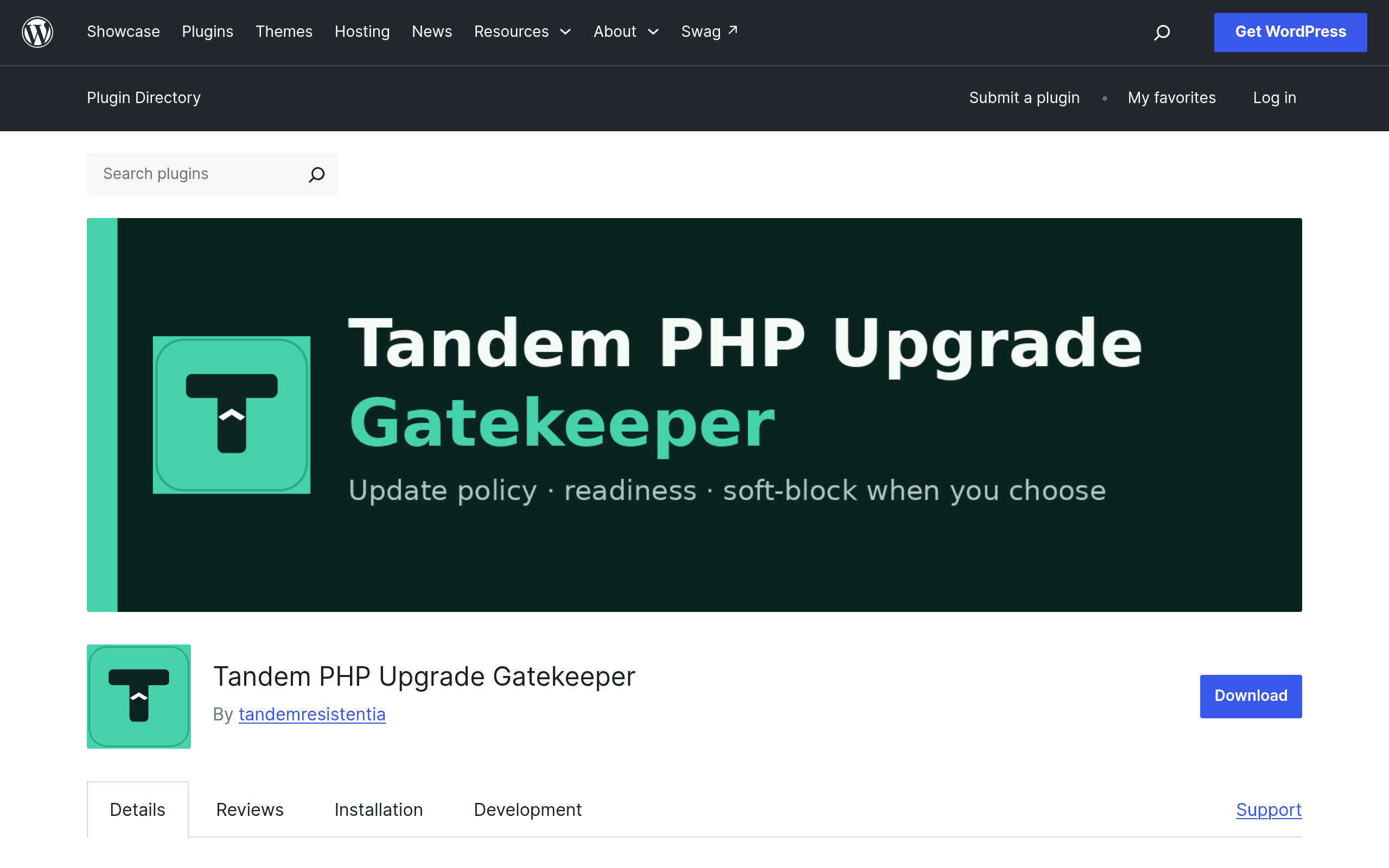
What Tandem PHP Upgrade Gatekeeper Actually Does
Tandem PHP Upgrade Gatekeeper is a WordPress plugin aimed at a very specific and very real problem: site admins get stuck between "my host is forcing a PHP version bump" and "I have no idea if my 40 installed plugins will survive it." Rather than just scanning code for compatibility issues (which is what most tools in this space do), Tandem works at the update-gate level inside wp-admin.
Concretely, the plugin does three things:
- Lets you set a target PHP version for the site — the version you're planning to move to, or the one your host has announced it's moving you to.
- Establishes a gate policy of Warn, Soft-block, or Off, which controls what happens when someone tries to update a plugin or theme that the gatekeeper flags as risky against that target version.
- Displays a readiness inventory — a dashboard view of every installed plugin and theme with contextual warnings flagging which ones are known or suspected to have issues against your target PHP version.
The net effect is that instead of discovering a fatal error after a client clicks "Update All" on a site running PHP 8.2, an admin (or a less technical client) sees a warning banner or a soft-blocked update button before the damage happens. It's less "static analysis tool" and more "guardrail sitting directly in the update workflow," which is the detail that differentiates it from everything else in this category.
Pricing
Tandem PHP Upgrade Gatekeeper is free and open source, distributed through the official WordPress.org plugin repository. There's no premium tier, no paid add-on pack, and no account/license key required at the time of this review. You install it like any other plugin — search in wp-admin or pull it from wordpress.org/plugins/tandem-php-upgrade-gatekeeper/ — and all three core features (target version setting, gate policy, readiness inventory) are available out of the box.
There's no visible roadmap commitment to a future pro version, but given the plugin is new, it's worth watching the changelog on wordpress.org before assuming the free feature set is permanent.
Who This Is Actually For
This isn't a tool for a solo blogger running three plugins. It earns its keep in a few specific situations:
- Agencies managing a portfolio of client sites on shared hosting where the host periodically forces PHP version deprecations (common with providers sunsetting PHP 7.4 or 8.0). Instead of manually auditing each site's plugin list against a target PHP version, the readiness inventory gives a single screen to triage.
- Site admins doing a deliberate PHP migration (e.g., 8.0 → 8.2) who want a soft-block in place during the transition window so that a well-meaning editor doesn't update an incompatible plugin mid-migration and break checkout on a WooCommerce store.
- Teams who've been burned before by a routine plugin update that quietly assumed a newer PHP version and threw fatal errors in production. The Warn/Soft-block policy exists specifically to put a pause before that moment, not after.
It's less useful if you're the only person who ever touches your site's updates and you already check compatibility manually — in that case the gating mechanism is overhead you don't need, and a one-off compatibility scan is probably faster.
How It Compares
| Tandem PHP Upgrade Gatekeeper | PHP Compatibility Checker | Tide | PHPCS + PHPCompatibility | |
|---|---|---|---|---|
| Price | Free (WordPress.org) | Free | Free (service, not a plugin you install) | Free (open-source CLI tooling) |
| Where it runs | Inside wp-admin, live on your site | Inside wp-admin, scans installed plugins/themes | Backend service behind WordPress.org plugin pages, not directly actionable per-site | Command line / CI pipeline, developer-facing |
| Core mechanism | Sets a gate policy (Warn/Soft-block/Off) tied to a target PHP version, blocking or flagging updates in real time | Runs a compatibility scan against a chosen PHP version and reports results | Surfaces automated compatibility signals on the plugin directory itself | Static code analysis against PHP version rulesets, line-by-line sniff results |
| Best for | Preventing a risky update from happening in the moment, especially with non-developers in the loop | A one-time or periodic audit of your current plugin/theme stack | Browsing the plugin directory with compatibility context before you even install something | Developers auditing their own plugin/theme code pre-release or in CI |
| Non-technical friendly? | Yes — warnings and soft-blocks show up directly in the normal update screen | Mostly yes, report-based | Yes, but passive and not tied to your actual install | No — requires command line and reading sniff output |
The honest distinction: PHP Compatibility Checker and PHPCS/PHPCompatibility tell you about a problem. Tandem is built to stand between you and the problem at the moment you'd otherwise cause it. Tide is a different layer entirely — it's directory-level metadata, useful before you install something, not after.
Verdict
If you're responsible for more than a couple of WordPress sites and have ever had a plugin update break something because nobody checked PHP compatibility first, Tandem PHP Upgrade Gatekeeper is worth installing today — it's free, it's narrowly scoped, and the gate-policy idea (versus just another compatibility report) solves a workflow problem the other tools in this space don't address. Start with Warn mode to see what it flags before committing to Soft-block, since a misconfigured target version could otherwise block updates you actually want. It won't replace a proper compatibility audit before a major PHP migration, but as an ongoing guardrail sitting in your update screen, it's doing something genuinely different from the scanners that came before it.