VENTI Multi Location Marker for Elementor: A First Look at the Free OpenStreetMap Widget
By Day Zero Guides Editorial · How we produce guides
Some links in this guide are affiliate links. If you sign up through them, Day Zero Guides may earn a commission at no extra cost to you. This never affects which products we cover or what we say about them. See our affiliate disclosure for details.
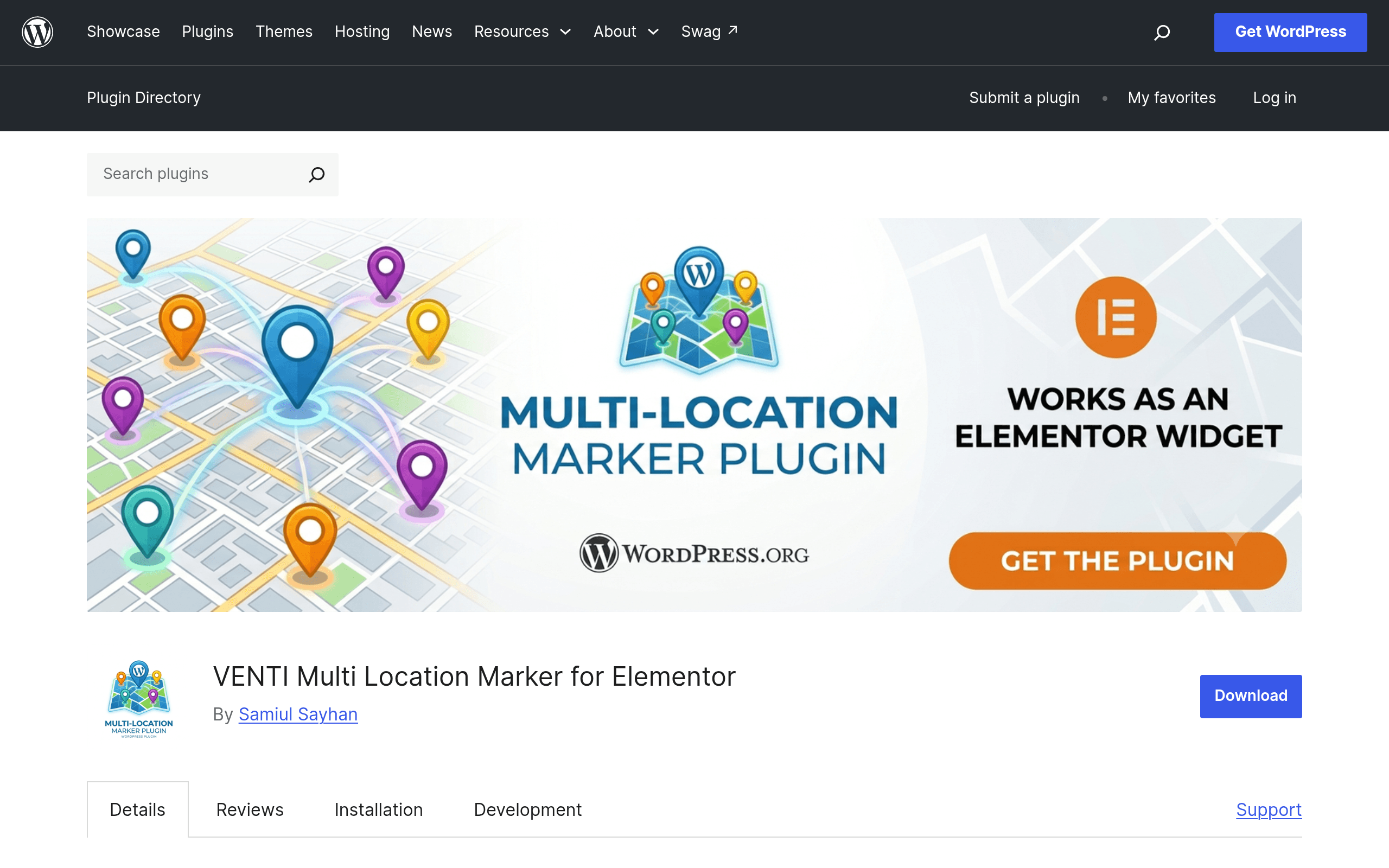
What VENTI Multi Location Marker Actually Does
VENTI Multi Location Marker for Elementor is a narrowly-scoped free plugin with one job: let you drop multiple pins on a map inside an Elementor page without touching the Google Maps API or paying for a geocoding key. It adds a single native Elementor widget. You drag it onto a section, then use a repeater control (the same pattern Elementor uses for its icon list or testimonial carousel widgets) to add rows — one row per location.
Each row takes an address or place name, and the plugin geocodes it using Nominatim, the free, open-data geocoding service behind OpenStreetMap. That's the core differentiator: no Google Maps JavaScript API key, no billing account, no "For development purposes only" watermark on your map. The map tiles themselves are rendered from OpenStreetMap rather than Google's tile servers.
When a site visitor clicks a marker, the plugin doesn't try to build an in-page info window — it hands off to Google Maps, opening the clicked location directly in Google's own interface (new tab). That's a pragmatic trade-off: you get free tiles and free geocoding for display, but you still lean on Google for the "get directions" moment visitors actually want.
Setup, in Practice
Install it like any WordPress.org plugin — search "VENTI Multi Location Marker" from Plugins > Add New, activate, and the widget shows up in Elementor's widget panel (it doesn't require Elementor Pro, just the free Elementor page builder). Drag the widget in, and you're editing a repeater list: address field, optional label, per-row. There's no field for manually entered latitude/longitude if Nominatim can't resolve an ambiguous address, which is worth knowing before you plot 40 branch locations with inconsistent address formatting — test a few first.
Because it rides on Nominatim's free tier, there's an unstated rate-limit reality: Nominatim's usage policy caps free requests at roughly 1 request per second and asks that you not hammer it for bulk geocoding. For a location page with 5-30 markers, that's a non-issue since geocoding happens once when you save the widget settings, not on every page load. If you're building a directory with hundreds of dynamically-added locations, this is not the tool.
Concrete Use Cases
- A regional dental or chiropractic group with 6-12 offices wants a single "Find a Location" page. This widget replaces what used to require a paid maps plugin or custom API key just to avoid Google's rate limiting on free-tier embeds.
- A franchise or dealership site listing store locations where the client explicitly doesn't want to set up Google Cloud billing (a real recurring objection from small-business clients who got a surprise invoice from an unrestricted API key).
- An events or pop-up retail brand that changes locations seasonally and needs someone non-technical to add/remove a row in the repeater rather than edit code or a JSON feed.
- Agencies doing budget WordPress builds where a client's total map-related spend needs to be $0, and clicking through to full Google Maps for directions is an acceptable trade for not embedding Google's tiles directly.
What it's clearly not built for: interactive filtering (no category dropdown to show "only West Coast locations"), custom marker icons per category, clustering for dense marker sets, or in-page info windows with photos and hours. If you need any of that, you're back to a paid solution or custom code.
How It Compares
| VENTI Multi Location Marker | Elementor Pro Maps Widget | Advanced Google Maps for Elementor | Google Maps Widget (MapSVG) | |
|---|---|---|---|---|
| Price | Free (WordPress.org) | Included in Elementor Pro ($59/year and up) | Free core plugin + Pro add-on ($39–$199/year depending on license tier) | MapSVG core is a paid plugin, roughly $29–$99 one-time per site tier |
| Map source / API requirement | OpenStreetMap tiles + Nominatim, no API key needed | Google Maps API, requires your own API key and billing | Google Maps API, requires API key | Google Maps or custom SVG maps, API key needed for Google mode |
| Multiple locations per map | Yes, unlimited via repeater | No — one address per widget instance natively | Yes, built for multi-location with clustering | Yes, with advanced marker/category filtering |
| Marker click behavior | Opens location in Google Maps (new tab) | Opens native Google info window in-page | In-page info window with custom content/images | In-page popups, custom styling, filterable by category |
| Best for | Simple, free multi-location display with zero API setup | Single-location contact/about pages already using Elementor Pro | Multi-location business directories needing polish and clustering | Complex map builds needing SVG custom maps or heavy filtering |
Should You Install It Today
If you're building or maintaining a small business site with a handful of physical locations and the client either doesn't have a Google Maps API key or doesn't want the billing exposure, VENTI Multi Location Marker is a genuinely useful, zero-cost fit — install it, add your addresses, and you have a working locations map in under ten minutes. It won't replace Elementor Pro's maps widget for single-location contact pages where an in-page info window matters, and it won't scale to a directory-style build the way Advanced Google Maps for Elementor or MapSVG will once you need clustering or category filters. As a first release, it does the one thing it promises — free multi-marker mapping without a Google API key — and does it without asking you to configure anything beyond typing in addresses.