VertiFeed: A First Look at WordPress's New TikTok-Style Vertical Video Gallery Block
By Day Zero Guides Editorial · How we produce guides
Some links in this guide are affiliate links. If you sign up through them, Day Zero Guides may earn a commission at no extra cost to you. This never affects which products we cover or what we say about them. See our affiliate disclosure for details.
Concrete use cases
- A recipe blog turning 30-second "how I plate this" clips into a swipeable feed at the bottom of each recipe post, instead of embedding a single YouTube video.
- A local gym or personal trainer site stacking short exercise-demo clips (squat form, kettlebell swing, etc.) into one scrollable gallery on a "Programs" page.
- A real estate agent presenting vertical walkthrough clips of multiple listings on one page, letting buyers swipe from unit to unit rather than opening separate video players.
- A church or event organizer posting a reel of short sermon or event highlight clips without routing traffic through a third-party video platform's branding and suggested-video sidebar.
- An e-commerce store on WooCommerce adding a product-demo reel to a category page, similar to how Shopify stores use native "Shorts"-style apps.
What it's not well-suited for: high-traffic video-heavy sites, long-form video, or anyone who needs analytics, ad monetization, or adaptive bitrate streaming for viewers on slow connections — none of that is part of the plugin.
What VertiFeed actually does
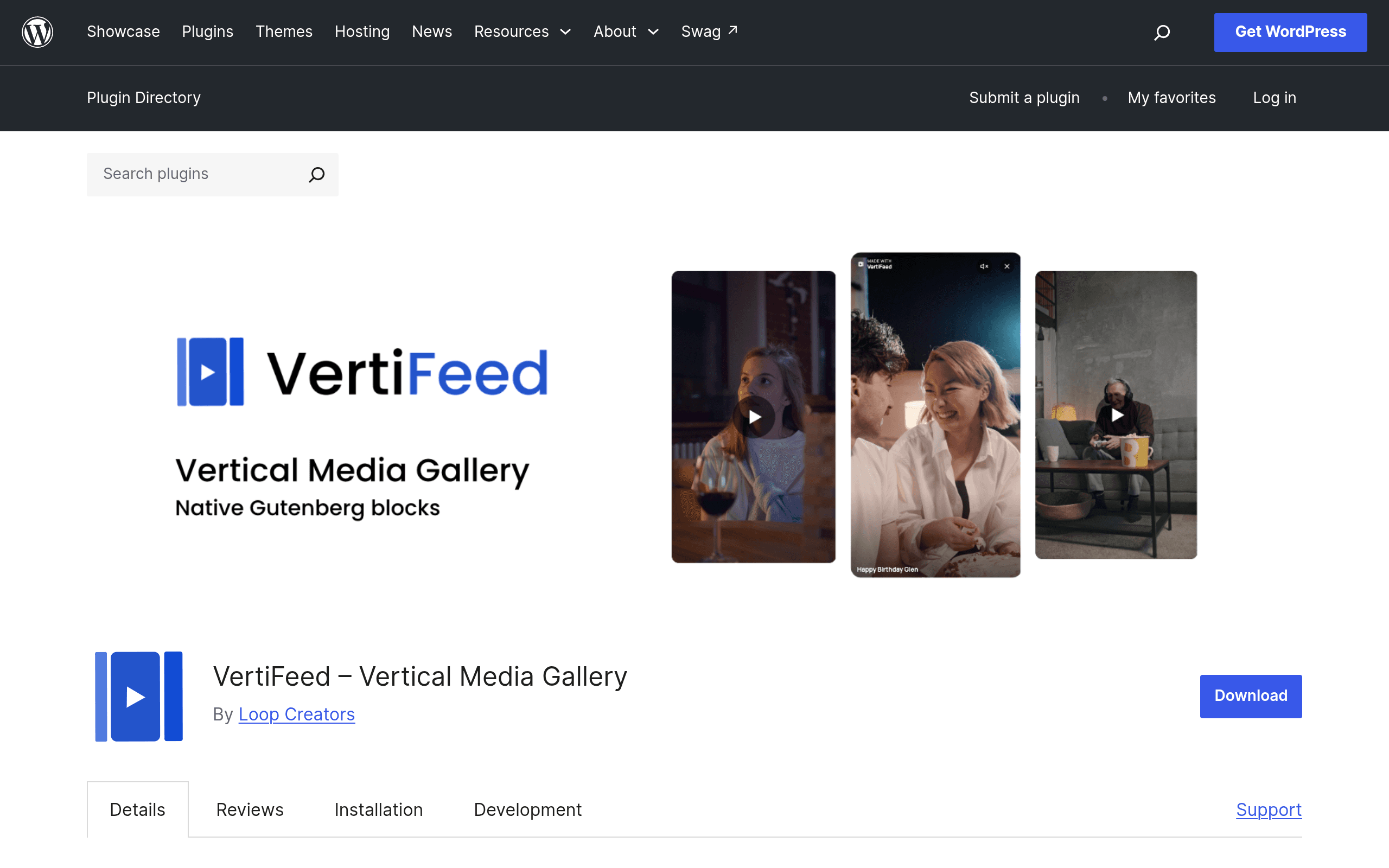
VertiFeed is a free WordPress plugin, distributed through the official WordPress.org plugin repository, that adds a Gutenberg block for building vertical, swipeable video galleries — the same basic interaction pattern as TikTok, Instagram Reels, or YouTube Shorts, but running entirely on your own WordPress install.
You drop the block into a post or page, populate it with videos from your WordPress Media Library, and it renders a responsive grid of thumbnails. Click any thumbnail and it opens a fullscreen overlay player where visitors swipe or scroll vertically to move between clips, instead of clicking back out to a grid each time.
The key architectural decision here is that VertiFeed is self-hosted only. There's no Vimeo, YouTube, or Bunny.net integration in the initial release — every video file lives in your Media Library and is served from wherever your WordPress installation lives. That's a meaningful trade-off worth understanding before you install it.
Pricing
VertiFeed itself has one price: free. It's GPL-licensed, listed on WordPress.org, and as of this writing there's no premium tier, no license key, no upsell modal, and no "Pro" version gating features like more videos per gallery or removing branding. You install it from Plugins → Add New like any other free plugin.
The real cost to weigh isn't the plugin — it's your hosting. Because VertiFeed serves video files directly from your Media Library rather than an external CDN built for video, your actual monthly cost depends entirely on your hosting plan's storage and bandwidth allowances, and whether you're paying separately for a CDN. A shared hosting plan that's fine for a text-heavy blog can get expensive or slow fast once you're serving multiple vertical videos per page.
How it compares
| VertiFeed | Vimeo Video Gallery | Smart Video Gallery | Envira Gallery (Video addon) | |
|---|---|---|---|---|
| Price | Free, open source | Free plugin, but requires a paid Vimeo plan (Starter ~$12/mo, Standard ~$20/mo, Advanced ~$65/mo) to host/stream video | One-time purchase, typically ~$25–$35 on CodeCanyon | Envira Pro tier and up, roughly $199.50/yr for the tier that unlocks the Video addon |
| Video hosting | Self-hosted via WP Media Library only | Externally hosted on Vimeo's CDN with adaptive streaming | Self-hosted or embed (YouTube/Vimeo URLs) | Self-hosted or embed via addon |
| Signature interaction | Fullscreen vertical swipe/scroll overlay, TikTok/Reels-style | Standard grid/lightbox gallery, no vertical-swipe mode | Standard lightbox/grid gallery layouts | Grid, masonry, and lightbox layouts; no native vertical-swipe UX |
| Editor integration | Native Gutenberg block | Shortcode-based, limited block editor support | Shortcode plus a basic block | Native Gutenberg block via Envira's own block |
| Best for | Short-form vertical clips, TikTok-style browsing, zero budget | Sites already paying for Vimeo hosting/bandwidth and analytics | Buyers wanting embed flexibility without a subscription | Photographers/agencies already using Envira for photo galleries who want video bundled in |
What's missing (for now)
A few gaps stood out in testing that anyone evaluating this today should know about:
- No analytics. There's no view count, completion rate, or engagement data — you'd need a separate tool if that matters to you.
- No adaptive bitrate/transcoding. Whatever resolution you upload is what gets served; there's no automatic compression pipeline like Vimeo's.
- No YouTube/Vimeo embed option yet. If your videos already live on an external platform, you'd need to download and re-upload them to your Media Library to use VertiFeed, which increases your hosting load.
- No monetization or ad insertion, which some of the older CodeCanyon-style gallery plugins do offer as paid add-ons.
Should you install it today?
If you already have decent hosting (or a CDN like Cloudflare or Bunny.net in front of your media), have a modest number of short vertical clips, and want a native, no-cost way to give visitors a swipe-through video feed inside WordPress, VertiFeed is worth trying — it costs nothing to test on a staging site, and the vertical-swipe interaction is genuinely something none of the established gallery plugins replicate out of the box.
If you're already paying for Vimeo hosting, have a large video library, or need analytics and adaptive streaming, stick with Vimeo's own gallery tools or Envira's video addon for now — VertiFeed's first release is intentionally narrow, and self-hosting a lot of video without a CDN behind it will show up in your page-speed scores quickly.