Web Makinası – Sohbet Butonu: First Look at the Free WhatsApp Button Plugin for WordPress
By Day Zero Guides Editorial · How we produce guides
Some links in this guide are affiliate links. If you sign up through them, Day Zero Guides may earn a commission at no extra cost to you. This never affects which products we cover or what we say about them. See our affiliate disclosure for details.
Concrete use cases
- A local service business (plumber, dentist, tutor) wants a single tap-to-WhatsApp button on every page, with a message like "Hi, I found you on [site] and want to book an appointment." Setup takes under 10 minutes: install, paste number, edit the default message, done.
- A small WooCommerce store selling under ~200 SKUs wants pre-sale questions to go straight to WhatsApp instead of an email form that gets ignored for two days. The dynamic product-variable message means every inbound chat already tells the owner which product the buyer is looking at.
- A multi-language content site wants the button visible only on the "Contact" and "Services" pages in one language, and hidden from the blog. Visibility rules handle this without extra code.
- An agency managing several client sites wants a lightweight option they don't have to justify to clients on a monthly invoice — free, no tracking scripts, no vendor lock-in.
What it actually is
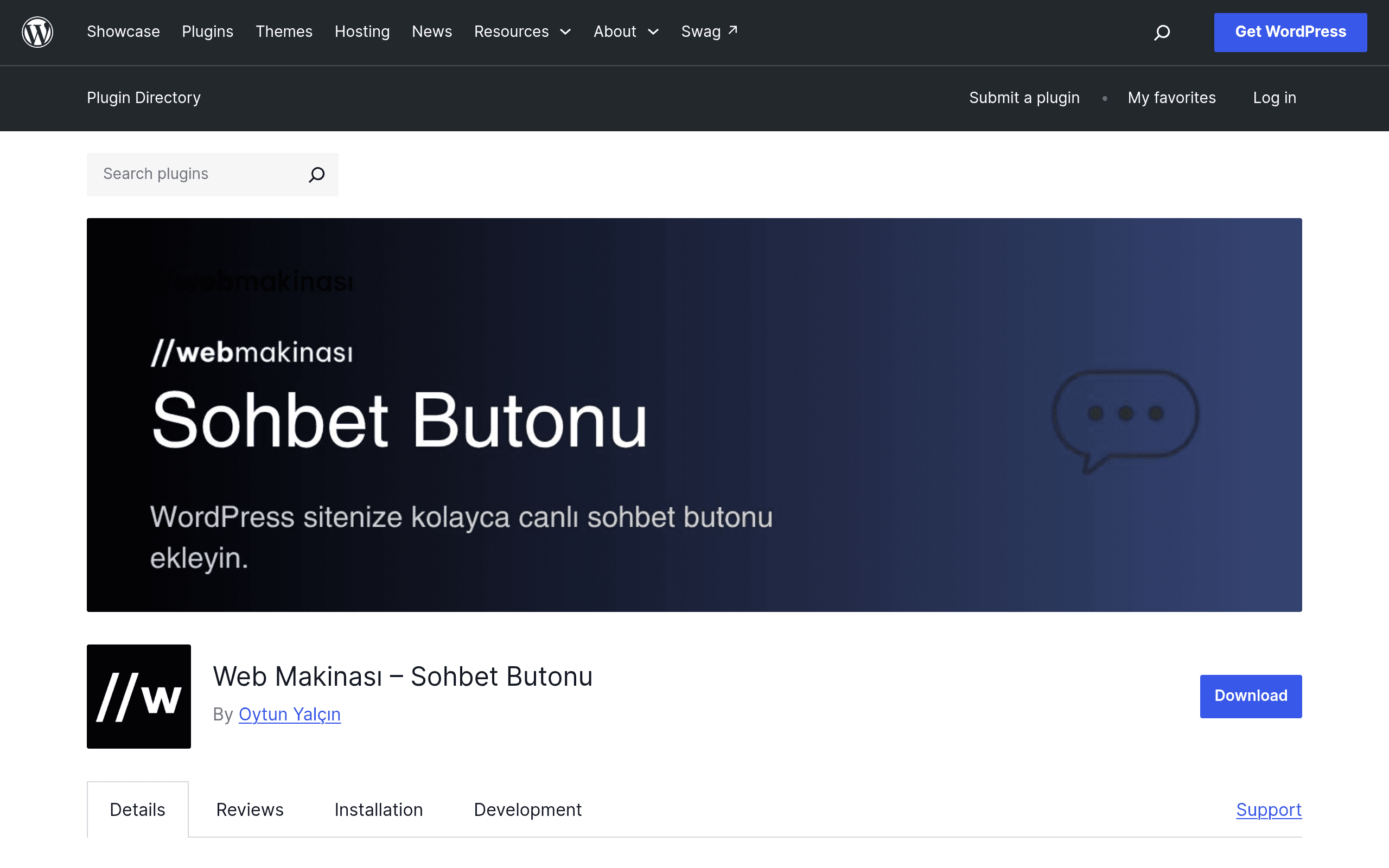
Web Makinası – Sohbet Butonu is a WordPress plugin, not a hosted chat platform. It drops a floating WhatsApp button onto your site's front end that opens a chat with your business number on WhatsApp Web or the WhatsApp app — no widget SDK, no third-party servers relaying your conversations, no monthly bill. You install it from the WordPress.org plugin directory like any other plugin, configure it in your wp-admin, and it just sits on your pages.
This matters because most "chat button" tools on the market (Tidio, Crisp, Intercom) are actually full customer messaging platforms that happen to support a WhatsApp channel as one option among many. Web Makinası does one thing: get a visitor from your site into a WhatsApp conversation with as little friction as possible.
What's actually in the box
- Phone number normalization — you can paste a number in almost any format (with dashes, spaces, a leading 0, a country code or not) and the plugin cleans it into the international format WhatsApp's click-to-chat API requires. This sounds trivial until you've debugged a "wa.me" link that silently fails because of a stray leading zero.
- Predefined messages with dynamic variables — instead of a generic "Hi, I have a question," you can pre-fill the chat with a message that includes the page title, the current URL, or on WooCommerce product pages, the product name, price, and SKU. A visitor on a product page can tap the button and land in WhatsApp with "Hi, I'm interested in [Product Name] (₺349) — is it in stock?" already typed in.
- Granular visibility controls — show the button site-wide, or restrict it to specific pages, posts, post types, or categories. Useful if you only want the button on product and contact pages, not on blog posts or your privacy policy.
- Live preview editor — a settings screen that shows the button's position, color, size, and icon in real time as you adjust options, rather than making you save-and-reload to check each change.
- Developer hooks — filters and actions for custom themes/plugins to override the phone number, message, or visibility logic programmatically, which matters if you're running the plugin on a multi-vendor or membership site with per-user contact numbers.
What it's not good for
If you need a shared team inbox, canned-response automation across agents, chatbot flows, visitor tracking, email fallback, or any kind of analytics dashboard on response times, this plugin doesn't do any of that — it's a button, not a helpdesk. It also depends entirely on WhatsApp itself; there's no in-app chat history stored in WordPress, so if the visitor closes WhatsApp without messaging, you have no record of the interaction.
Pricing
Web Makinası – Sohbet Butonu is free, distributed through the official WordPress.org plugin directory under an open-source license. There's no premium tier, no upsell screen, and no account to create. You install it, configure it, and it works — the entire cost is the few minutes of setup.
Compare that to the market it's implicitly competing with:
| Web Makinası – Sohbet Butonu | Tidio Chat | Crisp Chat | Intercom | |
|---|---|---|---|---|
| Starting price | Free (open source) | Free tier; paid plans from ~$29/month | Free tier for 2 seats; paid plans from ~$25/month | No free tier; plans start around $39/month per seat |
| Core function | WhatsApp click-to-chat button only | Live chat widget + chatbots + email/Messenger/Instagram integrations | Live chat widget + shared inbox + CRM-lite features | Full customer messaging platform with AI bots, help desk, and product tours |
| WhatsApp support | Native, primary channel | Available as add-on on paid plans | Available as add-on on paid plans | Available via integration on higher-tier plans |
| Data/hosting | Runs entirely on your own WordPress site, no external account | Hosted SaaS, conversations stored on Tidio's servers | Hosted SaaS, conversations stored on Crisp's servers | Hosted SaaS, enterprise-grade data handling |
| Best for | Solo sites, small stores, agencies wanting a zero-cost WhatsApp CTA | Small businesses wanting a broader live-chat + bot toolkit | Startups wanting a shared inbox across chat/email | Mid-size to enterprise teams needing a full support/marketing suite |
Should you install it today
If what you actually want is "a WhatsApp button that pre-fills a smart message and shows up only where I want it," this plugin does that job well and costs nothing — there's little reason not to try it, since removing it is as simple as deactivating a plugin. If you're evaluating Tidio, Crisp, or Intercom because you need a shared inbox, chatbot automation, or multi-channel support beyond WhatsApp, this plugin isn't a substitute — it solves a narrower problem, deliberately, and is worth pairing alongside one of those tools rather than instead of them if your needs grow.