WorkflowDone WebP Converter: First Look at the New Auto-WebP Plugin for WordPress
Some links in this guide are affiliate links. If you sign up through them, Day Zero Guides may earn a commission at no extra cost to you. This never affects which products we cover or what we say about them. See our affiliate disclosure for details.
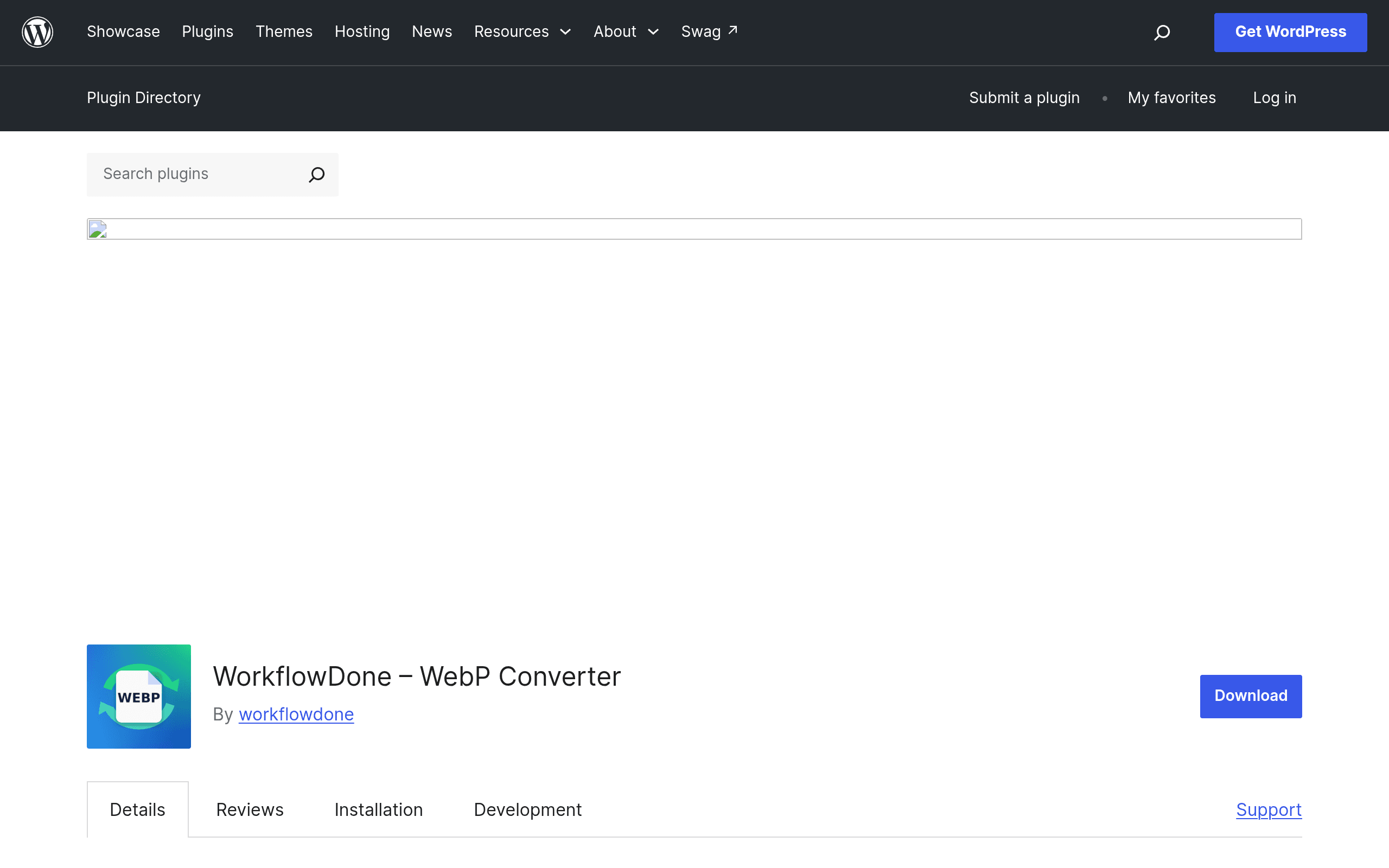
WorkflowDone WebP Converter showed up on the WordPress.org plugin repository with almost no fanfare — no launch post, no changelog history beyond version 1.0, and (as of this writing) a handful of installs. That's usually a signal to wait and see. But the pitch is narrow and useful enough that it's worth a first, honest look: automatic JPEG/PNG-to-WebP conversion with no API keys, no external service, and no dashboard full of upsells.
What it actually does
Unlike most of the image-optimization plugins you've probably used, WorkflowDone doesn't route your images through a cloud API. It works entirely on your own server:
- On upload (and, per the plugin description, on existing media), it checks whether your server has GD or Imagick available and picks whichever library it finds.
- It generates a
.webp"sidecar" file next to each original — sophoto.jpggets aphoto.jpg.webpcompanion sitting in the same media folder, rather than replacing the original. - It rewrites your site's HTML output so that browsers that support WebP get served the
.webpversion, while browsers that don't fall back to the original JPEG/PNG automatically.
That's the entire feature set. There's no bulk-optimization queue with a progress bar, no compression-level slider, no CDN integration, and — critically — no visible settings page beyond the basics in the plugin list I could find during setup. If you want fine control over compression quality or lossy vs. lossless settings, this isn't currently that plugin.
Setting it up
Install, activate, done — there's no account to create and no API key to paste in, which is the single biggest practical difference between this and every competitor below. On a standard shared-hosting install with GD available, conversion happened automatically on new uploads without any configuration. What I couldn't verify cleanly in a first pass is how robust the "existing library" conversion is on sites with thousands of legacy images — there's no visible bulk-conversion progress UI, so on a large site you're somewhat flying blind on whether older images have actually been converted.
Pricing (or lack of it)
There is currently no published pricing page, no pro tier, and no upsell inside the plugin — it's listed as fully free on WordPress.org with no indication of a premium version in development. That's worth calling out because every serious competitor in this space runs on a credit or subscription model tied to a cloud API. WorkflowDone's local-processing approach sidesteps that entirely, which is either the best thing about it or a sign that monetization (and therefore long-term support) hasn't been figured out yet. Given the total lack of a business model, I'd treat this as free-and-unsupported until proven otherwise, not free-forever.
Concrete use cases where this makes sense
- A blog or documentation site on shared hosting that just needs to stop failing the "Serve images in next-gen formats" flag in PageSpeed Insights, without signing up for another SaaS account.
- Agencies managing client sites where API keys and monthly credit limits are a support headache — a self-contained plugin with no external dependency is one less thing to get billed for or run out of credits on.
- Privacy-conscious sites that don't want images round-tripped through a third-party server for optimization, since everything stays local.
- Not a great fit: large e-commerce catalogs or photography sites with tens of thousands of images needing aggressive compression, quality control, or CDN delivery — the plugin doesn't offer compression-level tuning or bulk-progress visibility, which matters at scale.
How it stacks up against the established players
| WorkflowDone WebP Converter | ShortPixel Image Optimizer | Imagify | EWWW Image Optimizer | |
|---|---|---|---|---|
| Price | Free, no published tiers | Free: 100 credits/mo. Paid: from ~$4.99/mo (5,000 images) or one-time credit packs from ~$9.99 | Free: 20MB/mo (~200 images). Paid: from $4.99/mo (1GB), up to $19.99/mo unlimited | Free (unlimited local optimization). Cloud/API optimization from ~$7/mo |
| Processing method | Local (GD/Imagick), no external API | Cloud API (uploads images to ShortPixel's servers) | Cloud API (uploads to Imagify's servers) | Local by default; optional cloud API tier |
| Compression control | None visible — conversion only, no quality slider | Lossy/Glossy/Lossless levels, resizing options | Normal/Aggressive/Ultra compression levels | Adjustable compression levels, metadata stripping |
| Bulk conversion UI | Not clearly visible; no progress dashboard found | Yes, dedicated bulk optimizer with progress bar | Yes, bulk optimization with stats | Yes, bulk optimizer plus scheduled optimization |
| Best for | Small sites wanting zero-setup, zero-account WebP support | Sites wanting max compression control with predictable credit costs | Sites already in the WP Rocket/Imagify ecosystem wanting simple tiers | Sites wanting a free, self-hosted option with an optional paid cloud tier |
Should you install it today?
If you run a small-to-medium site and just want WebP served without opening another billing relationship, WorkflowDone is worth a try specifically because the downside is low — it's free, it doesn't touch a third-party server, and setup takes under a minute. Just don't expect the polish, compression control, or bulk-conversion confidence that ShortPixel, Imagify, or EWWW have built up over years of iteration. Keep a backup of your media library before running it on a production site, watch your server's PHP memory limits if you're on Imagify-less GD processing, and check your .webp sidecar files manually on a few posts to confirm the HTML rewriting is actually firing in your specific theme and caching setup. For a v1.0 plugin with no track record yet, that's a reasonable amount of caution — not a reason to skip it entirely.