Acronis Review: Pricing, Features, and How It Compares to Veeam and Datto
By Day Zero Guides Editorial · How we produce guides
Some links in this guide are affiliate links. If you sign up through them, Day Zero Guides may earn a commission at no extra cost to you. This never affects which products we cover or what we say about them. See our affiliate disclosure for details.
What Acronis Actually Is
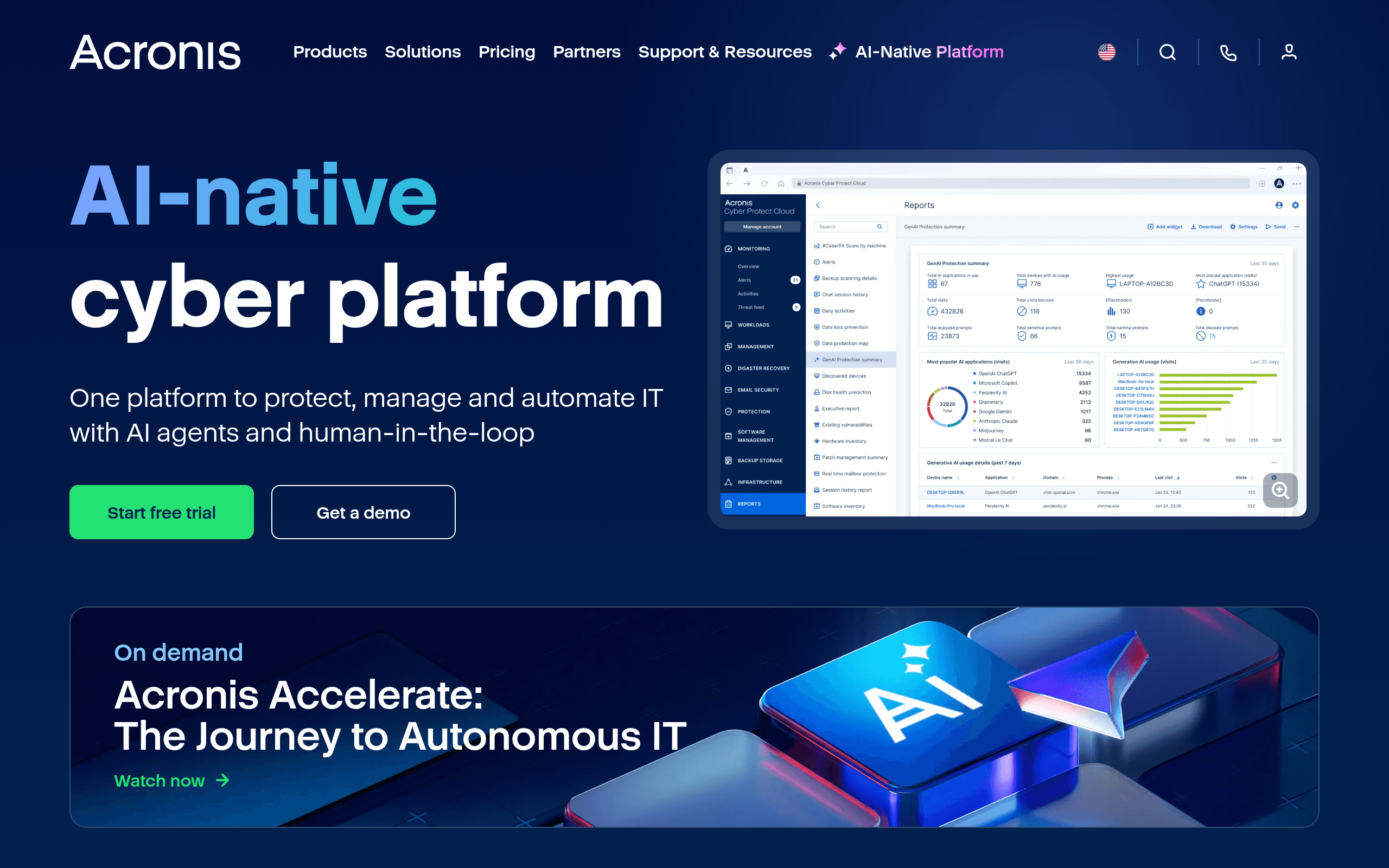
Acronis International GmbH has been in the backup and data protection business since the early 2000s, but the company has spent the last several years repositioning itself as a unified "cyber protection" vendor — bundling backup, disaster recovery, anti-malware, endpoint detection and response (EDR), patch management, and email security into single products rather than selling them as separate tools. That integration is the whole pitch: instead of running a backup agent, an antivirus agent, and a patching tool from three vendors, you run one Acronis agent that does all three.
The product line splits into three practical buckets:
- Acronis Cyber Protect Home Office (formerly Acronis True Image) — consumer/prosumer backup and antivirus for individual PCs and Macs.
- Acronis Cyber Protect Cloud — the MSP-facing platform, sold through partners, with per-workload/consumption pricing and an RMM/PSA integration layer.
- Acronis Cyber Protect (on-prem/enterprise) — for organizations that want to run the platform on their own infrastructure rather than Acronis's cloud.
This matters before you evaluate pricing, because "Acronis" isn't one SKU — it's three different buying motions depending on whether you're a home user, an MSP, or an enterprise IT team.
Pricing: What You'll Actually Pay
Acronis doesn't publish a straightforward price list on its site — you're pushed toward a pricing calculator, a demo request, or a partner quote, which is a common (and mildly annoying) pattern for products that scale by workload count and storage consumption. Here's what the real-world numbers tend to look like:
Acronis Cyber Protect Home Office (consumer):
- Essentials: roughly $50/year — local and cloud backup for one device, no cloud storage included
- Advanced: roughly $80–90/year — adds cloud storage (commonly 500GB) and more granular scheduling
- Premium: roughly $120–130/year — 1TB+ cloud storage, blockchain-based file notarization, and priority support
Pricing scales with the number of devices covered, and Acronis runs frequent discounts (30–50% off) around renewal periods and holidays, so the "list price" is rarely what long-time customers actually pay.
Acronis Cyber Protect Cloud (MSP/business): Sold exclusively through managed service provider partners, priced per workload (a server, VM, or endpoint) per month, with separate meters for storage consumption. Street pricing generally lands in the $10–30/workload/month range depending on which protection tier you select (Backup Standard, Backup Advanced, or full Cyber Protect with EDR/XDR bundled in). Storage is billed separately, often per GB/month, which can surprise buyers who don't model retention policies carefully.
Acronis Cyber Protect (on-prem): Quote-only, licensed per workload/server, with enterprise agreements negotiated case-by-case. Expect a sales cycle here, not a self-serve checkout.
The lack of published enterprise/MSP pricing is a legitimate friction point — if you're comparing vendors on a spreadsheet, you'll get a number from Acronis's sales team but not from its website, which slows down procurement.
Who Acronis Actually Fits
- A solo consultant or small office wanting one subscription that backs up laptops to the cloud and blocks ransomware, rather than juggling a separate antivirus renewal and a separate backup app — the Home Office tiers cover this reasonably well.
- An MSP managing 50–500 client endpoints that wants to consolidate its RMM stack: backup, patching, and basic EDR from one console with one invoice per client, instead of stitching together a backup vendor, a separate AV vendor, and a separate monitoring tool.
- A mid-size company with a hybrid environment (some on-prem VMs, some cloud workloads, some remote laptops) that needs disaster recovery orchestration alongside baseline endpoint security, and doesn't want to run a dedicated SOC.
Where Acronis is a weaker fit: organizations that need best-in-class, deep-detection EDR/XDR as their primary security layer (its detection engine is solid but not a CrowdStrike-caliber threat-hunting platform), or shops that already have a mature backup solution and just want a bolt-on antivirus.
How It Compares
| Acronis Cyber Protect | Veeam Backup & Replication | CrowdStrike Falcon | Datto BCDR | |
|---|---|---|---|---|
| Pricing model | Per-workload/month (MSP) or flat consumer tiers (~$50–130/yr) | Per-socket or per-workload licensing, typically quoted; historically pricier at enterprise scale | Per-endpoint/month, tiered by module (Go, Pro, Enterprise); typically $8–25/endpoint/month | Sold through MSP partners only; appliance + subscription model, quote-based |
| Core strength | Integrated backup + basic security in one agent | Best-in-class backup/replication for VMware, Hyper-V, and enterprise virtualization | Industry-leading EDR/XDR and threat intelligence; security-first, not a backup tool | Purpose-built BCDR appliances with strong ransomware rollback for MSP clients |
| Security depth | Good (anti-malware, basic EDR, patch mgmt) but not a dedicated security vendor | None — pure backup/DR, pair with separate AV/EDR | Best-in-class; the benchmark most competitors get measured against | Backup-focused; limited native security beyond ransomware detection |
| Best for | MSPs and SMBs wanting one console for backup + light security | Enterprises with heavy VM/virtualization footprints needing granular recovery | Organizations where endpoint security is the primary buying driver | MSPs needing appliance-based BCDR with strong SLA-backed recovery |
| Deployment | Cloud, on-prem, or hybrid | On-prem, cloud, or hybrid | Cloud-native SaaS agent | Physical/virtual appliance + cloud |
The Honest Tradeoffs
What works: the single-agent model genuinely reduces vendor sprawl for smaller IT teams and MSPs, the disaster recovery orchestration (failover to Acronis cloud infrastructure) is a real differentiator versus pure backup tools, and the consumer product's cloud backup + ransomware protection combo is priced competitively against standalone options like Backblaze plus a separate antivirus subscription.
What doesn't: pricing opacity is a real cost — you'll spend time on calculators or calls to get a number competitors like Backblaze or even Veeam (which at least publishes reference pricing in some tiers) give you faster. The security module, while useful, isn't a substitute for a dedicated EDR/XDR platform if threat detection is your primary concern — pairing Acronis backup with CrowdStrike for security is a common and reasonable architecture rather than an either/or choice. MSP partners have also reported storage costs creeping up as client data grows, so model your retention policy before committing.
Verdict
Acronis makes the most sense if you want backup, basic ransomware protection, and patch management from a single vendor and single invoice — particularly for MSPs standardizing their stack or small businesses that don't want to manage multiple security subscriptions. If deep VM replication is your priority, Veeam still has the edge on pure backup/DR sophistication. If endpoint security is the actual problem you're solving, CrowdStrike is the stronger standalone choice and Acronis becomes the backup layer sitting alongside it. And if you're an MSP specifically wanting appliance-based BCDR with strong ransomware SLAs, Datto remains a direct, purpose-built competitor worth quoting against Acronis before you sign.