Kaspersky Australia & New Zealand Review: Pricing, Plans, and How It Stacks Up
By Day Zero Guides Editorial · How we produce guides
Some links in this guide are affiliate links. If you sign up through them, Day Zero Guides may earn a commission at no extra cost to you. This never affects which products we cover or what we say about them. See our affiliate disclosure for details.
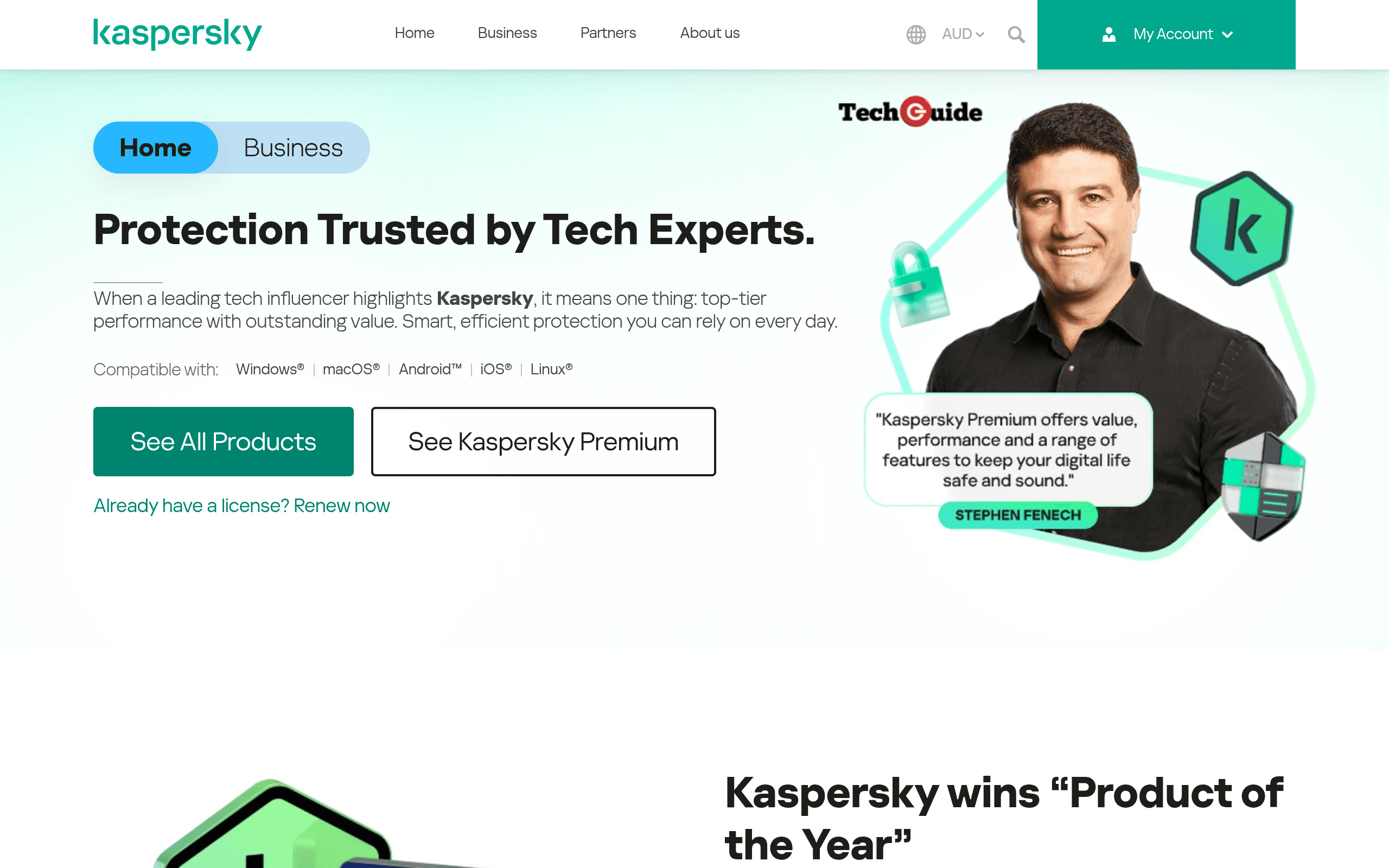
What Kaspersky Australia & New Zealand Actually Is
Kaspersky is one of the longest-running names in consumer cybersecurity, and its Australia/New Zealand storefront (kaspersky.com.au) is the regional arm selling the same core product line used globally, localised for AUD pricing, local payment processing, and regional support. It's not a stripped-down or different product — you're getting the same detection engine and feature set sold in the US, UK, and elsewhere, just billed through a local entity.
The core lineup, consistent with Kaspersky's global structure, typically breaks into three tiers:
- Kaspersky Standard — the base antivirus layer: real-time malware/ransomware protection, a performance optimiser, and basic firewall controls.
- Kaspersky Plus — adds a VPN (unlimited in Plus and Premium, capped in lower tiers on some promos), a password manager, and identity leak checking.
- Kaspersky Premium — the full suite: everything above plus remote IT support, premium identity theft features, and priority support.
All three are available for Windows, Mac, Android, and iOS, with licences typically sold in 1, 3, 5, or up to 10/20-device bundles.
Pricing: What You'll Actually Pay
Here's the honest caveat up front: Kaspersky does not publish fixed AU/NZ list pricing in a straightforward, static way on its site. Like most antivirus vendors, pricing is promotional and dynamic — the price you see is tied to the number of devices, subscription length (1-year vs 2-year), and whatever discount campaign is running at checkout. First-year promotional pricing is also typically steep discount off the renewal price, and renewal pricing (year two onward) is noticeably higher than what you pay upfront — this is industry-standard practice across Kaspersky, Norton, and McAfee alike, not unique to Kaspersky.
What you should do before buying: add your chosen plan and device count to the cart and check the actual AUD total before committing, and note the renewal price shown at checkout (not just the first-year price) so you're not surprised 12 months in. Don't rely on the headline price seen in ads or on comparison sites — it changes frequently and varies by region within Australia/NZ pricing campaigns too.
Who This Is Actually For
- Budget-conscious households with multiple devices: Kaspersky's multi-device bundles (5–10 devices) are generally competitively priced against Norton and McAfee's equivalent bundles, making it a reasonable pick for families covering phones, laptops, and tablets under one plan.
- Users who want a lighter system footprint: Kaspersky has historically scored well in independent lab tests (AV-Test, AV-Comparatives) for low performance impact, which matters if you're running an older laptop.
- Anyone needing bundled VPN + password manager without separate subscriptions: Plus and Premium tiers fold these in rather than requiring separate purchases.
- Who should think twice: Government employees, contractors, or anyone in a role touching critical infrastructure or sensitive government data — Kaspersky has faced bans or restrictions on government devices in the US, UK, and other jurisdictions over data-sovereignty concerns tied to its Russian origins. For personal/home use in Australia and NZ there's no legal restriction, but it's worth being aware of before deploying it in a business or government-adjacent context.
How It Compares
| Kaspersky (AU/NZ) | Norton LifeLock | McAfee Total Protection | Bitdefender | |
|---|---|---|---|---|
| Pricing model | Promotional first-year pricing, device-tiered (1/5/10 devices), renewal price jumps after year one | Similar promo structure; often bundled with identity theft monitoring (US-centric features, less relevant in AU) | Frequent steep discounts (up to 50-60% off first year is common), aggressive renewal pricing | Generally the most transparent base pricing of the group, with Family Pack options covering 15+ devices |
| Key feature | Strong independent lab scores for detection + low system impact; built-in VPN and password manager from Plus tier up | Dark web monitoring and identity theft insurance (stronger in US market than AU) | Wide device coverage including older OS support; VPN included across most tiers | Autopilot mode plus strong anti-ransomware and multi-layer ransomware remediation |
| Best for | Users prioritising detection performance and low system drag, comfortable with Kaspersky's origin | Users who want identity monitoring bundled in, less concerned about company headquarters | Budget shoppers chasing first-year discount pricing, multi-device households | Users who want consistently strong lab scores without worrying about geopolitical scrutiny |
| Platform support | Windows, Mac, Android, iOS | Windows, Mac, Android, iOS | Windows, Mac, Android, iOS | Windows, Mac, Android, iOS |
| Standout limitation | Government/enterprise restrictions in some countries; brand trust concerns for some buyers | Can feel bloated with upsells; VPN sometimes capped on lower tiers | Historically weaker lab scores than Kaspersky/Bitdefender in some test cycles | No bundled identity monitoring comparable to Norton's LifeLock integration |
The Verdict
On pure technical merit, Kaspersky remains one of the stronger antivirus engines on the market — it consistently performs well in AV-Test and AV-Comparatives results for both detection rates and system performance, and the Plus/Premium tiers pack in genuinely useful extras (VPN, password manager) rather than token add-ons. For an Australian or New Zealand household wanting solid protection across five or more devices without buying separate VPN and password manager subscriptions, it's a reasonable and often well-priced option, especially at first-year promotional rates.
The asterisk is the same one that's followed Kaspersky globally for years: its Russian origins have led several governments to restrict or ban it on official and enterprise devices over data-sovereignty concerns. That's not a legal issue for home users in Australia or NZ, but it's a legitimate factor to weigh, particularly if you work in government, defence-adjacent, or regulated industries where your employer may have its own policy on Kaspersky software.
If you're buying for personal or family use and are comfortable with that context, it's worth comparing the actual checkout price against Bitdefender and McAfee's current promos before committing — the "best deal" among these three shifts constantly, and the only way to know is to price out your specific device count on the day you buy. If identity theft monitoring tailored to a US-style credit system is a priority, Norton's LifeLock bundle is more built for that use case than Kaspersky's regional identity protection features, which are more limited in the AU/NZ market.