AdPriva: First Look at the New Privacy-Preserving Bot Detection Plugin for WordPress
Some links in this guide are affiliate links. If you sign up through them, Day Zero Guides may earn a commission at no extra cost to you. This never affects which products we cover or what we say about them. See our affiliate disclosure for details.
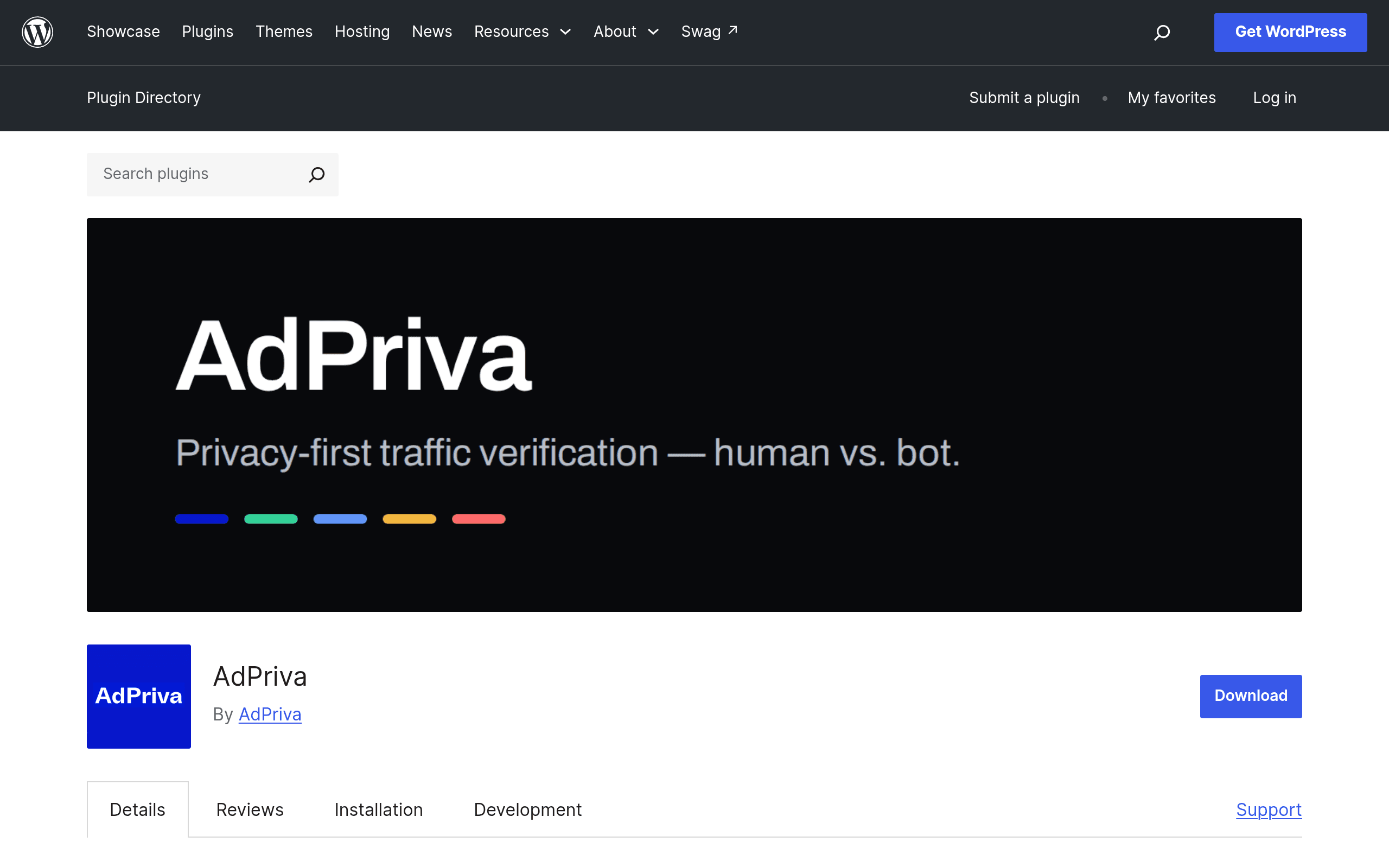
What AdPriva Actually Does
AdPriva is a WordPress plugin, listed on the official WordPress.org plugin repository, that aims to answer a question every publisher and ad-supported site owner eventually asks: how much of my traffic is actually human?
Rather than relying on the usual approach of fingerprinting devices or logging IP addresses and user agents into a black-box dashboard, AdPriva uses cryptographic proofs and privacy-preserving signals to classify visitors as human or bot. The pitch is that you get traffic validity data without your site becoming a data collector of personal visitor information — relevant if you're trying to stay clean on GDPR/CCPA exposure while still wanting bot visibility.
Setup, per the plugin listing, is straightforward: install from the WordPress plugin directory, connect your site via OAuth, and the plugin starts surfacing traffic breakdowns directly inside your wp-admin dashboard — no separate SaaS portal to log into, no DNS changes, no reverse proxy setup.
Who This Is Actually For
This is not a WAF or a DDoS shield. Based on what's published, AdPriva is squarely a traffic verification and reporting tool, not a blocking/mitigation layer like Cloudflare or Imperva's bot products. That distinction matters a lot when deciding if it fits your stack.
Concrete use cases where AdPriva looks like a reasonable fit:
- Ad-supported publishers who need to show advertisers or ad networks (Mediavine, AdThrive, direct deals) a credible human-traffic-validity report before a payout dispute happens, rather than after.
- Affiliate sites trying to sanity-check whether a traffic spike from a guest post or backlink is real readers or scraper/bot noise before making content decisions based on it.
- Small-to-mid WordPress sites that don't have the budget or technical appetite to route traffic through Cloudflare's enterprise bot management or Imperva's WAF stack, but still want a bot/human breakdown number to put in a monthly report.
- Sites concerned about analytics inflation — e.g., a SaaS blog trying to figure out if its "10,000 monthly visitors" is meaningfully lower once bot traffic is stripped out, before making content ROI decisions.
If you need active bot blocking, rate limiting, or WAF-level mitigation, AdPriva alone won't replace that — it's reporting/verification, not a firewall.
Pricing: What's Known Right Now
As of this writing, AdPriva has not published pricing on its WordPress.org listing or associated pages. The plugin page describes functionality and setup but doesn't list free-tier limits, paid tiers, or usage-based costs. If you install it today, expect to go through OAuth setup and hit a pricing reveal at some point in-app — likely once you're past an initial trial or usage threshold, which is the common pattern for OAuth-connected WordPress plugins with a backend service component. If pricing transparency before install matters to you, that's a real gap worth weighing against the alternatives below, all of which have public (if enterprise-opaque) pricing structures.
How It Compares
| AdPriva | Cloudflare Bot Management | Imperva Bot Management | Distil Networks (now part of Imperva) | |
|---|---|---|---|---|
| Pricing | Not published; OAuth-based plugin install | Included in Cloudflare Enterprise plans (custom pricing, typically $$$$/mo); a limited "Bot Fight Mode" is free on all plans | Enterprise/custom pricing, typically quoted per-domain via sales | Discontinued as standalone product; folded into Imperva's Advanced Bot Protection, enterprise pricing only |
| Core function | Traffic verification & reporting (human vs. bot classification) via cryptographic proofs | Active bot detection + blocking/challenge at the edge (CDN-level) | Active bot mitigation, WAF integration, behavioral + fingerprinting analysis | Was active bot mitigation; now merged into Imperva's stack |
| Data collection approach | Privacy-preserving signals, no personal visitor data collected | Uses request metadata, JA3 fingerprints, behavioral signals at network edge | Deep fingerprinting, behavioral biometrics, device intelligence | Similar fingerprinting-based approach (legacy) |
| Install complexity | WordPress plugin install + OAuth connect, no DNS change | Requires routing DNS through Cloudflare | Requires WAF/CDN integration or agent deployment | Was agent/CDN-based |
| Best for | WordPress site owners wanting a lightweight, privacy-conscious traffic validity report inside wp-admin | Sites already on Cloudflare wanting bot blocking at the edge alongside CDN/DDoS protection | Large enterprises needing deep bot mitigation tied into a broader WAF/security stack | N/A — legacy product, evaluate Imperva directly instead |
| Blocking/mitigation included | No — reporting/verification only (per current listing) | Yes | Yes | Yes (as part of Imperva now) |
The Honest Trade-off
The appeal of AdPriva is narrow but real: it's the only option in this table that installs in minutes on a normal WordPress site without touching DNS or your hosting stack, and it explicitly avoids collecting visitor personal data — a meaningfully different privacy posture than fingerprinting-heavy tools like Imperva or Distil's legacy approach. That makes it a low-friction way to get a first read on your bot traffic percentage.
The trade-off is equally real: no published pricing means you can't budget for it before installing, and it doesn't do the active blocking/mitigation that Cloudflare and Imperva are built around. If your problem is "bots are hammering my login page and slowing my server," AdPriva's reporting won't fix that. If your problem is "I need to know what percentage of my traffic is real before I renew an ad contract," it's worth the five-minute install to see what numbers it surfaces.
Bottom Line
Install AdPriva today if you run a WordPress site, want a privacy-conscious bot/human traffic breakdown without infrastructure changes, and can tolerate pricing being revealed post-signup. Skip it — for now — if you need active bot blocking or WAF-level protection, or if you need firm pricing numbers before you're willing to connect an OAuth account to a new, unproven vendor.