GlobalDev Broken Link Monitor: First Look at the Lightweight Alternative to Broken Link Checker
Some links in this guide are affiliate links. If you sign up through them, Day Zero Guides may earn a commission at no extra cost to you. This never affects which products we cover or what we say about them. See our affiliate disclosure for details.
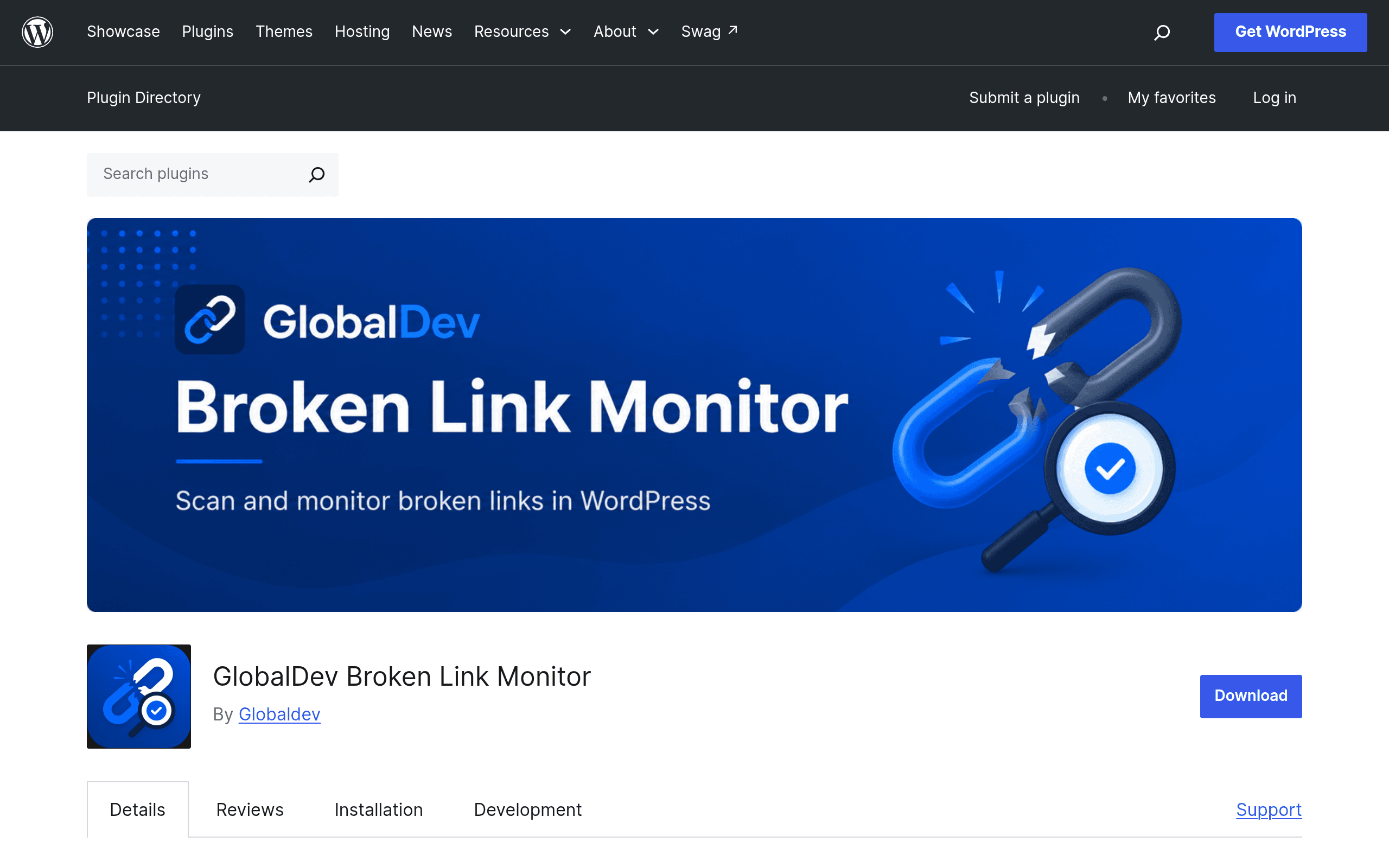
What GlobalDev Broken Link Monitor Actually Does
GlobalDev Broken Link Monitor is a free WordPress plugin that scans the links inside your post content, excerpts, and navigation menus, then flags anything returning a 404, a 500-series error, or a redirect chain worth cleaning up. It's built by GlobalDev, a WordPress agency with a handful of other utility plugins in the repository, and it launched with a narrow, specific goal: catch dead links without asking you to create an account, send data to a third-party API, or install a background service.
That last part matters. The plugin most people compare this to — Broken Link Checker — has a long history of complaints about memory usage and server load on shared hosting, largely because it keeps a persistent monitoring process running. GlobalDev's plugin instead runs scans in small, deliberate batches that you trigger (or schedule) from the WordPress dashboard, and it stores everything in your own database. Nothing leaves your site.
Setting It Up
Installation is the standard WordPress drill: search for it in Plugins > Add New, install, activate. There's no signup screen, no API key field, no "connect your account" step — which is unusual enough among SEO-adjacent plugins that it's worth calling out explicitly. Once active, you get a new admin menu item where you can:
- Kick off a manual scan of published posts and pages
- Include or exclude navigation menu links from the scan
- Set a batch size (useful if you're on modest hosting and don't want a scan to time out or spike CPU)
- Review a results table showing the source post, the target URL, the HTTP status returned, and when it was last checked
Scans run in chunks rather than all at once, so on a site with a few thousand posts, expect the first full pass to take a while if you leave the default batch size. That's a deliberate tradeoff: slower first scan in exchange for not hammering your server.
Who This Is Actually For
- Small business sites and blogs (under ~2,000 posts) that want a periodic "are any of my links dead" check without adding another SaaS subscription to the stack.
- Agencies managing client sites on modest shared hosting, where a heavier plugin like Broken Link Checker has historically caused timeout or memory issues.
- Privacy-conscious or compliance-sensitive sites (legal, healthcare, finance) that don't want outbound link data sent to a third-party checking service.
- Anyone doing a pre-migration or pre-redesign audit who needs a one-time scan of existing content for dead links before rebuilding navigation or content structure.
It is not aimed at people who want automatic link insertion or internal linking suggestions — for that, you're in Link Whisper's territory, not this plugin's.
What It Doesn't Do
Be clear-eyed about scope here. GlobalDev Broken Link Monitor does not automatically fix links, does not suggest replacement URLs, does not check external link health on a live continuous schedule (you trigger or schedule scans yourself), and doesn't include the internal-linking-suggestion features that some competing tools bundle in. It's a monitor, not an editor.
Pricing
The plugin is entirely free and open source, distributed through the official WordPress.org plugin repository. There's no premium tier, no upsell screen, and no usage cap tied to payment — the only practical limits are your own server's batch size settings and how large your content library is.
| GlobalDev Broken Link Monitor | Broken Link Checker | Link Whisper | SEO Ultimate | |
|---|---|---|---|---|
| Price | Free, no premium tier | Free, with a paid "Pro" fork on offer from some maintainers | $77–$497/year depending on site count | Free core plugin, discontinued premium add-ons |
| Data storage | Local database only, no external calls | Historically pings external servers to verify links | Local database, focused on internal links | Local database |
| Server load approach | Small batch scans, manual or scheduled | Continuous background monitoring (known for high resource use) | Lightweight, scan-on-demand for internal links | Runs as part of a broader SEO toolkit, heavier footprint |
| Core focus | Detecting broken/redirected links in content and menus | Detecting and managing broken links sitewide | Suggesting and inserting internal links | General on-page SEO (meta tags, sitemaps, link checking as one module) |
| Best for | Small-to-mid sites wanting a no-account, low-overhead link audit | Sites that want automated ongoing monitoring and don't mind the overhead | Sites focused on building internal link structure, not just fixing dead ones | Sites already wanting a broad legacy SEO toolkit |
Should You Install It Today
If your main pain point is "I inherited a WordPress site with years of content and I don't know how many links are dead," this is a reasonable, low-risk first tool to run — it's free, doesn't phone home, and won't require you to rip it back out if you decide it's not for you. Run a manual scan first with a conservative batch size, review the results table, and decide from there whether you need something heavier like Broken Link Checker for continuous monitoring, or something like Link Whisper if what you actually need is more internal links rather than fewer broken ones.
Given the plugin is newly listed, expect the review count and long-term update history to be thin for now — worth checking the WordPress.org support forum before deploying it on a business-critical site, and worth keeping a backup before your first full scan on anything with a large content library.