AlphaPrepress PDF Preflight: A WordPress-Native Way to Catch Print File Errors Before They Ship
Some links in this guide are affiliate links. If you sign up through them, Day Zero Guides may earn a commission at no extra cost to you. This never affects which products we cover or what we say about them. See our affiliate disclosure for details.
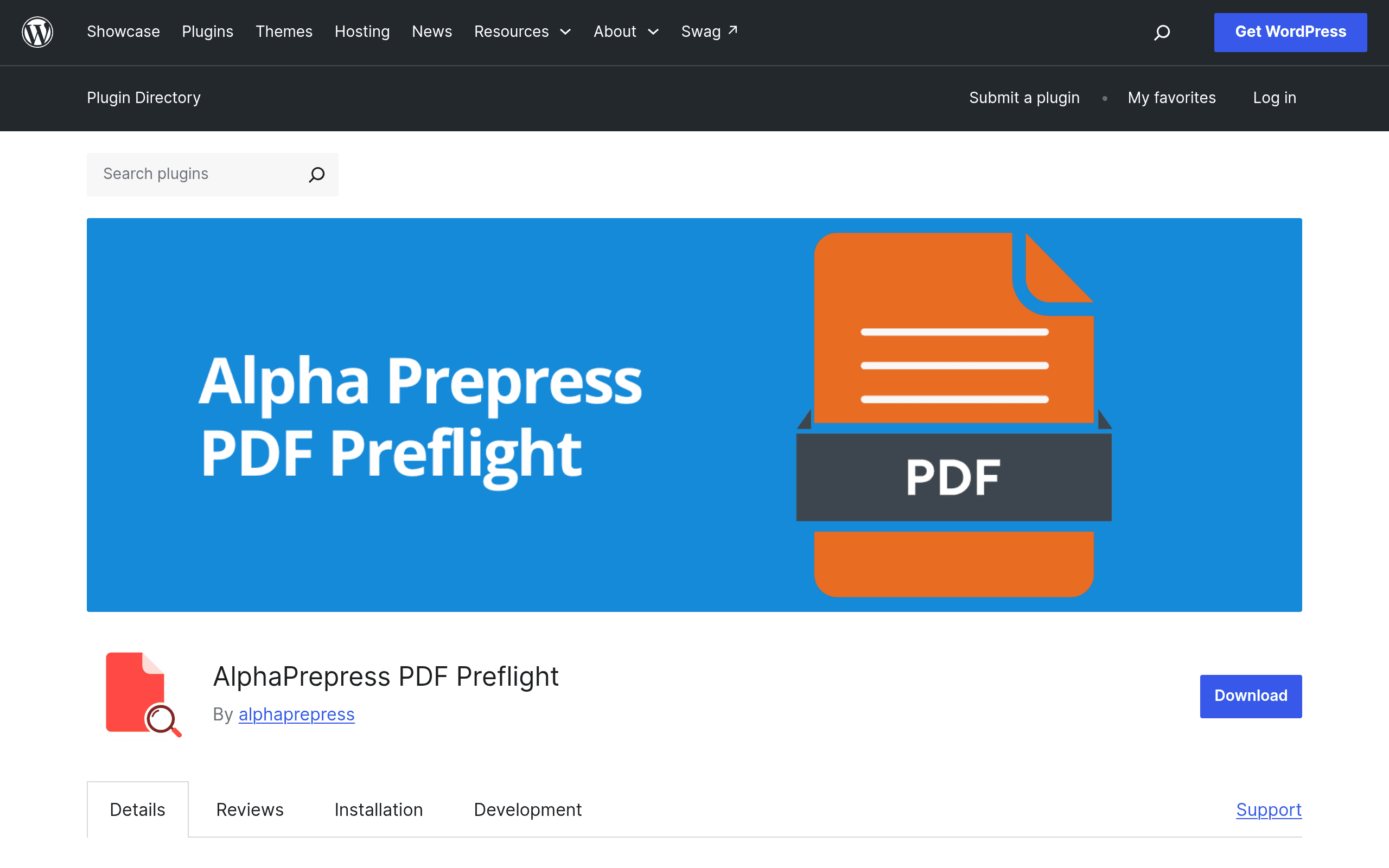
What AlphaPrepress PDF Preflight Actually Does
AlphaPrepress PDF Preflight is a WordPress plugin, distributed through the official WordPress.org plugin repository, that runs print-production preflight checks on PDFs directly on your own server. No file gets shipped off to a third-party API to be scanned — the plugin parses the PDF structure natively and checks it against a set of print-readiness rules: valid PDF structure, embedded/missing fonts, image resolution (DPI), color space (RGB vs CMYK vs spot), and the presence of bleed and trim boxes.
The practical hook is the WooCommerce integration. If you run a print shop, promotional products store, or any WooCommerce site where customers upload their own artwork (business cards, signage, apparel, packaging proofs), the plugin can sit on that upload step and generate a preflight report — including a quality score — before the file ever reaches your prepress team. Instead of a designer opening every file in Acrobat or a dedicated preflight tool to discover a customer submitted a 72-DPI logo in RGB with no bleed, the check happens automatically at checkout or upload time.
How It's Positioned
This isn't trying to be a full RIP or automated correction engine — it doesn't fix files, it flags them. That puts it in the same conceptual category as desktop/server preflight tools like Callas pdfToolbox or Preflight Pro, but scoped specifically to the WordPress/WooCommerce environment rather than a standalone desktop app or enterprise workflow server.
Pricing: What We Know (and Don't)
As of this writing, AlphaPrepress PDF Preflight does not have published pricing on its plugin listing or a linked pricing page. It's distributed as a standard WordPress.org repository plugin, which under repo rules means the version you install from wordpress.org is free to use. There's no visible premium tier, license key prompt, or upsell messaging in the current release notes.
That could mean one of a few things in practice:
- The plugin is fully free at this stage, likely to build install numbers and reviews before a paid "Pro" tier is introduced (a very common WordPress plugin pattern).
- Advanced checks or higher-volume processing could be gated behind a future add-on that hasn't shipped yet.
- Support and updates may currently be community/best-effort rather than backed by a paid SLA.
If pricing is the deciding factor for you, the honest answer right now is: try the free version, because there isn't a paid version to compare it against yet. Don't build a purchasing decision around features that aren't announced.
Concrete Use Cases
- A small format print shop on WooCommerce selling business cards and postcards can auto-check every customer-uploaded PDF for CMYK color space and bleed before it hits the order queue, cutting down on "your file didn't print right" support tickets.
- A promotional products or apparel storefront can catch low-resolution logos (customers uploading a 150x150 PNG-turned-PDF) at upload time instead of after a shirt is already printed.
- An in-house marketing or creative ops team publishing a WordPress-based brand asset portal can use it as a lightweight gate to make sure vendor-submitted collateral (ads, one-sheets, packaging dielines) meets basic structural requirements before going to a print vendor.
- A freelance prepress operator who already manages client intake through a WordPress site could use it as a quick first-pass triage tool before doing manual QC in a heavier tool.
It is not yet a fit for high-volume commercial print operations running thousands of files a day through automated workflows with correction, trapping, or imposition — that's still Enfocus Switch or pdfToolbox territory.
How It Compares
| AlphaPrepress PDF Preflight | Preflight Pro | Enfocus Switch | Callas pdfToolbox | |
|---|---|---|---|---|
| Price | Not published; free via WordPress.org repo as of now | Commercial license, typically sold per-seat (pricing on request/vendor site) | Enterprise workflow pricing, quote-based, often four figures+ annually | Desktop/server licenses starting in the hundreds of dollars per seat, server tiers cost more |
| Where it runs | Inside WordPress, server-side, no external service call | Standalone desktop/server application | Dedicated automation server, integrates with hot folders and other prepress tools | Desktop plugin (Acrobat), server, or CLI/SDK |
| Core strength | Checks PDFs at the point of customer upload in an existing WooCommerce store | Deep, configurable preflight profiles for prepress professionals | Full workflow automation — preflight is one node in a larger automated pipeline | Industry-standard preflight depth plus automated fixups, not just flagging |
| Fixes issues automatically? | No — reports only (quality score + flags) | Some correction depending on profile | Yes, via connected automation steps and third-party tools | Yes — extensive automated correction and normalization |
| Best for | WooCommerce stores taking customer-submitted print artwork | Dedicated prepress teams wanting deep desktop control | High-volume commercial printers automating entire job intake | Prepress shops needing certified, granular PDF/X and PDF/VT compliance |
Should You Install It Today?
If you already run WooCommerce and sell anything that depends on customer-submitted print files, this is a low-risk install: it's free right now, it doesn't send files to a third party, and it addresses a genuinely annoying operational problem (bad customer files discovered too late). Install it on a staging site first, run a batch of your worst historical customer-submitted files through it, and see if the quality score and flags line up with what your prepress team would catch manually.
If you need automated correction, trapping, imposition, or enterprise-grade workflow automation across many stations, this plugin isn't trying to replace pdfToolbox or Switch — keep those in place and treat AlphaPrepress as a front-door filter, not a replacement for your existing prepress stack.
The biggest open question is what the roadmap and monetization look like once the plugin matures. Until pricing is published, treat any expectation of a paid tier as speculative, and get value out of the free version while it's available.
Update — 2026-08-19
The plugin now includes batch processing, email notifications, a configurable dashboard with statistics, and the ability to download reports as PDF or CSV. The WooCommerce integration has been expanded to show results in the order screen and orders list. These represent material feature additions beyond the core preflight checking described in the original guide.