Australcode Email Marketing: A Self-Hosted WordPress Plugin That Skips the Subscriber Tax
Some links in this guide are affiliate links. If you sign up through them, Day Zero Guides may earn a commission at no extra cost to you. This never affects which products we cover or what we say about them. See our affiliate disclosure for details.
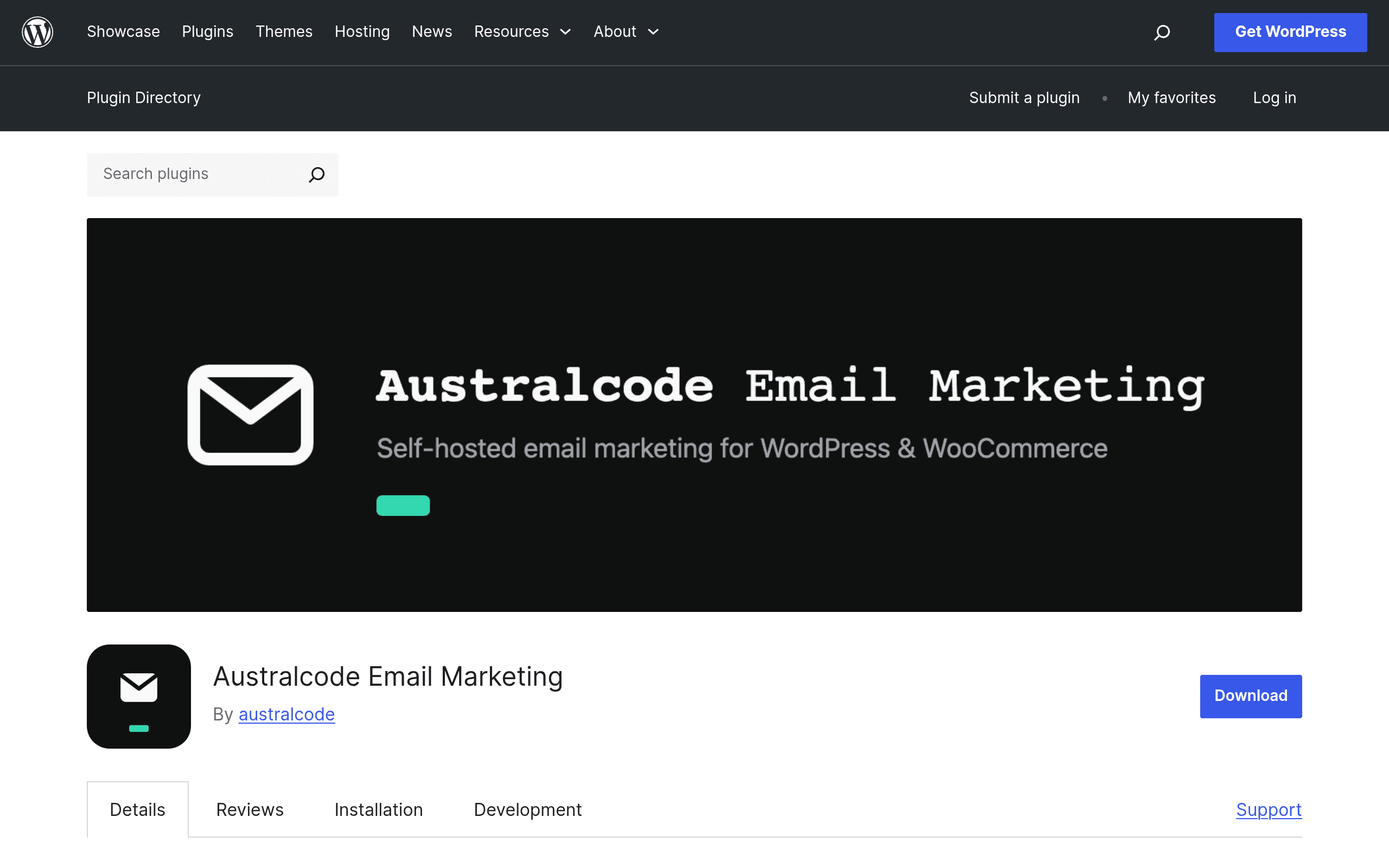
What Australcode Email Marketing Actually Is
Australcode Email Marketing is a WordPress plugin, not a SaaS dashboard you log into elsewhere. You install it from the WordPress plugin repository, activate it, and your existing WordPress install becomes the campaign manager, subscriber database, and opt-in handler. There's no separate account to create and no external service holding your list hostage — the subscriber data lives in your own WordPress database.
The pitch is simple: most email platforms charge you based on list size, which means your bill keeps climbing as your list (hopefully) grows. Australcode's free tier removes that constraint entirely — unlimited subscribers, no per-contact fee, because you're paying for hosting, not for their infrastructure.
Core features in the free version:
- Unlimited subscribers — no tiered pricing based on list size
- Double opt-in compliance — built-in confirmation workflow for GDPR/CAN-SPAM style consent
- Campaign management — create, schedule, and send email campaigns from wp-admin
- Subscriber management — forms, lists, and segmentation handled inside WordPress
The Pro version adds automation (drip sequences, triggered emails) and third-party delivery transports — meaning you can route sending through services like SMTP providers or transactional email APIs instead of relying solely on your host's mail function, which matters a lot for deliverability at any real volume.
Pricing: What's Published and What Isn't
Here's the catch worth being upfront about: the free version, hosted on the WordPress.org plugin directory, is genuinely free with no artificial caps on subscriber count. That part is transparent and verifiable on the plugin page itself.
The Pro tier, however, requires visiting the external site (email-marketing.australcode.io) to see actual pricing — it isn't published on the WordPress.org listing. If you're comparing costs before committing any time, budget for an extra step: install the free version first, test the core sending and opt-in flow, then check Pro pricing separately before deciding if automation is worth paying for.
This is a reasonable rollout pattern for a plugin business, but it does mean you can't do a full apples-to-apples cost comparison against Mailchimp or Brevo without leaving the WordPress.org page.
Who This Is Actually For
- Bloggers and content sites with large, low-engagement lists — if you have 20,000+ newsletter subscribers and Mailchimp or Brevo's per-contact pricing is starting to hurt, self-hosting removes that scaling cost entirely.
- Agencies managing multiple WordPress client sites — instead of paying for N separate email platform accounts, you install the plugin per site and manage each independently within the client's own WordPress install.
- Privacy-conscious publishers — subscriber data never leaves your server (aside from actual send delivery), which matters for sites in regulated industries or ones simply wary of third-party data processors.
- WooCommerce or membership sites already living inside WordPress — keeping campaign management in the same admin panel as your store or membership plugin cuts down on context-switching and potential integration friction.
Who it's probably not for: marketing teams that need sophisticated visual automation builders, deep CRM-style contact scoring, or multi-channel (SMS + email) campaigns out of the box today — that's squarely Brevo and ConvertKit territory, and Australcode's automation only exists in the paid Pro tier with transports still needing external configuration.
Comparison: Australcode vs Mailchimp vs ConvertKit vs Brevo
| Australcode Email Marketing | Mailchimp | ConvertKit | Brevo | |
|---|---|---|---|---|
| Pricing model | Free (unlimited subscribers); Pro price undisclosed on plugin page | Free up to 500 contacts, then from $13/mo; scales sharply with list size | Free up to 10,000 subscribers (limited features); paid from $25/mo | Free up to 300 emails/day; paid plans from ~$9/mo based on email volume, not list size |
| Where your data lives | Your own WordPress database (self-hosted) | Mailchimp's cloud | ConvertKit's cloud | Brevo's cloud |
| List size limits | None — unlimited subscribers on free tier | Hard caps per plan; cost scales with contacts | Free tier capped at 10,000 subscribers | No contact-based cap; capped by send volume instead |
| Automation/drip sequences | Pro version only | Included from paid plans | Included even on some free tiers | Included, fairly robust automation editor |
| Deliverability/sending infra | Relies on host mail or Pro's third-party transport | Handled entirely by Mailchimp | Handled entirely by ConvertKit | Handled by Brevo, includes transactional API |
| Best for | WordPress-native sites wanting to dodge subscriber-based pricing | Established brands wanting an all-in-one marketing suite | Creators/newsletter writers wanting subscriber-focused tools | Small businesses needing both marketing and transactional email in one platform |
The Practical Tradeoff
The honest read here: Australcode's biggest advantage — no per-subscriber fee — is also tied to its biggest limitation. Because you're self-hosting, deliverability is your problem to solve. A shared hosting account sending bulk campaigns through PHP's default mail function will get flagged as spam fast. The free tier is genuinely useful for smaller lists or WooCommerce order-confirmation-style sends, but if you're serious about newsletter deliverability at scale, you'll want Pro's third-party transport option (or your own SMTP/transactional API setup) from day one — which pushes you toward that undisclosed Pro pricing anyway.
If your list is under a few thousand subscribers and you're already comfortable managing WordPress plugins, installing Australcode today costs you nothing but a few minutes of setup — a low-risk way to see if self-hosted email marketing fits before you commit budget to Mailchimp, ConvertKit, or Brevo's recurring plans.
Getting Started
- Install and activate the plugin from the WordPress.org repository (or via wp-admin > Plugins > Add New, search "Australcode Email Marketing")
- Set up your first opt-in form and confirm the double opt-in email flow works correctly with a test signup
- Send a small test campaign to verify deliverability before importing or growing your list
- If you need automation or better sending infrastructure, visit email-marketing.australcode.io to check current Pro pricing before upgrading