BeanTown Search Intent Insights: A First Look at the New Internal Search Analytics Plugin for WordPress
Some links in this guide are affiliate links. If you sign up through them, Day Zero Guides may earn a commission at no extra cost to you. This never affects which products we cover or what we say about them. See our affiliate disclosure for details.
What it actually does
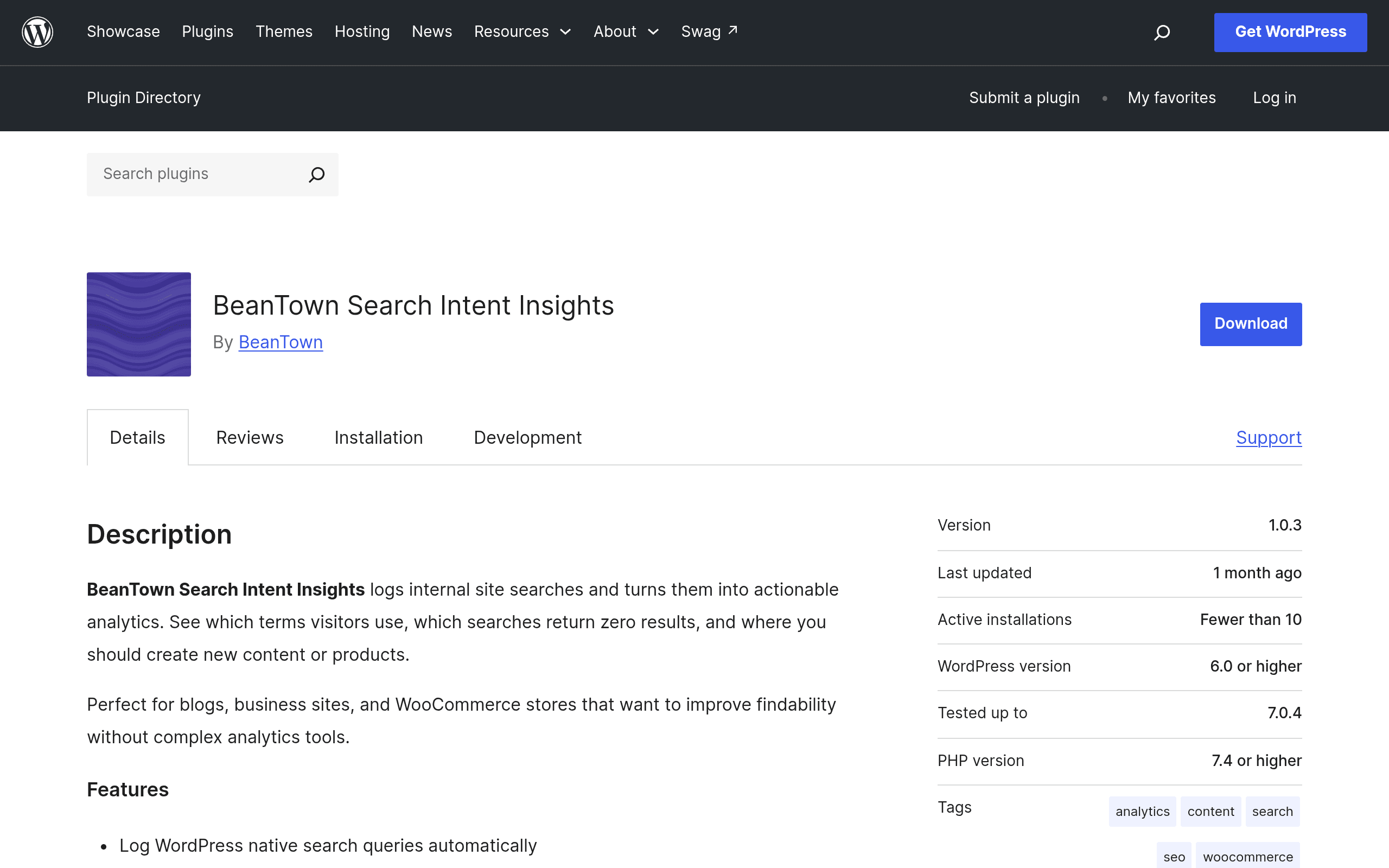
BeanTown Search Intent Insights is a WordPress plugin that sits quietly on top of your site's built-in search box and logs what people type into it. Instead of shipping that data off to a third-party analytics platform, it stores and processes everything locally in your WordPress database, then surfaces it in a dashboard inside wp-admin.
The pitch is narrow and useful: most WordPress sites have a search bar, almost nobody looks at what people search for, and a meaningful chunk of those searches return zero results — which is a direct signal of content you haven't written yet, products you don't sell, or navigation that's confusing people. This plugin is built specifically to catch that.
At install, it hooks into the native WordPress search query (WP_Query with is_search()), records the term, timestamp, and result count, and skips anything that looks like personally identifiable data — no IP logging, no cookies, no user accounts tied to searches. That's the "no external services, no personal data" claim in the plugin listing, and based on the plugin's scope, it holds up: there's no API key setup step, no outbound call to a SaaS dashboard, and no tracking script added to the front end.
What's in the dashboard
Once it's collected a few days of traffic, the admin dashboard breaks searches into a few useful views:
- Search volume over time — a simple trend line so you can see whether search usage is growing, and whether it spikes around specific content pushes, launches, or seasonal periods.
- Zero-result queries — the highest-value section. This is a ranked list of terms people searched for that returned nothing, which doubles as a raw list of content ideas or missing product pages.
- Top queries — the most repeated searches, useful for figuring out what your homepage navigation and menus should probably surface more prominently instead of making people search for it.
- Content opportunity flags — queries that returned results, but very few, which is a softer signal than zero-result queries but still worth reviewing if you're doing a content audit.
There's no AI-generated content brief, no keyword difficulty score, no integration with an external keyword database. It's a mirror held up to your own site's search box, not a market research tool.
Setup, in practice
Install from the WordPress.org plugin directory or upload the zip, activate, and it starts logging immediately using your theme's existing search form — no shortcode, no widget placement required, assuming your theme uses the standard WordPress search query. If your theme has a heavily customized search implementation (Ajax-based instant search, a third-party search plugin like Relevance or SearchWP overriding the query), you'll want to test that a real search actually gets logged before assuming it's working.
There's no onboarding wizard, no account creation, no connecting to an external dashboard — which is either refreshing or underwhelming depending on what you were expecting. It also means there isn't yet a way to export data to Looker Studio or Google Sheets natively; you're working within the wp-admin dashboard as it exists today.
Pricing
As of this writing, BeanTown Search Intent Insights is listed on WordPress.org as a free plugin, and no premium tier, add-on, or paid version has been published on the plugin page or the developer's site. There's no pricing table, no "Pro" upsell inside the plugin settings, and no license key field. If that changes — a common pattern for WordPress.org plugins that later add a premium version through a separate site — it isn't reflected in the current listing. Treat it today as a no-cost install with the understanding that a paid tier could appear later, as it does with many plugins that start this way (Yoast, WP Rocket, and MonsterInsights all followed that path).
Concrete use cases
- An e-commerce store noticing repeated zero-result searches for a product variant ("waterproof case iphone 15," "size 12 wide") that reveals a missing SKU, missing filter, or missing landing page — something Search Console would never tell you because it only shows what people searched on Google, not what they searched once they were already on your site.
- A content or media site auditing its search box quarterly to find recurring queries with no matching post, then assigning those as topics to the editorial calendar — a much cheaper discovery method than running a paid keyword tool for internal gap-finding.
- A support or documentation site using zero-result queries to catch when users are searching for a feature name, error message, or setting that doesn't have a help article yet — often before a support ticket volume spike makes the gap obvious.
- A SaaS marketing site comparing top internal search terms against blog topics to see whether visitors are searching for something the marketing team assumed was self-explanatory in the nav.
How it stacks up against the alternatives
| BeanTown Search Intent Insights | Semrush Search Intent Tool | Google Search Console | Slurp Search Analytics for WordPress | |
|---|---|---|---|---|
| Price | Free (no premium tier published) | Included in paid Semrush plans, starting around $139.95/month (Pro) | Free | Freemium; free core with paid upgrades reported around $49+/year depending on tier |
| Data source | Your own site's internal search box | External keyword/SERP data across the web | Google's index of your site + external Google search queries | Internal site search, similar scope to BeanTown |
| Zero-result query tracking | Yes, core feature | No — it's about external SERP intent classification, not your own search box | No — Search Console shows Google queries, not on-site search | Yes, comparable feature |
| Personal data collected | None (no IP, no cookies, no user ID) per plugin listing | Uses Semrush's own aggregated web data, not your visitors directly | Tied to Google Search Console/Analytics account data | Varies by plugin version; check its privacy documentation |
| Best for | Small-to-mid WordPress sites wanting free, private insight into their own search box | Teams doing broader SEO keyword and intent research across the whole web | Any site owner tracking how the site performs in Google's organic results | WordPress sites wanting a more established, longer-running internal search plugin with a track record |
The useful distinction: Search Console tells you what people search on Google before they land on your site. Semrush's Search Intent Tool tells you how to classify and target keywords across the broader web. BeanTown (and Slurp, its closest direct competitor) tell you what people search for once they're already inside your site, using your own search box — which is a completely different, much more specific signal about what your existing visitors expected to find and didn't.
Who should actually install this today
If your site has a functioning internal search box and you've never once looked at what people type into it, this is a low-risk way to fix that blind spot for free. It's most valuable on content sites, documentation hubs, and stores with more than a handful of products — anywhere the search box gets meaningful traffic. If your site's search bar barely gets used, or your theme's search implementation is unusual enough that logging might not work cleanly, test it on staging first and check the zero-result list after a week before rolling it into your regular workflow.
Given that pricing details aren't published and the plugin is new, it's worth checking the WordPress.org support forum and changelog before adopting it on a high-traffic production site, simply to see how actively it's being maintained a few months in.