Blockshifter: A First Look at the Plugin That Turns Any Gutenberg Block Into a Carousel or Masonry Grid
Some links in this guide are affiliate links. If you sign up through them, Day Zero Guides may earn a commission at no extra cost to you. This never affects which products we cover or what we say about them. See our affiliate disclosure for details.
What Blockshifter Actually Does
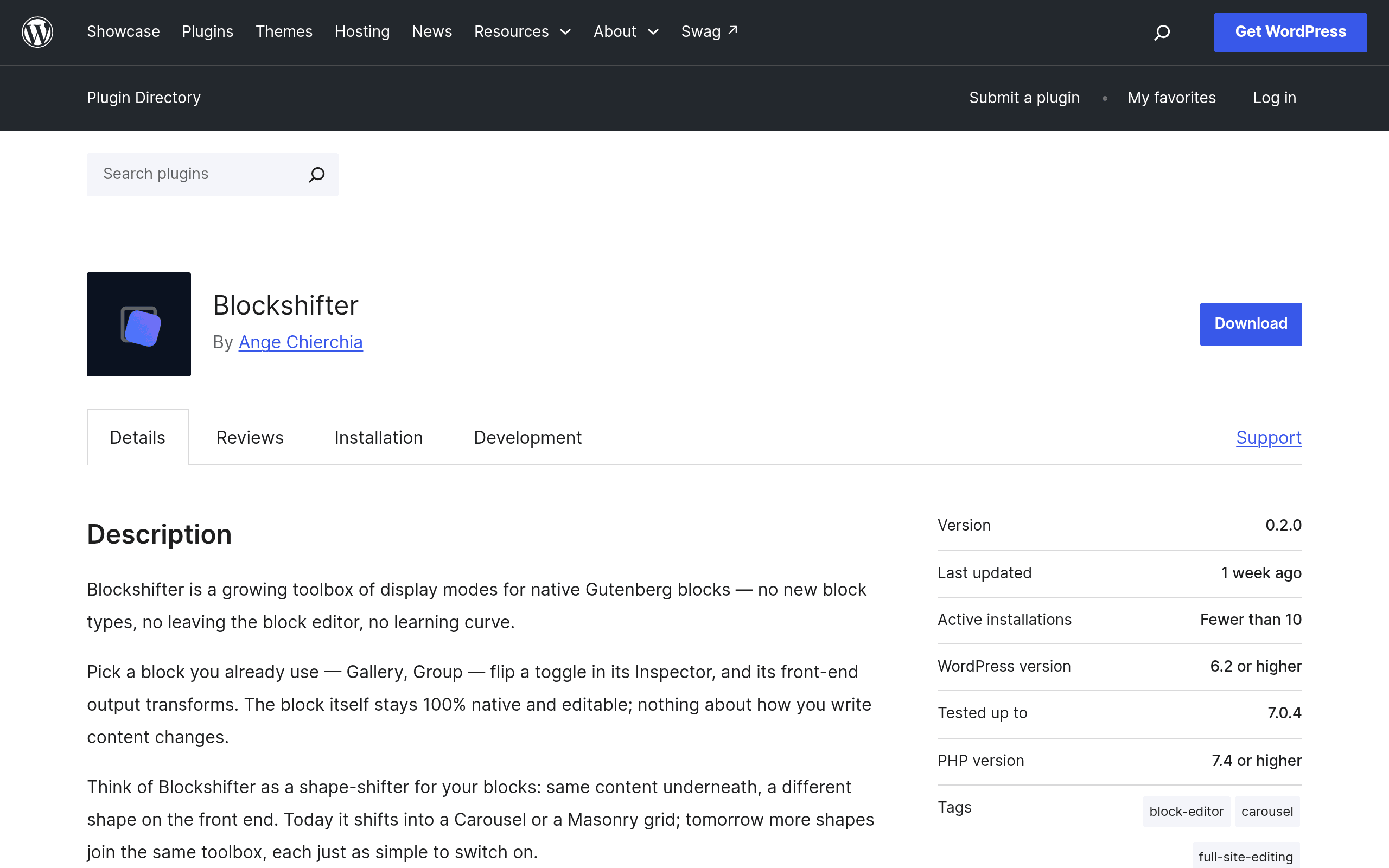
Blockshifter is a WordPress plugin, published on the official WordPress.org plugin repository, that changes how existing Gutenberg blocks render on the front end without changing what they are in the editor. Instead of wrapping your content in a new proprietary block (the way most "carousel block" or "grid block" plugins do), Blockshifter adds a toggle to the block inspector sidebar of blocks you already use — Gallery, Columns, Group, Query Loop, Latest Posts — and lets you switch their display mode to Carousel or Masonry.
The underlying block markup stays native. If you turn off Blockshifter tomorrow, or deactivate the plugin, your Gallery block is still a Gallery block, not orphaned custom markup that breaks your layout. That's the core pitch: display transformation as a layer on top of Gutenberg, not a replacement for it.
In practice, using it looks like this: you build a Gallery block as normal, select it, open the block settings panel, find the new "Display Mode" section Blockshifter injects, and flip it from "Default" to "Carousel." The block editor canvas updates (or shows a preview state), and the front end renders the images as a sliding carousel — no shortcodes, no separate carousel plugin, no rebuilding the content in a page builder.
Where This Fits and Where It Doesn't
Blockshifter is squarely a block editor (Gutenberg) tool. If you're running Elementor, Divi, or another page builder as your primary layout system, Blockshifter has little to offer you — it only hooks into native Gutenberg blocks, not the custom widget/module systems those builders use. It's built for sites that have committed to the block editor and want carousel/masonry behavior without adopting a heavier builder or a single-purpose slider plugin.
Concrete Use Cases
- Testimonial galleries: Build testimonials as a standard Gallery or Columns block (each column a quote), then switch to Carousel mode so they slide instead of stacking vertically on mobile.
- Portfolio/work grids: Take a Query Loop block pulling in a "Projects" custom post type and switch it to Masonry so image heights vary naturally instead of forcing uniform card heights.
- Logo/client strips: A row of client logos in a Columns block becomes an auto-scrolling carousel without a dedicated logo-slider plugin.
- Blog archive pages: A Latest Posts block on a homepage switches from a static grid to Masonry so post cards with different excerpt lengths don't leave awkward whitespace.
- Product/image showcases on non-WooCommerce sites where a Gallery block currently just dumps a static image grid.
The common thread: you already built the content in native blocks and don't want to redo it in a builder just to get a slider or a Pinterest-style grid.
Pricing
As of this writing, Blockshifter is listed on the WordPress.org plugin directory, which means the plugin itself is free to download and install like any other repository-hosted plugin. The developer has not published a separate pricing page, premium tier, or add-on structure at the time of this guide — there's no visible "Pro" version, license key requirement, or upsell flow in the current release. That could change as the plugin matures (many WordPress.org plugins launch free and introduce a paid tier later for advanced controls like carousel autoplay timing, custom breakpoints, or masonry column counts), but right now there's nothing to buy. If you're evaluating budget impact, the honest answer is: $0 today, with pricing structure unconfirmed for the future.
How It Compares
Blockshifter isn't really a head-to-head competitor to full builders — it's a narrower tool — but people evaluating it are often deciding between "add a small plugin" versus "use the builder/field tool I already have" to get carousel or grid layouts. Here's how it stacks up against three tools people commonly reach for instead.
| Blockshifter | Advanced Custom Fields (ACF) | Elementor | Divi Builder | |
|---|---|---|---|---|
| Price | Free (no published pro tier yet) | Free core plugin; ACF PRO from $49/year (single site) | Free core plugin; Elementor Pro from $59/year (1 site) | $89/year, or lifetime access from $249 |
| Core approach | Toggles display mode on existing native Gutenberg blocks | Adds custom fields/data structures you build layouts around, usually with PHP or a theme | Replaces the editor with its own drag-and-drop widget system | Replaces the editor with its own visual builder and module library |
| Keeps native block markup | Yes — content stays as standard Gutenberg blocks | N/A — it's a data layer, not a block/layout tool | No — content becomes Elementor-specific structure | No — content becomes Divi-specific structure |
| Carousel/masonry out of the box | Yes, built for exactly this | No — you'd need custom loop templates and your own slider code/CSS | Yes, via dedicated widgets (Carousel, Posts widget grid) | Yes, via modules (Slider, Blog module grid) |
| Learning curve | Minimal — one toggle in the existing block inspector | Moderate to steep — requires understanding field groups and often template code | Moderate — new interface, but visual and widget-based | Moderate — new interface, own terminology and module system |
| Best for | Sites already using Gutenberg that want quick display transforms without switching tools | Developers building structured, repeatable custom data (not really a display-mode competitor) | Sites wanting a full visual page-building replacement for the editor | Sites wanting a full visual page-building replacement with a large built-in module/theme library |
A fair caveat on that table: ACF isn't really solving the same problem as Blockshifter — it's a structured-data plugin, not a layout tool — but it's included because many people ask "could I just do this with ACF and a custom loop?" The answer is yes, but it requires custom template code, whereas Blockshifter is a toggle.
What's Missing or Unclear Right Now
Because this is a first-coverage look at a freshly listed plugin, a few things are worth flagging before you install it on a production site:
- Track record: as a new listing, it doesn't yet have the years of active-install history, version-compatibility testing, or large review volume that ACF, Elementor, and Divi have. Test it on staging first.
- Customization depth: it's unclear from the current listing how much control you get over carousel behavior (autoplay speed, arrows vs. dots, slides-per-view at each breakpoint) or masonry behavior (column count, gutter width) versus just an on/off toggle with fixed defaults.
- Block coverage: not every Gutenberg block will necessarily support both display modes — check the plugin's supported-blocks list before assuming your specific layout (e.g., a nested Group block with custom CSS) will transform cleanly.
- Theme/CSS conflicts: because it changes rendering rather than markup structure, how well it plays with your theme's existing CSS for those blocks is worth testing rather than assuming.
Should You Try It Today?
If you're building purely in the block editor and have been reaching for a separate slider plugin or a full page builder just to get a carousel or masonry grid, Blockshifter is worth a staging-site test — it's free, low-commitment, and doesn't lock your content into new markup. If you're already deep in Elementor or Divi, there's no reason to add it; your builder already does this natively. And if what you actually need is structured custom data (repeatable fields, relationships, custom post type layouts), that's ACF's job, not Blockshifter's — the two solve different problems and can reasonably be used together.