CapCut Review: Pricing, Features, and How It Compares to Canva and DaVinci Resolve
By Day Zero Guides Editorial · How we produce guides
Some links in this guide are affiliate links. If you sign up through them, Day Zero Guides may earn a commission at no extra cost to you. This never affects which products we cover or what we say about them. See our affiliate disclosure for details.
The scenario where CapCut actually earns its place on your desktop
You've just filmed a 90-second talking-head clip on your phone for a product launch. You need it as a 9:16 vertical cut for TikTok and Instagram Reels, a 16:9 version for YouTube, burned-in auto-captions because most people watch muted, a quick AI voiceover to replace a flubbed line of narration, and the background blurred because you recorded it in a messy home office. You need all of this done in under 30 minutes, without opening Premiere Pro or paying for a motion graphics template pack.
This is the exact job CapCut is built for. It's not trying to be a professional color-grading suite or a brand design system — it's trying to compress the entire "shoot it on your phone, edit it fast, post it everywhere" workflow into one tool. Auto-captioning, background removal, resizing presets for every major platform, and a text-to-speech engine are all sitting in the same timeline, which is the specific combination that makes it useful for solo creators, social media managers, and small marketing teams who ship video content weekly rather than quarterly.
What CapCut actually is
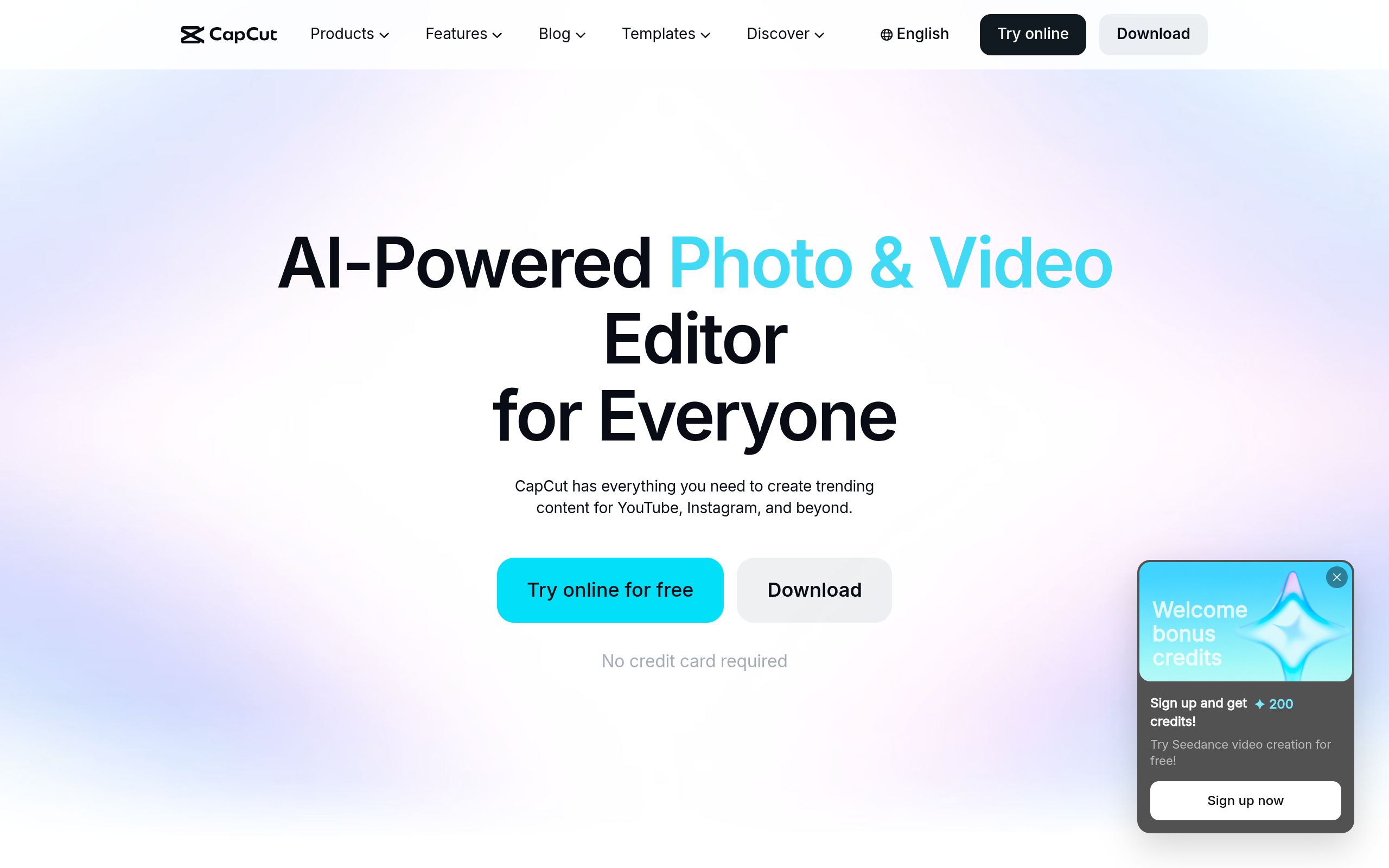
CapCut, made by ByteDance (the company behind TikTok), is an AI-assisted photo and video editing platform available as a free web app, a downloadable desktop app (Windows/Mac), and a mobile app. It bundles a timeline-based video editor with a growing set of AI tools: AI image/design generation, an AI "video builder" that can assemble a rough cut from a script or prompt, automatic background removal, image upscaling/enhancement, auto-captions with styling presets, and multi-aspect-ratio resizing so one project can be exported for YouTube, Reels, TikTok, and Shorts without rebuilding it. There's also a template library (trending TikTok/Reels effects) and basic cloud project sync across devices.
Pricing
CapCut doesn't post one fixed global price — it varies slightly by region and fluctuates with promotions — but as of current offerings, the structure breaks down like this:
- Free plan: Full timeline editor, most effects and templates, watermark-free exports, limited AI credits per month (used for background removal, AI image generation, text-to-speech, and the AI video builder), and capped cloud storage (around 1GB).
- CapCut Pro: Roughly $9.99/month billed monthly, or around $7.49–$7.99/month billed annually (roughly $89.99–$95.88/year). This tier adds a much larger monthly AI credit allowance, 4K export, expanded cloud storage, premium templates and fonts, and priority rendering.
- CapCut for Business/Teams: Custom pricing (contact sales), aimed at marketing teams — adds brand kits, shared asset libraries, multi-seat collaboration, and commercial usage rights for certain template/music assets.
The free tier is genuinely usable for occasional posting, but anyone editing weekly will hit the AI credit ceiling fast — background removal and text-to-speech both burn credits quickly, and that's usually the trigger to upgrade.
Where it's actually used
- A solo TikTok/Reels creator batching five short videos a week and needing captions auto-generated and styled in one pass
- A small business owner turning a single product demo into YouTube, Reels, and TikTok cuts without re-editing three times
- A podcaster or coach generating short vertical clips from long-form video, with AI resizing and reframing to keep the speaker centered
- Someone needing a quick voiceover redo via text-to-speech instead of re-recording audio
- A marketer removing a background on a product photo for a quick ad creative, without opening Photoshop
It's less suited to narrative filmmaking, multi-camera color-matching, or anything needing frame-accurate audio mixing — that's where it runs out of road.
How it compares
| CapCut | Canva (Video) | Adobe Express | DaVinci Resolve | |
|---|---|---|---|---|
| Starting price | Free; Pro ~$9.99/mo (monthly) or ~$7.49–$7.99/mo (annual) | Free; Canva Pro ~$12.99/mo (or ~$119.99/yr) | Free; Premium ~$9.99/mo (or ~$99.99/yr) | Free (full NLE); Studio version one-time $295 |
| Best for | Fast social video edits with AI captions, voiceover, and resizing | Teams needing brand templates across video, social, and print | Quick branded social graphics and short video with Adobe ecosystem ties | Serious color grading, multi-track audio, and professional-grade editing |
| Standout feature | AI video builder + auto-captions + multi-aspect resizing in one timeline | Massive template and brand-kit library shared across design types | Tight integration with Adobe Fonts/Stock and Creative Cloud files | Hollywood-grade color tools and Fairlight audio mixing, free |
| Learning curve | Low — built for fast turnarounds, not precision | Low — drag-and-drop, template-first | Low — similar template-first approach | High — a real NLE with a steep front-loaded learning curve |
| Collaboration/teams | Business tier with shared assets (custom pricing) | Strong — built around team brand kits and shared folders | Good — Creative Cloud team libraries | Limited — collaboration exists but is clunkier, aimed at post houses |
The honest verdict
CapCut is worth paying for if your bottleneck is turnaround speed on short-form social video — specifically captioning, voiceover, background removal, and resizing for multiple platforms from one source clip. The free tier is a fair way to test whether you'll actually use the AI features enough to justify Pro; if you're burning through AI credits within the first two weeks, the ~$7.99–$9.99/month is cheap compared to the time it saves.
It's not a replacement for Canva if your real need is brand-consistent graphic templates across a dozen formats, and it's not a replacement for DaVinci Resolve if you need real color grading or multi-track audio mixing — those tools serve different jobs even though all four get lumped into "content creation software." If your week looks like film-edit-caption-resize-post on repeat, CapCut is the tool built specifically for that loop.