Clutterscope Cleaner Review: Does Content Cleanup Pro Actually Clean Up Plugin Leftovers?
Some links in this guide are affiliate links. If you sign up through them, Day Zero Guides may earn a commission at no extra cost to you. This never affects which products we cover or what we say about them. See our affiliate disclosure for details.
What Clutterscope Cleaner Actually Does
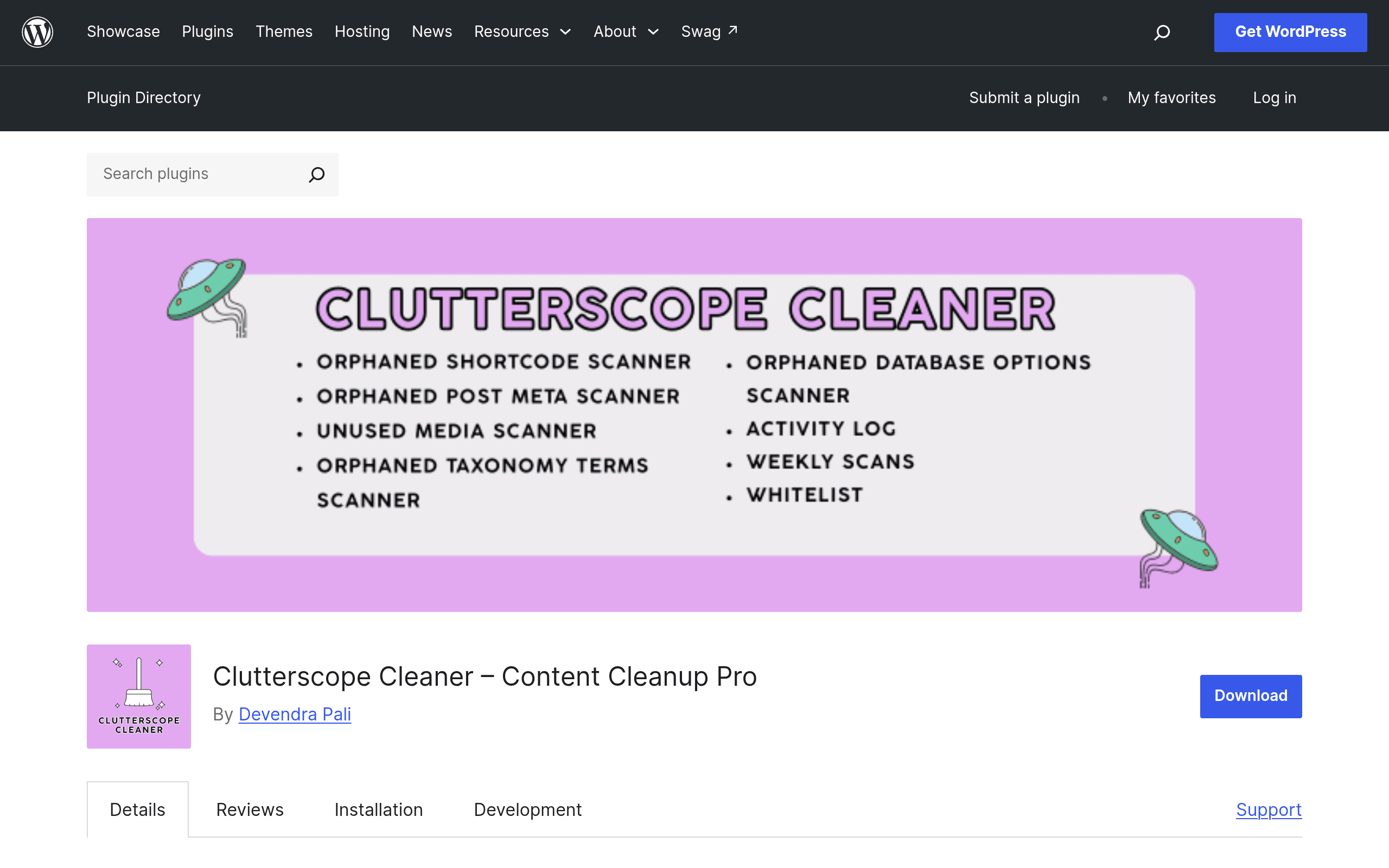
Every WordPress site that's been around for more than a year or two accumulates junk: leftover wp_postmeta rows from a page builder you uninstalled two redesigns ago, orphaned taxonomy terms from a directory plugin you tried for a week, shortcodes rendering as raw [broken_shortcode] text because the plugin that powered them is gone, and rows in wp_options that nobody remembers adding. Clutterscope Cleaner – Content Cleanup Pro is a newly listed plugin on the WordPress.org repository that targets exactly this category of mess.
It scans five specific areas: orphaned shortcodes (text that still references a shortcode tag with no registered handler), unused post meta, unattached/orphaned media, taxonomy terms with no associated posts, and stale autoloaded or manually-added options in the options table. Rather than just flagging these for manual SQL cleanup, it lets you review and remove them from inside wp-admin, logs every action it takes, and gives you an undo path if a cleanup turns out to have been a mistake. There's also an optional weekly scan mode that runs in the background and emails you a summary instead of making you remember to check.
Who This Is Actually For
This isn't a tool for a fresh install. It's built for:
- Agencies inheriting client sites that have had 30+ plugins cycle through over the years, where nobody kept notes on what was removed and why things still look weird.
- Site owners troubleshooting bloat — a
wp_optionstable with thousands of autoloaded rows is a well-known cause of slowadmin-ajax.phpand front-end load times, and this plugin surfaces which options are actually orphaned versus just unfamiliar. - Anyone who's deactivated a page builder or form plugin and is now staring at raw shortcode text in published posts instead of rendered output.
- Maintenance-plan providers who want a weekly automated pass with an email summary rather than logging into every client site manually.
It is not a general-purpose database optimizer — it won't compress your posts revisions or clean spam comments the way WP-Optimize does. It's scoped specifically to plugin-leftover debris.
Pricing: What We Found
As of this writing, Clutterscope Cleaner is listed as a free plugin on the WordPress.org repository, and no separate pricing page, Pro tier, or licensing terms have been published yet. There's no visible upsell inside the plugin description for a paid version, which puts it in the same free-to-start category as most WordPress.org-hosted utilities at launch. If that changes — a common pattern is a free core plugin with a paid add-on for things like scheduled multi-site scans or priority support — we'll update this guide. For now, budget $0 to try it, but don't assume every feature (especially the automated weekly scan and email summaries) will stay free forever.
How It Compares
| Clutterscope Cleaner (Content Cleanup Pro) | Advanced Database Cleaner | WP-Optimize | Plugin Organizer | |
|---|---|---|---|---|
| Price | Free (no published Pro tier yet) | Free core; Pro from ~$20/site/year | Free core; Premium ~$49/year (1 site) | Free only |
| Core focus | Orphaned data from deactivated plugins specifically: shortcodes, meta, media, terms, options | General database cleanup: revisions, transients, orphaned meta, scheduled cleanup | Database optimization, cache, image compression, minification | Controls which plugins load per-page/post — not cleanup |
| Undo support | Yes, built-in undo after cleanup actions | Limited — relies on backups | No native undo, backup recommended first | N/A (doesn't delete data) |
| Automated scans | Optional weekly scan with email summary | Scheduled cleanup on Pro tier | Scheduled optimization (cache/DB) available free | No scanning feature |
| Best for | Cleaning up after plugin churn / agency handoffs | Routine DB housekeeping across many tables | Speed/performance optimization bundle | Reducing plugin load per page for performance |
The honest distinction: Advanced Database Cleaner and WP-Optimize are broader database janitors — they'll clean spam comments, post revisions, and transients regardless of whether a plugin caused them. Clutterscope Cleaner is narrower and more forensic — it's specifically trying to answer "what did that plugin I deactivated leave behind," which none of the three alternatives frame as their primary job. Plugin Organizer isn't really a competitor at all; it's a load-order/performance tool, included here because it's often confused with cleanup plugins due to the name overlap.
Should You Install It Today
If you're maintaining sites where plugins get swapped in and out regularly — testing form builders, trying page builders, rotating SEO tools — Content Cleanup Pro fills a real gap that generic database cleaners don't target well: shortcode ghosts and plugin-specific option rows. Take a full database backup before running your first cleanup pass regardless of the undo feature, since undo functionality in a brand-new plugin hasn't had years of edge-case testing yet. Given it's free with no current paywall, the actual cost of trying it is just the time to run one scan and review what it finds — worth doing on a staging copy of your site before letting it touch production.