ContactSweep by Rank Secure: A First Look at the Free Plugin That Hunts Down Outdated Phone Numbers and Emails on Your WordPress Site
Some links in this guide are affiliate links. If you sign up through them, Day Zero Guides may earn a commission at no extra cost to you. This never affects which products we cover or what we say about them. See our affiliate disclosure for details.
What ContactSweep Actually Does
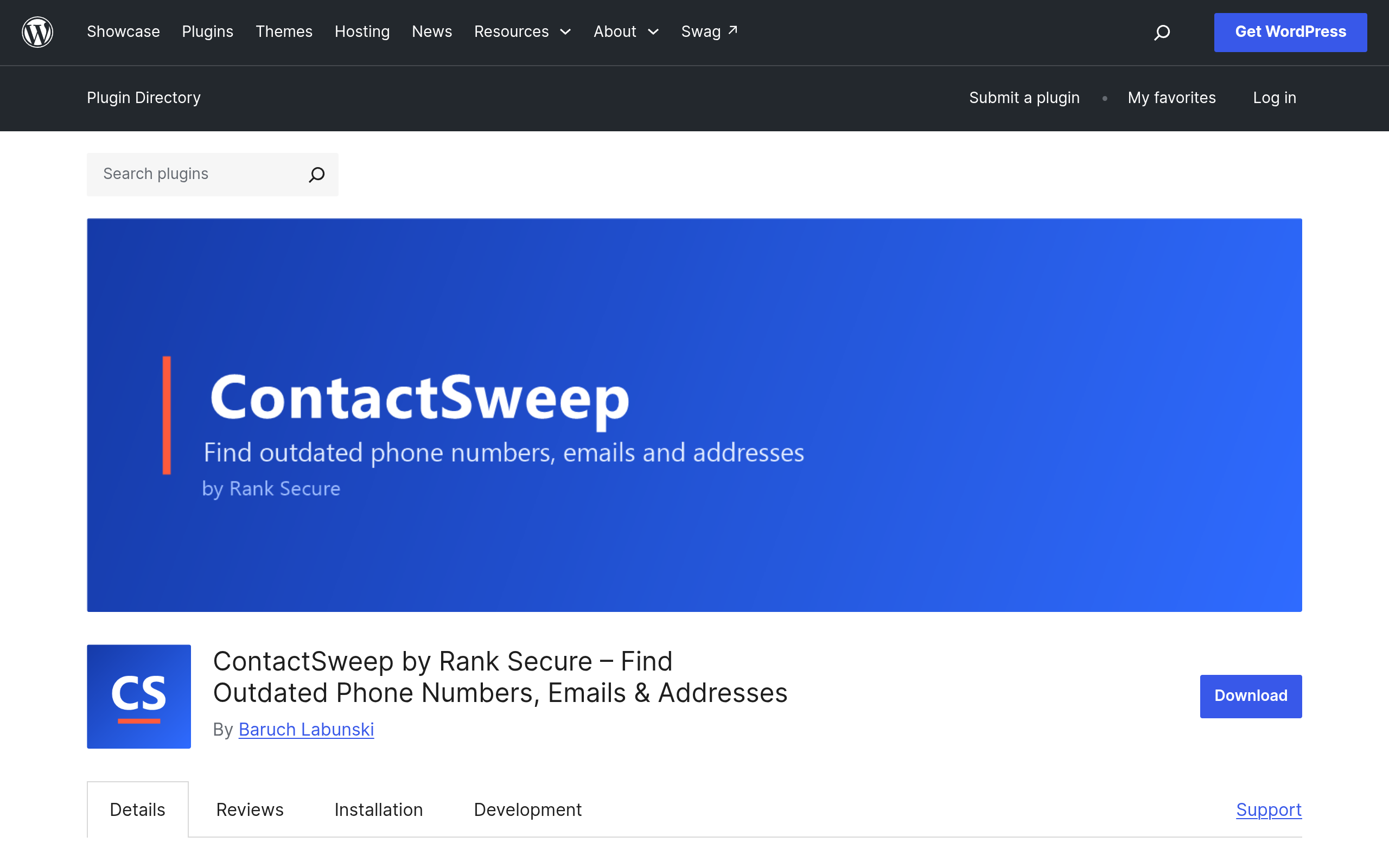
Most WordPress sites accumulate contact information the way junk drawers accumulate batteries — a phone number gets typed into a footer widget in 2019, another version lives in a Divi module on the "Locations" page, a third shows up in an old blog post, and nobody remembers which one is current. ContactSweep by Rank Secure is a narrow, single-purpose plugin built to solve exactly that problem: it crawls your site's stored content and flags every phone number, email address, and postal address it finds, then checks them against a "correct" list you provide.
It's not an SEO tool, not a security scanner, and not a form plugin. It's closer to a find-and-audit utility — think of it as a linter for your NAP (Name, Address, Phone) data.
Where It Looks
The scan isn't limited to post content. Based on the plugin's stated scope, it checks:
- Posts and pages (block editor content)
- Page builder output (Elementor, Divi, and similar builder-stored content)
- Widgets, including legacy sidebar widgets and block-based widget areas
- Site settings and theme/customizer fields where contact info is commonly hardcoded
That's a wider net than most site owners realize they need. Phone numbers hide in places you forget about — a widget added by a theme five redesigns ago, a footer field in the Customizer that nobody touches after launch.
How the Comparison Actually Works
You give ContactSweep the correct, current phone number(s), email(s), and address(es) for your business. It then scans the site, extracts every phone number, email, and postal code pattern it can detect, and flags anything that doesn't match — including near-matches caused by formatting drift, like (555) 123-4567 vs 555.123.4567 vs 555-123-4567, or an old suite number left over from an office move.
This is the part that makes it useful rather than just novel: it's not just finding contact info, it's finding inconsistency and staleness in contact info, which is a different (and more tedious) problem to solve by hand.
Pricing
ContactSweep is entirely free. It's distributed on the official WordPress.org plugin repository, there's no premium tier, no license key, and no API key requirement gating any feature. Everything described above — the full-site scan, page builder support, widget scanning, and the comparison logic — is included in the free download. There is currently no paid "Pro" version to upsell into, which is unusual for a utility plugin in 2024 and worth taking at face value rather than assuming a catch is coming later.
Concrete Use Cases
- A dental practice that changed area codes or moved offices and now has three different phone numbers floating around old blog posts, a sidebar widget, and the footer — ContactSweep finds all three instances instead of relying on a manual Ctrl+F sweep of every page.
- A multi-location franchise site where each location page was built by a different contractor over the years, resulting in phone numbers formatted five different ways. ContactSweep surfaces the formatting inconsistency even when the number itself is technically correct.
- An agency handing off a client site after a rebrand, where the support email changed from
info@tohello@but nobody checked whether the old address was still referenced in a page builder module or a widget outside the main content area. - A pre-launch QA pass before a site goes live, to catch a developer's placeholder phone number or test email address that got left in a template and never removed.
- An accessibility or NAP-consistency audit ahead of local SEO cleanup work, where inconsistent business info across a site can undermine local search signals — ContactSweep won't fix the SEO side, but it will hand you the list of what to fix.
What It Doesn't Do
It won't scan PDFs, images, or text embedded in uploaded media. It doesn't validate phone numbers for correctness (it can't know if a number is disconnected — only whether it matches your reference list). It doesn't auto-replace anything; this is a find tool, not a find-and-replace tool, so you'll still need to manually edit each flagged instance. And because it works on regex-style pattern matching for phone/email/postal formats, oddly formatted international numbers or non-US postal codes may need more testing before you trust it fully on a non-US site.
How It Compares to Plugins People Might Confuse It With
ContactSweep doesn't have a direct competitor doing the same thing on WordPress.org, so the more useful comparison is against the general-purpose plugins people already have installed and might assume cover this ground. They don't.
| Plugin | Price | Core Function | Finds Outdated Contact Info? | Best For |
|---|---|---|---|---|
| ContactSweep | Free, no license key | Scans site-wide content for phone/email/address data and flags mismatches vs. a reference list | Yes — this is its entire purpose | Cleaning up stale or inconsistent NAP data before/after a rebrand, move, or multi-author site history |
| WordFence | Free / Premium from $119/yr per site | Firewall, malware scanning, login security | No — security-focused, not content auditing | Sites needing brute-force protection and malware detection |
| Yoast SEO | Free / Premium ~$99/yr per site | On-page SEO scoring, sitemaps, schema, readability | No — it manages how content is optimized, not whether contact data is stale | Sites focused on search visibility and metadata control |
| All in One SEO (AIOSEO) | Free / Pro from $49.60/yr (intro pricing) | SEO metadata, schema markup, local SEO modules | Partially — its Local SEO add-on manages structured business data (schema), but doesn't scan free-text content for stray old numbers | Sites wanting schema-level NAP control rather than a full-content audit |
The honest takeaway from that table: WordFence and Yoast solve different problems entirely, and even AIOSEO's Local SEO module manages the structured data you deliberately enter — it won't catch the old phone number buried in a 2018 blog post or a stray widget. ContactSweep's value is precisely in that gap: unstructured, forgotten contact data scattered across years of content.
Should You Install It Today?
If you manage a site with more than a couple of years of content history, multiple authors, or any recent change to a phone number, email, or address, ContactSweep is a low-risk, zero-cost way to find out what you've missed. It's a single-purpose scan-and-report tool, not something that changes your site's behavior or adds ongoing overhead, so there's little downside to running it once and seeing what it turns up. Just don't expect it to fix anything for you — budget time afterward to manually update each flagged widget, page, or builder module it finds.