Cordex Forms: A First Look at the WordPress Plugin That Writes Directly to Microsoft Dataverse
Some links in this guide are affiliate links. If you sign up through them, Day Zero Guides may earn a commission at no extra cost to you. This never affects which products we cover or what we say about them. See our affiliate disclosure for details.
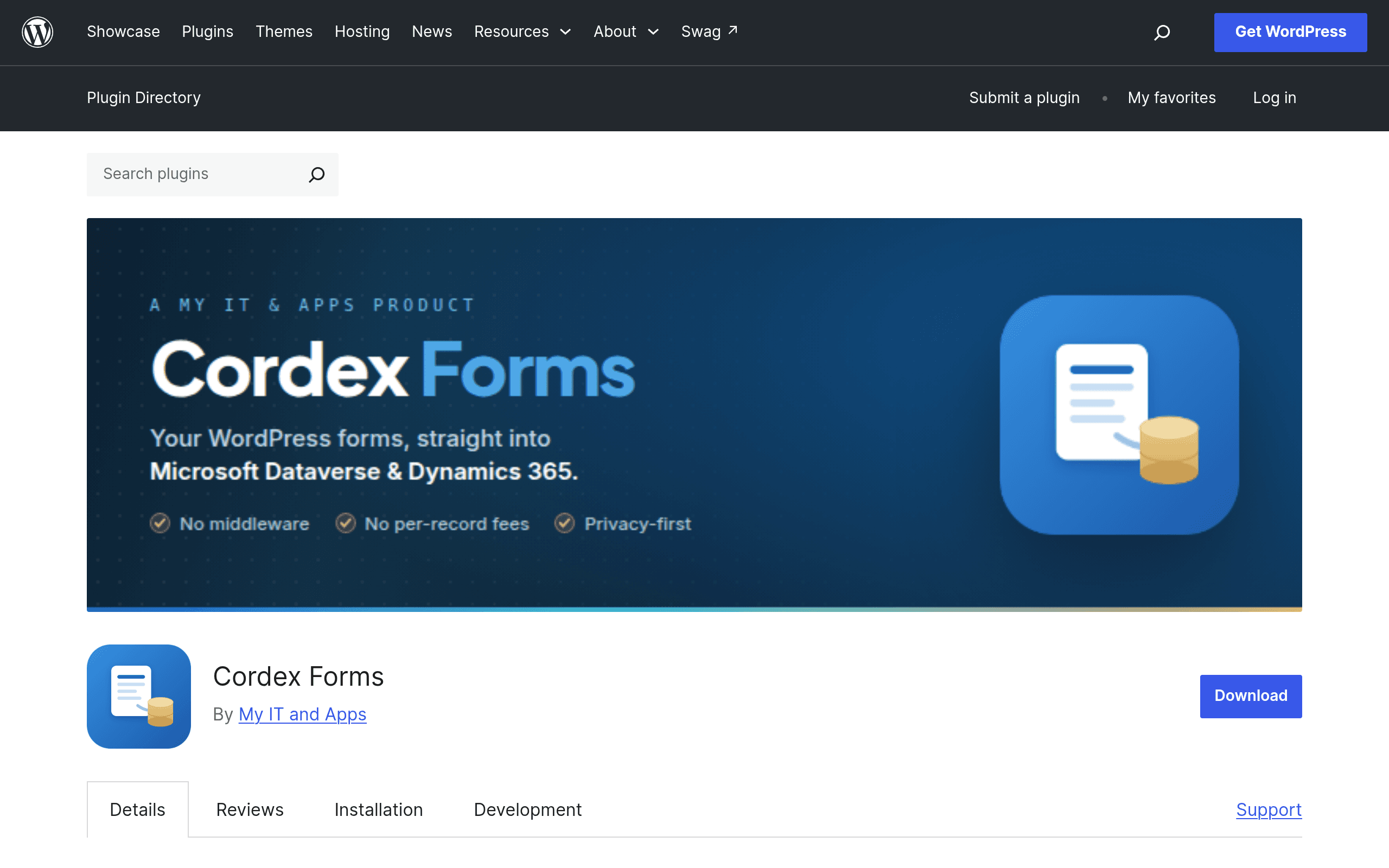
What Cordex Forms actually does
Most WordPress form plugins get you 90% of the way to a CRM integration and then hand you off to Zapier, Make, or Power Automate to finish the job. Cordex Forms tries to skip that middle step entirely for one specific audience: organizations running Microsoft Dynamics 365 or a standalone Dataverse environment who want WordPress form submissions to land directly in a Dataverse table, no middleware subscription required.
It's a young plugin, listed on the official WordPress.org plugin repository, built by an Australian IT consultancy (MyIT & Apps) that clearly built it to solve its own client work first and packaged it for public use second. That lineage shows in the feature set — this isn't a general-purpose form builder with a Dataverse connector bolted on. It's a Dataverse connector with just enough form-building around it to be usable.
Core features in the free version
- Direct Dataverse/Dynamics 365 write connection via Azure AD app registration (client ID, client secret, tenant ID, environment URL) — no Power Automate flow sitting in between.
- Server-side validation on submitted fields, not just JavaScript validation that a bot can bypass by skipping the browser entirely.
- Anti-abuse protections — the kind of rate-limiting and submission-pattern checks that matter when a form writes straight into a production CRM table instead of just sending an email.
- Submission queuing with retry logic — if Dataverse throttles the request or the API call times out, the submission is queued and retried rather than silently dropped. For any admin who has had a lead vanish because a webhook failed once, this is the feature that actually matters.
- Encrypted credential storage — the Azure AD secret isn't sitting in plaintext in the
wp_optionstable.
Pricing: what's free and what isn't
Cordex Forms itself is free, distributed through the standard WordPress.org plugin repository like any other open-source plugin. You can install it today from the WordPress admin plugin search or download it directly from wordpress.org/plugins/cordex-forms.
A Pro version is sold separately through the developer's own site, myitandapps.com.au. As of this writing, pricing for Pro is not published on that listing — there's no visible price table, tiered plan, or checkout button showing a number. That means anyone evaluating it seriously needs to contact MyIT & Apps directly for a quote, which is common for smaller, vertical-specific WordPress add-ons but is worth flagging clearly: you cannot self-serve a Pro purchase right now without reaching out first.
What's gated behind Pro isn't fully documented publicly either — expect the usual pattern for this category (more table mappings, conditional field logic, multi-environment support, priority support) but don't take that as confirmed until you've talked to the vendor.
Who this is actually for
This is not a plugin for someone who wants a nicer-looking contact form. It's for WordPress sites that sit in front of an organization already running Dynamics 365 or Dataverse as its system of record. Concrete scenarios where it makes sense:
- A nonprofit on Microsoft's nonprofit/education tenant running Dynamics 365 for fundraising, using WordPress as the public-facing donation or volunteer sign-up site, wants new volunteer records to appear as rows in a Dataverse table without a Zapier "Zap" running per month.
- A membership association with a Dynamics 365 Customer Engagement setup wants a WordPress membership renewal form to write straight into a custom Dataverse entity, rather than going through an email parser or CSV import.
- An internal-facing WordPress intranet (yes, these still exist) collecting IT service requests or facilities tickets that need to land in a Dynamics 365 Customer Service queue.
- A university department running event registration on WordPress that needs attendee data to sync into a Dataverse table already wired up to their Dynamics 365 CRM for alumni relations.
If none of that describes your stack, this plugin is the wrong tool — full stop. You'd be better served by a general-purpose form plugin with a Zapier or Power Automate connector.
How it stacks up against the established players
None of the big three WordPress form plugins write to Dataverse natively. They all rely on Zapier, Power Automate, Uncanny Automator, or a webhook + middleware setup to get data into Dynamics 365, which means an extra subscription and an extra point of failure.
| Cordex Forms | Gravity Forms | WPForms | Formidable Forms | |
|---|---|---|---|---|
| Price | Free (core); Pro price on request | $59/yr (Basic) to $259/yr (Elite) | $49.50/yr (Basic) to $299.50/yr (Elite) | Free (Lite) to $499.50/yr (Elite) |
| Dataverse/Dynamics 365 connection | Native, direct write via Azure AD app registration | Via Zapier/Power Automate add-on only | Via Zapier add-on only | Via webhooks + third-party automation only |
| Submission retry/queuing on API failure | Built in for Dataverse writes | Not built in — depends on Zapier's own retry behavior | Not built in — depends on Zapier's own retry behavior | Not built in |
| General form-building features (conditional logic, payments, multi-page) | Minimal — focused on Dataverse mapping | Extensive | Extensive | Extensive |
| Best for | Sites already standardized on Dynamics 365/Dataverse | Complex multi-purpose forms, developer-friendly | Marketers wanting an easy builder with broad integrations | Data-heavy forms, front-end content submission, directories |
The honest takeaway: if you already pay for Gravity Forms or WPForms and just need a Dataverse connection occasionally, adding their Zapier integration is probably less setup work than learning a new plugin. Cordex Forms wins specifically when the volume or reliability of Dataverse writes matters enough that you don't want a third-party automation tool as a dependency, or when a Zapier/Power Automate subscription on top of your existing form plugin isn't in the budget.
Setup reality check
Don't expect a five-minute install-and-go experience. To get Cordex Forms working you'll need:
- An Azure AD app registration with the right API permissions scoped to your Dataverse environment.
- The Dataverse environment URL and the logical names of the tables/columns you're mapping fields to (not the friendly display names — the actual schema names, which trips up first-timers).
- Someone comfortable enough with Power Platform admin center to grant the app user access to the target table.
If you don't have someone on hand who's touched Dataverse security roles before, budget time for that learning curve — the plugin can't abstract away Microsoft's own permission model.
Should you try it today?
Install the free version if you're already running Dynamics 365 or Dataverse and have been dreading a Power Automate flow for a simple form-to-table use case — there's no cost to test it in a staging environment. Hold off on Pro until you've contacted MyIT & Apps for actual pricing, since none is published, and confirm what Pro unlocks before you commit budget. And if your organization has no Microsoft Dataverse footprint at all, this plugin has nothing to offer you — stick with Gravity Forms, WPForms, or Formidable Forms and their existing automation add-ons.