Crafty Meerkat Analytics: A First Look at the New Cookieless WordPress Plugin With AI Weekly Action Plans
Some links in this guide are affiliate links. If you sign up through them, Day Zero Guides may earn a commission at no extra cost to you. This never affects which products we cover or what we say about them. See our affiliate disclosure for details.
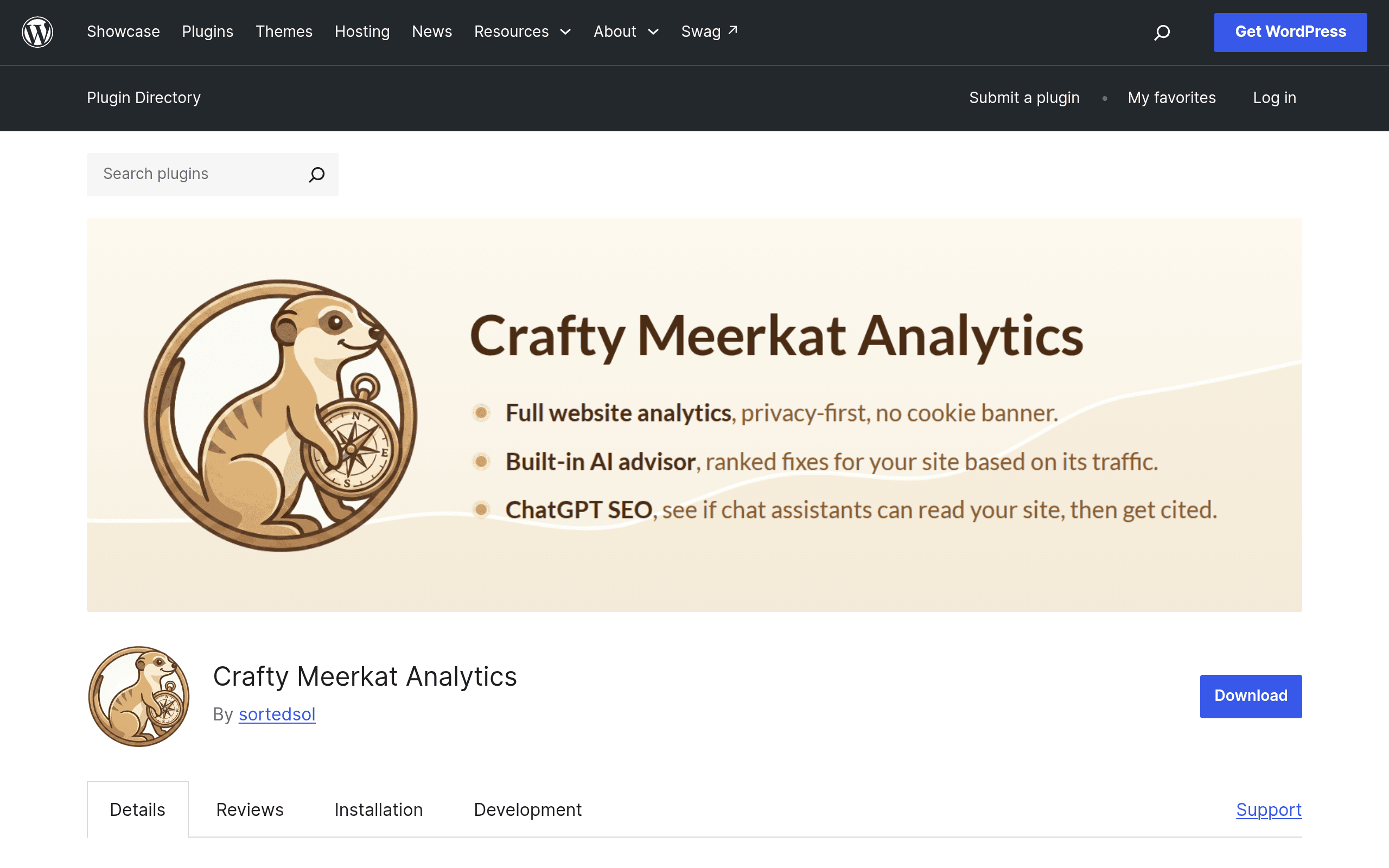
What Crafty Meerkat Analytics actually is
Crafty Meerkat Analytics is a WordPress plugin (listed on the official WordPress.org plugin directory) that acts as a front door to a third-party analytics service. Rather than dropping you into a raw dashboard full of sessions, bounce rates, and segments, it tracks your site traffic cookieless by default and then translates that data into a plain-English weekly action plan generated by AI — things like "your checkout page slowed down 40% this week, here's likely why" instead of a chart you have to interpret yourself.
Under the hood, once you install the plugin and connect your site, it starts pulling in:
- Cookieless visitor tracking — no consent banner required in most jurisdictions since it doesn't rely on persistent cookies for its default tracking mode.
- Uptime monitoring — pings your site on an interval and (per the plugin's stated feature set) flags downtime.
- Page-speed tracking — tracks load-time trends over time rather than a single Lighthouse-style snapshot.
- AI crawler detection — separates out bot traffic from GPTBot, ClaudeBot, and similar AI crawlers so your "real visitor" numbers aren't inflated by scrapers.
- A conversational stats chat interface — you can ask it things like "which blog post drove the most signups last month?" instead of building a custom report.
Installation is the standard WordPress flow: search for it in Plugins > Add New, install, activate, then connect your account with the connected analytics service to start collecting data.
Pricing: what's actually published (and what isn't)
Here's the part to go in with eyes open: the plugin itself is free to download from WordPress.org, like any WP plugin. But the tracking, uptime monitoring, and AI action plans are powered by a connected third-party service, and that's where the real cost lives.
As of this writing, the only pricing detail published on the plugin page is a free 30-day trial of the connected service. There are no dollar figures, tier names, or visitor-volume caps listed publicly — you won't know what it costs past day 30 until you sign up and either get prompted for billing info or reach out to the vendor directly. If pricing transparency matters to you before you invest setup time, that's a real friction point compared to competitors who publish full pricing tables.
Practical takeaway: budget time to actually start the trial and see the upgrade screen before you decide it's a fit for a client site or a business with a fixed tools budget. Don't assume it's free-forever just because the plugin listing itself is free.
Who this is actually useful for
- A solo blogger or small business owner who doesn't want to manage a cookie consent banner. Because tracking is cookieless by default, you can sidestep a chunk of the GDPR/CCPA consent-banner conversation that Google Analytics forces on you.
- An agency managing several client WordPress sites who wants uptime and page-speed alerts bundled with traffic data instead of paying for UptimeRobot, GTmetrix, and GA4 separately.
- A content site or SaaS blog worried about AI scrapers inflating pageview counts or hitting the server hard — the AI crawler detection gives you a cleaner signal of human traffic vs. bot traffic from LLM crawlers.
- A non-technical site owner who's never opened a GA4 report and never will. The weekly AI action plan is built for someone who wants "here's what to do" rather than "here's a pivot table."
It's less obviously useful if you're a data analyst who wants raw event-level exports, custom funnels, or BigQuery integration — the conversational, summarized approach trades depth for simplicity.
How it compares
| Crafty Meerkat Analytics | Google Analytics (GA4) | Hotjar | Plausible Analytics | |
|---|---|---|---|---|
| Price | Free plugin; 30-day trial of connected service, tier pricing not publicly listed | Free | Free tier (35 sessions/day); paid from ~$32/mo | From $9/mo (10k pageviews) |
| Cookie consent needed? | No (cookieless by default) | Yes, in most regions | Yes, for session recordings | No (cookieless by design) |
| Core strength | AI-generated weekly action plans + uptime/speed monitoring bundled in | Deep, granular data and free at any scale | Session recordings, heatmaps, user behavior | Simple, privacy-first pageview/traffic stats |
| Uptime/page-speed monitoring | Built in | Not included | Not included | Not included |
| Best for | WordPress site owners who want plain-English reports without a separate uptime tool | Anyone needing free, deep, customizable analytics | Teams wanting to watch how users actually click and scroll | Privacy-conscious teams wanting a lightweight GA4 alternative |
The honest verdict
Crafty Meerkat Analytics is worth trying today if you're a WordPress site owner who's been putting off analytics entirely because GA4's interface is overwhelming, and you'd rather get a weekly "do this next" email than build your own dashboard. Bundling uptime and page-speed monitoring into the same plugin is a genuine convenience if you're currently paying for three separate tools to do it.
The catch is pricing opacity. Plausible and Hotjar tell you exactly what you'll pay before you sign up; Crafty Meerkat Analytics doesn't, at least not on its plugin listing. If you're evaluating this for a client or a business with a locked-in tools budget, start the 30-day trial specifically to surface the pricing screen before you commit to it as your primary analytics layer — don't build a workflow around it until you know the number.