CryptoStack Donations: A First Look at the New Non-Custodial WordPress Crypto Plugin
Some links in this guide are affiliate links. If you sign up through them, Day Zero Guides may earn a commission at no extra cost to you. This never affects which products we cover or what we say about them. See our affiliate disclosure for details.
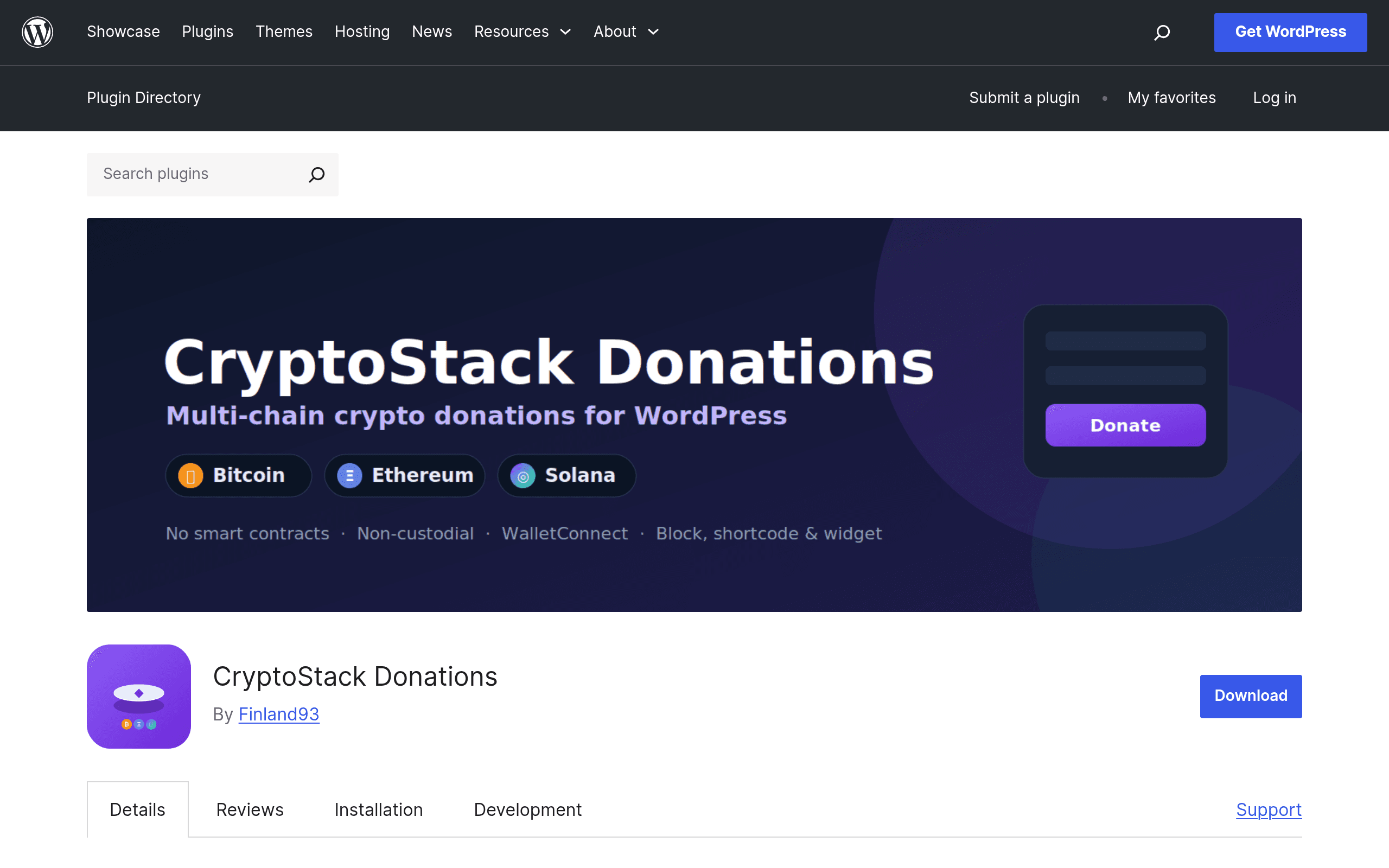
What CryptoStack Donations Actually Does
CryptoStack Donations is a WordPress plugin that adds a native crypto donation button to your site. When a visitor clicks it, they get a QR code or wallet address to send Bitcoin, Ethereum (or other EVM-chain tokens), or Solana directly to a wallet address you control. That's the entire transaction flow — there's no custodial account holding funds on your behalf, no smart contract mediating the transfer, and no third-party platform sitting between the donor and your wallet.
This matters more than it sounds. Most "crypto donation" tools you've encountered (The Giving Block, Engiven, various GiveWP add-ons) route funds through a custodial processor that converts crypto to fiat and deposits it into your bank account days later. CryptoStack skips that entirely. You get the raw crypto, in your own wallet, in the time it takes the blockchain to confirm.
Setup: What It Actually Takes
Installing CryptoStack Donations is a standard WordPress plugin install — search it in your plugin directory, activate, then drop in the wallet addresses you want to receive funds at (one for BTC, one for your EVM address, one for Solana). There's no account creation with the plugin vendor, no KYC step, and no waiting for approval. You're publishing a donation widget within minutes of activation, assuming you already have wallets set up (MetaMask, Phantom, or any hardware wallet address will work — you're just plugging in a public address).
The tradeoff: because there's no intermediary, there's no fraud protection, chargeback system, or automatic fiat conversion. If someone sends you Bitcoin, you own volatile Bitcoin until you manually move or sell it. For some site owners (especially crypto-native creators, open source projects, or Bitcoin-focused nonprofits) that's exactly the point. For a mainstream 501(c)(3) that needs USD in a bank account for accounting purposes, it's a bigger lift.
Pricing: The Simple Part
CryptoStack Donations is free to install with no license tiers, no premium upsell, and no subscription. The only cost is a 1% platform fee applied to donations, which you can configure two ways:
- Inclusive: the 1% is deducted from the donation amount before it reaches your wallet (donor sends 1 SOL, you receive 0.99 SOL)
- On-top: the donor's payment interface adds 1% on top of their intended donation, so you receive the full amount they meant to give
There are no paid add-ons, no "pro" version gating features like multi-chain support, and no per-transaction dollar fee beyond that 1%. Compare that to typical payment processor fees (2.9% + $0.30 is standard for card processing) and it's a notably lean cost structure — though you're still paying whatever gas/network fees the blockchain itself charges on top, which the platform doesn't control.
Concrete Use Cases
A Bitcoin-focused newsletter or podcast that already gets tipped in sats via Lightning wants a simple on-site alternative for readers who prefer on-chain BTC. CryptoStack gives them a donate button with zero platform overhead beyond the 1%.
An open source WordPress plugin/theme developer accepting donations from a global, crypto-fluent audience who may not have a US bank account or PayPal access. Wallet-to-wallet transfer removes geographic and banking friction entirely.
A Solana-native NFT project or DAO running a WordPress-based community site that wants donations to land directly in a multisig treasury wallet rather than passing through a custodial processor that would require identity verification.
What it's a poor fit for: a registered charity that needs donation receipts for tax purposes, automatic fiat settlement, or donor CRM integration — that's where The Giving Block or Engiven's compliance layer earns its keep.
How It Compares
| CryptoStack Donations | The Giving Block | Engiven | GiveWP + Crypto Add-on | |
|---|---|---|---|---|
| Cost | Free plugin, 1% platform fee | Free to nonprofits, takes a cut on conversion/processing | Subscription/platform fee model, varies by org size | GiveWP core is free/freemium; crypto add-ons often $89-$299/year |
| Custody model | Non-custodial — funds go straight to your wallet | Custodial — converts crypto to fiat, deposits to bank | Custodial — fiat conversion built into compliance flow | Typically custodial via integrated processor (e.g., BitPay) |
| Chains supported | Bitcoin, Ethereum/EVM chains, Solana | Bitcoin, Ethereum, and a broad list via processor partners | Bitcoin, Ethereum, plus stablecoins | Depends on add-on; usually BTC + a few EVM tokens |
| Tax receipts/compliance | None built in — you're on your own | Yes, built for 501(c)(3) compliance | Yes, strong compliance/reporting focus | Varies, usually minimal, depends on add-on |
| Best for | Crypto-native creators, DAOs, devs who want direct wallet control | Established nonprofits wanting turnkey crypto fundraising | Larger charities needing audit trails and reporting | Existing GiveWP users wanting to bolt on crypto as one more payment method |
Should You Install It Today?
If you run a WordPress site and want the simplest possible way to let visitors send you Bitcoin, ETH, or Solana with no middleman taking custody of the funds, CryptoStack Donations does exactly that with almost no setup cost or friction — a 1% fee is hard to beat. But go in knowing what you're not getting: no fiat conversion, no donor receipts, no compliance tooling, and no support layer if a donor sends funds to the wrong network. For a solo creator, dev, or crypto-forward project, that tradeoff is probably fine. For a nonprofit that needs to satisfy auditors, it isn't — stick with The Giving Block or Engiven until CryptoStack (or a competitor) builds out that layer.