DAZ 3D Review: Pricing, Genesis Figures, and How It Stacks Up to Blender and Maya
Some links in this guide are affiliate links. If you sign up through them, Day Zero Guides may earn a commission at no extra cost to you. This never affects which products we cover or what we say about them. See our affiliate disclosure for details.
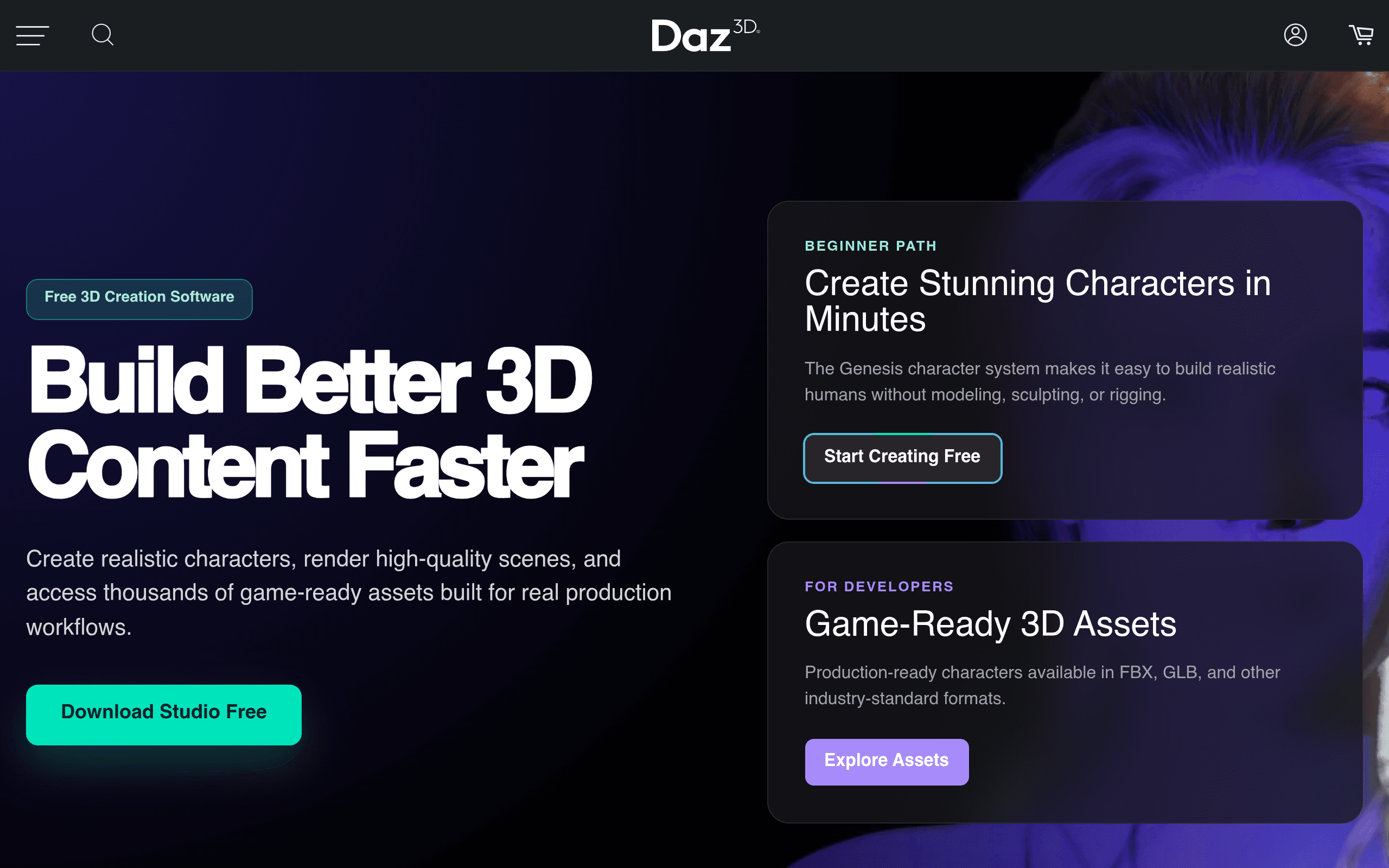
What DAZ 3D Actually Is
DAZ 3D isn't a modeling program in the traditional sense — it's a character-first content pipeline built around a free application called DAZ Studio and a marketplace stacked with pre-built human figures, clothing, hair, props, and environments. The core hook is the Genesis figure system: a rigged, morph-ready base humanoid that you can reshape, dress, and pose without ever touching a modeling tool. If you need a realistic or stylized human character fast, and you don't have (or want to spend) the time to sculpt and rig one from scratch, this is the reason people use DAZ.
It's been around since the early 2000s and has quietly become a default source of character assets for indie game devs, illustrators, VR content creators, and even people generating training data for computer vision work. It is not trying to be Blender or Maya — it's solving a narrower problem: getting a believable human (or creature) into your scene quickly.
Pricing: What You Actually Pay
DAZ Studio itself — the software — is free to download and use indefinitely. You don't need a membership to open the program, pose figures, or render. What costs money is content: character models, clothing, hair, poses, and environments sold individually in the DAZ marketplace, typically ranging from $10–$50 per item, with frequent deep sales (75–90% off is common).
On top of à la carte purchases, DAZ sells three membership tiers that change your discount level and monthly content allowance:
- Daz Base — Free. Gives you store access, forums, and the base software. No monthly credits or discount boost.
- Daz Plus — Paid mid-tier (roughly $9.99/month at typical pricing, billed monthly or discounted annually). Includes monthly store credits, a meaningful discount on marketplace purchases, and early access to some sales.
- Daz Premier — The top tier (historically priced around $29.99/month). Larger monthly credit allotment, deeper discounts, and access to Premier-exclusive content drops.
Pricing and credit allotments shift with promotions, so treat the above as directional rather than gospel — check the current comparison table on daz3d.com before subscribing. The practical advice: start on the free tier, buy a handful of items during a sale to see if the workflow fits your project, and only upgrade to Plus or Premier once you're buying enough content monthly that the discount math pays for itself.
Where It's Genuinely Useful
- Indie game devs who need placeholder or even final NPC characters without hiring a character artist — DAZ exports to Unity and Unreal with FBX and has dedicated bridges for both.
- Comic and illustration artists who pose figures for reference or final renders instead of drawing anatomy from scratch each panel.
- VR/AR and metaverse content creators who need humanoid avatars quickly and can tolerate some retopology/optimization work afterward.
- Machine learning and synthetic data teams generating varied human poses and body types for training datasets.
- Previz and animatic artists blocking out human characters in a scene before a full CG pipeline kicks in.
Where it struggles: DAZ figures are optimized for stills and renders, not real-time game performance out of the box — you'll often need to decimate/retopologize models before dropping them into a live game build. It's also not a general-purpose modeling tool; if you need to build a car, a building, or a hard-surface prop, DAZ isn't the right tool for that job.
How It Compares
| DAZ 3D (Studio + Marketplace) | Blender | Autodesk Maya | Unreal Engine | |
|---|---|---|---|---|
| Price | Software free; content $10–$50/item; memberships ~$10–$30/month | Free, open source | ~$1,875/year (or ~$235/month) | Free; 5% royalty after $1M product revenue |
| Core strength | Pre-built, riggable human/creature figures via Genesis system | Full modeling, sculpting, animation, and rendering pipeline | Industry-standard rigging/animation for film and studio pipelines | Real-time rendering and game engine with Nanite/Lumen |
| Learning curve | Low for posing/rendering; low-to-moderate for customization | Steep — full 3D suite | Steep — professional tool with deep feature set | Moderate-to-steep depending on scope (blueprints vs. code) |
| Best for | Fast character generation without modeling/rigging from scratch | Solo/indie creators wanting one free tool for everything | Studios and professionals needing industry-standard animation tools | Game developers and real-time visualization teams |
| Export/interop | Bridges to Blender, Unreal, Unity, Maya via Daz to X plugins | Native support for most formats; strong Unreal/Unity pipelines | Deep pipeline integration in film/VFX studios | Imports from Blender, Maya, DAZ; built for real-time |
A common real-world workflow: build and pose a character in DAZ Studio, export via the Daz to Blender bridge for cleanup and retopology, then bring the optimized mesh into Unreal or Unity for a game. DAZ, Blender, and Unreal aren't really competitors here — they're often used together, with DAZ handling the character-creation step that the other tools do poorly or slowly.
Is It Worth It?
If your bottleneck is "I need a realistic human character and I'm not a character artist," DAZ 3D solves that specific problem better than any of the alternatives above, and the free base software costs you nothing to try. The catch is that the marketplace model means costs creep up per-project — a fully dressed, posed, unique-looking character can easily run $50–$150 in asset purchases once you add clothing, hair, and morphs, before any membership discount.
Skip it if you need a general-purpose 3D tool (get Blender, which is free and does far more), or if you're building a AAA-fidelity game character that needs to be built to spec rather than assembled from a library (that's Maya or ZBrush plus a character artist). Use DAZ when speed and "good enough, fast" realism matter more than fully custom character design.