Defen.so Connector: First Look at the New Local-First WordPress Security Plugin
Some links in this guide are affiliate links. If you sign up through them, Day Zero Guides may earn a commission at no extra cost to you. This never affects which products we cover or what we say about them. See our affiliate disclosure for details.
What Defen.so Connector Actually Does
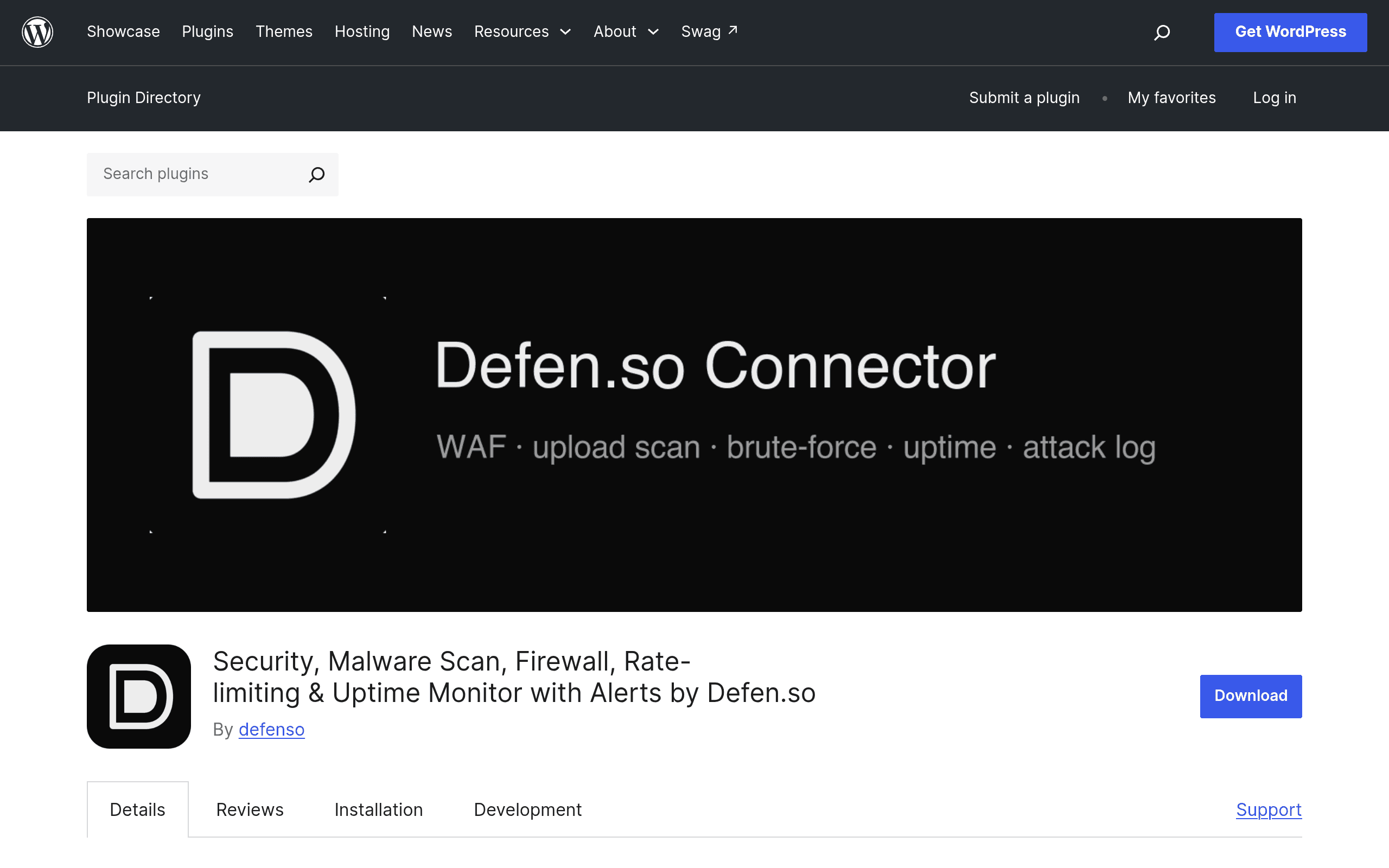
Defen.so Connector is a new entrant in the crowded WordPress security plugin space, but its pitch is narrower and more honest than most: run the core protections (firewall, malware scanning, file integrity monitoring, and hardening) entirely on your own server, for free, with no account required. If you want the stuff that has to live outside your server — uptime checks, SSL expiry alerts, a mobile push-notification app — you connect a free Defen.so account, and a paid tier exists for people who want faster check intervals and more headroom.
That local-first architecture is the plugin's real differentiator. Wordfence, Sucuri, and iThemes Security all nudge you toward a paid tier fairly quickly if you want real-time protection or off-site monitoring. Defen.so Connector keeps the on-server security layer free indefinitely and only charges for the parts that require its own infrastructure (remote monitoring servers, push notification delivery, longer log storage).
Core Free Features (No Account Needed)
- Local Web Application Firewall (WAF): Runs at the plugin level inside WordPress, blocking common attack patterns (SQLi, XSS, known bad user agents, brute-force login attempts) without routing traffic through a third-party proxy.
- Malware scanning: Scheduled scans of core files, themes, and plugins against known-signature databases, plus heuristic checks for obfuscated code (base64 blobs, eval() injections).
- File integrity monitoring: Diffs your WordPress core files against official checksums and flags unexpected changes to files that shouldn't be modified.
- Hardening toolkit: One-click fixes for common misconfigurations — disabling XML-RPC, blocking PHP execution in uploads directories, hiding WordPress version strings, enforcing strong login throttling.
All of this runs locally on your hosting, which means no DNS changes, no proxying your traffic through someone else's servers, and no dependency on an external service being up for your firewall to function.
What the Free Defen.so Account Adds
Connecting a free account (still no cost) unlocks:
- External uptime monitoring (checks your site from outside your server, catching outages your local plugin can't see because the server itself may be down)
- SSL certificate expiry monitoring and alerts
- A mobile app for push alerts instead of relying solely on email
- Centralized dashboard if you're managing more than one site
What the Paid Tier Adds
Defen.so hasn't published specific dollar amounts yet, which is worth flagging up front if you're comparing total cost of ownership against Wordfence Premium ($119/year/site) or Sucuri's platform plans (starting around $199/year). Based on the plugin's own settings and account dashboard, the paid tier unlocks:
- Faster external check intervals (the free tier checks less frequently — useful for casual sites, not great if you need to know about downtime within a minute or two)
- More monitors per account (relevant if you run several sites)
- Longer log retention (free tier appears to cap history, which matters if you're trying to reconstruct an attack timeline after the fact)
- Custom WAF rules (writing your own blocking rules rather than relying on the default rule set)
If you run a single low-traffic site and just want the on-server protections, you may never need to pay anything or even create an account.
Concrete Use Cases
A freelance web designer maintaining 6-10 small business client sites: The free local firewall and malware scanning cover baseline due diligence without a recurring cost per site. The free account's multi-site dashboard makes it easier to check on all client sites from one place instead of logging into each wp-admin separately.
A WooCommerce store owner worried about card-skimming malware: File integrity monitoring plus malware scanning specifically targets the kind of injected JS/PHP that skimmer attacks rely on. This is a case where you'd likely want the paid tier's shorter check intervals and longer log retention, since skimmer injections can sit undetected for weeks if scans are infrequent.
A blogger who just wants basic hardening after a friend's site got hacked: The one-click hardening toolkit (disabling XML-RPC, blocking uploads-folder PHP execution) addresses the most common low-effort attack vectors without needing to touch .htaccess or wp-config.php manually. Free tier is enough here.
An agency that needs SLA-worthy uptime data for client reporting: This is where the free account's monitoring falls short — check intervals are the trade-off for not paying, and agencies reporting uptime to clients will likely need the paid tier or should stick with Sucuri's platform, which bundles monitoring more maturely.
How It Compares
| Defen.so Connector | Wordfence Security | Sucuri Security | iThemes Security | |
|---|---|---|---|---|
| Core firewall cost | Free, runs locally | Free (endpoint firewall); Premium ($119/yr/site) for real-time rules | Free plugin scans locally; full WAF requires paid platform (~$199+/yr) | Free; Pro tier (~$99/yr/site) adds brute-force network and WAF via paid add-on |
| External uptime/SSL monitoring | Free with account; paid tier for faster intervals | Not included | Included in paid platform plans | Not included natively |
| Malware scanning | Local signature + heuristic scanning, free | Free tier scans; Premium adds real-time signature updates | Free plugin scan; remote scanning tied to paid plans | Basic file change detection; deeper scanning requires Pro |
| Mobile push alerts | Yes, via free account + app | No (email only) | Yes, on paid plans | No |
| Best for | Site owners wanting a free, self-contained local security layer without cloud dependency | Sites wanting a mature, widely-audited firewall with a huge install base | Sites wanting a managed WAF/CDN layer plus cleanup guarantees if hacked | WordPress-specific hardening fans who want deep wp-config/user-permission controls |
Where It Falls Short (For Now)
As a newly launched plugin, Defen.so Connector doesn't have the track record Wordfence has built over a decade of threat-intelligence updates, nor does it offer Sucuri's hallmark hack-cleanup guarantee if your site does get compromised. There's also no published pricing page yet for the paid tier — you have to connect an account and poke around the dashboard to see what's gated, which is a rough first impression for anyone trying to budget in advance. If you've been burned before and want a vendor with an established incident-response team on the other end of a support ticket, Sucuri is still the safer bet for now.
Should You Install It Today
If you manage one or a handful of WordPress sites and want real local protection without a subscription, there's little downside to trying Defen.so Connector — the core plugin costs nothing and doesn't require handing your traffic to a third party. It's a reasonable addition even alongside your existing setup for the file integrity and hardening checks alone. Where I'd hold off: if you need guaranteed hack cleanup, mature threat-intelligence feeds, or you're managing a business-critical store where you need battle-tested vendor support, stick with Wordfence or Sucuri until Defen.so has more history and a published price sheet.
Update — 2026-08-19
The current website describes several new features added in version 1.4.0 (file-modification detection, continuous database scanning, background scan with progress bar, green security badge) and introduces a managed WAF, CVE vulnerability lookup, and attack log that require connection to a free account. The original guide did not mention these features or the managed cloud layer components. Additionally, the website now emphasizes a mobile app (Defenso Alerts) as a key differentiator that 'people install the plugin for and then tell their friends about,' which was not highlighted in the original guide.