DevOrbit Login Shield: First Look at the New Free WordPress Login-Hiding Plugin
Some links in this guide are affiliate links. If you sign up through them, Day Zero Guides may earn a commission at no extra cost to you. This never affects which products we cover or what we say about them. See our affiliate disclosure for details.
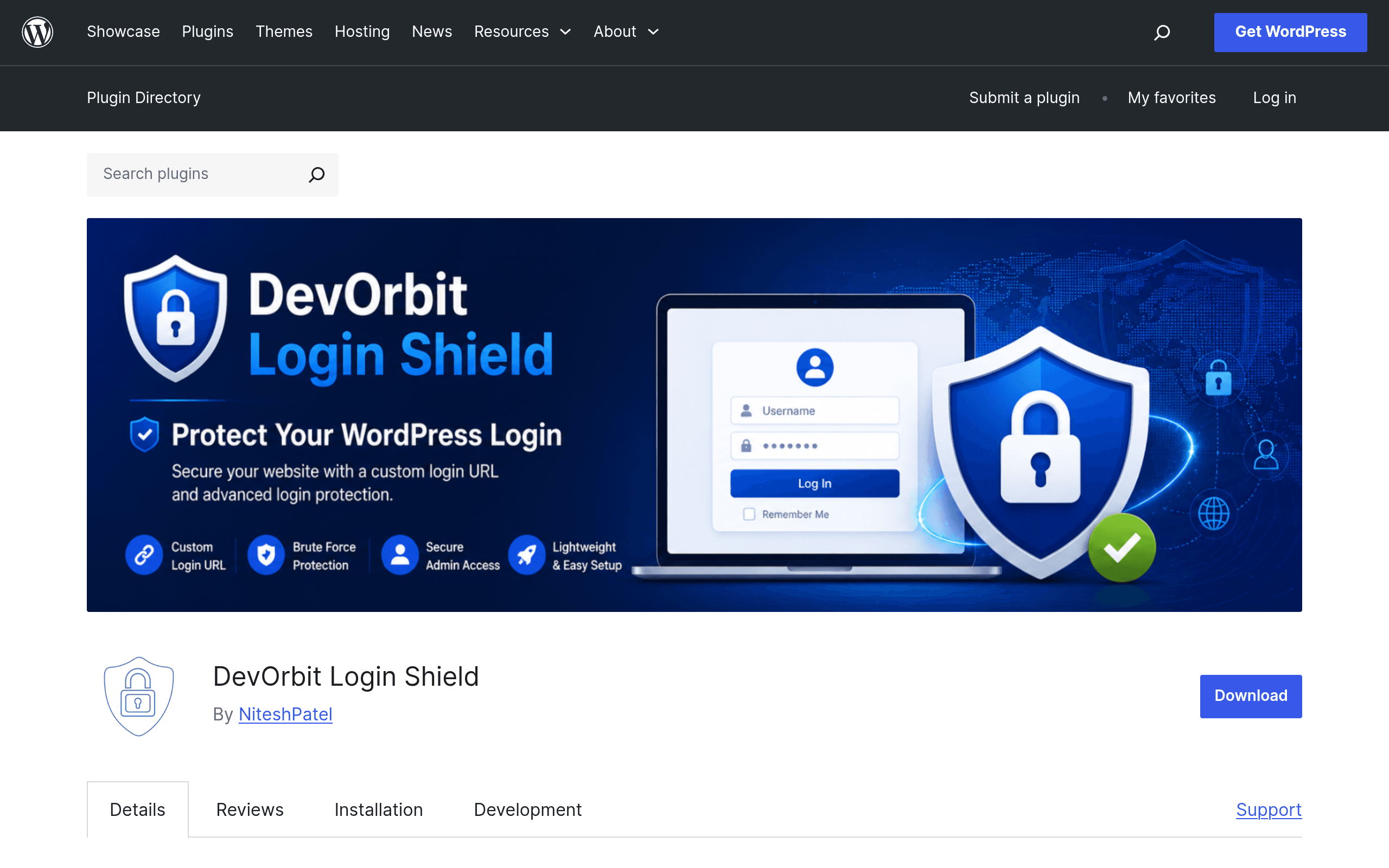
What DevOrbit Login Shield Actually Does
DevOrbit Login Shield is a single-purpose WordPress plugin: it moves your login page from the predictable /wp-login.php (or /wp-admin) to a URL you choose, like /staff-entry or /portal-2024. Once activated, anyone hitting the default login endpoint gets a 404 or a redirect (configurable) instead of the standard login form.
This isn't security theater dressed up as a firewall — it's narrowly scoped "login page obscurity," and it's upfront about that. It doesn't scan for malware, doesn't rate-limit login attempts, doesn't add two-factor authentication. It just hides the door. The plugin works by hooking into WordPress early in the request lifecycle (before wp-login.php loads), rather than patching core files or touching your database, which means updates to WordPress core shouldn't break it and uninstalling it is clean.
The optional "hide public login links" setting also strips login URLs from widgets, menus, and theme-generated links that might otherwise point to the old location and give away your new slug.
Why This Matters (and Why It Doesn't Replace a Firewall)
The overwhelming majority of automated WordPress attacks are dumb bots hammering /wp-login.php and /xmlrpc.php with credential lists. They're not targeting your site specifically — they're scanning IP ranges for the default endpoint. Moving the login URL takes you out of that automated sweep entirely, which in practice means your server logs go from thousands of failed login attempts per week to near zero.
What it does not do: stop a targeted attacker who finds your custom URL (via a misconfigured plugin, a leaked link, or brute-forcing common slugs), stop XML-RPC abuse, stop malware injection, or protect against compromised passwords. If someone is actually targeting your site rather than opportunistically scanning it, this plugin buys you very little.
Setup, in Practice
Installation is standard WordPress plugin flow: upload, activate, then set your custom slug in the settings screen. A few things worth knowing before you flip the switch:
- Bookmark the new URL immediately. There's no "forgot my custom login URL" recovery flow baked in — if you lock yourself out, you'll need FTP/file manager access to deactivate the plugin via the
wp-content/pluginsfolder. - Check plugin conflicts. Membership plugins, some page builders, and login-related widgets sometimes hardcode links to
wp-login.php. Test your custom URL and confirm nothing else on the site still points to the old one. - Multisite behavior varies. As with most login-relocation plugins, network-wide setups need testing on a staging environment first — subsite login flows aren't always covered identically.
Pricing
DevOrbit Login Shield is free and open source, distributed through the WordPress.org plugin repository. There's no premium tier, no upsell screen, and no license key at the time of this writing. That's notable in a category where competitors often gate meaningful features behind paid add-ons.
Concrete Use Cases
- A small business site on shared hosting that keeps getting flagged by the host for "excessive login attempts" — relocating the login page usually eliminates the automated traffic causing the flag, without needing a WAF.
- An agency managing dozens of client WordPress installs who wants a zero-config, zero-maintenance way to cut down brute-force noise across sites without adding another dashboard to monitor.
- A blogger or freelancer who wants basic hardening without opening a settings panel with 40 toggles — just a slug field and a save button.
- Sites where install size and file bloat matter — because the plugin doesn't add scanning engines, firewalls, or logging tables, it stays lightweight.
How It Compares
| DevOrbit Login Shield | Wordfence Login Security | All In One WP Security & Firewall | iThemes Security | |
|---|---|---|---|---|
| Price | Free | Free (2FA add-on free; full Wordfence firewall is paid) | Free | Free tier + Pro from $9.25/mo (billed annually) |
| Core feature | Hides/relocates login URL only | Two-factor authentication + login attempt limiting | Login lockdown, firewall, file integrity scanning | Brute-force protection, 2FA, file change detection |
| Setup complexity | Very low — one settings field | Moderate — 2FA setup per user | Moderate-high — many modules to configure | Moderate-high — extensive dashboard |
| Best for | Cutting automated bot noise fast, minimal footprint | Sites needing real authentication hardening | Sites wanting an all-in-one free firewall+security suite | Sites wanting a maintained, actively updated full security suite |
| Does it stop targeted attacks? | No | Partially (2FA helps significantly) | Partially (firewall rules help) | Partially (lockdown + 2FA help) |
Should You Install It Today?
If your goal is to quiet down brute-force scanner noise on a low-to-medium traffic site without adding another heavyweight security suite, DevOrbit Login Shield does exactly one job and does it with minimal overhead. It's a reasonable five-minute addition alongside — not instead of — strong passwords and a real 2FA plugin.
If you're running anything handling sensitive data, e-commerce transactions, or you've been targeted before (not just scanned), pair this with Wordfence or iThemes Security rather than relying on URL obscurity alone. Security through obscurity buys you quiet logs, not real protection.