DocsBot for WordPress: A First Look at the Code-Free AI Support Chatbot Plugin
Some links in this guide are affiliate links. If you sign up through them, Day Zero Guides may earn a commission at no extra cost to you. This never affects which products we cover or what we say about them. See our affiliate disclosure for details.
What DocsBot Actually Is
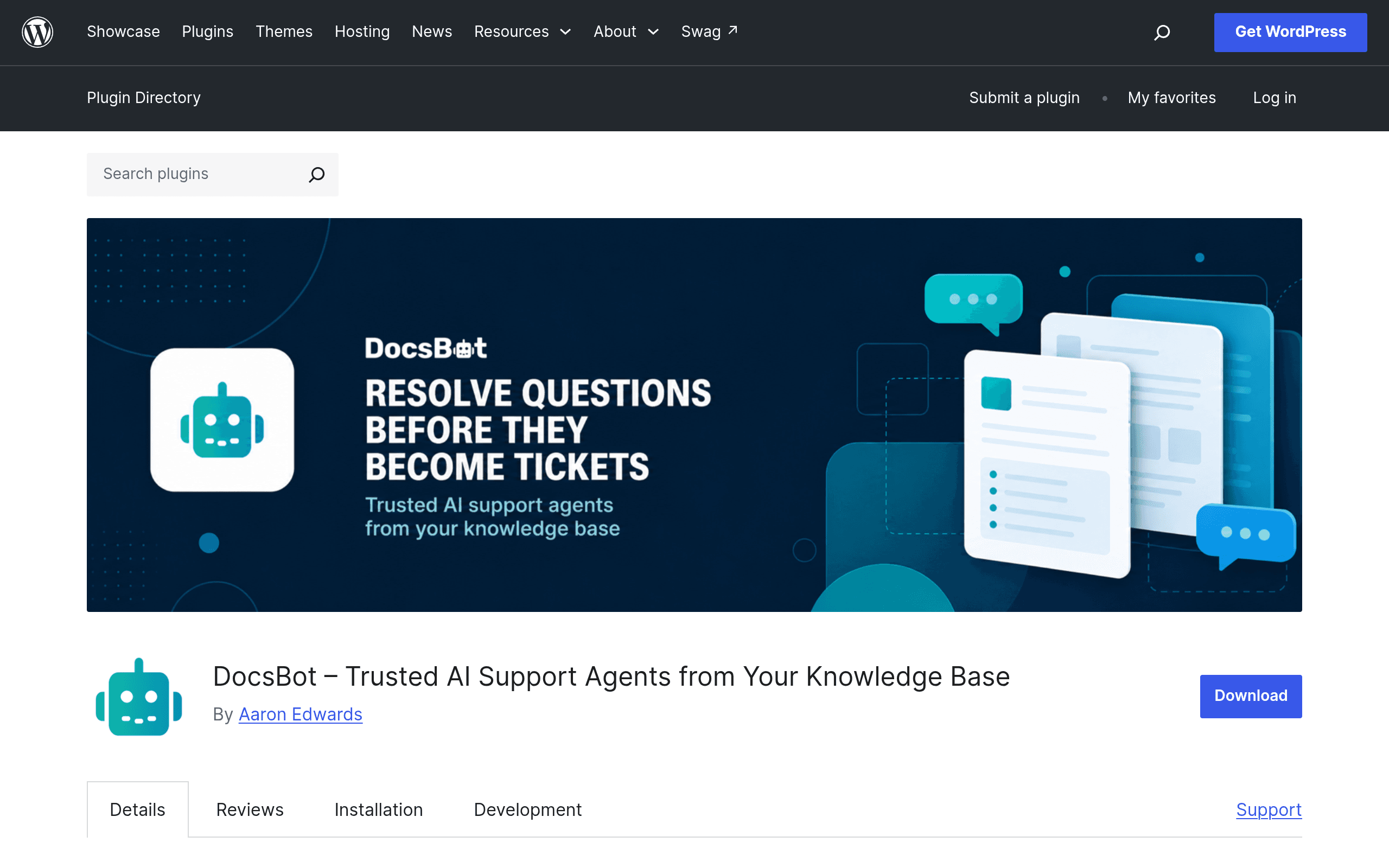
DocsBot is a WordPress plugin (listed on WordPress.org under docsbot) that drops an AI-powered support chatbot into your site without touching a single line of code. You install it like any other plugin, connect it to a DocsBot account, and it crawls your existing WordPress content — pages, posts, documentation, knowledge base entries — to train a bot that answers visitor questions in a floating chat widget.
The pitch is straightforward: instead of paying a support team to answer the same 30 questions every week, or building a custom GPT wrapper yourself, you point DocsBot at your content and get a chat widget that already knows your product.
A few things stand out in this first look:
- No-code embedding. The widget is inserted via the plugin's settings screen, not a theme file edit or a snippet in
functions.php. This matters for solo site owners and small teams without a developer on call. - Membership integration. DocsBot can recognize logged-in users and pass identity context to the bot (subscription tier, account status, etc.), which is relevant for sites running MemberPress, WooCommerce Subscriptions, or similar gated-content setups.
- Privacy-conscious identity handling. Rather than blasting full user profiles to a third-party API by default, the plugin is built around scoped identity sharing — you decide what visitor data the bot can see, which matters if you're running this on a site bound by GDPR or a membership privacy policy.
- Widget customization and targeting. You can control where the widget appears (specific pages, post types, or site-wide), and adjust its look to match your theme rather than living with a generic bubble in the corner.
What It's Actually Good For
This isn't a general-purpose live chat replacement — it's narrower and, for the right use case, better targeted:
- A SaaS company with a WordPress-based docs site that wants visitors to ask "how do I reset my API key" and get an instant, accurate answer pulled from the actual documentation instead of a generic FAQ redirect.
- A membership site or online course platform where paying members need account-specific help (e.g., "what's included in my plan") and free visitors should be nudged toward upgrading rather than given premium support answers.
- A plugin or theme developer support site that gets repetitive setup questions in comments and email, and wants to deflect a chunk of those before they become support tickets.
- An agency-run WordPress site for a client where the client needs something that looks like a support feature but nobody on staff has bandwidth to build or moderate a full help desk.
What it's not well suited for: sales-led chat funnels with heavy CRM handoffs, multi-channel support (email/SMS/social in one inbox), or teams that need live human chat as the primary mode rather than AI-first deflection.
Pricing: What's Actually Published (and What Isn't)
Here's the honest state of things as of this writing: the WordPress.org plugin page for DocsBot does not publish pricing directly. The plugin itself is free to download and install from the WordPress repository, but functionally it's a front-end for a hosted DocsBot account — the AI training, chatbot hosting, and query processing happen on DocsBot's backend, not inside WordPress itself.
That means your real cost is whatever the connected DocsBot account plan costs, and that pricing isn't listed on the plugin page — you'll need to create an account through the setup flow to see current tiers, usage limits, and whether there's a free tier for small sites. If you're evaluating this for a client or a business budget, don't assume it's free just because the plugin install is; confirm the account-side pricing before you commit a client site to it.
This is a meaningful gap compared to competitors below, all of whom publish at least a starting price publicly.
How It Compares
| DocsBot (WordPress plugin) | Intercom | Drift | Zendesk Answer Bot | |
|---|---|---|---|---|
| Published pricing | Not published on plugin listing; requires connected account to see plans | Starts around $39/seat/month (Essential plan), scales up quickly with add-ons | Enterprise-focused; custom quotes, historically $2,500+/month for full platform | Add-on to Zendesk Suite; requires existing Zendesk plan (Suite starts ~$55/agent/month) plus bot add-on cost |
| Setup effort | Install plugin, connect account, point at existing WordPress content — no code required | Requires SDK/snippet install, more configuration for bots and workflows | Requires script install and flow-builder setup; steeper learning curve | Requires full Zendesk implementation first; bot is layered on top |
| Content source for AI answers | Trained directly on your WordPress pages/posts automatically | Trained on help center articles you build separately in Intercom | Conversational playbooks you build manually, less automatic content ingestion | Trained on your Zendesk knowledge base articles |
| Best for | WordPress-native sites (docs, membership, SaaS marketing sites) wanting a lightweight embedded bot | Mid-market to enterprise teams wanting a full support + sales messaging suite | Sales teams prioritizing lead qualification chat over support deflection | Existing Zendesk customers wanting to add automated deflection to their support queue |
| Membership/logged-in user awareness | Built-in integration with WordPress membership plugins | Possible via API but requires custom development | Not a core focus | Tied to Zendesk end-user profiles, not WordPress membership plugins directly |
The Trade-Off, Plainly
If your site already runs on WordPress and your support burden is mostly "answer questions about content that already exists on the site," DocsBot's no-code install and native content training make it a much lighter lift than standing up Intercom or Zendesk, which assume you'll build a separate knowledge base and pay per-seat pricing regardless of traffic.
The catch is pricing opacity. Intercom, Drift, and Zendesk all let you see a number (or at least a floor) before you sign up. DocsBot's plugin listing doesn't, which means you're evaluating this partly on trust until you create an account and hit the paywall. For a low-traffic blog or a small membership site, that might be a non-issue. For an agency deciding whether to roll this out across a dozen client sites, get the account pricing confirmed in writing before you commit.
Should You Try It Today?
Install it if: you run a WordPress site with a decent amount of existing content (docs, FAQs, long-form posts), you don't have engineering resources to spare, and you want to test AI deflection without ripping out an existing help desk tool.
Hold off if: you need guaranteed, published pricing to get sign-off from a client or finance team before testing, or your support workload is mostly sales-qualification chat rather than content-based Q&A — in that case Drift or Intercom's sales tooling is the better starting point.
Either way, budget an afternoon to install it, connect an account, and see what the bot actually says when you ask it your own most common support question. That test tells you more than any spec sheet will.