EaseUS Review: Pricing, Features, and How It Compares to Acronis and AOMEI
By Day Zero Guides Editorial · How we produce guides
Some links in this guide are affiliate links. If you sign up through them, Day Zero Guides may earn a commission at no extra cost to you. This never affects which products we cover or what we say about them. See our affiliate disclosure for details.
Where EaseUS Is Genuinely Useful
- You accidentally emptied the Recycle Bin and need one file back — the free tier of Data Recovery Wizard often handles this without paying anything.
- You're migrating from an old HDD to a new SSD and want to clone the whole drive, boot partition included, without a fresh Windows install — Todo Backup's clone feature does this reliably.
- A USB drive or SD card got formatted by mistake — Data Recovery Wizard's deep scan can usually pull back photos and documents, though recovery quality drops the longer you keep using the drive.
- You need to shrink or extend a Windows partition without third-party disk management headaches — Partition Master is more approachable than Windows' built-in Disk Management for beginners.
- You're not a sysadmin and want a GUI-driven backup schedule rather than command-line tools or Windows' native backup, which many people find confusing.
Where it's less useful: it's not really built for continuous cloud backup with ransomware protection baked in (that's Acronis's territory), and its free recovery cap makes it a poor fit if you're dealing with a large corrupted drive and don't want to pay.
What EaseUS Actually Is
EaseUS isn't a single product — it's a portfolio of Windows and Mac utilities built by a Chinese software company that's been in the data-protection space for years. The lineup includes EaseUS Data Recovery Wizard, Todo Backup, Partition Master, Todo PCTrans, RecExperts (screen recording), MobiMover (iOS/Android file transfer), and Fixo (file repair for corrupted photos, videos, and documents). Most people land on EaseUS after searching for a way to recover a deleted file or clone a failing hard drive, so this guide focuses mainly on the two products people actually pay for: Data Recovery Wizard and Todo Backup, with notes on Partition Master where relevant.
If you've used EaseUS before, nothing here will surprise you — the company has stuck with the same freemium-to-paid model for a long time. This guide is for people comparing it today against Acronis, AOMEI, and Recuva before deciding where to spend money.
The Core Products and What They Do
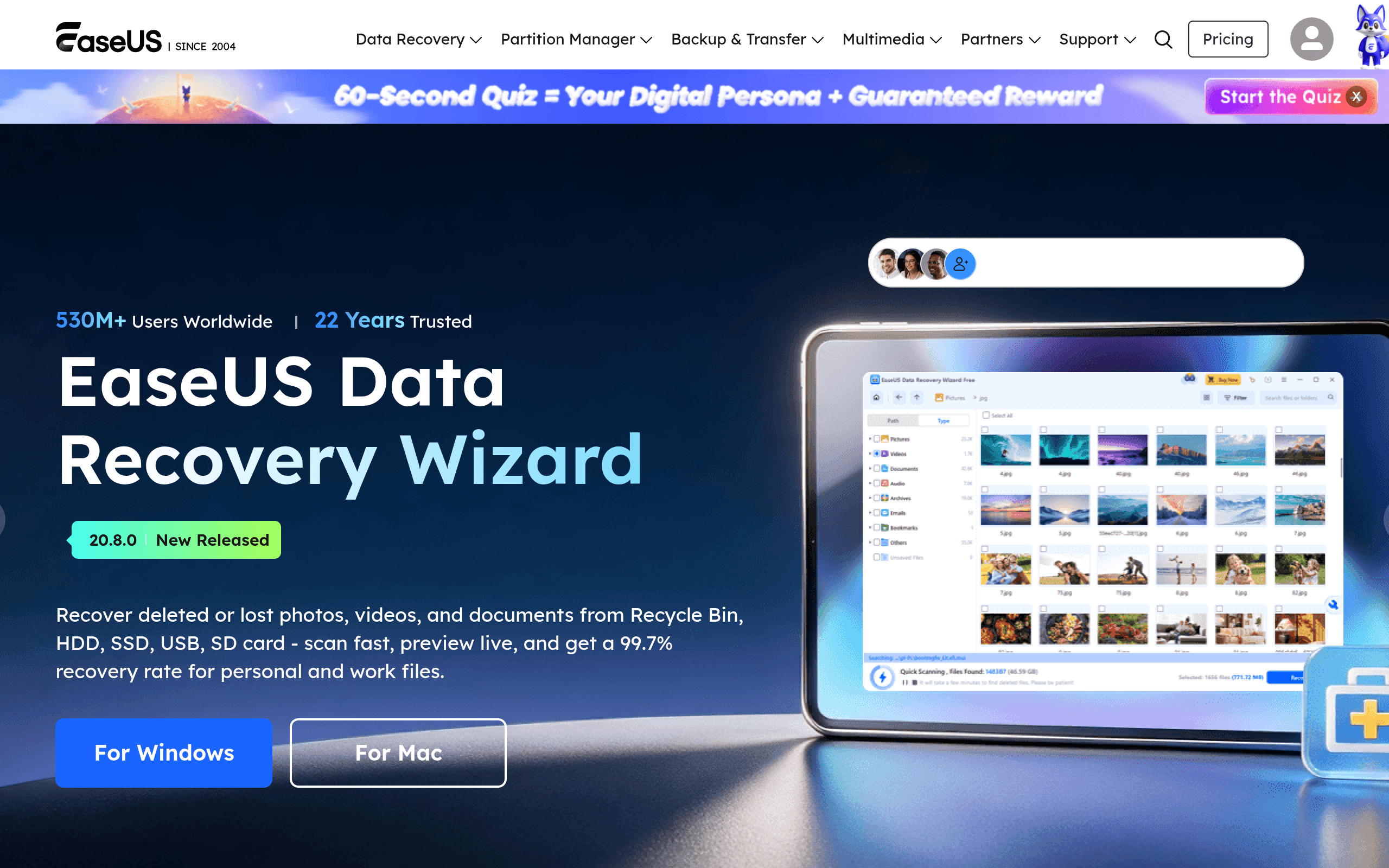
EaseUS Data Recovery Wizard — Scans drives, SD cards, and USB sticks for recoverable files after accidental deletion, formatting, or partition loss. Supports NTFS, FAT32, exFAT, and APFS/HFS+ on Mac.
EaseUS Todo Backup — Full disk imaging, incremental backups, system clone (great for swapping an HDD to an SSD), and scheduled backups to local drives, NAS, or cloud.
EaseUS Partition Master — Resize, merge, split, and convert partitions without wiping data; also handles MBR-to-GPT conversion.
EaseUS Fixo / RecExperts / MobiMover — Smaller, task-specific tools for repairing corrupted files, recording your screen, and transferring data between phones and computers.
Pricing Breakdown
EaseUS pricing is tiered per product rather than a single bundled subscription, and the company runs frequent discounts, so treat these as typical list prices rather than fixed numbers:
- Data Recovery Wizard Free — Recovers up to 2GB of data at no cost. Fine for a single lost folder, not enough for a failed drive.
- Data Recovery Wizard Pro — Roughly $69.95/year or a one-time lifetime license around $99.95, unlimited recovery.
- Data Recovery Wizard Technician — Aimed at IT shops that recover data for clients commercially, priced higher (often $299+) with a commercial-use license.
- Todo Backup Home — Around $29.95–$39.95/year for a single PC, covering imaging and scheduled backups.
- Todo Backup Workstation/Business — Scales up per device for office use, with centralized management in the Enterprise tier.
- Partition Master Pro — Around $39.95/year or a lifetime option near $69.95.
EaseUS also bundles products (e.g., a "Data Recovery + Partition Master" combo) at a discount, which is worth checking before buying tools separately. Always check the live pricing page before purchasing — EaseUS runs seasonal sales (holidays, back-to-school) that can cut listed prices by 30–50%.
How It Compares
| EaseUS (Data Recovery Wizard / Todo Backup) | Acronis True Image (Cyber Protect Home Office) | AOMEI Backupper | Recuva | |
|---|---|---|---|---|
| Starting price | Free (2GB recovery cap); Pro ~$69.95/yr | ~$59.99/yr for 1 device (includes cloud storage) | Free tier; Pro ~$49.95/yr or lifetime ~$69.95 | Free; Professional ~$19.95 one-time |
| Core strength | Balanced recovery + backup + partition tools in one ecosystem | Backup with built-in ransomware protection and cloud storage | Straightforward disk imaging and cloning, frequently on sale | Lightweight, fast file undelete, no bloat |
| Cloud backup included | No native cloud tier for most products | Yes, tiered cloud storage bundled with subscription | Cloud backup supported but via third-party/rented cloud | No |
| Best for | Users who want one vendor covering recovery, backup, and partitioning | Users who want backup + anti-ransomware + cloud in one subscription | Budget-conscious users who mainly need cloning/imaging | Users who just need to undelete a few files, nothing else |
| Mac support | Yes, separate Mac versions of most tools | Yes | Limited (Windows-focused) | No (Windows only) |
The honest takeaway: if you specifically need anti-ransomware monitoring and integrated cloud backup, Acronis is worth the extra cost. If you only need to clone or image a drive and don't care about a recovery tool, AOMEI Backupper is usually cheaper for the same core job. If your entire problem is "I deleted one file five minutes ago," Recuva's free version will likely solve it before you need to install anything from EaseUS.
Pros and Cons
Pros:
- One vendor, one interface style, across recovery, backup, and partitioning — useful if you don't want to learn three different tools
- Free tiers are genuinely functional for small jobs, not just crippled demos
- Regular deep discounts make the paid tiers cheaper than list price most of the year
- Mac and Windows versions exist for most tools, unlike some Windows-only competitors
Cons:
- No single subscription covers everything — you're often buying separate licenses for recovery vs. backup vs. partitioning
- Lacks Acronis's built-in ransomware protection and integrated cloud storage
- Interface pushes upgrade prompts fairly aggressively in the free versions
- List prices are middling; the value really only shows up during sales
Bottom Line
EaseUS is worth it if you want a general-purpose toolkit for the recurring "oh no" moments of PC ownership — deleted files, dying drives, cramped partitions — and you'd rather deal with one company's software than piece together separate tools. It's not the cheapest single-purpose option (Recuva undercuts it for basic recovery, AOMEI undercuts it for basic imaging), and it's not the most feature-complete for backup with security built in (that's Acronis). But as a do-most-things suite that you can buy piece by piece as you need it, it holds up reasonably well — just wait for a sale before buying the Pro tier.