EasyLead Review: A First Look at the Free Popup Lead Form Plugin for WordPress
Some links in this guide are affiliate links. If you sign up through them, Day Zero Guides may earn a commission at no extra cost to you. This never affects which products we cover or what we say about them. See our affiliate disclosure for details.
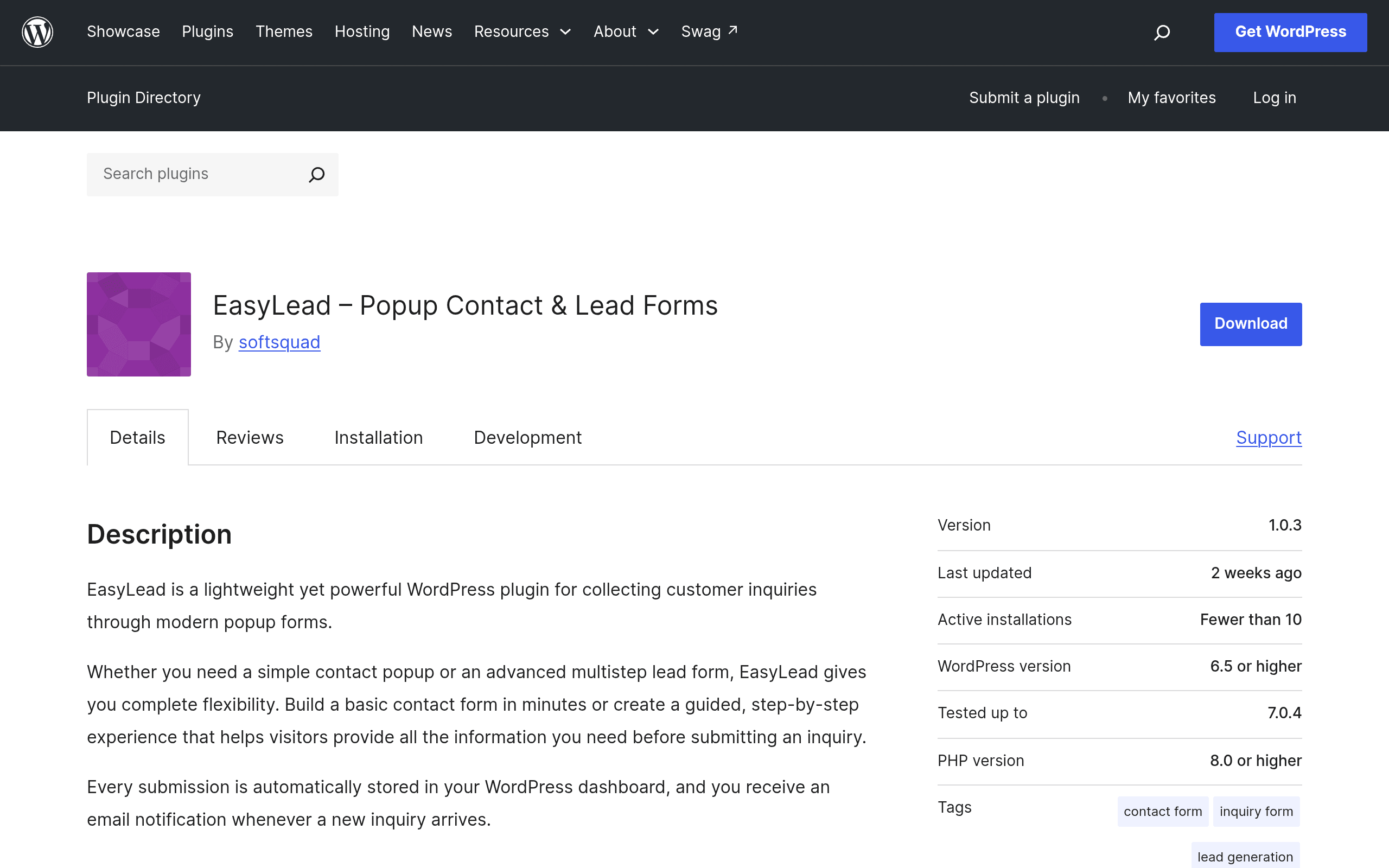
What EasyLead Actually Does
EasyLead – Popup Contact & Lead Forms is a free plugin listed on the official WordPress.org repository that lets you build popup forms — either single-step or multi-step — without touching code. Submissions land in your WordPress dashboard, and the plugin fires off an automatic email notification when a new lead comes in. That's the entire pitch: no page builder integrations to configure, no external SaaS dashboard to log into, no API keys. You install it, build a popup, and start collecting leads.
This puts EasyLead in a narrower lane than general-purpose form builders. It isn't trying to replace your contact page form or build complex conditional logic surveys — it's built specifically around the popup-for-lead-capture use case: exit-intent style opt-ins, "Get a Quote" popups, multi-step qualification forms (name → email → "what service do you need?"), and simple newsletter-style capture boxes.
Setup Experience
Installation is standard WordPress: search for it in Plugins → Add New, install, activate. There's no forced account creation, no license key screen, and no upsell wall blocking basic popup creation — which is notable, since a lot of "free" popup plugins gate the popup trigger settings behind a pro tier. With EasyLead, you can build a form, choose single-step or multi-step, set the trigger, and publish within a single session.
Multi-step forms are the more interesting feature here. Instead of asking for name, email, phone, and project details all at once (which kills conversion rates on popups), you can break the form into sequential screens. A visitor answering one short question at a time is measurably more likely to complete the form than one facing a wall of fields.
Where It's a Good Fit
- A local service business (plumber, dentist, contractor) that wants a "Get a Free Quote" popup triggered after 10 seconds on the page, collecting name, phone, and job type in three quick steps.
- A small SaaS landing page wanting a simple "Request a Demo" popup without wiring up a CRM integration on day one.
- A blog or content site collecting email leads with a lightweight, no-frills opt-in popup — without needing full email marketing automation.
- Agencies building client sites on a budget where the client doesn't want an ongoing SaaS subscription for something as simple as a contact popup.
Where It Falls Short
- No native email marketing integrations mentioned (Mailchimp, ActiveCampaign, etc.) — leads live in wp-admin, not synced to your list automatically.
- No visible mention of conditional logic, payment fields, file uploads, or spam protection (like reCAPTCHA) in the free feature set — features you'd expect from a dedicated form builder.
- It's a young plugin on the WordPress.org repository, so the support forum activity, update cadence, and long-term maintenance track record are still unproven compared to established players.
Pricing
EasyLead is completely free. There's no premium tier, no paywalled add-on pack, and no feature restriction gating popups behind a license key at the time of this writeup. The only monetization is a voluntary "Buy Me a Coffee" donation button for users who want to support development. That's it — no trial countdown, no "upgrade to remove branding" nag (based on current plugin listing).
This matters because most competing popup/form tools use a freemium model where the free tier is a teaser and the useful stuff (multi-step logic, styling control, integrations) sits behind a paid plan.
How It Compares
| EasyLead | WPForms | Gravity Forms | Popup Maker | |
|---|---|---|---|---|
| Price | Free (donation-based) | Free lite version; paid plans from $49.50/yr (Basic) up to $299.50/yr (Elite) | No free version; paid plans from $59/yr (Basic) up to $259/yr (Elite) | Free core plugin; paid add-ons/license from $99.50/yr |
| Popup-specific features | Built specifically for popup lead forms, single or multi-step | Popups only via separate add-on on higher-tier plans | No native popup builder; needs a separate popup plugin | Purpose-built popup plugin with extensive trigger/targeting rules |
| Multi-step forms | Yes, built-in | Yes, but often a paid add-on | Yes, via add-on | N/A (not a form builder) |
| Lead storage & notification | Stored in WP dashboard, automatic email alerts | Stored in WP dashboard + entries export, email alerts | Robust entry management, email alerts, and CRM add-ons | Not applicable — pairs with a separate form plugin |
| Best for | Someone who wants a free, no-frills popup lead capture form today | Sites needing a full-featured general form builder with lots of integrations | Agencies/developers needing advanced logic, calculations, and add-on ecosystem | Sites that already have a form plugin and need advanced popup display/targeting rules |
Should You Install It Today?
If your need is narrow — "I want a popup that asks a visitor two or three quick questions and emails me the answer" — EasyLead does that job without asking for a credit card or an account signup, which is genuinely rare in this category. It's worth a same-day test install specifically because there's no financial risk and no vendor lock-in: your leads sit in your own database, not a third-party dashboard.
Where it's not the right pick: if you need spam filtering, CRM/email platform sync, payment collection, or you're already running WPForms or Gravity Forms for your main site forms and just need a popup trigger — in that case, pairing your existing form plugin with Popup Maker's targeting rules will get you further. But for a business that just needs a functioning, free popup lead form live this afternoon, EasyLead is a reasonable first plugin to try before paying for anything.