Smart Categories for WooCommerce: First Look at Eren Labs' Rule-Based Auto-Categorization Plugin
Some links in this guide are affiliate links. If you sign up through them, Day Zero Guides may earn a commission at no extra cost to you. This never affects which products we cover or what we say about them. See our affiliate disclosure for details.
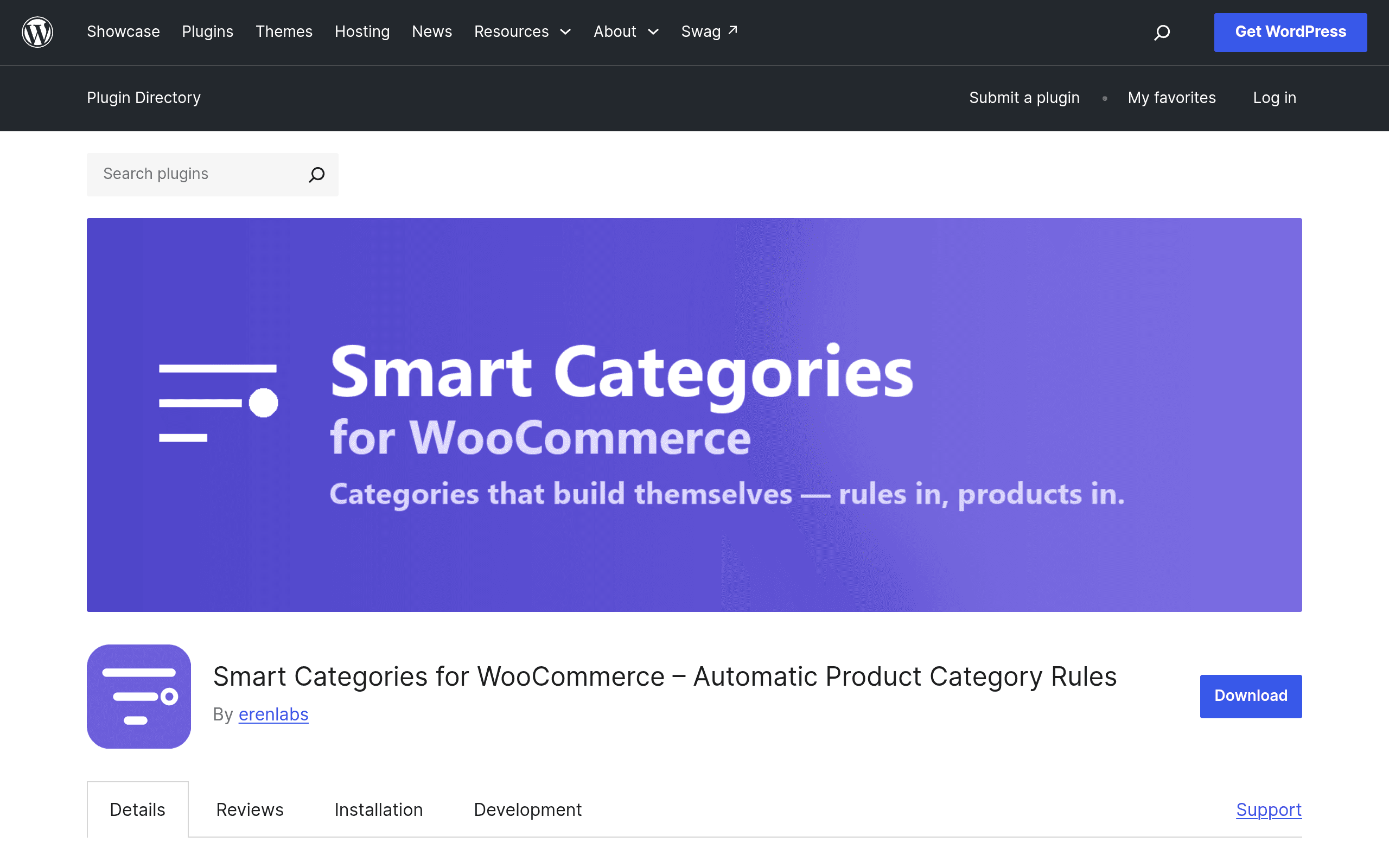
What it actually does
Smart Categories for WooCommerce (by Eren Labs) replaces manual product-to-category assignment with a rule engine. Instead of clicking into each product and checking category boxes, you define conditions — price range, stock status, product attributes, SKU patterns, sale status, and similar product-data fields — and the plugin evaluates every product against those rules. Matches get added to the target category automatically, and the assignment stays in sync as product data changes: drop a price below your threshold and the product joins the "Under $25" category on its own; restock an item and it drops out of "Low Stock" without you touching it.
The standout usability detail is the live preview. Before you save a rule, the plugin shows you which products currently match it, so you're not guessing whether "price < 20 AND stock > 0" pulls in 4 products or 400.
It's distributed through WordPress.org with Pro upgrades sold via Freemius, which is the same monetization model used by a lot of established WooCommerce extensions (Advanced Coupons, Product Feed Pro, etc.), so the free-to-paid funnel here is a known pattern rather than something improvised.
Setup and requirements
You need an active WooCommerce store — this isn't a standalone tool. Installation is the standard WordPress.org flow (search, install, activate), and rule creation happens in a dedicated admin screen rather than being bolted onto the existing category edit page. There's no theme dependency and no page builder requirement, which matters if you're running a lean stack and don't want another plugin touching your frontend templates.
Pricing breakdown
Free (WordPress.org):
- Full rule engine
- Unlimited categories
- Unlimited rules
- Unlimited products evaluated
- Live match preview before saving
That's a genuinely generous free tier — there's no artificial cap on rule count or category count pushing you toward Pro, which is unusual for a Freemius-monetized plugin. Most competitors gate you at 1-3 rules or a handful of products on the free plan.
Pro (via Freemius, sold at erenlabs.net): Eren Labs doesn't publish exact Pro pricing on the WordPress.org listing page — you have to go to their site (erenlabs.net/smart-categories-for-woocommerce) to see current tiers. Based on how the free tier is scoped (nothing is capped there), Pro is likely gating advanced condition types, scheduling, or priority support rather than basic volume limits, but that's inference, not confirmed feature-gating from the vendor. If pricing transparency matters to your buying process, treat this as a plugin you need to click through to before budgeting, not one you can price-compare from the WordPress.org page alone.
Concrete use cases
- Flash-sale categories that maintain themselves. A rule like "on_sale = true AND stock_quantity > 0" keeps a "Deals" category current without a merchandiser rebuilding it every morning.
- Attribute-driven collections. Stores with attributes like "vegan," "gluten-free," or "waterproof" can auto-populate matching categories the moment a new product with that attribute is published, instead of relying on whoever uploads the product to remember to check the box.
- Inventory-aware merchandising. A "Low Stock" or "Almost Gone" category driven by a stock-quantity threshold creates urgency-based collections without manual curation.
- Price-tier storefronts. Stores selling across a wide price range (e.g., "Under $20," "$20-$50," "$50+") can generate and maintain those bands automatically as prices change during sales.
How it compares
| Smart Categories for WooCommerce | WooCommerce Native Categories | Sigma (Pricing Rules) | FiboSearch (Smart filtering add-on) | |
|---|---|---|---|---|
| Price | Free tier fully functional; Pro price not publicly listed, check erenlabs.net | Free (built into WooCommerce core) | Free core plugin, paid tiers for advanced pricing rules | Free tier limited; paid plans roughly $49-$199/yr depending on site tier |
| Core function | Auto-assigns products to categories based on rules, kept in sync | Manual, one-time category assignment per product | Dynamic pricing/discount rules, not category assignment | Live search + product filtering, not category creation |
| Automation | Continuous — re-evaluates as product data changes | None — fully manual | Continuous for pricing, not for categorization | N/A for categorization; filters are query-time, not stored assignments |
| Setup effort | Moderate — requires defining conditions per category | Low — but scales poorly with catalog size | Moderate — rule builder for pricing logic | Low — mostly configuration of search/filter UI |
| Best for | Stores with large or fast-changing catalogs that need categories to stay accurate without manual work | Small catalogs (under ~100 SKUs) where manual assignment is manageable | Stores focused on dynamic discounting, not organization | Stores prioritizing search/filter UX over category structure |
Where it falls short
The biggest open question is Pro pricing — not disclosing it on the WordPress.org listing is a minor friction point for anyone trying to evaluate total cost before installing. It's also a newer entrant with a smaller install base and review history than FiboSearch or WooCommerce core, so you're taking on more early-adopter risk around edge cases (complex attribute combinations, variable products, multi-currency stores) that haven't been stress-tested by a large user base yet.
Bottom line
If your catalog is big enough that manual category upkeep has become a recurring chore — especially around price bands, stock-based collections, or attribute-driven groupings — this plugin solves a real, specific problem that WooCommerce's native category system was never built to handle. The free tier is unrestricted enough that you can actually run it in production before deciding whether Pro's unknown-priced features are worth paying for. Install it, build two or three rules against your real catalog, and use the live preview to sanity-check matches before you commit — that's a low-risk way to find out if the automation earns its keep on your specific store.