FetchFlow API Content Blocks: First Look at the New WordPress Plugin for Pulling Live API Data Into Gutenberg
Some links in this guide are affiliate links. If you sign up through them, Day Zero Guides may earn a commission at no extra cost to you. This never affects which products we cover or what we say about them. See our affiliate disclosure for details.
What FetchFlow Actually Does
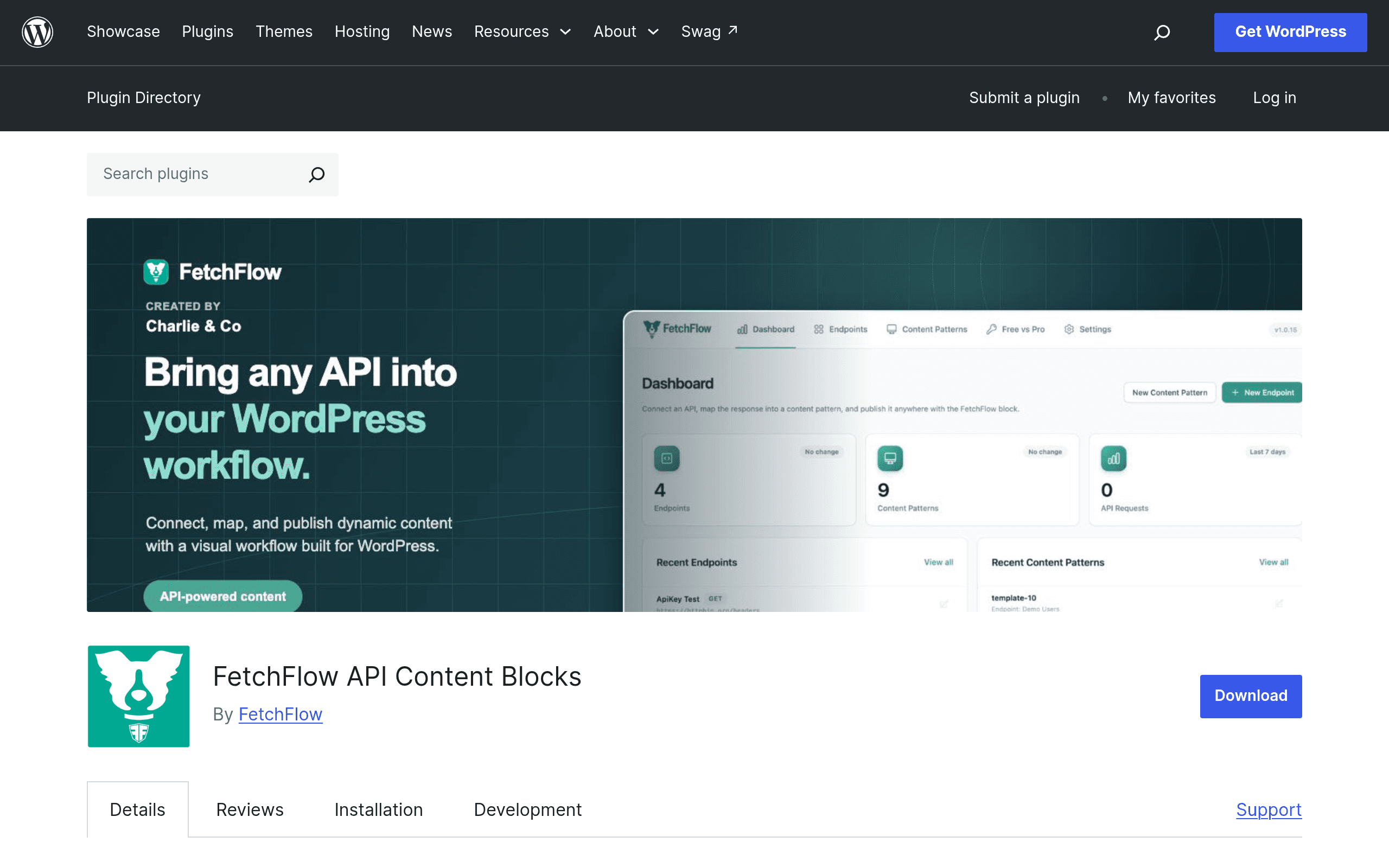
FetchFlow is a free WordPress plugin (with a paid Pro add-on) that lets you connect a REST API endpoint directly to a Gutenberg block, transform the JSON response using Liquid templating syntax, and render the result on a page or post — without writing a custom plugin, touching functions.php, or hiring a developer to build a one-off integration.
If you've ever wanted to show live inventory counts from a warehouse API, pull exchange rates into a pricing page, display GitHub release notes on a changelog page, or list upcoming events from an external ticketing platform, FetchFlow is aimed squarely at that gap: data that lives outside WordPress but needs to show up inside a Gutenberg page without a full integration build.
It works by registering an "endpoint" (the API URL, headers, auth details), applying a "pattern" (a Liquid template that maps JSON fields to HTML/markup), and then dropping a block into any post or page that renders the pattern's output. Responses are cached, and requests/errors are logged, so you can debug when an upstream API changes its schema or goes down.
Pricing, As Of This Look
- Free (WordPress.org plugin): Unlimited API endpoints, unlimited content patterns, built-in caching, and request/error logging. No artificial cap on how many blocks or endpoints you connect — the free tier is not a crippled trial.
- FetchFlow Pro (add-on, sold at fetchflow.net): Adds webhooks (so external services can push data changes rather than waiting on cache expiry), analytics on endpoint usage/performance, and premium filters for more advanced Liquid transformations. Exact price tiers weren't published in the plugin listing at the time of this review — check fetchflow.net directly before budgeting, since it's not listed in the WordPress.org repository itself.
The practical takeaway: you can fully evaluate FetchFlow's core value — connecting an API, transforming JSON, rendering it in a block — without paying anything. Pro only matters once you need push-based updates or usage analytics.
Concrete Use Cases
- Real estate site: Pull live MLS listing data into a Gutenberg "Featured Listings" block on the homepage, refreshed via caching every 15 minutes, without a custom listings plugin.
- SaaS marketing site: Display live uptime status or version numbers from your own product's status API in a Gutenberg block on the docs page.
- E-commerce supplement site: Show live stock counts and price from a supplier's REST API on product pages so copy doesn't go stale when suppliers change prices.
- Events or conference site: Fetch upcoming sessions from a scheduling API (like Sessionize) and render them as a formatted agenda block, styled with a Liquid pattern instead of hardcoded HTML.
- Internal company intranet on WordPress: Pull data from an internal HR or ticketing REST API into a dashboard page for staff, using logging to catch auth token expiry issues quickly.
How It Compares
FetchFlow isn't really a workflow automation tool like Zapier or Make — it doesn't move data between two SaaS apps or trigger multi-step automations. It's narrower and more WordPress-native: get API data to render inside a page. That distinction matters for who should actually use it.
| FetchFlow API Content Blocks | Zapier | Make (formerly Integromat) | Advanced Custom Fields + REST API | |
|---|---|---|---|---|
| Price | Free core plugin; Pro add-on pricing at fetchflow.net (not yet published in plugin listing) | Free tier (100 tasks/mo); paid plans start ~$19.99/mo (Starter, billed annually) | Free tier (1,000 ops/mo); paid plans start ~$9/mo (Core, billed annually) | ACF free; ACF PRO ~$49/site/year; REST API integration requires custom dev work |
| Core mechanism | Direct API-to-Gutenberg-block rendering via Liquid templates, inside WordPress | Trigger-action automation between apps, runs on Zapier's servers | Visual scenario builder connecting apps/APIs, runs on Make's servers | Custom fields exposed via WP REST API; displaying external API data requires custom PHP |
| Where data ends up | Rendered directly on a WordPress page/post as content | Pushed into another app or database (not typically rendered as page content) | Pushed into another app or database (not typically rendered as page content) | Stored as WordPress post meta; external API data needs manual fetch/display code |
| Best for | Site owners who want live external data displayed on pages without custom dev | Connecting business tools and automating tasks across apps (Slack, Sheets, CRMs) | Complex multi-step automations with branching logic across many services | Structured custom content fields with full control, if you're comfortable writing PHP |
| Learning curve | Moderate — requires learning Liquid syntax for patterns | Low — mostly point-and-click trigger/action setup | Moderate — visual builder but more configuration depth than Zapier | High — requires PHP/WP development knowledge to wire up REST API display |
Who Should Try This Today
If your need is "show data from an external API on a WordPress page," FetchFlow is a much more direct path than standing up a Zapier automation that writes to a custom field, or writing PHP against ACF's REST integration. It's purpose-built for that exact rendering problem, and the free tier is generous enough — unlimited endpoints and patterns — that you can build a real production use case before ever considering Pro.
If your need is broader automation (e.g., "when a form is submitted, create a CRM record and send a Slack message"), Zapier or Make remain the right tools — FetchFlow doesn't compete there and isn't trying to.
Given that the plugin is newly launched, it's worth checking the WordPress.org support forum and changelog for how actively it's being maintained before relying on it for anything business-critical, and confirming Pro pricing directly at fetchflow.net before assuming costs beyond the free tier.