GoTasks Content Scheduler: A First Look at Scheduling Content Changes (Not Just Publish Dates) in WordPress
Some links in this guide are affiliate links. If you sign up through them, Day Zero Guides may earn a commission at no extra cost to you. This never affects which products we cover or what we say about them. See our affiliate disclosure for details.
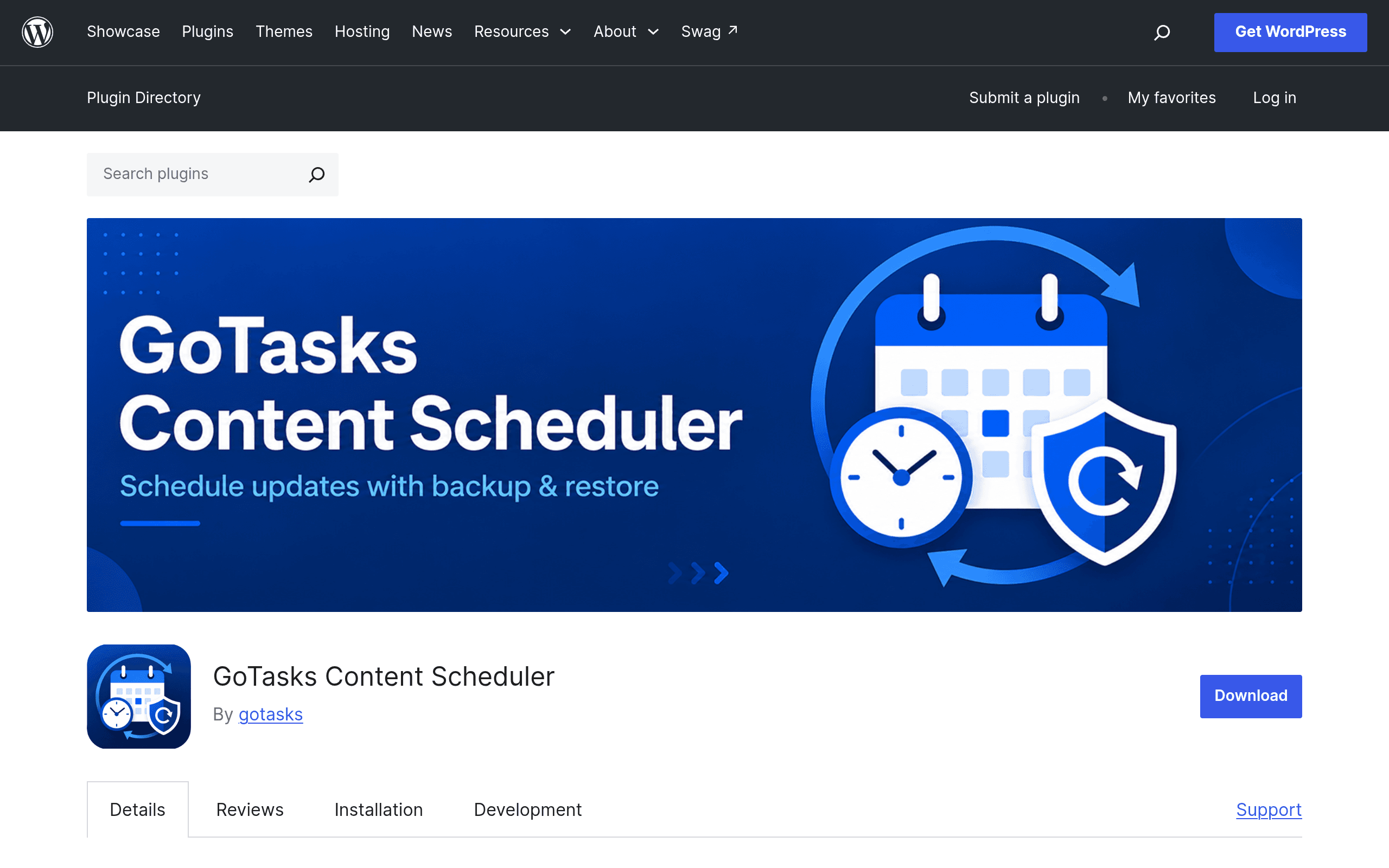
What GoTasks Content Scheduler Actually Does
WordPress has shipped native post scheduling since roughly forever — you can set a future "Publish" date and the post goes live at that time. What it has never done is let you schedule a change to content that's already live. If you want a post's title to switch from "Summer Sale" to "Fall Collection Now Live" at midnight on September 1st, or you want a featured image swapped for a holiday campaign without touching the post at 6am, WordPress core simply doesn't do that.
GoTasks Content Scheduler (wordpress.org/plugins/gotasks-content-scheduler) is built specifically for that gap. It lets an admin queue up future edits to:
- Post/page titles
- Excerpts
- Featured images
- Selected ACF (Advanced Custom Fields) values
Each scheduled job runs through WP-Cron by default, but the plugin also supports manual triggering from the admin screen (useful if your host throttles WP-Cron) or hitting an external cron URL from a service like cron-job.org or a server-level crontab — which matters a lot if you've ever had a scheduled post silently fail to publish because nobody visited the site to trigger WP-Cron's pseudo-cron.
It also keeps an execution log (so you can see what ran, when, and whether it succeeded) and includes backup/restore, meaning it snapshots the content state before applying a scheduled change so you can roll it back if the update was wrong or a campaign needs to be reverted early.
Concrete Use Cases
- E-commerce seasonal swaps: Schedule a landing page's title, hero excerpt, and featured image to flip from "Black Friday" messaging to "Cyber Monday" messaging at exactly 12:00 AM without a human logging in overnight.
- ACF-driven pricing pages: If a price or availability field is stored in ACF, schedule that field to update the moment a promotional period ends, then use the restore function to revert if the promo gets extended last-minute.
- Agency client sites: An agency managing 20+ client sites can queue content updates during business hours and let them fire at off-peak times, with the execution log serving as a paper trail for client billing/reporting.
- Embargoed content reveals: Update a page's title and excerpt at a press-embargo timestamp rather than publishing a brand-new post, preserving SEO equity on an existing URL.
- Recurring content resets: Use external cron triggers to reset a page's featured image weekly for a rotating "deal of the week" section, bypassing WP-Cron's reliability issues on low-traffic sites.
Pricing
As of this writing, GoTasks Content Scheduler is distributed through the official WordPress.org plugin repository, which means the version there is free to install under the GPL, standard for that distribution channel. The plugin's own pricing page does not publish a premium tier, add-on cost, or SaaS component — there's no visible "Pro" upgrade path documented anywhere at launch. That's worth flagging rather than glossing over: it's unclear whether the developer plans to introduce a paid tier later (common for WordPress.org plugins that start free and add Pro versions on a separate site), or whether this stays fully free indefinitely. If you're evaluating it for a client project, budget for $0 today, but check the plugin's changelog before committing to it as a long-term dependency in case licensing changes.
How It Compares
| GoTasks Content Scheduler | WordPress Native Scheduling | Elementor Pro (scheduling features) | ACF (native) | |
|---|---|---|---|---|
| Price | Free (WordPress.org repo; no published Pro tier) | Free (built into WordPress core) | $59–$399/year depending on tier | Free (core fields); ACF PRO $49–$149/year |
| What it schedules | Title, excerpt, featured image, selected ACF fields, on already-published content | Publish/unpublish date of an entire post, all-or-nothing | Publishing entire Elementor templates/popups on a schedule; no field-level scheduling | No native scheduling at all — fields update immediately or via custom code |
| Rollback capability | Yes — backup/restore snapshots content before applying a change | No — once a scheduled post publishes, there's no built-in revert | No native rollback for scheduled content swaps | No — requires manual revision history or custom logic |
| Trigger options | WP-Cron, manual admin trigger, or external cron URL | WP-Cron only | WP-Cron only | N/A (no scheduling engine) |
| Execution visibility | Built-in execution log showing success/failure per job | None — failed scheduled posts often go unnoticed | Limited to Elementor's own activity indicators | None |
| Best for | Sites needing partial, field-level content updates on a timer, with a safety net | Simple "publish this post later" needs | Teams already paying for Elementor Pro who want scheduled design/template changes | Sites that need custom fields but don't need timed changes |
Where It Falls Short of a Full Alternative
It's not a replacement for WordPress's native scheduling — if you just need a blog post to go live at 9am tomorrow, core scheduling still does that fine and this plugin doesn't try to compete there. It also doesn't touch Elementor's page-builder scheduling for entire template/popup swaps; if your business logic lives in Elementor templates rather than post fields, GoTasks won't reach it. And it doesn't add any new field types to ACF — it schedules changes to fields that already exist, so you still need ACF (or ACF PRO for repeater/flexible content fields) doing the actual field management.
The reliance on WP-Cron as the default trigger is also worth a gut-check: on low-traffic sites, WP-Cron only fires when someone visits the site, which is exactly the failure mode that causes scheduled WordPress posts to silently miss their publish time. The plugin's support for external cron URLs is the right mitigation, but it means getting real reliability requires an extra setup step (a server crontab entry or a third-party cron pinger) rather than working perfectly out of the box.
Should You Install It Today?
If you're currently solving "scheduled content changes" with a mess of manual midnight edits, a paid automation tool like Zapier hitting the REST API, or custom cron jobs a developer wrote once and nobody remembers how they work, GoTasks Content Scheduler is worth a test install on a staging site this week — it's free, it's narrowly scoped to a real problem, and the backup/restore plus logging features suggest the developer thought about the failure cases that matter (a bad scheduled change going live with no way back).
The honest caveats: it's a new plugin without a long track record, pricing/licensing direction beyond the free repo version is unpublished, and you should verify ACF field-type compatibility (repeater and flexible content fields can behave unpredictably with third-party schedulers) before relying on it for anything client-facing or revenue-critical. Test the restore function deliberately before trusting it in production — schedule a trivial change, let it fire, and confirm the rollback actually restores the prior state exactly.