GrowOptin First Look: A Free WordPress Popup Plugin That Owns Your Subscriber List
Some links in this guide are affiliate links. If you sign up through them, Day Zero Guides may earn a commission at no extra cost to you. This never affects which products we cover or what we say about them. See our affiliate disclosure for details.
What GrowOptin Actually Does
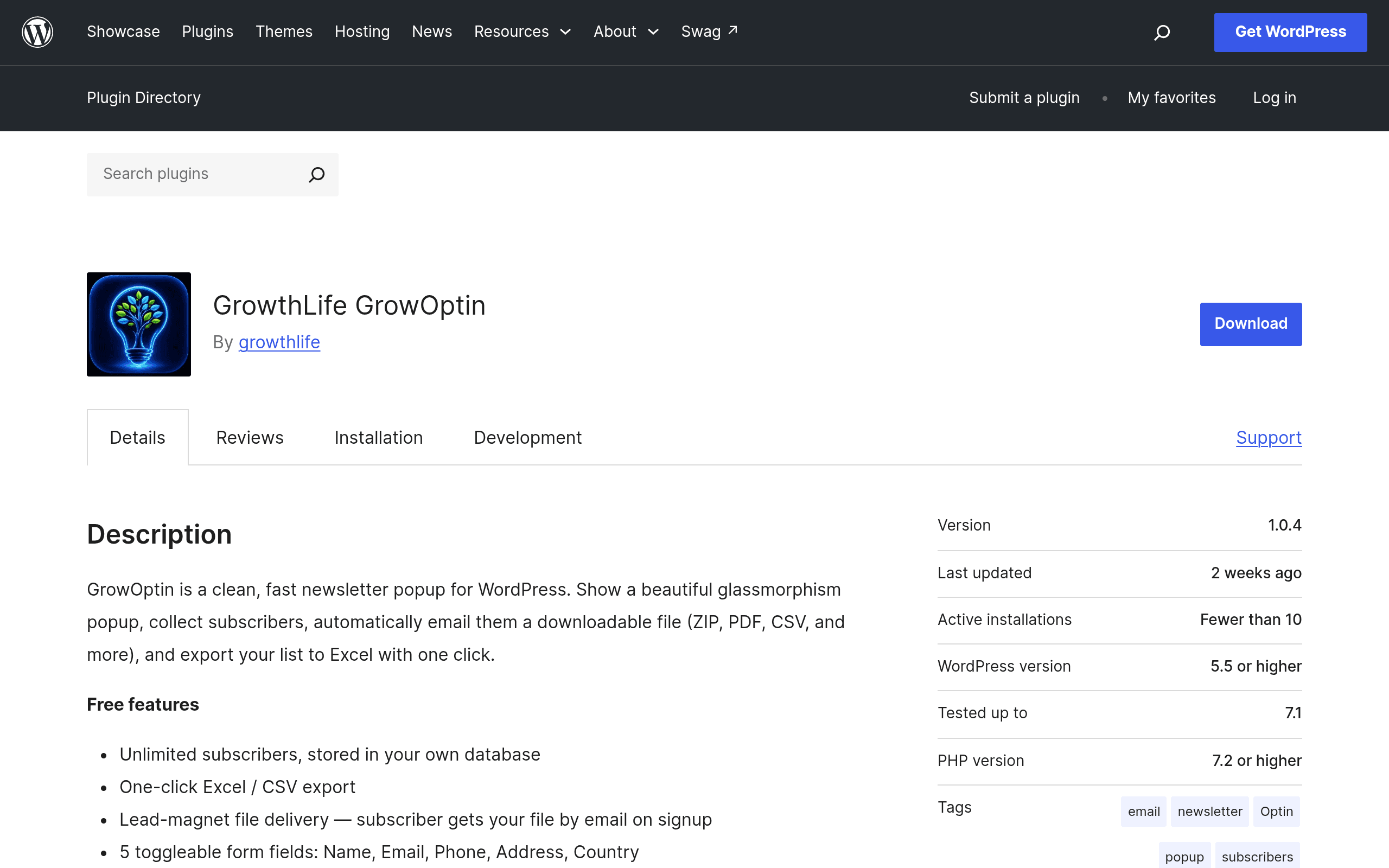
GrowOptin is a WordPress plugin, published by GrowthLife and listed on the official WordPress.org plugin directory, that handles a very specific job: showing a newsletter signup popup, capturing the email address into your own WordPress database (not a third-party ESP), and — if you're using it for a lead magnet — automatically emailing the visitor a file (PDF, ebook, checklist, etc.) the moment they subscribe.
That last part is the detail worth pausing on. A lot of popup plugins assume you already have Mailchimp, ConvertKit, or ActiveCampaign wired up and just want a pretty overlay to feed it. GrowOptin is built for the opposite case: you want to start collecting emails today, store them yourself, and hand out a freebie without configuring an external marketing platform first. It uses SMTP for delivery, so the free-file emails and any confirmation messages go out through your own mail settings rather than a paid API.
Once you've collected subscribers, GrowOptin lets you export the whole list to Excel or CSV in one click — useful if you eventually do want to import into Mailchimp, Brevo, or a CRM later, but don't want to commit to that dependency on day one.
What's in the Free Version
The free version, available now on WordPress.org, includes:
- Unlimited subscribers — no artificial cap forcing an upgrade once you hit 500 or 1,000 contacts, which is a real point of friction with hosted ESP free tiers
- Display rules — control when and where popups appear (time delay, scroll position, page/post targeting)
- Targeting options — show different popups to different segments of traffic
- SMTP delivery — sends lead-magnet files and notifications through your configured mail server
- One-click CSV/Excel export — pull your full subscriber list out at any time
What Pro Adds (and What We Don't Know Yet)
GrowthLife sells a Pro upgrade with analytics, additional templates, and "advanced features" — but as of this writing, the plugin's WordPress.org listing doesn't publish Pro pricing directly. You have to go to growthlife.in/growoptin-pro to see tiers and costs. That's a minor friction point for anyone trying to budget before installing: you can install and use the free version fully today, but you'll need to leave the WordPress admin to find out what upgrading actually costs.
If analytics (open rates, popup conversion tracking, A/B test data) matter to you, that's the main reason to consider Pro — the free version is capture-and-export, not measurement.
Concrete Use Cases
- A niche blogger giving away a PDF checklist in exchange for an email, who doesn't want to pay for Mailchimp until the list is big enough to matter
- A local service business (contractor, tutor, consultant) collecting emails for a newsletter without needing marketing automation — just a simple, owned list they can export and email manually or import elsewhere later
- An agency spinning up a client site quickly that needs a functioning popup and lead magnet delivery on day one, before the client has chosen or paid for an ESP
- Someone migrating away from a paid tool who wants to keep collecting subscribers into their own WordPress database while they decide on a new destination platform
What it's not great for: multi-step email sequences, drip campaigns, or marketing automation. GrowOptin captures and delivers a single file — it isn't a replacement for an actual email marketing platform if you need ongoing nurture sequences.
How It Compares
| GrowOptin | Mailchimp for WordPress | MonsterInsights | Elementor Forms | |
|---|---|---|---|---|
| Price | Free; Pro pricing off-site (growthlife.in) | Free plugin; Mailchimp account required, free tier up to 500 contacts, paid plans from ~$13/mo | Free (Lite); Pro plans from ~$99.50/yr | Free with Elementor; Pro requires Elementor Pro from $59/yr |
| Core function | Popup + own-database capture + auto-delivery of lead magnet file | Popup/form that syncs directly into a Mailchimp audience | Analytics and conversion tracking (not a popup/capture tool) | Form builder embedded in page designs, not popup-focused |
| Subscriber limit | Unlimited in free version | Capped by your Mailchimp plan tier | N/A (analytics only) | N/A (forms only, no email storage) |
| Data ownership | Stored in your own WordPress database, exportable to CSV/Excel | Stored in Mailchimp's platform | N/A | Stored in WordPress database or connected integrations |
| Best for | Owning your list + instant lead magnet delivery without an ESP | Teams already committed to Mailchimp's automation and templates | Sites that need traffic/conversion analytics, not capture | Sites already using Elementor that need embedded (non-popup) forms |
Should You Install It Today?
If you're starting from zero — no ESP, no existing list, just a WordPress site and a lead magnet you want to give away — GrowOptin's free tier is a genuinely low-risk way to start capturing emails this afternoon. Unlimited subscribers with no forced upgrade timeline is the standout feature compared to Mailchimp's 500-contact free ceiling.
The catch is Pro pricing opacity: if you think you'll want analytics or templates soon, budget time to check growthlife.in/growoptin-pro before you build your whole capture strategy around this plugin. And if you already run email marketing through Mailchimp, Brevo, or ActiveCampaign, GrowOptin isn't a replacement — it's a tool for the pre-ESP stage, or for people who specifically want to keep their list off a third-party platform.