HeartApproval: First Look at the New Open-Source WordPress Proofing Plugin
Some links in this guide are affiliate links. If you sign up through them, Day Zero Guides may earn a commission at no extra cost to you. This never affects which products we cover or what we say about them. See our affiliate disclosure for details.
What HeartApproval Actually Does
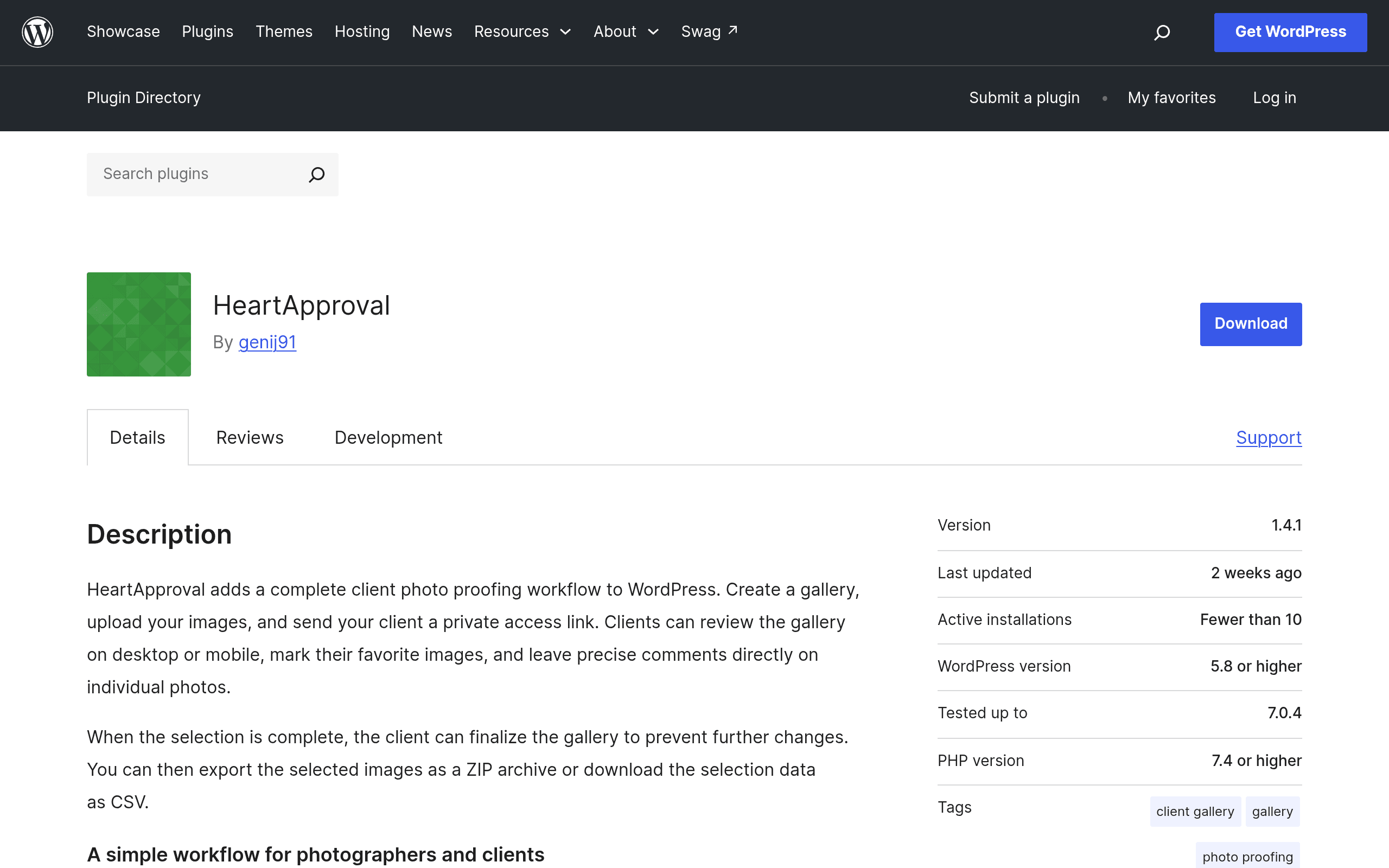
HeartApproval is a WordPress plugin, distributed free on WordPress.org, that turns your existing WordPress site into a client photo proofing tool. If you already run a photography business site on WordPress and don't want to pay for a separate SaaS gallery platform, this plugin lets you build the proofing workflow directly inside the CMS you're already paying to host.
The core loop is simple: you create a private gallery, upload a shoot, send the client a link, and they go through the images marking favorites with a heart icon (hence the name) and dropping comments on individual photos — "crop tighter," "skip this one," "this is the one for the album cover." Once they're done, you export the approved selections as a list or set, which you then use to process and deliver the final files elsewhere.
It's a single-purpose tool. It does not do storefronts, print sales, contracts, invoicing, or final image delivery with download links. It does the one narrow job — client review and selection — and stops there.
Who This Is Actually For
This plugin makes sense in a fairly specific situation: you're a wedding, portrait, or event photographer who already has a WordPress site (not Squarespace, not Wix), you're currently emailing clients a Dropbox link or a giant PDF contact sheet and asking them to reply with photo numbers, and you want that process to stop being embarrassing.
Concrete use cases where this earns its place:
- A wedding photographer delivers 800 shots from a ceremony and needs the couple to narrow it down to 40 for the album without a 45-email thread about "IMG_4471 vs IMG_4472."
- A family portrait session where the client needs to pick 10 final images out of 60, and per-photo comments ("can we get this one without the dog's ear flopped") need to be tied to the actual image, not a separate email.
- A small studio that already pays for WordPress hosting and doesn't want to add a $15–40/month SaaS subscription just for the proofing step of the workflow.
- Agencies or in-house teams shooting product or event photography who need internal stakeholder sign-off on image selects before final retouching begins.
Where it will frustrate you: if you need the client to also see pricing, buy prints, or get their final downloads through the same portal, you'll still need to bolt on WooCommerce, a separate delivery plugin, or a manual export/upload step elsewhere. It is a proofing layer, not a full client experience.
Pricing: What We Found
As of this writing, HeartApproval does not publish a pricing page or tiered plans anywhere — it's listed on WordPress.org as a free, open-source plugin with no visible premium upsell, add-on, or "Pro" version referenced in its listing. That means your actual cost is:
- The plugin itself: free
- Your real cost: whatever you're already paying for WordPress hosting, plus storage/bandwidth overhead for full-resolution client galleries, which can matter if you're hosting on a budget shared-hosting plan and start uploading RAW-derived high-res proofing sets
There's no free-tier client cap, no per-gallery fee, and no watermarking paywall that we could find — because there's no monetization layer disclosed at all yet. That's worth treating as a flag as much as a benefit: no published pricing usually means either the developer hasn't monetized yet (common for early WordPress.org plugins building an install base) or support and update cadence may be inconsistent. Check the plugin's WordPress.org support forum and changelog before migrating an active client business onto it.
How It Stacks Up Against the Established Players
Pixieset, Zenfolio, and ShootProof are the incumbents here, and they're hosted SaaS platforms, not self-hosted plugins — that's the fundamental difference in every row below.
| HeartApproval | Pixieset | Zenfolio | ShootProof | |
|---|---|---|---|---|
| Price | Free (self-hosted, WordPress required) | Free tier (3GB); paid plans from ~$8–40/mo | Plans from ~$7–35/mo (billed annually) | Plans from ~$16–40/mo |
| Hosting | Your own WordPress host — you manage storage/bandwidth | Fully hosted by Pixieset | Fully hosted by Zenfolio | Fully hosted by ShootProof |
| Client favoriting/comments | Yes — per-image hearts and comments | Yes | Yes | Yes |
| Print/product sales | No — not built in | Yes, built-in storefront | Yes, built-in storefront + labs | Yes, built-in storefront + labs |
| Contracts/invoicing | No | Limited (via add-ons) | Yes, integrated | Yes, integrated |
| Best for | Photographers already on WordPress who want a free, narrow proofing step | Photographers wanting an all-in-one hosted client experience | Studios wanting proofing + sales + business tools in one subscription | High-volume studios needing labs integration and sales tools |
The honest read: if your business already runs on Pixieset, Zenfolio, or ShootProof for sales and delivery, HeartApproval isn't a reason to switch — those platforms do far more. HeartApproval competes on a much narrower axis: it's free and it lives inside a site you already control, which matters if you specifically dislike handing client galleries to a third-party SaaS company or you're trying to keep monthly software costs at zero while you're small.
Should You Install It Today?
Install it if: you run WordPress already, your proofing needs are genuinely just "client picks favorites and leaves notes," and you're comfortable being an early adopter of a plugin with no published roadmap or pricing history yet.
Hold off if: you need sales, contracts, or final delivery baked into the same tool, you're not on WordPress, or you need guaranteed long-term support — with no pricing model disclosed, it's unclear how the developer sustains updates over time.
Given it's free and installs in minutes from the WordPress.org repository, the lowest-risk move is to spin it up on a staging site or a low-stakes real gallery with one client before deciding whether it replaces your current proofing step.