ImagePipe Lite: A First Look at WordPress's New On-Demand Image Resizing Plugin
Some links in this guide are affiliate links. If you sign up through them, Day Zero Guides may earn a commission at no extra cost to you. This never affects which products we cover or what we say about them. See our affiliate disclosure for details.
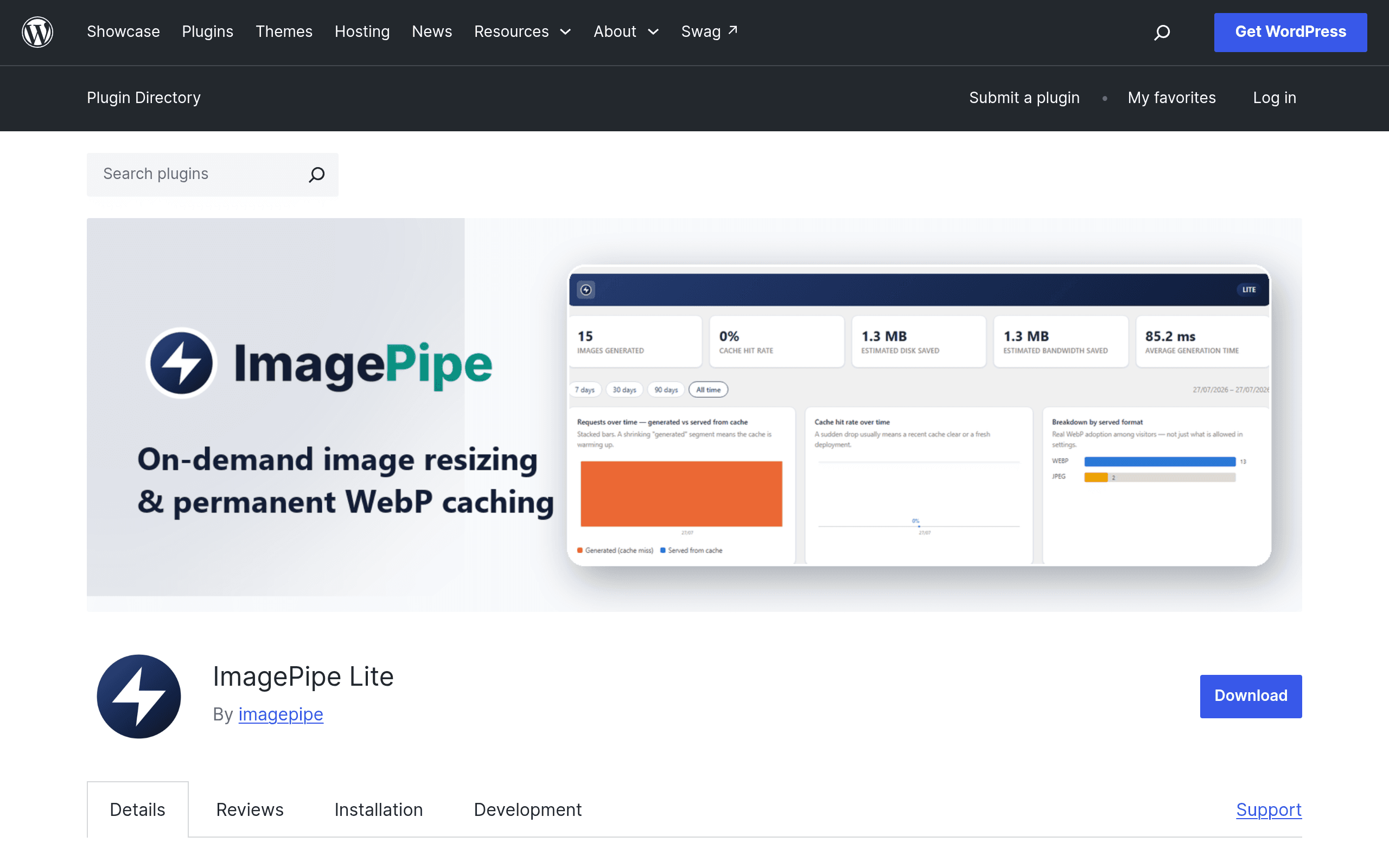
What ImagePipe Lite actually does
ImagePipe Lite is a free WordPress.org plugin that sits between your media library and the front end, generating resized WebP, JPEG, or PNG variants of your images the first time they're requested at a given size, then writing that variant to disk so every subsequent request is served from a permanent cache — no re-processing, no external API call, no CDN dependency.
This is a meaningfully different approach from the "optimize once at upload time" model used by most WordPress image plugins. Instead of pre-generating every possible thumbnail size WordPress might ever need (which is what core add_image_size() does, bloating your uploads folder with dozens of unused crops), ImagePipe Lite generates a size only when something on the page actually asks for it — via a shortcode, a Gutenberg block, a widget, or automatic replacement of existing <img> tags pulled from the media library. If a size is never requested, it's never created.
How it's installed and set up
Installation is standard WordPress.org plugin territory: search "ImagePipe Lite" in Plugins > Add New, install, activate. There's no account creation, no API key, and no signup wall to get basic resizing working — the free tier is fully self-contained and runs entirely on your own server's disk and PHP image libraries (GD or Imagick, whichever your host has enabled).
Once active, you get:
- A shortcode (e.g.,
[imagepipe id="123" width="800" format="webp"]) for manual placement in posts/pages - A Gutenberg block version of the same functionality
- A widget for sidebars/footers
- An automatic mode that intercepts existing media library images and serves optimized/resized variants without editing content
Pricing breakdown
Free (Lite, on WordPress.org):
- Unlimited on-demand resizing to WebP, JPEG, or PNG
- Permanent disk-based caching, no external service required
- Shortcode, block, widget, and automatic media replacement
- No image count limits, no monthly quotas — it's bounded only by your own server's CPU/disk
Pro (sold separately at imagepipe.devrunai.re, not on WordPress.org):
- AVIF output in addition to WebP/JPEG/PNG
- Additional resize modes (the free version covers standard width/height cropping; Pro adds modes like smart-crop or fill variants, per the plugin's own changelog notes)
- Watermarking on generated variants
- "Pretty" URLs for generated images (i.e., clean paths instead of query-string-based cache URLs)
At the time of writing, exact Pro tier pricing (single-site vs. multi-site license cost) is not listed on the WordPress.org plugin page itself — you have to go to the vendor's site to see current license pricing. That's worth flagging: if you need AVIF or watermarking today, budget time to check current pricing directly rather than assuming a number, since it isn't published in the plugin repo listing.
Concrete use cases where this makes sense
- A WooCommerce store with hundreds of product photos uploaded at full DSLR resolution. Instead of pre-generating 8-10 thumbnail sizes per product at upload (most of which never get used because your theme only ever displays 3 of them), ImagePipe Lite only creates the sizes your theme's templates actually call for.
- A real estate or portfolio site where galleries are assembled ad hoc per listing using the shortcode or block, and image dimensions vary listing to listing — on-demand generation avoids needing to predict every size in advance.
- A blog migrating years of legacy JPEG uploads to WebP without wanting to run a bulk one-time conversion job that ties up server resources for hours; the on-demand model spreads that cost out naturally as pages get visited.
- A site on shared hosting with disk space constraints where you don't want dozens of redundant crop sizes sitting in
/wp-content/uploads/forever — cache management stays close to what's actually being served. - Sites that specifically don't want to depend on a third-party optimization API (rate limits, monthly quotas, external outages) — everything here runs on your own server.
Where it's a worse fit
If your host has strict CPU/process limits (common on cheap shared hosting), on-demand generation on first request can cause a visible delay for that first visitor per size/format combination, since the resize happens synchronously before the image is served. Pre-optimizing plugins avoid this by doing the work at upload time, off the critical path of a real visitor's page load. If you get spiky traffic to pages with brand-new images, that's worth testing before relying on it in production.
How it compares to established alternatives
| ImagePipe Lite | ShortPixel Image Optimizer | Smush (WPMU DEV) | ImageOptim (via API/plugin) | |
|---|---|---|---|---|
| Price (free tier) | Free, unlimited, self-hosted | Free: 100 image credits/month via API | Free: unlimited basic compression, single site | Free desktop app (Mac); WP plugin uses paid API credits |
| Paid tier starting cost | Pro sold separately at imagepipe.devrunai.re (price not listed on WP.org) | Plans from ~$4.99–$9.99/month for higher monthly credit volumes | Pro via WPMU DEV membership, bundled with hosting/other tools (~$60+/year) | Pay-per-image API credit packs, no flat WordPress plugin subscription |
| Processing location | On your own server, on-demand, cached to disk | External API (uploads sent to ShortPixel's servers) | External API for Pro features; some local processing on free | External API (images sent to ImageOptim's servers) |
| Output formats | WebP, JPEG, PNG (AVIF in Pro) | WebP, AVIF, JPEG, PNG (all tiers) | WebP (Pro), JPEG, PNG | WebP, JPEG, PNG optimization (lossless/lossy) |
| Best for | Sites wanting zero external dependency and only-what's-used caching | Sites wanting aggressive compression + bulk historical library optimization | Sites already in the WPMU DEV ecosystem wanting an all-in-one suite | Users wanting proven, high-quality lossless compression via a trusted long-standing tool |
The core distinction to understand: ShortPixel, Smush, and ImageOptim are primarily compression/optimization tools — they take your existing images and shrink file size, often via external processing. ImagePipe Lite is primarily a resizing/generation tool — it creates new dimensioned variants in modern formats on demand and caches them, without requiring you to send images off-server. Some sites will actually want both: ImagePipe Lite for on-demand sizing, and something like ShortPixel for compressing originals before they ever get resized.
Should you install it today
If you're comfortable with self-hosted processing and want to stop your uploads folder from filling up with unused thumbnail sizes, ImagePipe Lite's free tier is a genuinely useful, zero-cost thing to try this week — there's no signup, no credit card, and no quota to hit a wall on. If you specifically need AVIF output or watermarking right now, check current Pro pricing on the vendor site before committing, since it isn't published in the WordPress.org listing itself. And if your host is heavily CPU-throttled, test on a staging environment first to see how first-load latency behaves before pointing it at live traffic.
Update — 2026-08-19
The free tier's resize modes have been materially restricted: the guide states Lite supports standard width/height cropping, but the current website specifies only Fit/Cover resize modes are available in the free tier, with Crop/Contain/Stretch modes moved to Pro. Additionally, the guide mentions an admin dashboard with analytics as a free feature, which the current website confirms but the guide's original description of Pro features was incomplete regarding resize mode differences.