Integração Fácil PIX: First Look at the Free Manual-Confirmation PIX Plugin for WooCommerce
Some links in this guide are affiliate links. If you sign up through them, Day Zero Guides may earn a commission at no extra cost to you. This never affects which products we cover or what we say about them. See our affiliate disclosure for details.
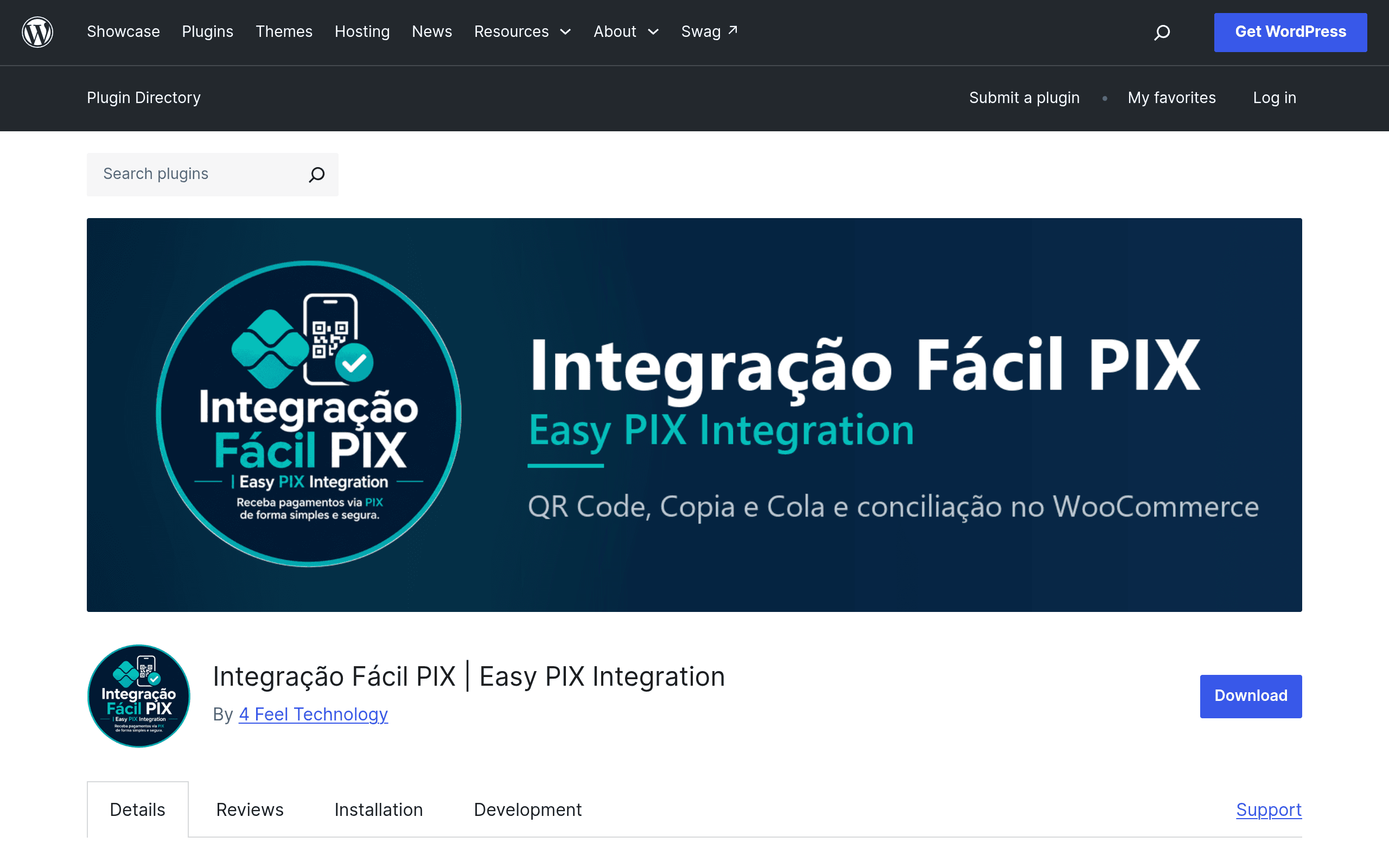
What Integração Fácil PIX actually does
Integração Fácil PIX (Easy PIX Integration) is a free WordPress plugin listed on the official WordPress.org plugin repository that adds Brazil's PIX instant payment method to WooCommerce checkout. Unlike gateway integrations that connect to a bank or payment processor's API, this plugin works off a single input: your store's PIX key (CPF, CNPJ, email, phone, or random key). From that key, it generates a static PIX QR code and a copy-paste "PIX Copia e Cola" payload string that customers scan or paste into their banking app.
There is no live transaction API involved. Confirmation is manual: once a customer pays, they upload a receipt (comprovante) or send proof via WhatsApp or email, and the store owner marks the order as paid by hand. That's the core trade-off to understand before installing it — this is a checkout display + notification tool, not a reconciliation engine.
A paid Premium tier is mentioned in the plugin's own documentation, promising automatic payment confirmation and direct integration with major Brazilian banks and payment service providers (PSPs), which would remove the manual receipt-checking step. As of this writing, Premium pricing isn't published on the plugin page or listing — you'd need to contact the developer directly to get a quote.
Who this is actually for
This plugin makes sense in a narrow but real set of situations:
- Very low-volume stores (a handful of orders a week) where manually confirming a PIX receipt by WhatsApp isn't a bottleneck.
- Merchants who don't yet have a CNPJ or business bank account set up with a PSP like Mercado Pago or Asaas, and just want to start accepting PIX today using a personal or informal PIX key.
- Digital creators or small local businesses already used to handling WhatsApp order confirmations manually, for whom this plugin just formalizes the QR code display at checkout.
- Anyone testing whether PIX demand exists on their site before committing to a paid gateway subscription or transaction fees.
It is a poor fit if you process more than a few PIX orders a day, need automatic order status updates (e.g., to trigger shipping or digital delivery), or want reporting/reconciliation against your bank statement. For those cases, manual confirmation quickly becomes the person running the store's part-time job.
Setup, in practical terms
Installation follows the standard WordPress.org plugin flow: search for it in Plugins > Add New, install, activate, then configure your PIX key and receiving name under the plugin's settings, which hook into WooCommerce's payment methods screen like any other gateway. You'll want to also set up the WhatsApp number or email address where customers should send proof of payment, and write clear checkout instructions since customers unfamiliar with manual PIX confirmation may not realize they need to send a receipt.
Pricing
- Free edition: Full manual PIX flow — QR code generation, copy-paste string, no automatic confirmation. No cost, available directly from WordPress.org.
- Premium edition: Adds automatic payment confirmation and bank/PSP integrations. Prices are not listed publicly on the plugin page; you need to reach out to the developer for a quote, so budget time for that back-and-forth before assuming this is a drop-in automated solution.
How it compares to the established options
| Integração Fácil PIX (Free) | Generic WooCommerce PIX Gateway Plugins | Mercado Pago for WooCommerce | Asaas WooCommerce Integration | |
|---|---|---|---|---|
| Price | Free (Premium price on request) | Often free or low one-time fee; some charge per-transaction via connected PSP | Free plugin; Mercado Pago charges ~0.99%–4.99% per PIX transaction depending on plan | Free plugin; Asaas charges a flat/percentage fee per PIX transaction (varies by plan, often under 2%) |
| Payment confirmation | Manual — customer uploads receipt or messages via WhatsApp/email | Varies; most connect to a real PSP API for semi-automatic confirmation | Automatic, near real-time via Mercado Pago's API | Automatic, near real-time via Asaas's API |
| Requires business bank/PSP account | No — works with any PIX key, including personal | Usually yes, tied to the specific gateway's PSP | Yes, Mercado Pago merchant account | Yes, Asaas account (CNPJ typically required) |
| Best for | Very low-volume or informal sellers wanting PIX today with zero setup friction | Stores that already picked a PSP and want tighter checkout integration | Established stores wanting reliable automatic reconciliation and broader payment methods (cards, boleto, PIX) | Small-to-mid businesses wanting PIX plus invoicing/subscription billing features |
The honest verdict
Integração Fácil PIX solves one specific problem well: getting a PIX QR code onto your WooCommerce checkout page without signing up for a payment processor, without a CNPJ, and without paying transaction fees. That's genuinely useful for a store just starting out or testing PIX demand.
But the manual confirmation step is a real operational cost, not a minor inconvenience — every single order requires you (or someone) to check WhatsApp or email, verify the receipt, and mark the order paid in WooCommerce. If your PIX order volume is more than a few per day, or if you need automated fulfillment triggers, you'll outgrow this plugin fast and should look at Mercado Pago or Asaas instead, both of which charge a transaction fee but remove the manual labor entirely.
If you're deciding whether to try it today: install the free version if you want PIX live within the hour and your volume is low enough to handle confirmations by hand. Hold off — or inquire about Premium pricing directly — if automatic confirmation is a requirement rather than a nice-to-have.
Quick FAQ
Does it work with any Brazilian bank? Yes — since it only needs your PIX key to generate the QR code and copy-paste string, it's bank-agnostic. Automatic confirmation with specific banks/PSPs is a Premium-only feature.
Can customers pay without a receipt upload? They can complete the PIX transfer without uploading anything, but the store won't know the order is paid until the customer sends proof through the configured channel (WhatsApp or email) — so encourage it clearly in your checkout instructions.
Is there a transaction fee? No, unlike Mercado Pago or Asaas, there's no per-transaction fee baked into the free plugin since money moves directly between the customer's bank and your PIX key, bypassing a processor entirely.