ListingRVA AI: A WooCommerce Plugin That Turns Product Photos Into Studio Shots and Amazon-Style Listings
Some links in this guide are affiliate links. If you sign up through them, Day Zero Guides may earn a commission at no extra cost to you. This never affects which products we cover or what we say about them. See our affiliate disclosure for details.
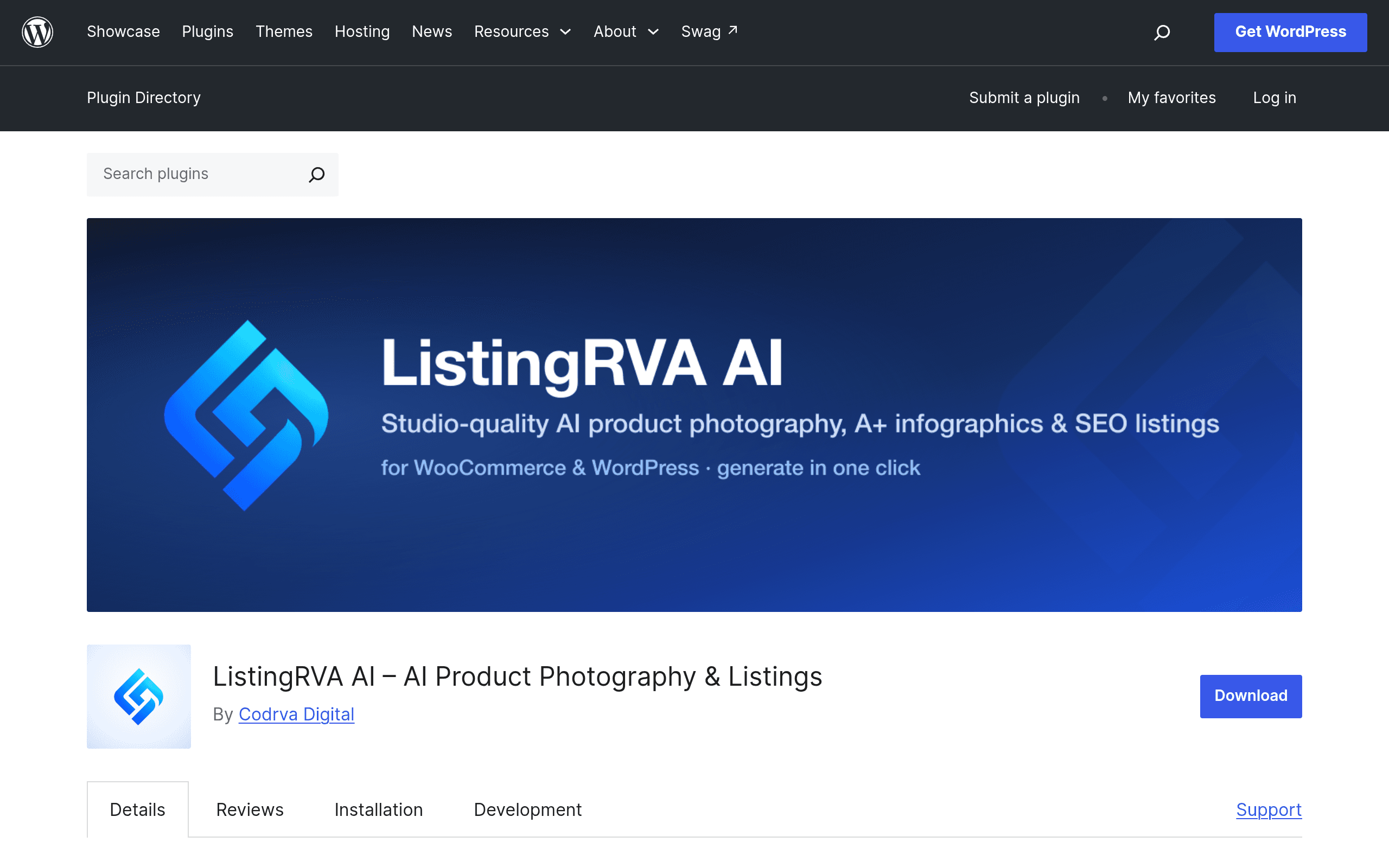
What ListingRVA AI Actually Does
ListingRVA AI is a free WordPress plugin (listed on the official WordPress.org plugin repository) that acts as a bridge between your WooCommerce store and an external AI service called ListingRVA. It doesn't run the AI models itself — the plugin handles the connection, uploads your existing product photos, sends them to ListingRVA's cloud service for processing, and pushes the finished assets back into your WordPress Media Library and product pages.
Three things it's built to generate:
- Studio-quality product photos — takes a phone-quality or supplier-provided photo and re-renders it with clean backgrounds, better lighting, and lifestyle-style staging.
- Amazon A+ content and infographics — comparison charts, feature callouts, and the kind of modular graphic blocks Amazon sellers use in Enhanced Brand Content, generated from your product data rather than built in Canva or Photoshop.
- SEO-optimized listing copy — titles, bullet points, and descriptions written from the product photo and basic attributes you feed in.
The workflow is meant to be one-click from inside wp-admin: connect your store account, select a product, choose an output type, and the plugin handles the round trip to the external service.
Setup, In Practice
Because the actual AI processing happens off-site, installing the plugin is the easy part — a standard WordPress.org install and activation. The real setup step is creating and linking a ListingRVA account, which is where the credit system and any paid tier lives. Expect an extra tab in your WooCommerce settings for account linking, plus a per-product action button (something like "Generate with ListingRVA AI") on the product edit screen once connected.
If you're running a store with hundreds of SKUs, this is a one-product-at-a-time tool in its current form — there's no bulk batch queue documented yet, so plan for an afternoon of clicking through your catalog rather than a five-minute mass conversion.
Pricing: What We Know and What's Still Fuzzy
This is the part to go in eyes-open about. ListingRVA AI does not publish a pricing page on the plugin listing itself. What's documented is:
- A free tier exists, which appears to be enough to test the connection and generate a handful of images/listings before you hit a wall.
- Beyond that, it runs on a credit-based system hosted on the external ListingRVA service (not the WordPress plugin page), where you presumably buy credit packs or a subscription and spend credits per image or per generated listing.
- No published per-credit cost, no visible monthly tiers, and no stated limit on the free plan at the time of writing.
Practically: you can install this today for free and find out your real cost only after you've connected an account and tried to generate a batch of content. If your business model depends on predictable per-SKU costs (say, you're onboarding 200 new products a month), that opacity is a real planning risk until ListingRVA posts a rate card.
Concrete Use Cases
- A dropshipper stuck with ugly supplier photos. You're pulling images from AliExpress or a supplier feed that look nothing like a real storefront. Running each hero image through ListingRVA before publishing could be the fastest fix without hiring a photographer.
- A small WooCommerce brand prepping for a Google Shopping feed. Google Merchant Center penalizes cluttered or watermarked photos. Clean, consistent backgrounds generated in bulk-ish fashion help feed approval.
- A seller who sells the same product on WooCommerce and Amazon. The A+ content/infographic generator is aimed squarely at Amazon Enhanced Brand Content, so if you're maintaining both channels, this could save you from re-briefing a designer every time you list a new SKU.
- A solo founder who hates writing bullet copy. The SEO listing copy generator is useful less as a finished product and more as a first draft you edit down — treat it like a copywriting intern, not a copywriter.
How It Stacks Up
| ListingRVA AI | Smartshoot | ProductScope AI | Pencil (by Movable Ink) | |
|---|---|---|---|---|
| Platform | WordPress/WooCommerce plugin, cloud processing | Standalone web app | Standalone web app + browser extension | Standalone web app, ad-platform integrations |
| Starting price | Free tier; paid tiers via external credit system, rates not published | Free trial, then credit packs / subscription typically starting in the $19–$39/mo range | Free trial, plans typically starting around $29–$39/mo | No self-serve pricing; primarily enterprise/agency quotes |
| Core differentiator | Native WooCommerce integration — generates and republishes directly into your existing product pages | Focused purely on photo backgrounds/staging, fast turnaround | Broader Amazon-seller toolkit: listing copy, keyword research, and photos in one dashboard | Ad creative generation at scale for paid social/display, not really listing pages |
| Best for | WooCommerce store owners who want output landing straight in wp-admin without exporting/importing images | Sellers who just need clean product photos fast, platform-agnostic | Amazon-first sellers who want an all-in-one listing optimization suite | Brands running high-volume paid ad campaigns, not organic product listings |
| Bulk processing | Not documented — appears to be per-product | Yes, batch upload supported | Yes, batch upload supported | Yes, built for creative variant generation at scale |
Where It Falls Short Right Now
- No transparent pricing is the biggest gap. Everything else about this plugin is easy to evaluate except the number that actually determines whether it's worth using at scale.
- No bulk/batch workflow documented, which matters a lot if your catalog is in the hundreds or thousands of SKUs.
- Dependency on an external service means uptime, data handling, and long-term support live outside WordPress.org's plugin review process — worth reading ListingRVA's own terms before connecting a live store account.
- It's a new plugin listing, so there isn't yet a long track record of reviews or version history to judge reliability against.
Should You Install It Today?
If you run a WooCommerce store with rough supplier photography and you're curious rather than committed, yes — install the free plugin, connect the free tier, and run five or six of your worst product photos through it before deciding anything. The zero-cost entry point makes this low-risk to trial.
If you need predictable monthly costs for budgeting, bulk processing for a large catalog, or you're purely an Amazon seller without a WooCommerce storefront, ProductScope AI's more mature, published pricing and Amazon-specific toolset is the safer bet until ListingRVA publishes its own rate card.