LOCALREACH CareReport: A First Look at the Free WordPress Maintenance Reporting Plugin
Some links in this guide are affiliate links. If you sign up through them, Day Zero Guides may earn a commission at no extra cost to you. This never affects which products we cover or what we say about them. See our affiliate disclosure for details.
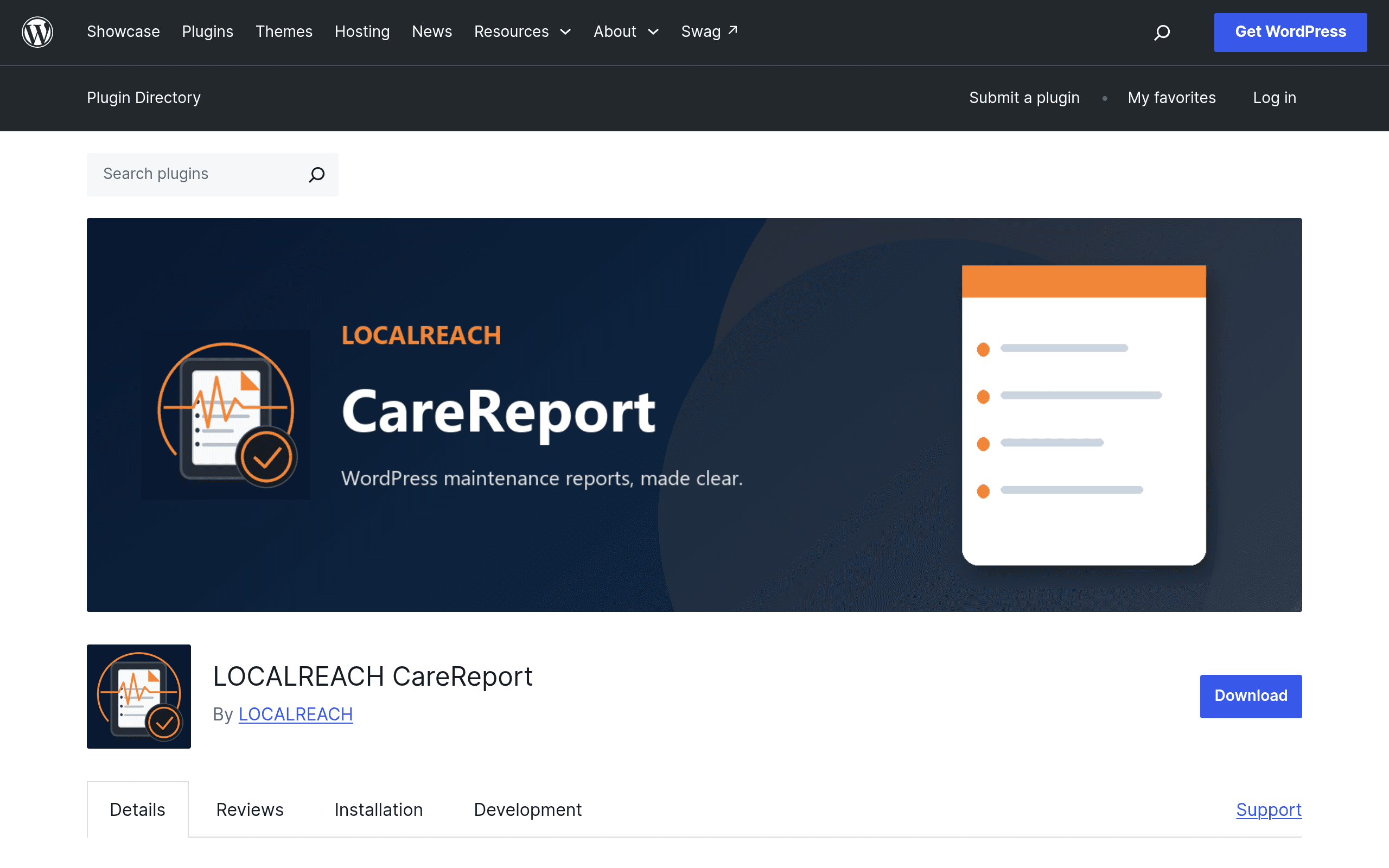
What LOCALREACH CareReport Actually Does
LOCALREACH CareReport is a WordPress plugin built for freelancers and small agencies who run website maintenance retainers and need to prove the work happened. It's not a remote management dashboard like the tools most maintenance providers already use — it's a reporting layer that lives inside a single WordPress install and turns a checklist of technical tasks into a client-ready document.
The free edition, available now on WordPress.org, lets you:
- Create unlimited manual maintenance reports
- Run basic maintenance checks (the kind you'd normally track in a spreadsheet: plugin updates, backup status, uptime notes, security scan results)
- Preview reports as styled HTML before sending
- Export finished reports to PDF
- Keep all report data stored locally in the WordPress database — nothing is sent to a third-party server
That last point matters for positioning: this is a single-site, self-contained tool. There's no multisite dashboard in the free version, no client portal, and no automated scanning that runs in the background and pings you. You (or whoever manages the site) log in, do the maintenance work, then manually log what was done and generate the report.
What's Missing From the Free Edition (and What Pro/Agency Might Add)
LOCALREACH publishes separate Pro and Agency editions as distinct plugins, but as of this writing, pricing for those tiers isn't listed on the public plugin page. Based on the feature split described, it's reasonable to assume the paid tiers exist to solve the two obvious gaps in the free version: managing reports across multiple client sites from one place, and automating the checks instead of entering them manually. If you're evaluating this today, budget for the free edition doing exactly what's described above — unlimited manual reports on one site — and don't assume the Pro feature set until LOCALREACH publishes concrete pricing.
Who This Is Actually For
A solo freelancer with 5-15 maintenance clients. If you're already logging into each client's WordPress admin monthly to update plugins and check backups, CareReport gives you a way to turn that visit into a PDF you can email afterward, without paying for a multisite management platform you don't need.
Someone who wants proof-of-work without a subscription. Because it's free with no report limit and stores data locally, there's no recurring cost and no data-residency concern — everything stays on the client's own server.
Agencies that already use MainWP or ManageWP for the actual management and just want a better-looking report to hand clients at the end of the month. CareReport isn't a replacement for those tools; it could sit alongside one, installed per-site, purely for the reporting step.
Who it's not for: anyone managing more than a handful of sites who wants a single login to see update status across all of them. The free edition has no cross-site view — you're logging into each WordPress install separately.
Pricing Snapshot
| Edition | Price | What you get |
|---|---|---|
| Free | $0 (WordPress.org) | Unlimited manual reports, basic checks, HTML preview, PDF export, local data storage, single site |
| Pro | Not published | Separate plugin; feature set and price not disclosed on the plugin page at launch |
| Agency | Not published | Separate plugin; feature set and price not disclosed on the plugin page at launch |
If pricing transparency matters to your buying decision, that's the one honest caveat here: you can install and use the free tier today with zero commitment, but you can't yet compare Pro/Agency cost against competitors because LOCALREACH hasn't published it.
How It Compares to the Tools You're Probably Already Using
| LOCALREACH CareReport (Free) | MainWP | iThemes Sync | ManageWP | |
|---|---|---|---|---|
| Price | Free, unlimited reports | Free core (self-hosted dashboard); paid extensions from ~$29/site/year | Free tier limited; Sync Pro from ~$8.25/site/month billed annually | Free tier for basic tasks; paid plans from ~$2/site/month (Worker) up to higher orchestration tiers |
| Core focus | Client-facing maintenance reports | Centralized multisite management (updates, backups, security) from one dashboard | Remote site management and monitoring across many sites | Multisite management with automation, white-label reports, backups |
| Multisite dashboard | No — single site only | Yes, built for managing dozens of sites at once | Yes | Yes |
| Reporting output | HTML preview + PDF export, manual entry | Reports available but geared toward internal tracking, less polished client PDFs | Basic activity logs, less report-focused | White-label PDF reports built in on paid plans |
| Data storage | Local to the WordPress install | Central dashboard site (self-hosted) | iThemes/Liquid Web servers | ManageWP (GoDaddy) servers |
| Best for | Solo freelancers wanting a free, no-account reporting add-on | Agencies managing 10+ sites who want full control and self-hosting | Teams wanting simple remote monitoring with light reporting | Agencies wanting automation plus polished client reporting out of the box |
The practical difference: MainWP, iThemes Sync, and ManageWP are all built around a central dashboard that talks to child sites via a connector plugin — their value goes up as your site count goes up. CareReport doesn't have that architecture yet in the free tier; it's installed per-site and used locally, which makes it cheap and simple for one or two clients but a manual, repetitive process once you're past a handful of sites.
Should You Install It Today?
Yes, if you maintain a small number of WordPress sites and currently have no formal reporting process — CareReport is free, takes a few minutes to set up, and produces something more professional than a copy-pasted email. Install it, run through a maintenance visit, and generate one PDF before deciding whether the manual data entry is sustainable for your workflow.
Hold off if you're managing a larger site portfolio and need centralized visibility — pair CareReport with (or wait to compare against) an established multisite manager like MainWP, since the reporting gap it fills doesn't replace the dashboard problem those tools solve. And if budget certainty matters, wait for LOCALREACH to publish Pro/Agency pricing before planning a paid rollout across a team.