Lookchange First Look: A Free WordPress Plugin for 7-Mode Site Appearance Switching
Some links in this guide are affiliate links. If you sign up through them, Day Zero Guides may earn a commission at no extra cost to you. This never affects which products we cover or what we say about them. See our affiliate disclosure for details.
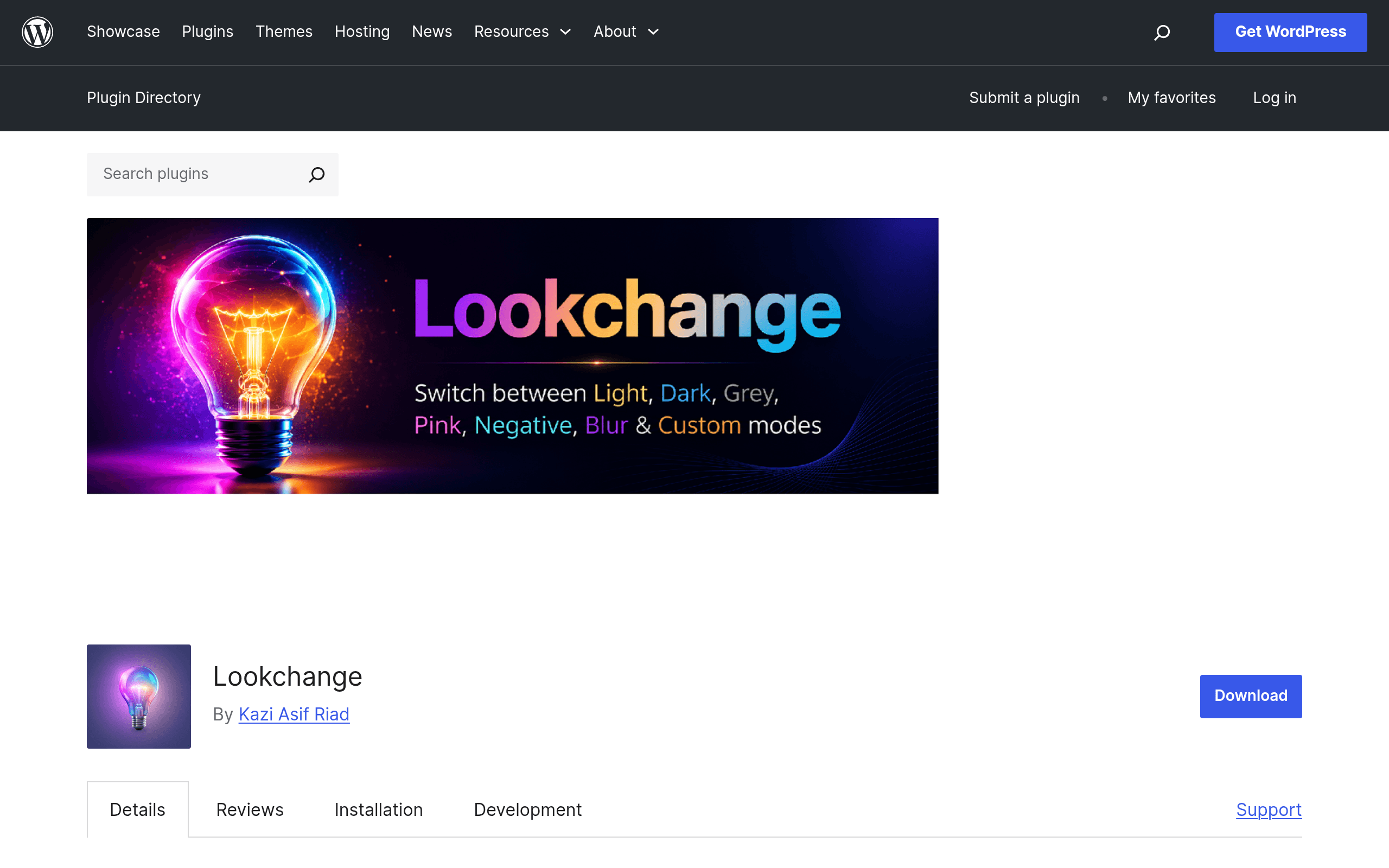
What Lookchange Actually Does
Most "dark mode" plugins for WordPress do exactly one thing: toggle between light and dark. Lookchange takes a different approach. Instead of a binary switch, it gives visitors a draggable floating bulb icon that opens a menu of 7 appearance modes: Light, Dark, Grey, Pink, Negative, Blur, and Custom.
Under the hood, it swaps values using CSS custom properties (CSS variables) rather than injecting a heavy override stylesheet for every element on the page. Whatever mode a visitor picks gets saved to localStorage, so it persists across page loads and return visits without needing a cookie banner or server-side session.
The admin side is intentionally small: you can set which mode loads by default for new visitors, and you can reposition where the floating bulb button sits on the screen. There's no dashboard full of color pickers or a page builder integration — this is a lightweight, single-purpose plugin.
Setting It Up
Installation follows the standard WordPress.org plugin flow: search "Lookchange" in Plugins > Add New, install, activate. There's no license key, no account creation, and no upsell modal on activation — which is worth calling out explicitly because a lot of "free" WordPress plugins in this category gate half the useful features behind a pro tier. Lookchange, as distributed on WordPress.org, is fully open source and free.
Once active, the bulb widget appears on the front end immediately using sensible defaults. From there, admins go into the plugin's settings screen to:
- Choose the default mode shown to first-time visitors (e.g., start everyone in Light, or default to Dark for a portfolio site)
- Reposition the bulb (corners are typical, but placement is adjustable)
- Leave the remaining 6 modes available via the widget, or rely on the plugin's built-in mode set
Because the theme switching relies on CSS variables, how well each mode looks depends partly on how your active theme is built. Themes that already use CSS custom properties for color values will transition cleanly. Older or heavily hard-coded themes may show some inconsistency in isolated elements (a button with an inline style, for instance, won't pick up the Grey or Negative mode automatically).
Pricing
Lookchange is 100% free, distributed through the official WordPress.org plugin repository under the standard GPL license that governs plugins hosted there. There is currently no paid "Pro" tier, no add-on marketplace, and no feature paywall visible in the plugin as listed. That puts it in the same free-and-open bucket as most WordPress.org-hosted utility plugins — support happens through the plugin's WordPress.org support forum rather than a dedicated ticketing system.
If you're evaluating total cost of ownership: there isn't one beyond your own time spent on setup and theme compatibility checks.
Concrete Use Cases
- Design portfolios and agency sites — showing a Negative or Blur mode alongside standard Light/Dark gives visitors (and potential clients) a quick, tactile sense of visual range without you building multiple theme demos.
- Reading-heavy blogs and documentation sites — offering Grey or Dark modes reduces eye strain for long-form content, similar to why Dark Mode plugins exist in the first place, but without forcing a single alternate palette.
- Niche/creative brand sites — a Pink or Custom mode can double as a limited-time seasonal or campaign look (e.g., a themed color mode for a product launch) that visitors can toggle on themselves instead of you swapping the whole site design.
- Accessibility experimentation — site owners who want to let visitors self-select higher-contrast or inverted color schemes have a built-in Negative mode option without custom development.
What it's not well suited for: stores or sites needing WCAG-certified accessibility compliance out of the box. Lookchange gives visitors visual options, but it isn't marketed or structured as a formal accessibility/contrast-compliance tool — treat it as a design/engagement feature, not a compliance solution.
How It Compares
| Lookchange | WP Dark Mode | Dark Mode for WordPress | Appearance Modes | |
|---|---|---|---|---|
| Price | Free (WordPress.org) | Free core plugin; Pro tier for scheduling, analytics, and custom switch styling | Free, single-purpose | Free |
| Number of modes | 7 (Light, Dark, Grey, Pink, Negative, Blur, Custom) | 2 (Light/Dark) | 2 (Light/Dark) | Multiple, but fewer preset modes than Lookchange |
| Switch UI | Draggable floating bulb, repositionable | Fixed toggle switch/button | Simple toggle | Toggle-based switcher |
| Persistence | localStorage | Cookie or localStorage depending on version | localStorage | localStorage |
| Admin controls | Default mode + button position | Default mode, scheduling (Pro), style customization | Minimal — mostly on/off | Mode selection settings |
| Best for | Sites wanting multiple visual themes, not just dark/light | Sites wanting a polished, dedicated dark-mode toggle with growth-path Pro features | Sites wanting the simplest possible light/dark toggle | Sites wanting a few alternate appearance presets without extra UI |
Should You Install It Today?
If your only goal is a dark mode toggle, Lookchange is arguably more plugin than you need — WP Dark Mode or Dark Mode for WordPress will get you there with a simpler, more familiar toggle UI and, in WP Dark Mode's case, a clearer upgrade path if you later want scheduling or analytics.
But if you want to give visitors more than a binary choice — especially on a portfolio, agency, or brand site where visual personality matters — Lookchange's 7-mode approach and draggable bulb interface is a genuinely different (and currently uncommon) idea in this plugin category. It costs nothing to try, doesn't require an account, and can be uninstalled cleanly if it doesn't fit your theme. Given the zero-cost, zero-lock-in nature of the WordPress.org listing, the realistic move is: install it on a staging copy of your site, click through all 7 modes against your actual theme, and judge compatibility firsthand before deciding whether it goes live.