MiniTool Review: Pricing, Features, and How It Compares to EaseUS and Acronis
By Day Zero Guides Editorial · How we produce guides
Some links in this guide are affiliate links. If you sign up through them, Day Zero Guides may earn a commission at no extra cost to you. This never affects which products we cover or what we say about them. See our affiliate disclosure for details.
Where It's Actually Useful
- A drive suddenly won't boot and you need files off it now. Power Data Recovery's free tier lets you scan and preview recoverable files before committing to a paid license, which is genuinely useful for a one-time emergency.
- Resizing partitions to dual-boot or reclaim space without wiping a drive — Partition Wizard's free version handles most everyday resize/move/merge jobs.
- Setting up scheduled image backups on a home PC before a major OS upgrade, using ShadowMaker's incremental backup scheduling.
- Cloning an aging HDD to a new SSD — Partition Wizard and ShadowMaker both include disk-clone features, which is one of the more commonly cited real-world use cases for the suite.
- Editing or converting PDFs occasionally without committing to Adobe's subscription pricing.
What it's not great for: enterprise-scale backup orchestration, cloud-native backup strategies, or anyone who wants one dashboard managing multiple machines — MiniTool's tools are fundamentally single-machine, single-purpose utilities, even at the Business tier.
What MiniTool Actually Is
MiniTool isn't a single app — it's a portfolio of standalone Windows and Mac utilities built by the same company, sold and licensed separately. The core lineup includes MiniTool Power Data Recovery, MiniTool Partition Wizard, MiniTool ShadowMaker (backup), MiniTool PDF Editor, and multimedia tools like MiniTool MovieMaker and Video Converter — and the company has kept expanding well past that original set, adding a system-optimization tool, a VPN, a dedicated file-repair line, and more (see "The Suite Has Grown" below). There's no single subscription that unlocks everything; you pick the tool you need and buy a license for that product specifically, which is worth knowing before you go looking for one universal price.
The company has been around long enough that its data recovery and partition tools show up regularly in "best free software" roundups, and the free tiers are genuinely functional rather than pure lead magnets — though each one caps out in a way designed to nudge you toward a paid tier once you hit a real recovery or backup job.
Pricing, Product by Product
MiniTool doesn't post a single pricing page — you have to click into each product to see tiers, and prices fluctuate with frequent site-wide discounts (40-60% off is common), so treat the numbers below as representative rather than fixed:
MiniTool Power Data Recovery
- Free: recovers up to 1GB of data, useful for testing whether your files are actually recoverable before paying
- Personal Monthly: roughly $59.90 for unlimited recovery on one PC
- Personal Annual: roughly $71.90
- Personal Ultimate (lifetime): roughly $99.90
- Business tiers run higher and add commercial use rights and priority support
MiniTool Partition Wizard
- Free: basic resize/move/format operations
- Pro (1 year, 1 PC): roughly $59
- Pro Ultimate (lifetime, includes bootable media): roughly $129
- Business/Technician editions: priced higher for multi-machine or IT-shop use
MiniTool ShadowMaker (backup and imaging)
- Free: 30-day full-feature trial, then reverts to a limited free version
- Pro (1 year): roughly $49.95
- Pro Ultimate (lifetime): roughly $69.95
- Business Standard/Deluxe: scales up for server and multi-device backup
MiniTool PDF Editor
- Free trial with watermarking/limits
- Monthly: around $9.99
- Annual: around $59.90
- Lifetime: around $99.90
The Suite Has Grown
The six tools above were the whole lineup when this guide was first written. MiniTool has since added several more standalone products, each following the same free-tier-then-paid pattern as the rest of the suite:
- MiniTool System Booster — Windows performance/cleanup tool (startup management, junk-file cleanup, driver updates)
- MiniTool VPN — a standalone VPN app, separate from the recovery/backup/partition tools
- MiniTool Photo Repair, Excel Repair, Outlook Repair, and Video Repair — a dedicated file-repair line for corrupted images, spreadsheets, PST files, and video (Video Repair specifically markets 4K/8K support)
- MiniTool uTube Downloader — downloads videos, playlists, and subtitles from online platforms
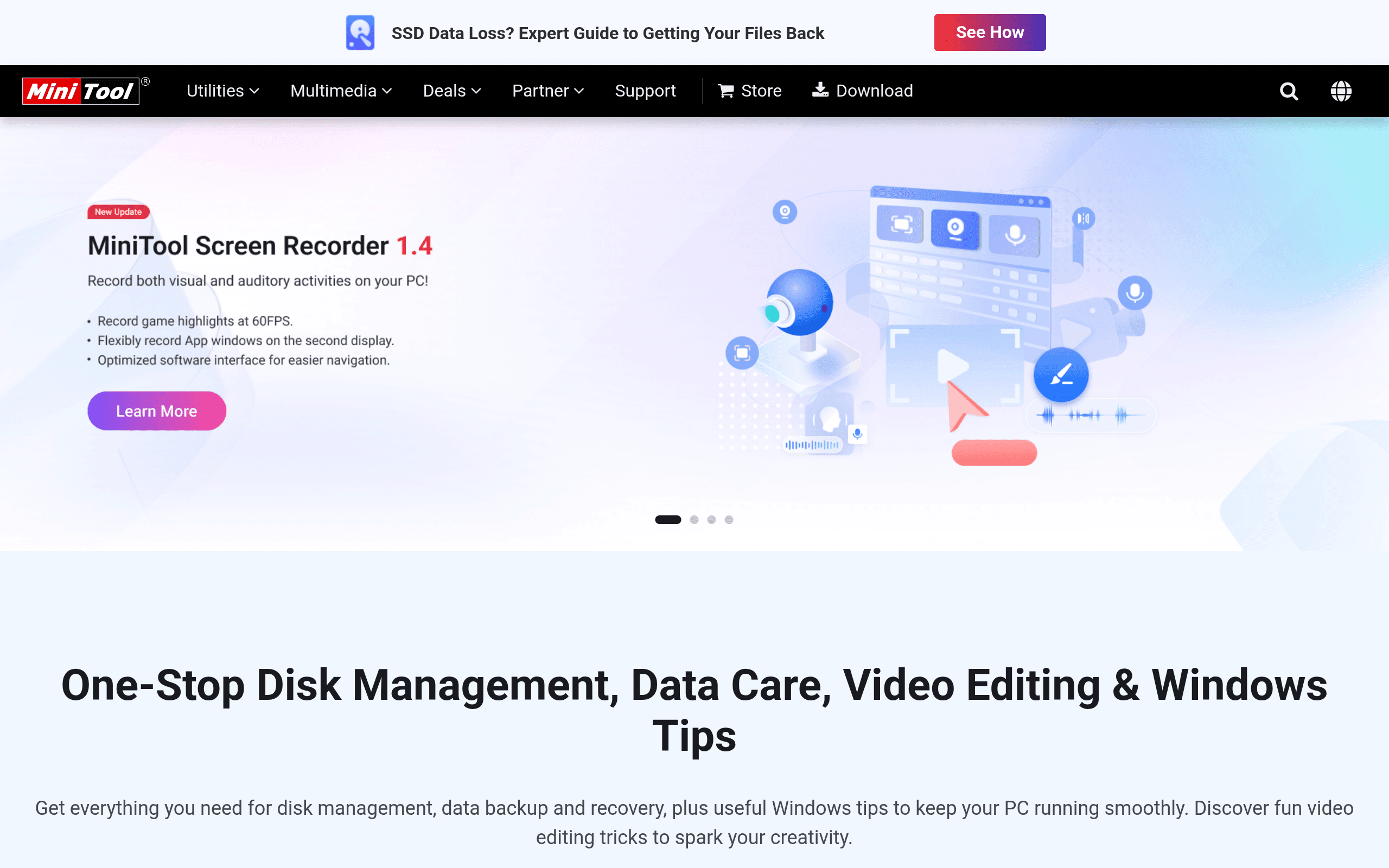
- MiniTool Screen Recorder — screen/audio/webcam recording with basic annotation tools
None of these change the verdict below — MiniTool is still a collection of single-purpose utilities rather than one unified suite, just a larger collection than it used to be. If your reason for looking at MiniTool is one of these newer tools specifically rather than recovery/partitioning/backup, treat this review's pricing and comparison sections (written around the original six) as directional rather than exact for that product.
The pattern across the suite is consistent: free tier is real but capped, a 1-year personal license is the entry paid option, and a lifetime license usually costs 1.5-2x the annual price — which is the better deal if you expect to reuse the tool.
How It Compares
| MiniTool | EaseUS | Acronis Cyber Protect Home Office | Recuva | |
|---|---|---|---|---|
| Starting price | Free tier; paid plans from ~$49.95-$71.90/year per tool | Free tier; paid plans from ~$69.95/year per tool | No meaningful free tier; from ~$49.99/year (1 device) | Free; Pro version ~$19.95 one-time |
| Scope | Separate tools for recovery, partitioning, backup, PDF, media, plus system optimization, VPN, and file repair | Similar spread: recovery, partitioning, backup, OS transfer | Backup/imaging plus built-in anti-ransomware and cloud storage | Data recovery only |
| Backup/imaging | Yes (ShadowMaker), disk clone included | Yes (Todo Backup), disk clone included | Yes — most robust imaging + integrated cloud backup | No |
| Free tier limits | Capped by data size (e.g., 1GB recovery) or feature set | Capped similarly (e.g., 2GB recovery, limited backup) | Trial only, no permanent free tier | Free version is fully functional for basic recovery |
| Best for | Budget-conscious users needing one specific fix, not a full protection suite | Near-identical use case to MiniTool, slightly more polished UI | Users who want backup + security bundled with cloud storage | Simple, occasional file recovery with no interest in paying |
The Honest Trade-offs
MiniTool's biggest strength is price-to-function ratio for one-off jobs: recovering a folder, resizing a partition, cloning a drive. It's rarely the most polished tool in its category — EaseUS generally has a cleaner interface and Acronis wins outright on backup sophistication and ransomware protection — but MiniTool is consistently cheaper for the same core task, especially if you buy a lifetime license during one of its frequent sales.
The downside is fragmentation: you're managing separate licenses, separate installers, and separate renewal dates for each tool rather than one account covering everything. If you only need data recovery, Recuva's free version is hard to beat for zero cost. If you need real backup infrastructure with cloud storage and security baked in, Acronis is worth the higher price. MiniTool sits in the middle — good enough, cheap enough, and specific enough to each task that it makes sense mainly when you know exactly which single problem you're solving.
Bottom Line
Buy MiniTool when you have a specific, contained problem — a failing drive, a partition that needs resizing, a backup you keep meaning to set up — and you don't want to pay Acronis-level prices or deal with EaseUS's more aggressive upsell prompts. Skip it if you want one unified license covering recovery, backup, and security, or if your use case is a single quick recovery job that Recuva's free tool can already handle.