Mngsk Recent Content List: First Look at the Shortcode-Based Recent Posts Plugin for WordPress
Some links in this guide are affiliate links. If you sign up through them, Day Zero Guides may earn a commission at no extra cost to you. This never affects which products we cover or what we say about them. See our affiliate disclosure for details.
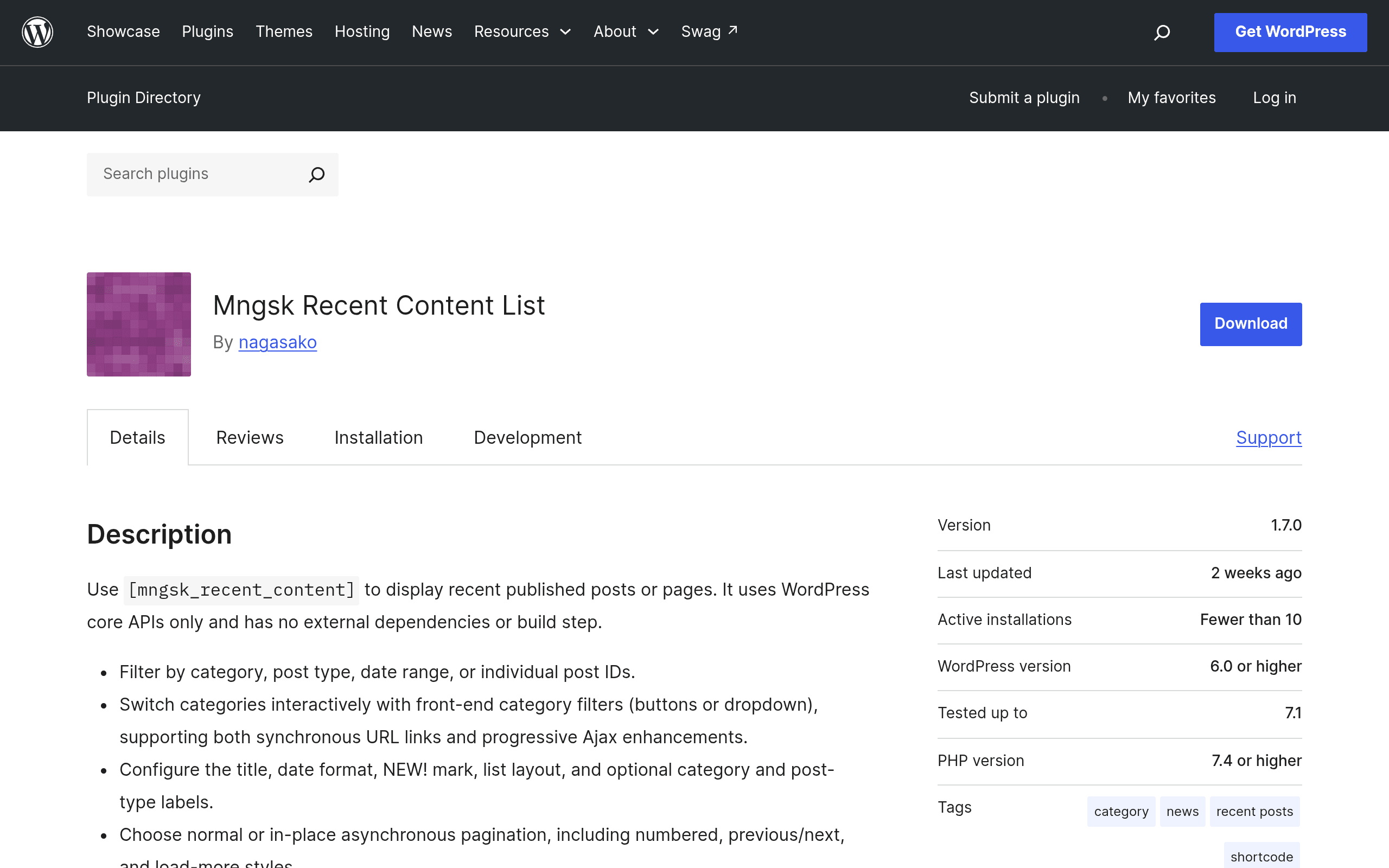
What it actually is
Mngsk Recent Content List is a lightweight WordPress plugin that does one job: it displays a list of recent posts or pages via a shortcode, with support for interactive category filtering and pagination. There's no dashboard widget, no page builder integration, no premium upsell modal waiting to pop up after activation. You install it, drop [mngsk_recent_content_list] (or its configured parameters) into a post, page, or widget area, and it renders a list pulled from WP_Query under the hood.
The standout technical detail is that it has zero external dependencies. It doesn't call out to a third-party API, doesn't bundle a JS framework, and doesn't require an account or license key. Everything runs on WordPress core functions — WP_Query, taxonomy queries, and standard pagination. For site owners who are wary of plugin bloat or supply-chain risk from a plugin phoning home to some SaaS backend, that's a meaningful selling point even though it sounds unglamorous.
Who this is actually for
- Bloggers running a "Recent Posts" sidebar who are tired of the default WordPress Recent Posts widget's total lack of filtering options.
- Site owners with a magazine-style homepage who want visitors to click between categories (News, Reviews, Tutorials) without a full page reload, using an interactive category selector rendered client-side.
- Small business or portfolio sites that want a "Recent Pages" module — something the core Recent Posts block doesn't natively support well, since it's post-type-locked in most default configurations.
- Developers building lightweight client sites who need something they can shortcode into a specific template spot without touching PHP, and who care about not adding another dependency-laden plugin to the stack.
It is not aimed at people who want drag-and-drop visual design control, custom card layouts with images and excerpts arranged in a grid, or WooCommerce product integration. This is a list-rendering tool, not a content grid builder.
Setup and real usage
Installation is standard WordPress.org plugin install-and-activate — no account creation, no API key entry screen. Once active, you place the shortcode where you want the list to appear. Based on the plugin's documented parameters, you can control:
- Number of items shown
- Post type (posts vs. pages)
- Category filtering, including an interactive selector so visitors can toggle between categories without leaving the page
- Pagination, so long lists don't just dump 50 items at once
Because it's shortcode-based rather than block-based, it works in classic widgets, legacy themes, and page builders that support shortcode blocks (Elementor's shortcode widget, Divi's code module, etc.) — arguably a wider compatibility net than a Gutenberg-only block would have.
Pricing
Mngsk Recent Content List is completely free, distributed on WordPress.org under the standard plugin repository terms (GPL-compatible license). There is no pro tier, no upsell, and no license key at the time of this write-up. That could change if the developer introduces a premium version later, but as of this launch, what you see in the readme is what you get.
How it stacks up
| Mngsk Recent Content List | WordPress Recent Posts Block | List Category Posts | FV Top Level Categories | |
|---|---|---|---|---|
| Price | Free | Free (WordPress core) | Free (+ no premium tier) | Free |
| Interface | Shortcode | Gutenberg block | Shortcode | Widget/shortcode |
| Category filtering | Yes, interactive selector | No (static, one query) | Yes, via shortcode attributes | Category-list focused, not post filtering |
| Pagination | Yes, built-in | No | No native pagination | N/A |
| Post types supported | Posts and pages | Posts (block-dependent) | Posts, pages, custom post types | Categories only |
| External dependencies | None | None (core) | None | None |
| Best for | Interactive recent-content lists with filtering | Quick block-editor recent posts, no config | Granular shortcode control over post lists | Displaying category hierarchies, not post lists |
The most direct competitor here is List Category Posts, which has been around for years and is more battle-tested, with a huge number of shortcode attributes for controlling output (thumbnails, excerpts, date formats, etc.). If you need deep formatting control, List Category Posts currently has more surface area. Mngsk's edge is the built-in interactive category switcher and pagination without needing to chain multiple shortcodes or write custom CSS/JS yourself.
The WordPress Recent Posts Block is the zero-effort option already built into core — fine if you just want a static "last 5 posts" list and don't care about filtering. It won't do interactive category switching or pagination at all.
FV Top Level Categories solves a different problem — it's about displaying category structure/navigation, not a scrollable/paginated list of recent content — so it's really only a competitor if what you actually wanted was a category menu, not a post list.
Should you install it today
If you're currently using the core Recent Posts block and hitting its ceiling — no filtering, no pagination — Mngsk Recent Content List is a reasonable, zero-cost thing to test on a staging site this afternoon. It's new enough that you should expect a smaller support community and fewer battle-tested edge cases than List Category Posts, so if your site handles high traffic or complex taxonomy structures, watch how it performs before relying on it for a production homepage module. For a sidebar widget or a secondary content block on a low-to-medium traffic site, there's very little downside to trying it given the price is zero and it doesn't introduce any new external service dependency.