My Budget by Wordsbubble: A First Look at the Free Budgeting App That Skips the Upsell
By Day Zero Guides Editorial · How we produce guides
Some links in this guide are affiliate links. If you sign up through them, Day Zero Guides may earn a commission at no extra cost to you. This never affects which products we cover or what we say about them. See our affiliate disclosure for details.
Who Should Actually Try This Today
- Someone who just got paid and wants to set up a 50/30/20 split tonight — the calculator does the math for you instead of a spreadsheet formula you'll forget how you wrote.
- A renter comparing mortgage scenarios before deciding whether to keep renting or start house-hunting, without opening a bank's loan calculator page that's clearly designed to capture your email.
- A budgeter who got burned by Mint's shutdown in early 2024 and doesn't want to hand bank credentials to yet another app before they trust it.
- A student or early-career earner who wants basic category caps (e.g., "no more than $300/month on dining") without paying for YNAB while they're still building the habit.
- Anyone who wants a savings goal tracker for something concrete — an emergency fund, a trip, a deposit — visualized as a simple progress bar rather than a complex forecasting tool.
Who probably shouldn't bother: anyone who wants automatic bank transaction imports and real-time categorization. There's no indication My Budget links directly to bank accounts the way Mint did or the way most paid apps do — this appears to be manual or lightly automated entry, which means the app is only as accurate as your habit of logging things.
What My Budget Actually Is
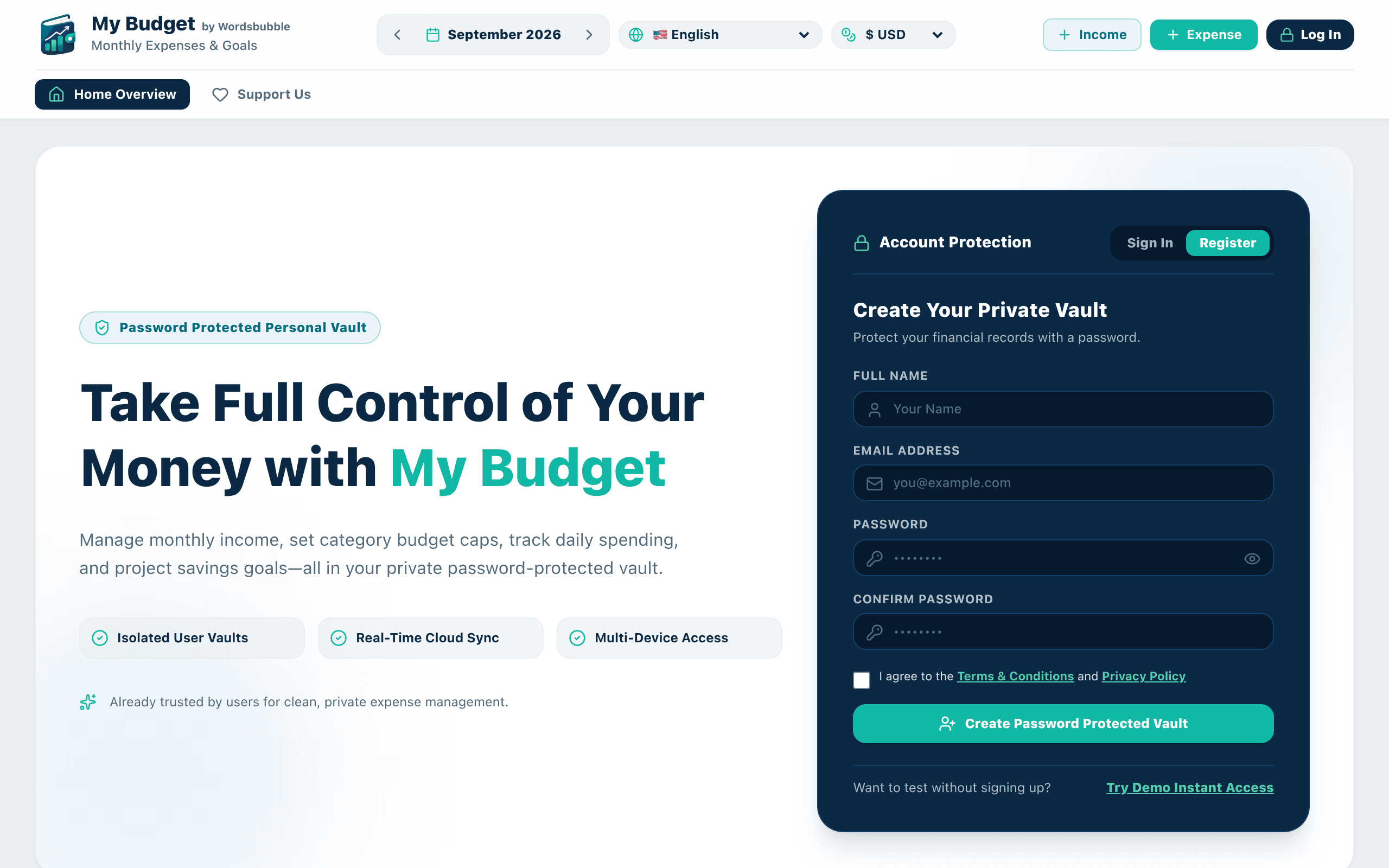
My Budget is a personal finance app from Wordsbubble, available at freebudgetingapp.com. The pitch is simple: track expenses, cap your spending by category, set savings goals, and do it all without paying a subscription fee. There's no freemium wall here — no "upgrade to unlock envelope budgeting" moment. Everything currently advertised on the site is included at no cost.
The core of the app is a dashboard that shows your spending against category limits (think: groceries, dining, transportation) alongside progress bars for savings goals you set manually. It syncs across devices via the cloud, so you can log an expense on your phone at lunch and see it reflected on your laptop that evening. Bolted onto that dashboard are three financial calculators: compound interest, mortgage payments, and the 50/30/20 rule (needs/wants/savings split popularized by Elizabeth Warren's budgeting framework).
This isn't a bank-linked, auto-categorizing engine like Mint used to be. It reads more like a structured, manual-entry budgeting tool aimed at people who want visibility into their spending without connecting bank credentials to a third party or paying $8-15/month for the privilege.
Pricing: The Actual Breakdown
My Budget is 100% free. There is no premium tier, no ad-supported free version with a paywall behind it, and no mention of a future paid plan on the site. Every feature currently described — category limits, savings goals, cloud sync, and all three calculators — is included at no cost.
That's worth sitting with for a second, because it's the app's entire competitive angle. YNAB costs $14.99/month or $109/year after a 34-day trial. EveryDollar's paid Plus tier runs $17.99/month or $79.99/year for bank syncing (the free version is manual-entry only). Mint is dead — Intuit shut it down in January 2024 and pushed users toward Credit Karma. My Budget is entering that gap with a straightforward answer: free, forever, as currently positioned.
How It Compares
| My Budget (Wordsbubble) | YNAB | EveryDollar | Mint (discontinued) | |
|---|---|---|---|---|
| Price | Free, no paid tier | $14.99/mo or $109/yr | Free (manual) / $17.99/mo for bank sync | Was free; shut down Jan 2024 |
| Bank account linking | Not advertised — appears manual entry | Yes, automatic import | Only on paid Plus tier | Was automatic (now defunct) |
| Budgeting method | Category limits + 50/30/20 calculator | Zero-based, envelope-style budgeting | Zero-based, EveryDollar's own method | Category tracking, auto-categorized |
| Built-in calculators | Compound interest, mortgage, 50/30/20 | None built-in | None built-in | None built-in |
| Best for | Free-forever manual tracking with quick calculators | Serious zero-based budgeters willing to pay | Dave Ramsey-method followers | N/A (discontinued) |
| Cloud sync across devices | Yes | Yes | Yes | Was yes |
The honest takeaway: YNAB is more powerful if you want true zero-based budgeting and don't mind paying for it — its philosophy ("give every dollar a job") is more rigorous than category caps. EveryDollar's free tier is comparable in spirit to My Budget but reserves bank syncing for paying customers, which somewhat defeats the point if you're trying to avoid manual entry. Mint is simply gone, and its refugees are the most obvious audience for a free tool like this one.
What's Missing (For Now)
At launch, there's no mention of: bill payment reminders, debt payoff tracking (like YNAB's or EveryDollar's debt snowball tools), investment tracking, or a native mobile app listing beyond the responsive web experience. If you need multi-account debt strategy tools or investment portfolio views, this isn't there yet. It reads as a focused v1 — expense categories, goals, calculators, sync — rather than an all-in-one finance suite.
Bottom Line
If you want a no-cost way to cap category spending, track a savings goal, and run quick mortgage or compound-interest math without opening five browser tabs, My Budget is worth trying today — there's no credit card, no trial countdown, and no bank credentials required to get started. If you specifically need automatic bank transaction import and a more rigorous zero-based budgeting philosophy, YNAB remains the stronger (paid) choice, and EveryDollar's paid tier is the closer manual-to-automatic upgrade path. For everyone displaced by Mint's shutdown who just wants a simple, free dashboard, My Budget is a reasonable first stop.